Troubleshooting & Analysis
ResMed wants $20 for a strip of foam. I finally said no.
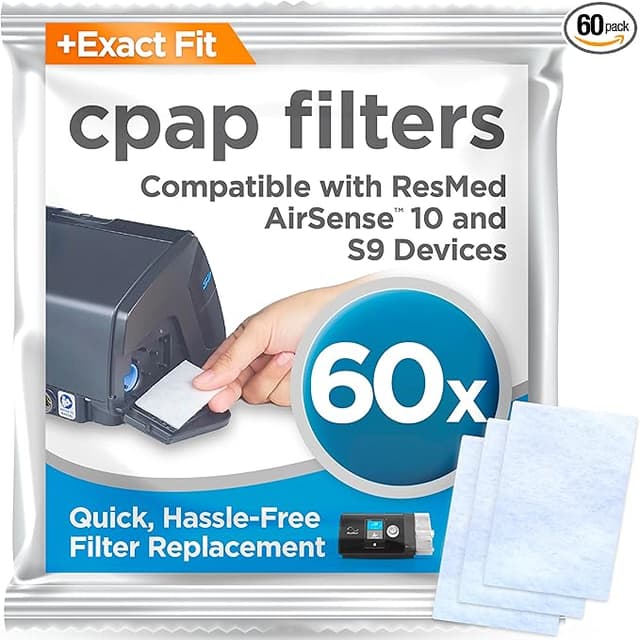
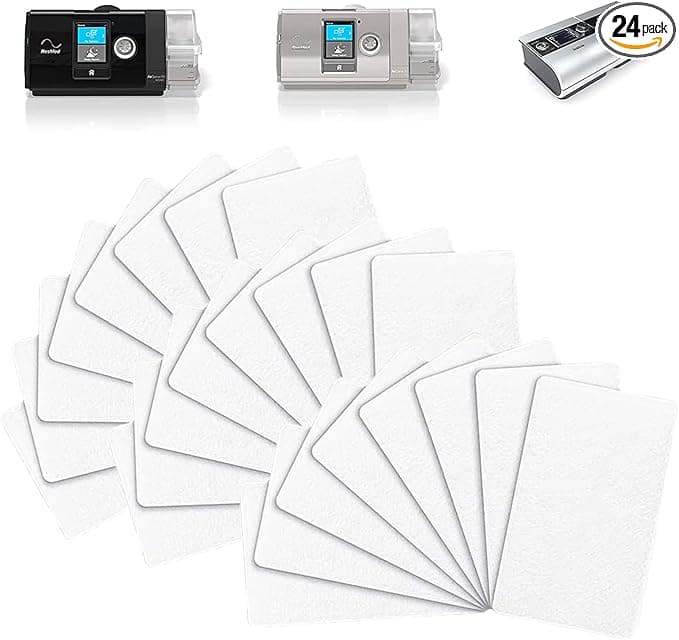
Here's the number that broke me. A two-pack of genuine ResMed AirSense 10 filters runs about $20 on a good day — call it $10 a filter. The thing is a little rectangle of hypoallergenic foam smaller than a credit card. You're supposed to swap it every two weeks. Do the math and that's roughly $260 a year to keep dust out of a machine that already cost you several hundred bucks. The compatible packs I switched to? I paid $15 for a thirty-count. That's fifty cents a filter against ResMed's ten dollars. Same job. I did the annual math twice because I didn't believe it the first time — about $13 a year versus $260.
I didn't trust it either. CPAP is the one place I get squeamish about cheaping out, because this air goes straight into my lungs for seven hours while I'm unconscious. So I bought one pack, kept a couple of OEM filters in the drawer as a control, and ran the cheap ones in my AirSense 10 for four months before I'd say a word about them. This is that word.
Do they actually fit the S9/S10/AirCurve intake?
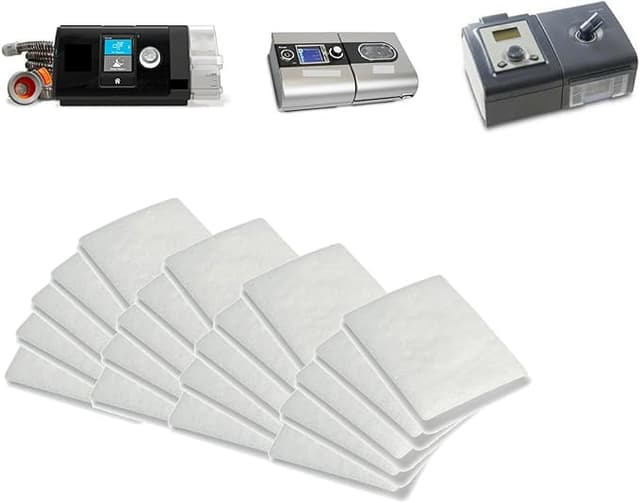
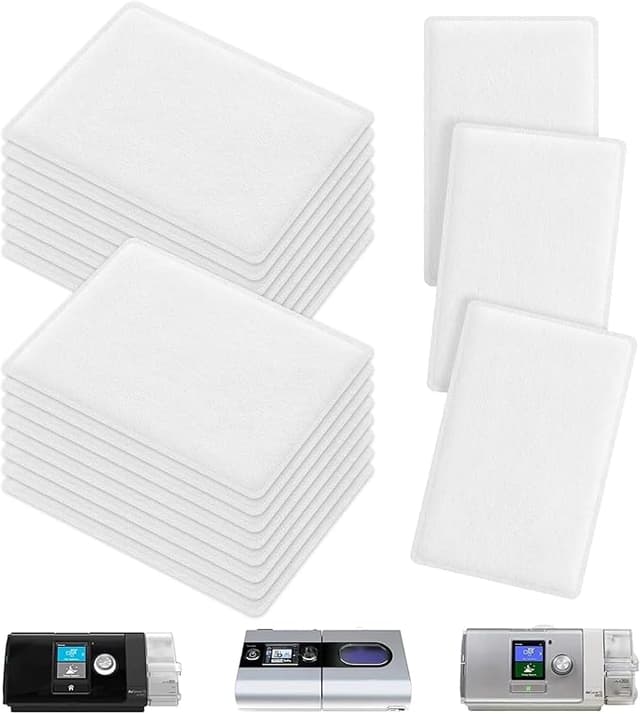
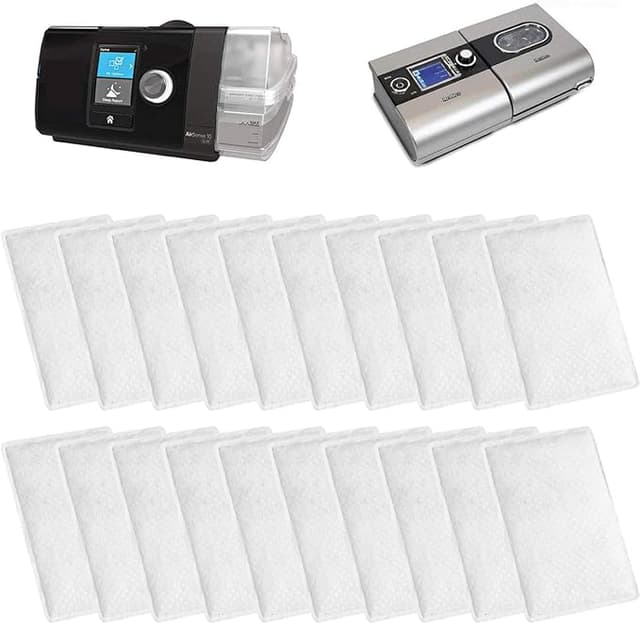
Yes — and this is the part people are nervous about, so let me be specific. The filter compartment on the AirSense 10 is that little flap on the back near the air intake. You pop it open, the old grey-white pad slides out, the new one drops in, flap clicks shut. The compatible filters I used matched the OEM footprint closely enough that there was no folding, no trimming, no cramming. They seat flat against the intake the way they should.
Honestly, the one fit note: the very first filter out of the bag felt a hair thinner than the genuine ResMed pad between my fingers. Not loose in the slot — it sat fine and the flap closed with the normal resistance — but it doesn't have quite the same dense, springy feel as OEM foam. After four months I stopped noticing. If you've got an older S9 with a slightly different intake shape, double-check the listing says S9/S10/AirCurve before you buy, because the compartments aren't identical across that whole family.
The honest performance take
What it does as well as OEM: it traps the dust. I run my unit in a bedroom that is not a clean room — there's a dog, there's carpet, there's the normal grime of a lived-in house. When I pulled the compatible filters at the two-week mark they were grey and loaded exactly the way the genuine ones got grey and loaded. That's the whole job of this part: catch the fine particles before the blower pushes air down the hose. It catches them.
Where it's a touch behind: the genuine ResMed foam is, I think, marginally denser, and on a brand-new filter that means a tiny bit more surface to clog before it saturates. In practice that didn't change my therapy at all — my AirFit mask sealed the same, the machine's ramp felt the same, my morning numbers on myAir didn't budge. But if you're the type who likes to stretch a filter to three or four weeks, the OEM one probably has slightly more headroom before it chokes. With the compatible ones I just stick to the two-week schedule, which is what ResMed tells you to do anyway, and at fifty cents a filter there's zero reason to push it.
The real downside — let's not pretend
The first two or three days, there's a faint plastic-and-foam smell on the new filter. It's the same break-in funk you get from a lot of fresh foam, and it fades fast, but at 2 a.m. with a mask strapped to your face you notice things. What I do now is open the filter and let it air out on the windowsill for a day before it goes in. After that, nothing — totally neutral air. If you're chemically sensitive or you've got a touchy respiratory system, that first-night smell is the one thing that might bug you, and I'm not going to wave it away.
The other downside is purely cosmetic: the packaging is cheap. The genuine ResMed filters come individually sealed and labeled like a medical product. The compatible thirty-pack arrived as a stack of foam pads in a plain bag — no individual wrapping, no fuss. It works fine, you just store them in a ziploc so they stay clean in the drawer. And the foam color runs a little inconsistent batch to batch, slightly more grey here, slightly more white there. Doesn't affect a thing. It just doesn't look as tidy as the OEM strip, and I'd rather tell you that than have you open the bag and think you got sent the wrong thing.
Why I don't let a dead filter ride
Quick reality check on why this part even matters, because it's tempting to ignore a fifty-cent pad. A saturated CPAP filter doesn't just stop working — it can start handing back what it caught. Once that foam is packed with dust and allergens, the blower is pulling air through a loaded sponge and pushing some of that straight down the hose into you, all night, for hours. That's not a scare line, it's just how a filter past its life works. The genuine-versus-compatible argument is almost beside the point here: the real failure is the person who leaves the same grey pad in for two months. At fifty cents a swap, the compatible filters made me more diligent, not less, because I stopped flinching at the cost of changing them.
So who should still buy OEM?
Buy the genuine ResMed filters if you're inside a warranty window that gets weird about third-party parts, if your equipment supplier ships them to you free through insurance (in which case, sure, why pay anything), or if you're sensitive enough that the first-night break-in smell is a real problem and you don't want to bother airing them out. Those are legitimate reasons and I'm not going to talk you out of them.
For everyone else — the person staring at a $20 two-pack and a $15 thirty-pack, owning a perfectly normal AirSense 10, wondering if the cheap one will wreck the machine — it won't. I've run them through four months and one filthy allergy season, and my machine is fine, my numbers are fine, and I've got two years of filters in a drawer for less than the price of a single OEM refill. I'd buy them again. I already have — I'm on my second bag.