Troubleshooting & Analysis
Two boxes on the bed, and me doing math at 11pm
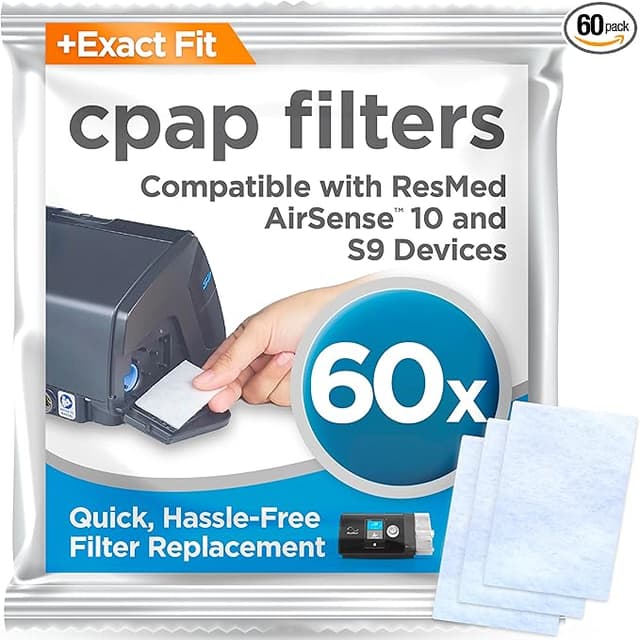
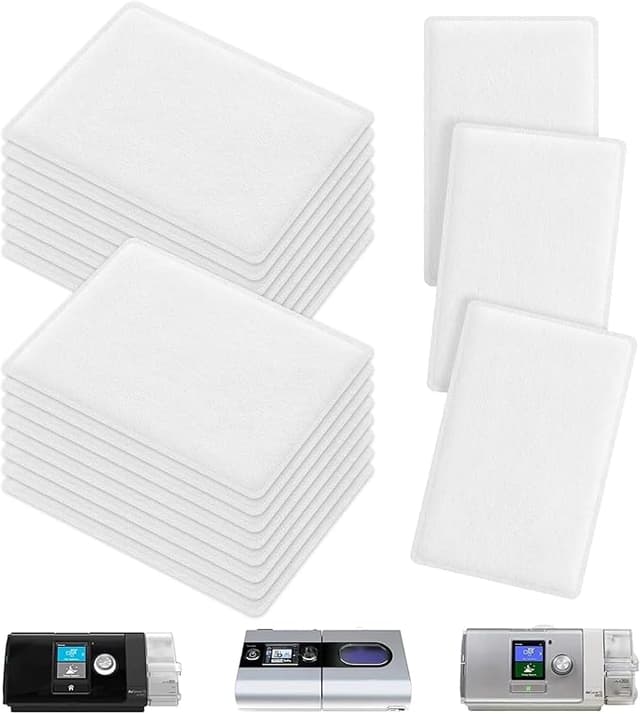
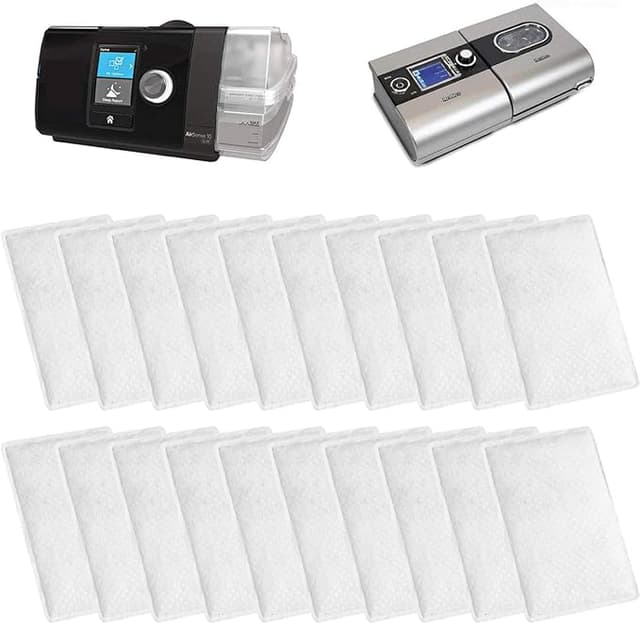
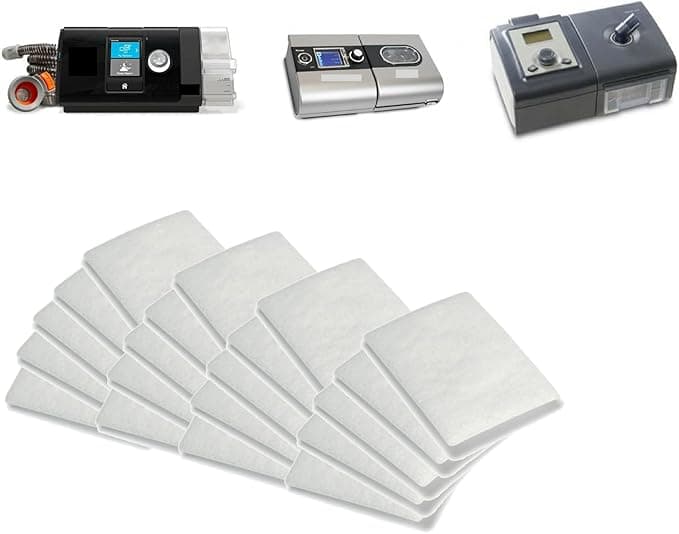
I had both of them sitting on my comforter. The ResMed-branded filter box for my AirSense 10, and a generic-looking bag of compatible filters for the same machine. One was the "safe" choice I'd been auto-buying for two years. The other cost a fraction of it. And I just stood there for a second, genuinely stuck, because this is the thing nobody warns you about with CPAP — the machine is a one-time pain, but the filters bleed you slowly, two weeks at a time, forever.
So I'm going to tell you exactly what happened when I stopped buying the branded ones. Because I know why you're here. You own an S9, an AirCurve, or an AirSense 10, you've seen what ResMed charges for a strip of paper filters, and some quieter voice in your head is asking whether the cheap pack is going to put dust in your lungs while you sleep. Fair question. I asked it too.
The money, honestly
Here's the part that pushed me over. A genuine multipack works out to roughly $1 to $1.50 per filter once you account for the branding tax — call it around $24 for a year's supply if you're diligent. The compatible packs I switched to land closer to $10 for the same coverage. That's not life-changing money in a single month. But you're replacing these every two weeks, twenty-six times a year, every year you're on therapy. Stretch that across the life of the machine and the gap is real — somewhere in the $14-a-year-and-climbing range, and it compounds the longer you keep the device.
And the kicker: it's a hypoallergenic filter. A medical-grade pleated bit of material that sits in an intake slot. There is not a lot of room for "premium engineering" in a part like this. Which is exactly why I was willing to test the cheaper one — the stakes for getting it wrong felt low, and the upside felt obvious.
Does it actually fit?
This was my real worry, more than performance. A filter that's a millimeter off doesn't seat, and then you've got air sneaking around the edges unfiltered, which defeats the whole point.
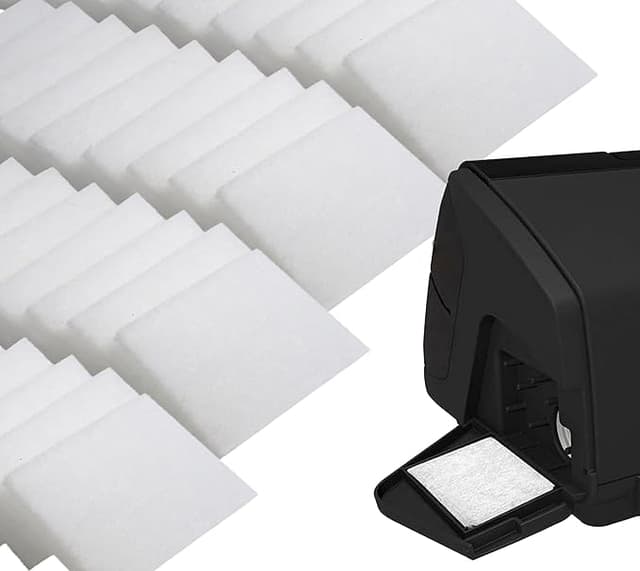
Install is the same dance as the OEM. You find the intake on the back of the device, pop the little flap open, slide the old grey-white filter out — mine had gone visibly dingy at two weeks, which is its own argument for changing them — and push the new one in until it sits flush. Close the flap. Done in under thirty seconds, no tools, half asleep.
The compatible filters seated. They did. But I'll be straight with you about the one difference: the cut is a hair less precise than ResMed's. On a couple of filters out of the pack the foam edge was very slightly looser in the slot — not falling out, not leaking air that I could feel or hear, but noticeable if you're the kind of person who runs a thumb around the edge to check (I am). The OEM ones snap into place with this small confident click. A few of the compatibles just kind of... settled. Once the flap is shut they're held fine. But that first-impression snugness isn't quite there.
How it actually performs at 3am
I ran the compatibles in my bedroom AirSense 10 for about four months straight. Four months of nightly use, changing on schedule. Here's the honest report.
Airflow felt identical. My therapy pressure didn't change, the machine didn't work harder, and I didn't wake up with the dry-throat, stuffy feeling you get when a filter's choking the intake. The whole job of this filter is to catch fine particles and dust before they get pulled into the air you breathe all night, and as far as I can tell from four months of not waking up congested, it does that job. My partner has dust allergies and is the human canary in our house for this stuff — no change, no morning sniffles she could pin on the machine.
Where it's a touch behind: the OEM material feels a smidge denser when you hold the two side by side. Whether that translates to meaningfully better filtration on the finest particles, I genuinely can't measure from my bedroom. For everyday dust, pet dander, the normal junk in household air — no difference I could detect. If you live somewhere with heavy wildfire smoke or you're immunocompromised, that density difference might matter and I'd think harder. For the rest of us it's splitting hairs.
The downsides, the real ones
I promised I'd give you more than one, so here they are plainly.
First: the smell. The first two or three filters out of a fresh pack had a faint plastic-y, slightly papery smell the first night. Not chemical, not strong, but if you put your nose to a brand-new one you'd catch it. It aired out by the second night every time, and I never tasted it in my therapy air once the machine was running. But it's there, and a nervous first-timer would notice it and panic. Don't. Run the machine for a minute before bed if it bugs you.
Second: the packaging is cheap and a little chaotic. ResMed gives you a tidy box. My compatible packs came in a flimsy bag, the filters not individually wrapped, just stacked. They stayed clean enough, but it doesn't feel medical-grade in your hand, and I get why that rattles people who are already anxious about a thing they breathe through.
Third, the one I already mentioned: that occasional looser cut. Out of a pack I'd say one or two filters seated less snugly than I'd like. Still functional. Still better than a saturated old filter by a mile. But quality-control consistency is where you feel the price difference, more than in performance.
Why none of this is something to gamble on
I want to be careful here, because filters are the one CPAP part where "eh, I'll change it later" is genuinely a bad idea. A clogged, dirty filter doesn't just reduce airflow — it stops doing its job, and then it's pushing whatever's in your room air straight into your lungs for seven hours a night while you can't do anything about it. Dust, allergens, the works. The grey filter goes visibly grimy by the two-week mark for a reason.
So the math that actually matters isn't OEM-versus-compatible. It's "do you change it on schedule or not." A $10 compatible filter changed every two weeks beats a $24 OEM filter you stretch to six weeks because the refills feel expensive. The cheaper pack made me more diligent, not less, because I stopped resenting the cost. That alone probably did more for my therapy air than any density difference in the material.
So who should skip these
Buy the genuine ResMed filters if you're immunocompromised, if you're in a heavy-smoke or heavy-pollution environment where the finest filtration genuinely counts, or if peace of — if the looser cut on a bad one would keep you up at night second-guessing. That's a real reason and I won't talk you out of it.
For everyone else — the ordinary person on routine therapy in a normal home, staring at the price gap the same way I was on that bed — I switched and I didn't switch back. Four months in, no congestion, no airflow problems, the same job done for a fraction of the price, and a me who actually changes the filter on time now. The cut isn't quite as crisp and the first night has a faint smell. I know. And I'd still grab the compatible pack again. I have, twice.