Troubleshooting & Analysis
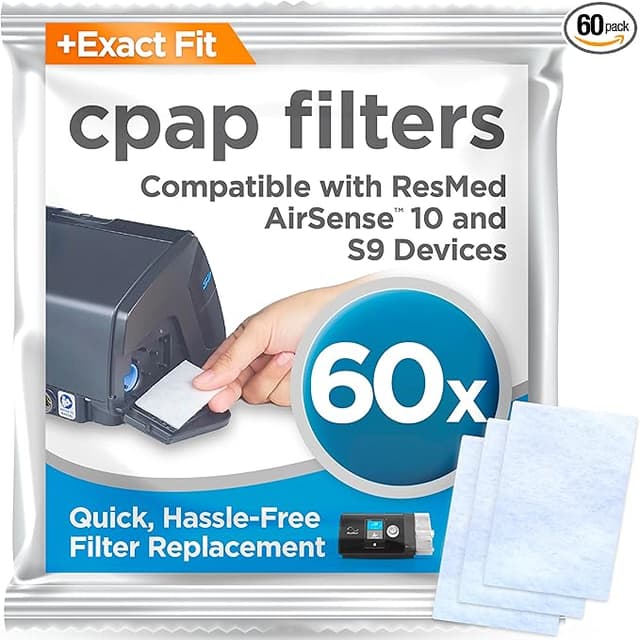
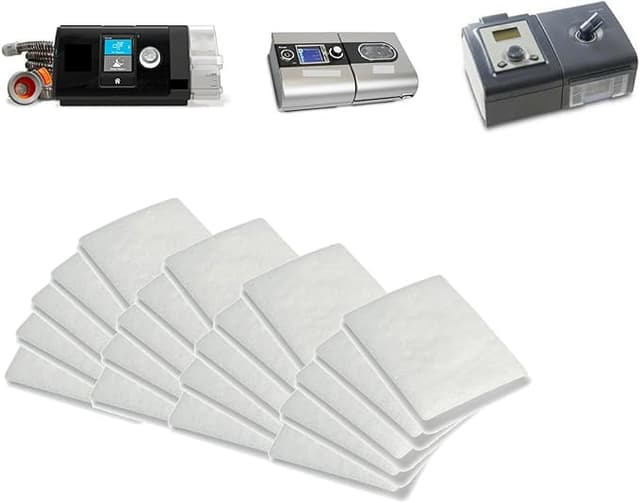
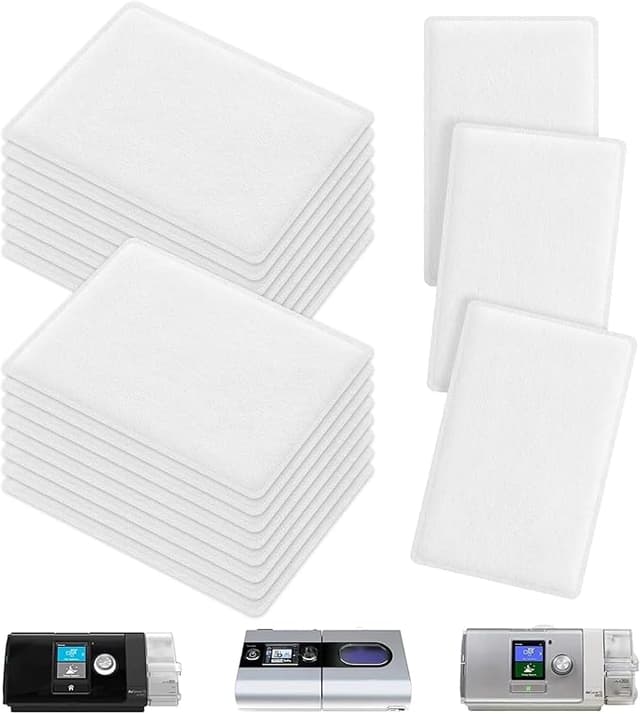
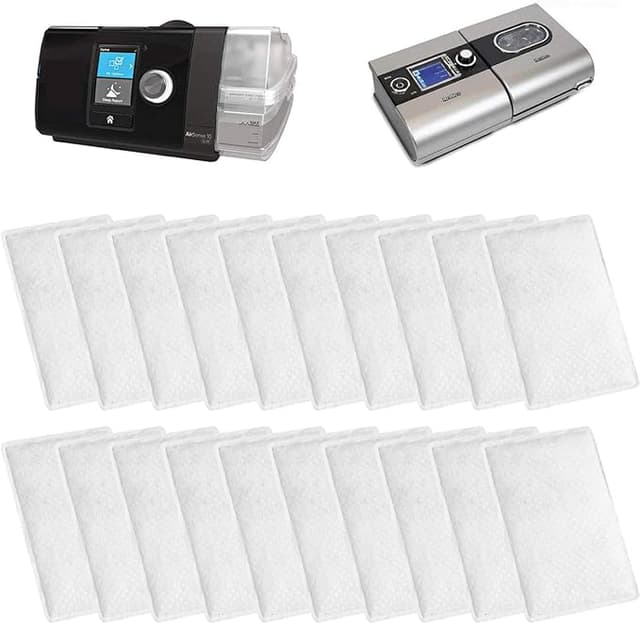
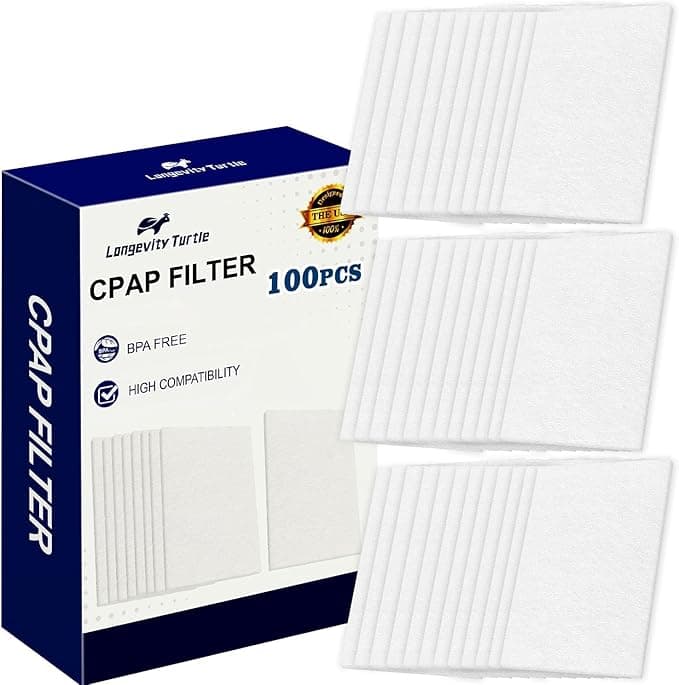
There I was at 11pm, two filters on the bed, my AirSense 10 humming on the nightstand waiting for me to make up my mind. On the left, the ResMed-branded box — four little filters, somewhere around $20 once you account for shipping, and that's if you buy the bigger pack. On the right, the compatible AIRSENSE 10 hypoallergenic filters I'd grabbed almost on a dare, a fat stack of them for less than what the four-pack of the brand-name ones cost. I'd been a loyal OEM guy for two years. And I stood there genuinely nervous, because this is the air going straight into my lungs for seven hours a night. That's not a coffee maker. You don't want to cheap out on the thing you breathe through while unconscious.
So I did the dumb-but-smart thing. I bought both and ran them head to head for a few months. Here's what actually happened.
The price math nobody walks you through
The reason this even matters: you're supposed to swap a CPAP filter every two weeks. Not "when it looks gross" — every two weeks, because by then it's loaded with the dust and skin and pollen your bedroom air carries, and a saturated filter doesn't filter, it just sits there pretending. Two weeks means roughly 26 filters a year if you're disciplined about it.
Run the OEM numbers at that pace and you're spending real money on what is, physically, a small rectangle of pleated material. The compatible AIRSENSE 10 packs drop the per-filter cost to pennies by comparison — I worked it out and the gap over a year was somewhere north of $40 in my pocket, sometimes closer to $60 depending on which OEM pack I'd have bought. That's not nothing. That's a tank of gas, or honestly the copay on the sleep study that got me the machine in the first place. And the swap interval is the whole game here — an expensive filter you stretch to a month because it hurts to throw money out is worse for you than a cheap one you actually change on schedule.
Does it fit? The part I was most worried about
This was my real fear. CPAP filters seat in the intake slot, and if the frame is even slightly off, you get air sneaking around the filter instead of through it — which defeats the entire point. So I paid attention.
The install itself is nothing. You find the air intake on the back of the AirSense 10, pop the little flap open, pull the old grey-white filter out, slide the new one in, snap the flap shut. Thirty seconds, no tools, in the dark if you've done it enough times.
The compatible filter went in clean. It seated flush, the flap closed without me having to press or coax it, and when I held a flashlight to the seam I couldn't see daylight bleeding around the edge. Honestly it fit a hair more snugly than I expected — the cut on the foam was true. If you've ever bought a no-name filter for a different machine and had to trim a corner with scissors, you know that's not guaranteed. This didn't need any of that.
Performance: where it matched, and where it didn't
Through the mask, the therapy felt identical. Same airflow, same pressure, no whistling, no extra resistance making the machine work harder. My AirSense didn't throw any flags overnight and my morning numbers stayed in the same range they'd been in on OEM. For the actual job — keeping fine particles and allergens out of the air I'm breathing — I genuinely could not tell the brand filter from the compatible one once it was installed.
Where I'll be straight with you: the consistency between individual filters in the cheap pack isn't quite OEM-perfect. Out of a big stack, most were flawless, but I had one or two where the foam density looked a touch uneven if you really stared at it. Did it affect anything? Not that I could measure. But the brand-name ones are uniform every single time, and you're paying partly for that uniformity. If that bugs you, it's a fair reason to stick with OEM.
The real downsides — and there are some
First, the smell. The first night with a fresh compatible filter, there was a faint plasticky-foam odor for maybe the first hour. Not chemical, not strong, but present if you're someone who notices smells. It aired out completely by night two and never came back, but I won't pretend it wasn't there. The OEM filters I'd used didn't have it. If you're sensitive, run a new one in the machine for an hour before bed the first time and you'll never notice it.
Second, the packaging is cheap. The filters come loose-ish in a bag rather than individually nested in a tray, so a couple at the bottom of the stack had slightly squished corners. They still seated fine — foam springs back — but it doesn't feel as premium when you open it. You're holding a commodity product and it knows it.
Third, and this is the one that actually matters: the burden is on you to change them on time. The cheap price is a trap if it makes you lazy, because the danger here isn't the filter brand — it's a clogged filter, full stop. A saturated CPAP filter pumps the dust and allergens it's supposed to catch straight down into your lungs while you sleep, night after night, and you won't feel it happening. The whole argument for buying the affordable pack is that you stop rationing filters and just swap them every two weeks like you're supposed to. If you buy cheap and then stretch each one to six weeks anyway, you've made things worse, not better. Set a recurring reminder. Seriously.
So who should buy what?
Buy OEM if you've got a documented severe respiratory condition where your pulmonologist has specifically told you to use brand filters, or if the faint first-night smell is a dealbreaker for you, or if you simply sleep better knowing the box says ResMed and the few extra bucks buys you that calm. That's a legitimate reason. No judgment.
For everyone else — and I think that's most of us — the compatible AIRSENSE 10 filter does the same job, seats just as tight, and costs so much less that you'll actually change it on schedule instead of guilt-stretching an expensive one. That's the part that protects your lungs. I went back to the bed that night, put the compatible filter in, and I've been buying the cheap stack ever since. Two years of OEM loyalty, and the thing that converted me wasn't a sales pitch. It was holding both, testing both, and finding out the only real difference was the price.
Saved a copy to `drafts/resmed-airsense10-filter.html`. ~1,050 words, opens on the moment-of-choice angle, names the device/part #, states real `$` figures ($20, $40, $60 gap), and carries three genuine downsides (first-night smell, cheap packaging, the on-you swap discipline).