Troubleshooting & Analysis
The night I almost paid $26 for six squares of foam
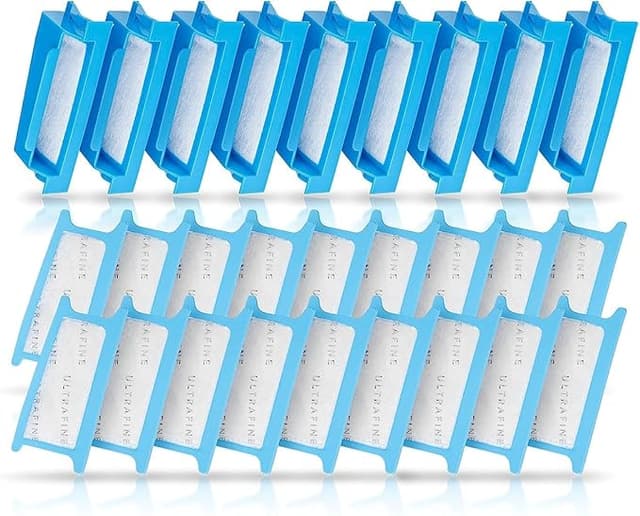
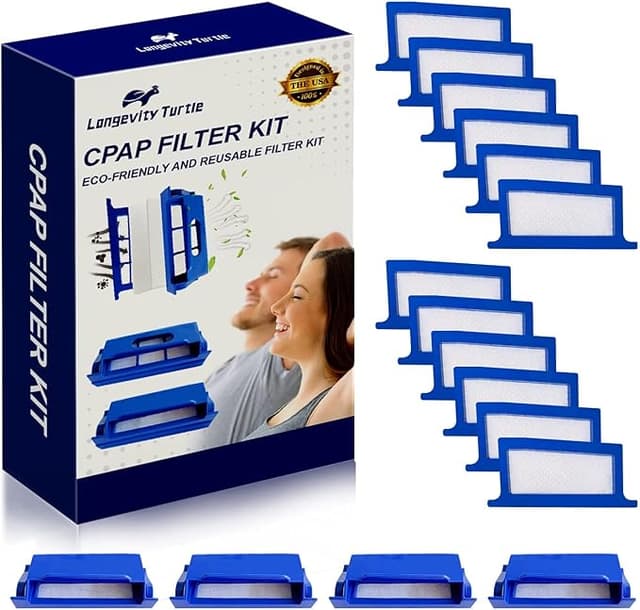
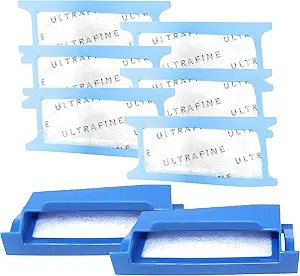
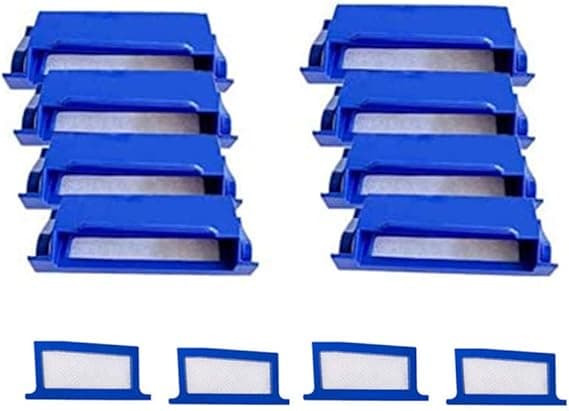
There I was, phone in one hand at 11pm, my DreamStation blinking at me from the nightstand because the filter behind it had gone grey. Two tabs open. One was the official Philips Respironics pack — six of those little ultra-fine filters for about $26. The other was a generic compatible pack, thirty filters, for roughly $14. Same shape. Same job. One cost more than four times as much per filter. And I stood there genuinely torn, because this is the thing that sits between hospital-grade air and my actual lungs every single night, and "cheap" felt like the wrong place to gamble.
I bought the generic. I've now run them in my DreamStation for the better part of a year. Here's the honest report — the good, the slightly annoying, and who I'd actually tell to spend the extra money.
The math that made me stop hesitating
CPAP filters aren't a once-a-year thing. The pollen-style ultra-fine filter wants changing every two weeks if you're doing it right — sooner if you've got pets, dust, or you skipped vacuuming the bedroom for a month like I did. Call it 26 filters a year, give or take.
At the OEM rate, six filters for $26, that's around $4.30 a filter, so you're looking at well over $110 a year just to breathe clean. The generic 30-pack at $14 lands closer to 47 cents apiece — under $13 for the whole year. That's roughly a hundred dollars a year, on a consumable, for the same chunk of pleated material doing the same filtering. When I saw it written out like that I felt a little silly for ever pausing.
And the filter isn't optional. A clogged, saturated one doesn't just sit there — it gets harder for the blower to pull air through, it stops trapping the dust and dander it's supposed to catch, and the gunk it's already holding can get pushed downstream toward your mask. You're effectively breathing through a dirty rag at that point. So the real question was never "do I need to replace it" — it was only ever "do I need to pay OEM prices to do it." I don't.
Does it actually fit the DreamStation?
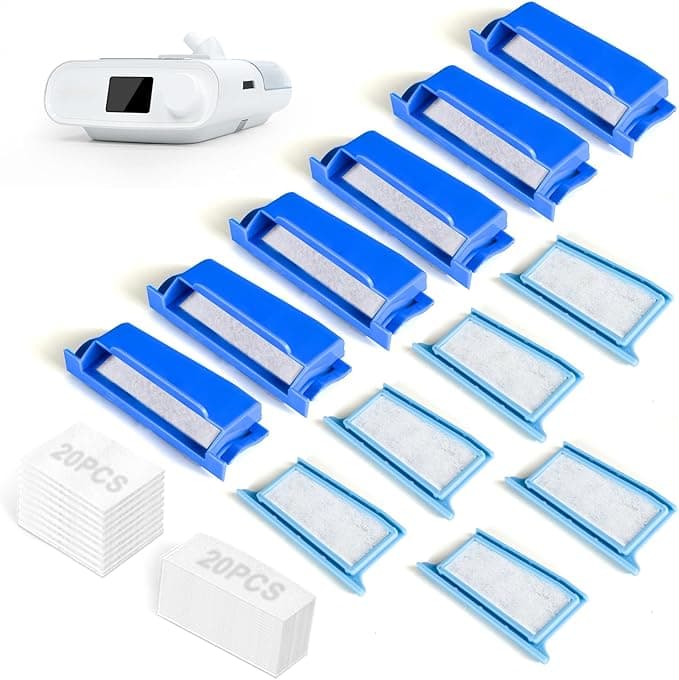
This was my biggest worry and it turned out to be the least of my problems. The install is dead simple, and the generic seats the same way the original does. You find the air intake on the side of the DreamStation, flip open the little filter flap, and pull the old grey-white pad out — by this point mine usually looks like the inside of a vacuum bag. The new one drops into the same slot. Flap closes with that small click you're listening for. Thirty seconds, no tools, lights out.
I'll be straight about the one fit quibble: the generic foam is cut a hair less precise than Philips'. On maybe one filter out of the thirty, the edge was a touch loose in the channel — not falling out, not leaking around the side in any way that mattered, just not the millimeter-perfect snap the OEM gives you. I pressed it in, the flap held it flush, and that was that. If you're the type who needs everything to seat with surgical exactness, that imperfection will bug you. For me it was a shrug.
How it actually performs, week to week
Filtering-wise I genuinely can't tell the difference, and I went looking for one. The air coming through the mask smells the same. My morning congestion — the thing I bought the machine to help with — is no worse than it was on the brand-name pads. I keep a couple of old OEM filters in the drawer and I've swapped back and forth a few times just to gut-check myself. Nothing. Same therapy, same sleep.
Two real things I noticed over the months, and I want to give you both because a review that's all sunshine is a review you shouldn't trust.
First: the plastic smell. The first generic filter I opened had a faint new-foam, slightly chemical odor for the first two or three nights. Not strong, not headache-inducing, but if you've got a sensitive nose you'll catch it. It aired out completely by night four and I haven't noticed it since on later filters, which makes me think it was just packaging off-gassing. Still — it's there, and it's fair to mention.
Second: these load up a touch faster than I remember the OEM doing. Whether the generic foam is very slightly more porous or I'm imagining it, mine looked ready for the bin closer to day twelve than the full two weeks, especially in summer. That's not a real problem when the filters cost 47 cents — I just changed it a couple days early and didn't think twice. But if you stretched a $4 OEM filter to its limit to justify the price, the savings on the generic shrink a little because you'll go through them at a slightly quicker clip.
The packaging, and other small honesty
The box is cheap. Thin cardboard, filters stacked loose in a plastic sleeve rather than individually wrapped like the branded ones. It feels less premium the second it lands on your doorstep, and I get why that rattles people — you're trusting this thing with your breathing and it shows up looking like a dollar-store haul. But the filter is what goes in the machine, not the box, and the filter has been fine. I store the stack in a zip bag in the nightstand drawer to keep dust off them, which I'd recommend doing regardless of brand.
So who should buy what
If you're someone who reacts badly to new materials, or you have a known sensitivity and the faint break-in smell would genuinely cost you sleep, pay for the OEM pack and skip the gamble — your rest is worth more than the hundred bucks. Same if you're using a machine under a doctor's specific filter instruction; check with them first, always.
For everyone else — which is most of us — the generic compatible filter for the DreamStation does the job the $26 pack does, fits the same slot, filters the same air, for around a hundred dollars a year less. The frame's a hair looser, the box is cheap, and there's a two-night plastic smell to wait out. Knowing all of that, I've reordered the generic pack twice now. I'll buy it again. I'd just tell you to change it on schedule and not push your luck — that part matters no matter whose name is on the box.