Troubleshooting & Analysis
I didn't believe a $20 filter could be fine either
Here's the thing I tell everyone who texts me about CPAP filters: I was the skeptic first. When my DreamStation's air felt a little stale and I went looking for replacements, I saw the Philips Respironics branded ones and then the generic compatible ones sitting right next to them for less than half the money, and my gut said the same thing yours is probably saying right now — no way the cheap one is safe to breathe through eight hours a night. This is the air going into my lungs while I'm unconscious. That's not where you cut corners. So I bought one pack of the generics almost as a dare, fully expecting to throw them out and crawl back to OEM.
I've now been running them in my DreamStation for the better part of a year. Let me walk you through what actually happened, downsides and all, because the honest version is more useful than the marketing version.
The price math that made me try it
This is the whole reason any of us are even having this conversation. A DreamStation filter isn't a once-a-year thing — the disposable intake filter is meant to be swapped roughly every two weeks. Do that math. You're going through something like 26 filters a year if you're disciplined about it. At the branded price, that adds up fast and quietly, the way subscriptions do. The compatible packs I switched to work out to a couple of bucks a filter at most, and a single value pack ran me around $20 and lasted me months. Even being generous to the OEM side, I was looking at saving real money — easily $40 to $50 a year, and that's if you don't slack on changes. If anything, paying less per filter made me change them more often, which is the actual point of a filter.
So before we even get to performance: the cheap one being "fine" isn't a small win. It's the difference between treating filter changes like a chore you put off and treating them like a habit you can actually afford.
Does it actually seat in the DreamStation?
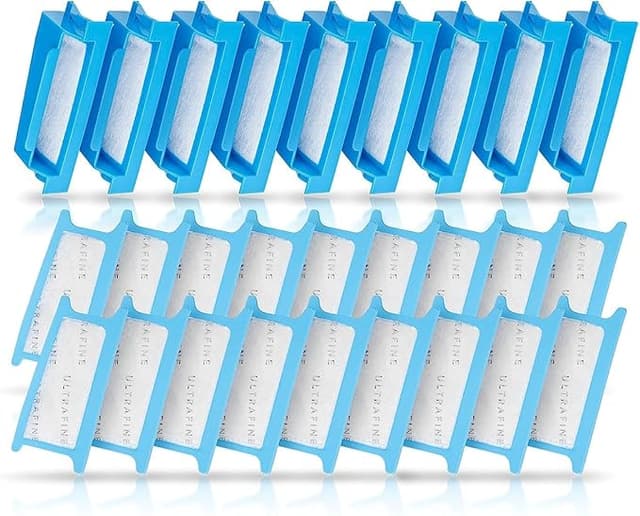
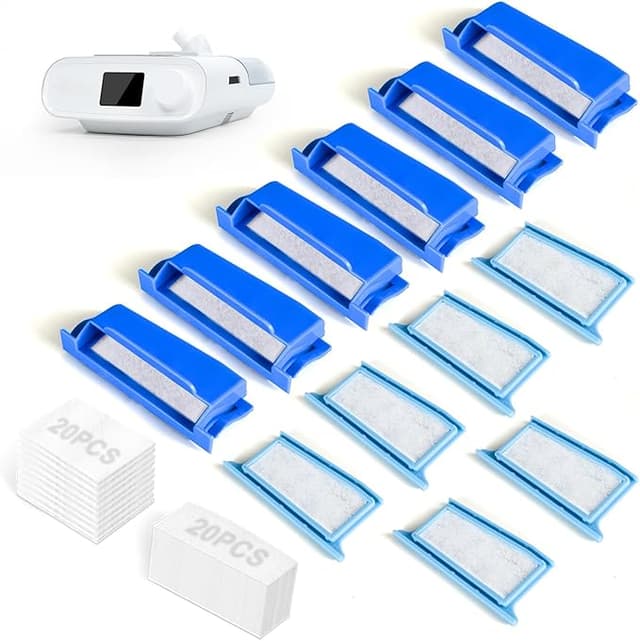
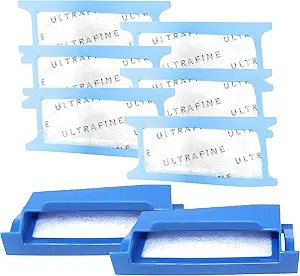
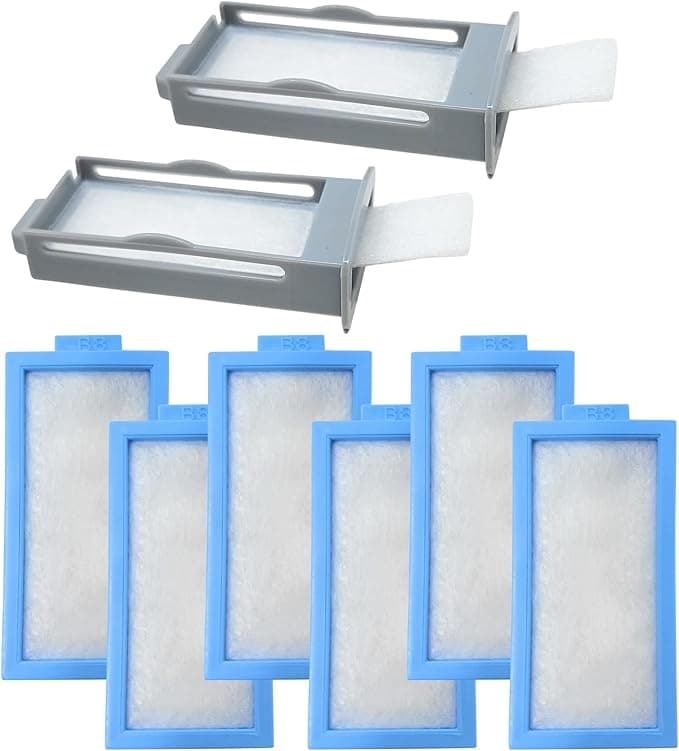
This was my first real test, because a filter that doesn't sit flush is worse than no filter — it lets unfiltered air sneak around the edges. The install itself is nothing: you find the intake on the side of the device, flip open the little flap, pull the old grey-white filter out, and press the new one in. Thirty seconds, no tools, half-asleep is fine.
The fit on the generics? Good, with one honest caveat. The branded filters have this slightly snugger, more "made-for-this-exact-slot" feel — they click in with a confidence the compatibles don't quite match. The generic frame is a hair looser. The first time I seated one I pressed it, felt it was a touch less tight than I remembered, and pushed it in a second time just to be sure it was flush against the back of the bay. Once it's actually in there, it stays put and it sits flat — no gaps, no rattling, no air whistling past the edge. But you do want to give it that extra press and a quick look to confirm it's seated all the way. Five seconds of attention, and then you forget about it.
How it performs once you're sleeping on it
This is what I cared about most and it's where the generics genuinely surprised me. The job of this filter is simple and serious: catch the dust, pollen, and fine particles in your bedroom air before the machine pressurizes it and pushes it down your throat. A dirty or absent filter means you're getting a steady drip of allergens and household dust straight into your lungs all night, which for a lot of CPAP users is exactly the morning congestion and scratchy-throat misery they're trying to escape in the first place.
The compatible filters do this job. I track how I feel waking up, and switching off OEM changed nothing — no extra stuffiness, no dustier taste to the air, no difference in how clear my sinuses are at 6 a.m. The other tell is the filter itself: when I pull a two-week-old generic out, it's visibly grey with the stuff it caught, same as the branded one was. That discoloration is the filter working. It's pulling crud out of the air instead of letting it reach you.
The downsides — and there are real ones
I promised honest, so here it is. First, the plastic-and-foam smell out of the bag. The first generic I unwrapped had a faint new-material odor — not strong, not chemical-burn alarming, but noticeable if you put your nose to it. It aired out within two or three days of use and I stopped noticing it entirely. If you're sensitive to smells, unwrap your next filter and let it sit out for a day before you install it. Problem solved.
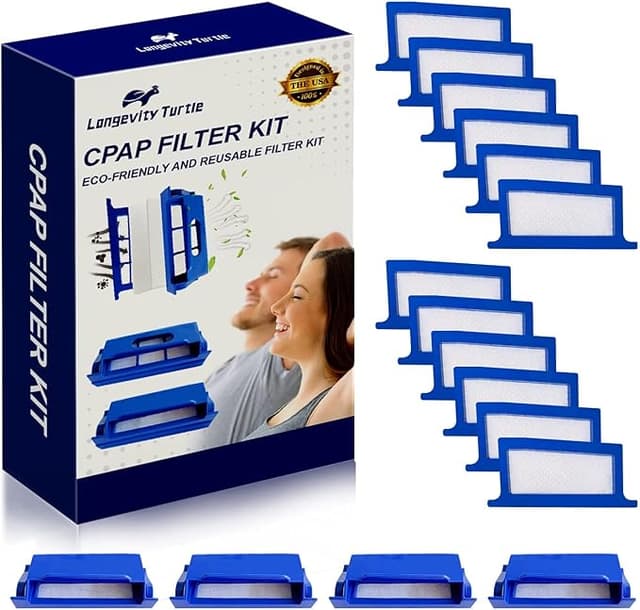
Second, the packaging is cheap and the quality control isn't OEM-tight. The branded filters come individually fussed-over; the generics come bagged together, and across a value pack I'd occasionally find one with a slightly squished corner or a frame that felt a touch flimsier than its neighbors. None were unusable, but I did toss one that looked a little crushed rather than gamble on it sealing right. When you're buying 26 filters a year, one dud out of a pack isn't a dealbreaker — it's the trade you're making for the lower price. Just glance at each one before it goes in.
Third, and this is more a habit than a flaw: because they're so cheap, it's tempting to think "it's fine, I'll change it next week." Don't. A saturated filter — branded or generic — stops protecting you and starts restricting airflow. The two-week interval matters more than the brand on the package.
So who should still buy OEM?
I won't pretend it's nobody. If you're under a specific clinical setup where your equipment provider requires branded consumables to honor a warranty or a compliance program, follow that — don't let me cost you coverage over a few dollars. And if you have severe chemical sensitivity and even a faint two-day break-in smell is a non-starter for you, the branded ones are worth the premium for your own comfort.
For everyone else? Look, I came into this as the guy who assumed the cheap filter was a corner I shouldn't cut. A year of actual sleep later, the compatibles fit, they catch the dust, they don't smell once they've aired out, and they cost me less than half what the branded ones did — which means I change them on schedule instead of stretching them to save money. That last part might be the realest health benefit of all. I bought the generics as a dare, and I've reordered them three times since. That's my honest verdict: for the DreamStation, I grab the compatible filter, and I'd tell my own family to do the same.