Troubleshooting & Analysis
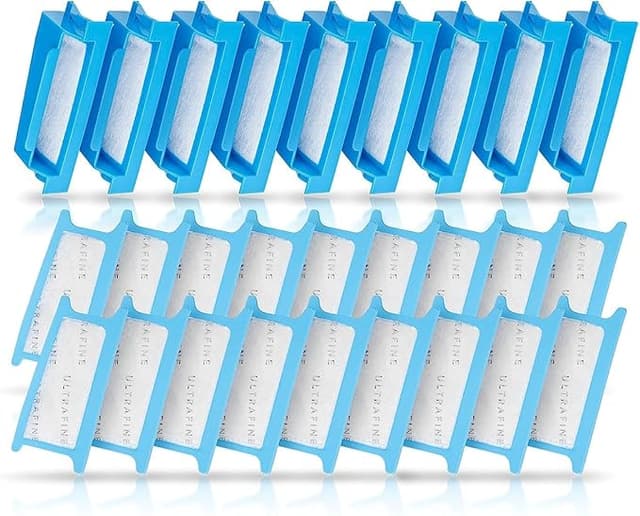
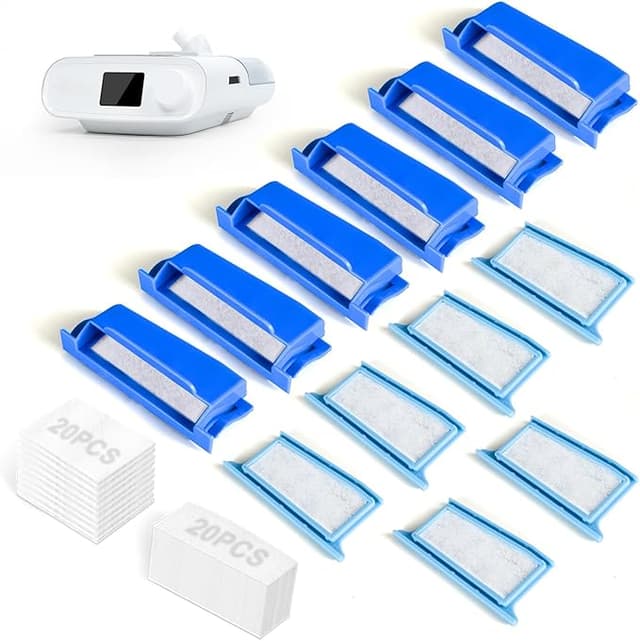
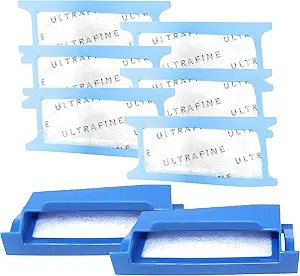
The first thing I noticed wasn't the fit or the airflow. It was the smell — or rather, that there wasn't one. I pulled the generic filter out of its little baggie, held it up to my nose the way I always do now, and got nothing. Faint paper, maybe. That mattered to me, because the last batch of off-brand CPAP filters I tried had this sweetish plastic odor I could still catch on the second night, and there's nothing worse than chasing sleep while your nose insists something's off. This one was clean from the jump.
I've run a Philips Respironics DreamStation for going on three years. If you've got one too, you already know the dance: the machine sips air through that little intake on the side, pushes it down the hose, and whatever the filter doesn't catch ends up going straight into you, all night, every night. So I'm picky about what I stuff in there. I'm also tired of what Respironics wants for the genuine consumables.
The price thing, because that's why you're here
Let's be honest about what brings anyone to a page like this. You did the math on the brand-name disposables and you flinched. A name-brand pack works out to roughly a dollar-plus per filter once you factor in how often these are supposed to come out — every two weeks, which is the interval Respironics actually recommends, not a number I'm making up to sell you more. Two weeks. That's 26 filters a year if you're disciplined, and most of us aren't even that disciplined.
The generic multipacks I've been buying run a fraction of that. I picked up a bag that, spread across the count inside, landed me somewhere around $10 for what would've been close to $30 in brand packaging for the same number of pieces. That's a real $20 gap on a single order, and it repeats every couple of months for as long as you own the machine. Over a year of honest two-week swaps, that difference is the cost of a decent dinner out. For a piece of pleated foam-and-fiber I'm going to throw away anyway, I could not find a reason to keep paying the premium.
Does it actually seat right?
This is the part people quietly worry about and won't say out loud: will the cheap one fit, or will I be fighting it at midnight. Short version — it fits. The install on a DreamStation is genuinely a ten-second job and the generic doesn't change that. You find the intake on the side of the unit, flip open the little flap, and the old grey-white filter lifts right out. The new one drops in. Close the flap. Done.
That said — and here's a real downside — the generic frame is cut a hair looser than the genuine one. The brand filter snugs into the recess with a faint click that tells you it's home. The generic doesn't always give me that click. It sits flush, it doesn't rattle, it doesn't get sucked toward the airway, but the tactile confirmation isn't quite there. The first few times I pressed on it with a fingertip just to be sure. After a couple of weeks I stopped checking because it never once shifted on me. But if you're the type who needs that positive click, know going in you might not get it, and you'll have to trust your eyes instead of your fingers.
How it actually performs over a few weeks
Here's the honest performance read after running these in rotation for months. Airflow feels identical. My pressure therapy didn't change, my mask didn't whistle differently, the ramp at startup behaved the same. The whole point of this filter is to keep fine dust, pollen, and whatever else floats around a bedroom out of the air your lungs are pulling all night, and on that job I genuinely cannot tell the generic from the brand. When I pull one after two weeks it's loaded with the same grey grime the brand one collected. It's catching what it's supposed to catch.
Where it's a touch behind: the material feels a little less dense in the hand. The genuine filter has a slightly more substantial, almost springy pleat to it. The generic is thinner-feeling. Does that translate to worse filtration in actual use? In my experience, no — not within the two-week window it's meant to live in. But I would not push my luck and stretch a generic to three or four weeks the way some people quietly do with the brand ones. The thinner build is the kind of thing that probably has less margin if you abuse the schedule. So don't. Swap it on time and the thinness never becomes your problem.
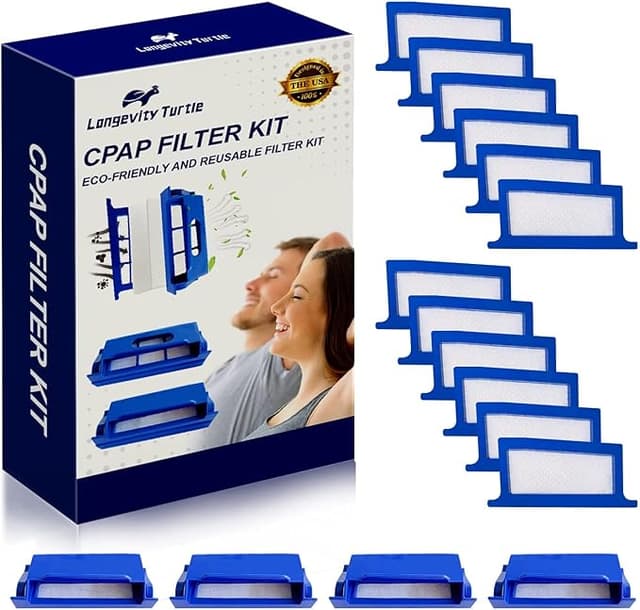
The other genuinely cheap part is the packaging. The brand filters come individually tucked in a way that feels almost medical. The generics showed up loose-ish in a bag, a little compressed at the edges. Cosmetically unimpressive. I flattened one out with my fingers and it went into the machine fine, but if you want something that looks as polished as it works, this isn't it. I stopped caring after the first pack because it's a disposable I'm tossing in fourteen days regardless.
Why I won't let any of mine run long
One thing I won't soften: a saturated CPAP filter is not a neutral problem. When it clogs it doesn't just choke airflow — it stops doing its actual job, and a filter that's given up lets dust and allergens ride straight down the hose into your airway while you're asleep and can't do anything about it. That's true of the brand filter and the generic equally. It's the single reason the two-week interval exists. The genuine filter doesn't protect you from a lazy replacement schedule, and neither does this one. The discipline is on you, not on the brand printed on the bag.
So who should skip it?
If you've got a specific medical sensitivity, an immunocompromised situation, or a respiratory therapist who told you to use only the manufacturer's consumable — listen to them, not me, and buy the genuine part. The few dollars you'd save aren't worth second-guessing instructions from someone who knows your lungs. Same goes if that missing seat-click would genuinely keep you up worrying; if it'll nag at you, the brand one is worth the calm.
For everyone else — the ordinary DreamStation owner who's just tired of being charged a premium for a scrap of pleated fiber they throw away twice a month — this is an easy call. I've run these for months, swapped them on schedule, slept fine, and saved real money doing it. The frame's a hair loose, the material's a touch thinner, the bag is cheap. And for that $20-a-pack gap, doing the same job night after night, I'd buy it again. I already have, twice.