Troubleshooting & Analysis
The pharmacy aisle, two boxes, and me doing math I didn't want to do
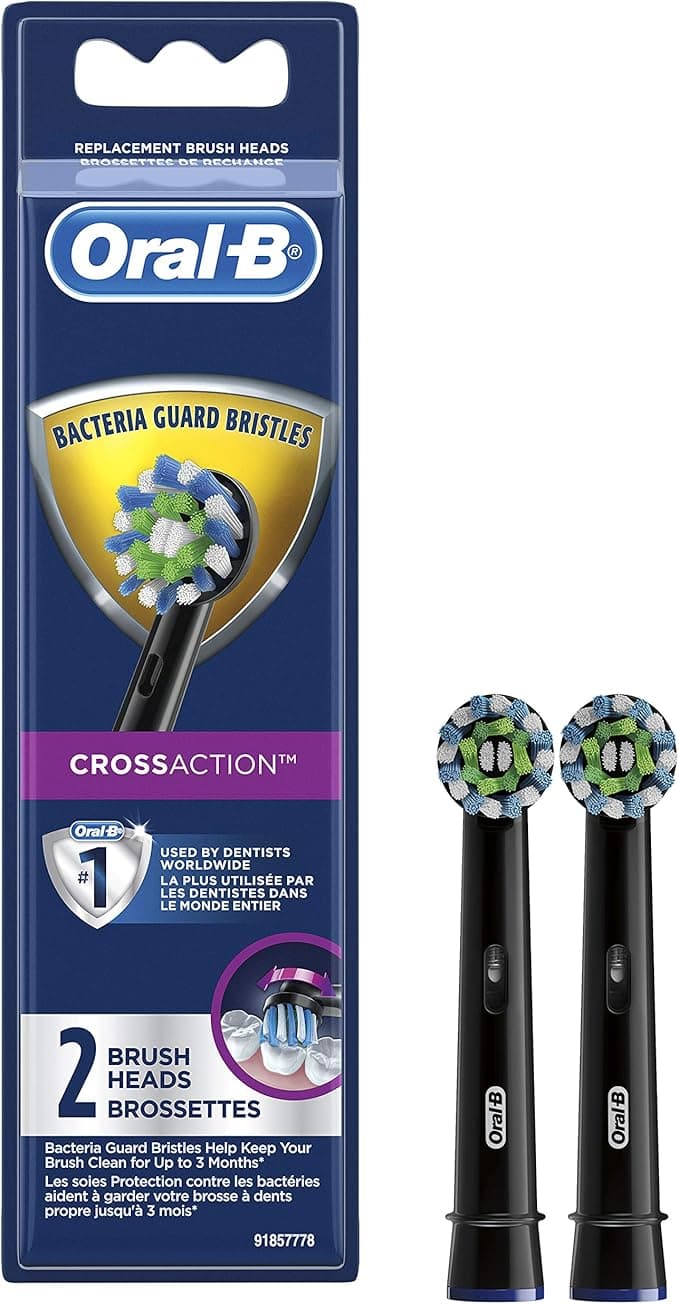
I was standing in the oral-care aisle holding two boxes of Precision Clean brush heads, and honestly I felt a little stupid about how long I stood there. On my left, the genuine Oral-B three-pack: $32. On my right, a compatible ten-pack from a brand I'd never heard of: $19. Same shape head, same little blue indicator bristles, same claim about DuPont filaments. My brain kept doing the per-head math — about $10.67 each for the real ones, under $2 each for the other box — and then immediately distrusting it. Because that's the thing, right? When the gap is that big, you assume the cheap one is going to be a wet mop on a stick that scratches your enamel and falls apart in a week.
I bought the compatible ten-pack. I've now been running them on my Oral-B handle for the better part of a year, swapping every three months like you're supposed to. Here's the honest report.
The price gap is even bigger than it looks
People fixate on the box price, but the real number is annual. You're meant to replace a brush head every three months — four a year, if you actually follow the rule (most people don't, and we'll get to why that matters). Four genuine Precision Clean heads runs you somewhere around $40 a year if you catch them on a deal, more if you don't. That same $40-ish buys me roughly two years of the compatible heads. Two years. For one year of OEM. The "year's supply for the price of two originals" line on the box isn't marketing fluff — it actually undersold it for me, because I tend to buy the bigger multipacks.
So the question was never really "are these as good." It was "are these good enough that the $20-plus a year I'm saving isn't coming back to bite me in the gums." Different question. Easier to answer once you've actually used them.
Fit and install — this is where knockoffs usually fail, and these didn't
This is the part I was most nervous about, because a brush head that doesn't seat properly is worse than useless — it wobbles, it rattles, and it can chew up the metal shaft on your handle over time. The install is dead simple either way: you pull the old head straight off (it just slides off the shaft, no twisting), give the metal shaft a quick rinse under warm water because gunk builds up in there, and push the new one on until it clicks.
That click is everything. With the genuine heads it's a crisp, confident snap. With these compatible ones, the first one I installed felt a hair softer going on — like the internal collar was a touch less precise. It still clicked. It still locked. But I'll be straight with you: the tolerance is looser than OEM. Out of the ten heads in my box, eight seated perfectly and two needed a firmer push and a little wiggle before they sat flush. None of them ever flew off mid-brush or wobbled once they were on. But that slightly-looser fit is a real difference, and if you're someone who gets bothered by a head that takes two seconds longer to seat, you'll notice it.
How they actually clean
Day to day? I genuinely cannot tell the difference at the gumline. My teeth feel just as clean after two minutes, the bristles do the job, and the blue indicator bristles fade to white at about the same rate the real ones do — which is the whole point of them, telling you when the head's worn out. The oscillation feels identical because the cleaning action comes from the handle, not the head; the head is just the bristle delivery.
Where the genuine heads have a slight edge is bristle longevity. The OEM filaments hold their shape maybe a couple weeks longer before they start to splay. With the compatible heads, by week ten or eleven I can see the outer bristles starting to fan out a bit earlier than the originals did. Which sounds like a knock — and it would be, except you're supposed to swap them at three months anyway, and at under $2 a head I have zero hesitation about throwing one out at exactly twelve weeks instead of stretching it to four months out of guilt over the cost. That's the sneaky-good part: cheap heads make you replace them on schedule, and replacing on schedule is the entire ballgame.
The downsides, said plainly
Two real ones. First, the looser fit I mentioned — most seat fine, but expect the occasional head that needs convincing. Second, and this is the one that actually bugged me: the first head out of a fresh box had a faint plastic-y smell the first couple of times I used it. Not chemical-burn bad, just that new-injection-molded-plastic odor. It rinsed away after two or three brushings and I never tasted anything weird, but I noticed it, and I'd be lying if I pretended I didn't. The genuine heads don't do that. The packaging is also cheap — a flimsy plastic tray instead of the nicer Oral-B blister pack — but who's framing the packaging.
Why none of this is something to shrug at
Here's the part I'd want my own family to hear. The reason any of this matters isn't bragging rights about brand names — it's that a worn-out brush head genuinely stops doing its job. Splayed, flattened bristles don't reach the plaque at the gumline, and that's exactly where gum disease starts. On top of that, an old head that's been sitting wet in a bathroom for four-plus months is a little bacteria hotel; you do not want to be scrubbing that into your mouth twice a day. The expensive trap with OEM heads is that people stretch them way past their life because they cost $10 apiece — and a $10 head used for six months is far worse for you than a $2 head you actually swap on time.
The verdict — who should buy what
If you're someone who can't stand any variance — you want the crisp OEM click every single time, you've got sensitive gums and want the bristles holding their exact shape to the last day, and the few extra dollars a year genuinely don't register — buy the genuine Oral-B heads. No shame in it. They're a touch more refined, and that's real.
But for me? A compatible head doing the same job, on the same handle, for under a fifth of the price — where the only real costs are a slightly looser fit on the odd head and a two-day plastic smell that rinses out — I grab the compatible ten-pack every time. I have, repeatedly. The money I save doesn't tempt me to stretch a worn head past its date, which means I'm actually replacing on schedule for the first time in my life. Cheaper and I'm taking better care of my teeth. That's the rare one where the frugal choice is also the smarter one.



