Troubleshooting & Analysis
The bristles told on me before my dentist did
I knew something was off when my hygienist scraped at the back of my lower molars and made that little "hm" sound. Not a good "hm." I'd been brushing twice a day, flossing most nights, doing everything right — and still she found buildup tucked along the gumline like I'd been slacking for months.
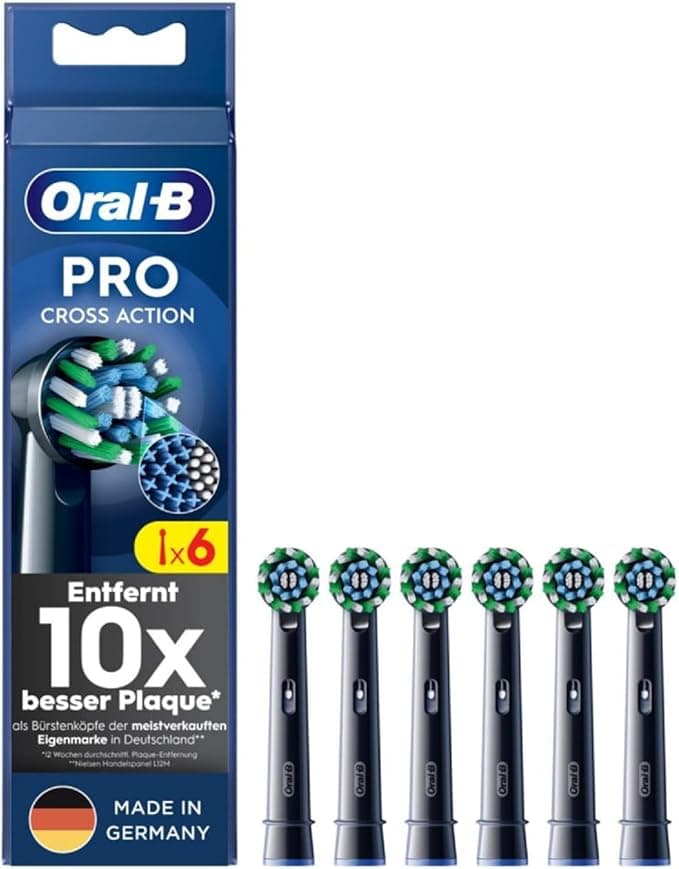
I hadn't been slacking. My brush head had. I went home, pulled my Oral-B CrossAction head off the handle, and actually looked at it under the bathroom light for the first time in… honestly, I don't know how long. The bristles were splayed out flat like a tiny worn-out broom. The blue indicator color was long gone — faded to white, which is the brush quietly screaming "replace me," a memo I'd ignored for probably five or six months. A frayed brush head doesn't just stop cleaning. It pushes plaque around instead of lifting it, and it parks a startling amount of bacteria right next to your gums. That "hm" was the bristles' fault, not mine. Lesson learned the expensive way — at the dentist's chair, which is the worst place to learn anything.
So I had two choices in front of me, same as you probably do right now.
The price gap is the whole story
Genuine Oral-B CrossAction refill heads run me about $11 each when I buy the small pack. You're supposed to swap every three months, so that's four a year — call it $44 a year, every year, forever, for a piece of plastic and nylon. I've been brushing my teeth for thirty-some years. I'll be buying these until I'm in a home.
The compatible CrossAction-style heads I switched to came out to roughly $20 for a year's supply — basically the price of two genuine heads gets you all four. Same Dupont bristles, same X-shaped angled cut, same click-on fit for the round oscillating handles. That's not a small saving you shrug at. That's better than half off on something you replace on a schedule for the rest of your life.
I'll be straight with you, because the math is the easy part — the nervousness is the real question. "Will the cheap one actually clean, or am I just paying less to brush worse?" That's what I needed to know before I'd trust it, and it's what I'd want a friend to tell me straight.
Fit and the first brush
Installing is genuinely nothing. You pull the old head straight off the metal shaft — it doesn't twist, just a firm tug — give the shaft a quick rinse under warm water to clear any gunk that's collected at the base, and push the new one on until it clicks. You feel the click more than hear it. That seat is the thing I was watching for, because a loose head on an oscillating handle would rattle and lose power, and I'd half-expected the third-party one to wobble.
It didn't. Snapped on snug, no side-to-side play, sat at the same height as the genuine head. First brush felt completely familiar — same buzz, same coverage, the bristles reached behind my molars the way the X-pattern is supposed to. If you handed me my handle blind I could not have told you it wasn't an Oral-B head. That first morning I actually leaned into the mirror to check, half waiting to be disappointed. Wasn't.
Where it's a touch behind — and the real downside
Here's the honest part, because a review that only gushes is a review you shouldn't believe.
The bristles on the compatible head feel a hair stiffer out of the box than the genuine ones. Not scratchy — but for the first two or three days my gums noticed. If you've got sensitive gums or you brush hard, ease up for that break-in week or you'll see a little pink in the sink. After about a week mine softened up and felt the same as OEM. That's a real thing and nobody selling these will tell you.
The bigger downside, and the one that'd actually matter to some people: the wear indicator. Genuine Oral-B heads have that blue band that fades to white to tell you when to swap — the exact feature whose absence got me into the dentist mess in the first place. Some compatible heads have a weaker version of it, and the batch I bought faded unevenly and was harder to read. So if you, like me, are the kind of person who ignores their brush head until a professional shames you, that faded indicator is doing less of the nagging for you. My fix was dumb and it works: I set a recurring phone reminder for the first of every season. March, June, September, December — new head goes on, no guessing, no relying on a color I might miss again.
The packaging's also cheap. Thin plastic clamshell, no individual wrappers on some packs, a little marketing card that goes straight in the recycling. Doesn't touch how the head performs, but if you were expecting the crisp Oral-B box, you're not getting it. You're getting a baggie's worth of presentation and a brush head that does the job. Fine trade at half the price, but you should know going in.
Who should skip these — and what I actually do
If you've got genuinely fragile gums, recession, or your dentist has you on a specific therapeutic head, buy the genuine ones or whatever they told you to use. This isn't the place to save twenty bucks. Same if the stiffer break-in is a dealbreaker — your mouth, your call.
For everybody else — which is most of us — I run the compatible CrossAction heads now, full stop. They seat right, the Dupont bristles clean my teeth as well as the originals did, and I'm paying roughly $20 a year instead of $44 for the same chore. The trick that actually keeps my mouth healthy isn't which brand of plastic I buy. It's swapping the head every three months instead of every six-going-on-nine like I used to. A fresh cheap head beats a worn expensive one every single time, and my last cleaning had no "hm" in it.
I keep a four-pack in the drawer and a reminder on my phone. That's it. For the money this is an easy one — I've bought them twice now, and I'll buy them again.



