Troubleshooting & Analysis
The morning my coffee tasted like a swimming pool
I knew something was wrong before I even took a sip. The K-MINI made its usual chug, the cup filled, and the smell coming off it was… flat. Chemical, almost. Like the water had given up. I drank it anyway because I was running late, and that was a mistake — it tasted like the deep end of a public pool, all chlorine and nothing else. No coffee flavor underneath it. Just water that had been pushed through grounds and come out the other side resentful.
The culprit was the charcoal filter I'd been ignoring for — honestly — closer to five months than two. I'd told myself it was fine. It was not fine. When I pulled it out of the tank it was the color of wet cardboard and slightly slimy, and there was a faint ring of white scale starting to crust the holder. That's the part that actually scared me. Scale buildup is the number one reason these little machines die early, and I'd been basically marinating mine in it.
So this review comes from that exact moment of standing at the sink, holding a gross filter, deciding what to put back in.
The price math that made me switch
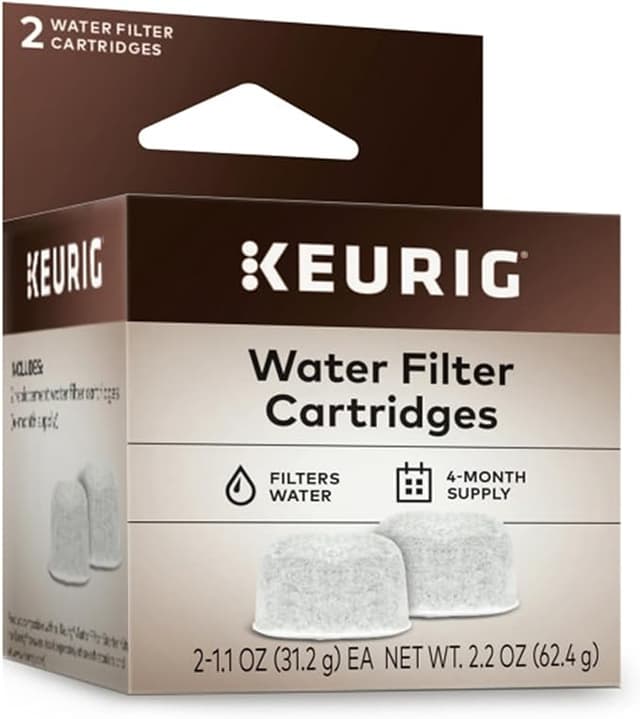
Here's the thing that pushed me off the OEM cartridges in the first place. Keurig's own branded charcoal filters run about $18 for a 6-pack — call it three bucks a filter. Doesn't sound like much. But you're swapping every two months, so that's six filters a year, and you're paying for the little logo on the cardboard sleeve as much as the carbon inside.
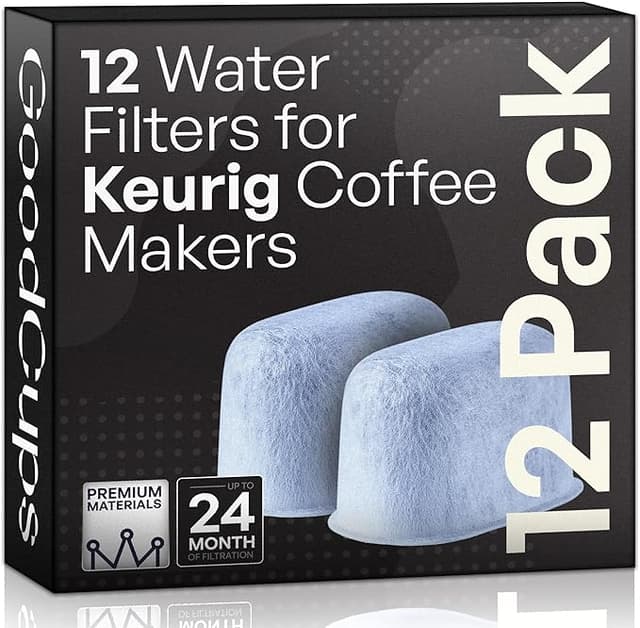
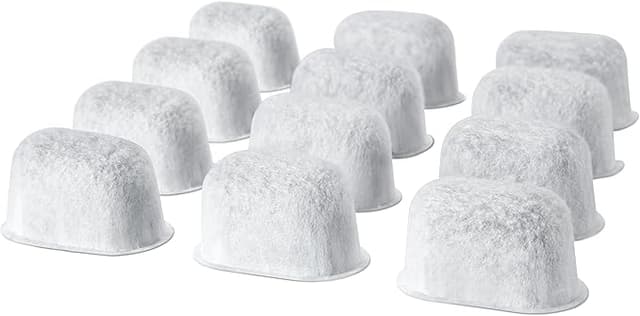
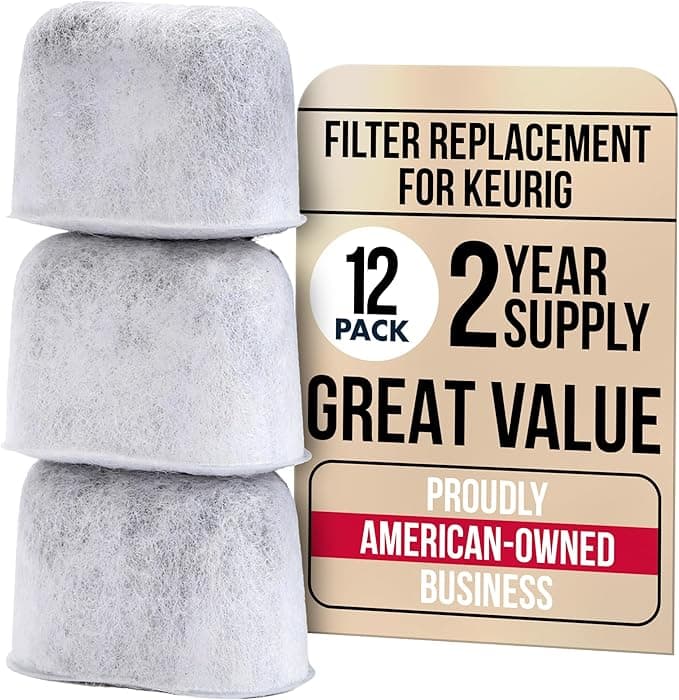
The compatible charcoal filters I've been buying are the ones we link here, and they come in a 12-pack for around $13. That's a little over a dollar each. Two full years of filters for less than what one OEM 6-pack costs. When I ran the annual number — roughly $18 a year on OEM versus about $6.50 on the compatible — it stopped being a close call. I'm not paying triple for the same lump of activated charcoal.
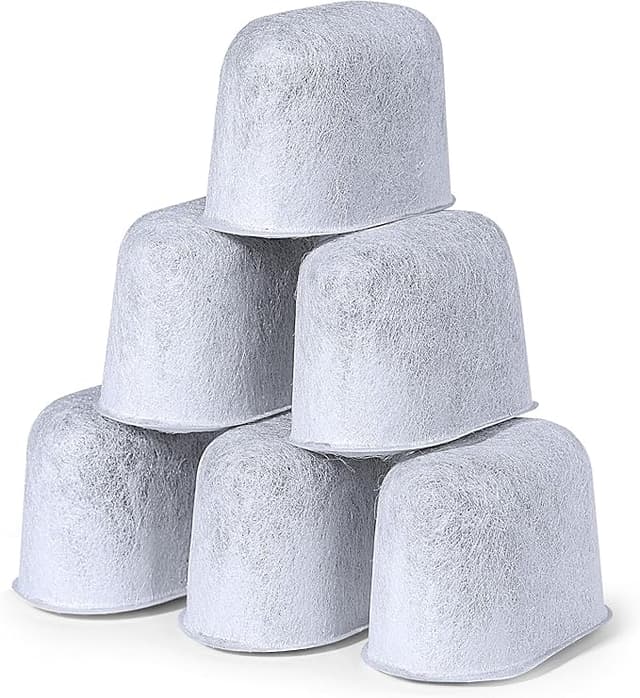
And it is the same job. These aren't doing anything exotic. A charcoal disc soaks up chlorine and the off-tastes in tap water before it ever hits your grounds. That's it. There's no proprietary magic in the OEM version that justifies the markup. I went in skeptical — I assumed cheap meant the carbon would be packed thin or the disc would fall apart — and I was ready to be annoyed.
Fit and install — does it actually seat?
I wasn't. The install is genuinely the same five-minute thing. You soak the new filter in a cup of water for about five minutes first — don't skip this, a dry charcoal disc both floats and lets a puff of fine carbon dust through on the first brew, and you do not want that grit in your first cup. Then it presses into the filter holder, and the holder drops into the water tank.
The fit is good. Not perfect — and I'll be honest about where it's a hair off. The OEM disc snaps into the holder with this satisfying little click and sits dead flush. The compatible one seats fine but the tolerance is looser; I had to give it a small press with my thumb to get it fully down, and once or twice the first one I grabbed from the bag was a half-millimeter wide and needed a gentle squeeze to drop in. Nothing that affected how it worked. Just the kind of thing you notice if you've handled both back to back, which I have, dozens of times now.
The honest downsides
Let me actually sit on the downsides, because a review that's all sunshine is a review you shouldn't trust.
First: the break-in. For the first day or two, there's a very faint plasticky-carbon edge to the water if you're paying close attention. The pre-soak knocks most of it out, but I noticed it lingering through maybe the first three or four brews on a fresh disc. By day three it's gone completely and the coffee tastes clean. OEM has a touch of this too, just slightly less of it.
Second: the packaging is cheap. The filters come loose in a plain bag rather than individually sleeved, so they can shed a little carbon dust against each other in transit, and a couple of mine arrived with a hairline chip on the rim. Cosmetic — the chipped ones still sat in the holder and worked fine — but if you're the type who wants everything pristine, the presentation is bargain-bin and you should know that going in.
Third, and this is the real one: consistency across the pack is a notch behind OEM. Out of a 12-pack I'd say ten are dead-on, one is that slightly-wide one I mentioned, and one might have marginally less of that snug fit. You're not getting twelve identical clones. With Keurig's own you basically are. That's the thing your extra money actually buys — uniformity — and for some people that's worth it.
Why a dead filter is more than a taste problem
Back to the swimming-pool morning. The reason I'm religious about the two-month swap now isn't just flavor. A saturated charcoal filter stops pulling chlorine, sure, but it also means the only thing standing between hard tap water and your machine's guts is nothing. That's when scale starts laying down inside the lines, and scale is what kills a K-MINI. The filter is cheap insurance on a machine that costs a lot more to replace. Letting it go five months like I did is exactly how you turn an $80 brewer into a paperweight.
Which, weirdly, is the strongest argument for the compatible filters. At a dollar a disc, I have zero excuse to stretch one past its date. When they were three bucks each I rationalized. At twelve for thirteen dollars I just swap it and move on.
The verdict — who should buy what
If you want every single filter to seat with that identical OEM click, and a few cents a day genuinely doesn't register for you, buy the Keurig-branded ones. No shame in it. The uniformity is real.
But for everyone else — for the person standing at the sink holding a slimy old disc and a phone, doing the same math I did — I grab the compatible ones every time now. Same charcoal, same five-minute install, same clean cup by day three, for roughly a third of the annual cost. The frame's a touch looser and the packaging's ugly. I do not care. My coffee stopped tasting like a pool, my machine's scale-free, and I'm out about six bucks a year instead of eighteen. I've reordered these twice. I'll reorder them again.