Troubleshooting & Analysis
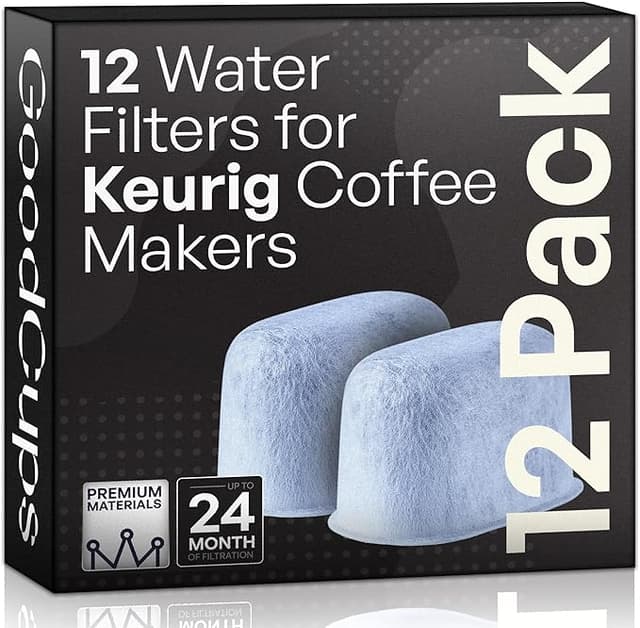
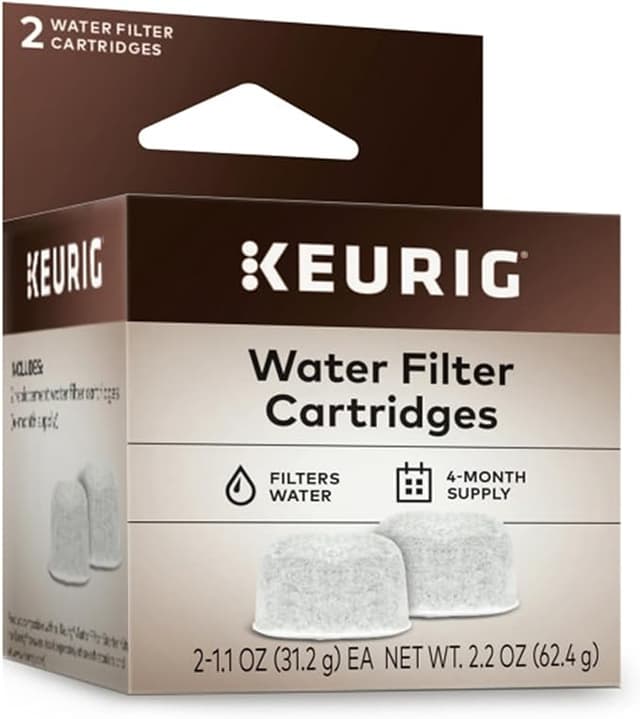
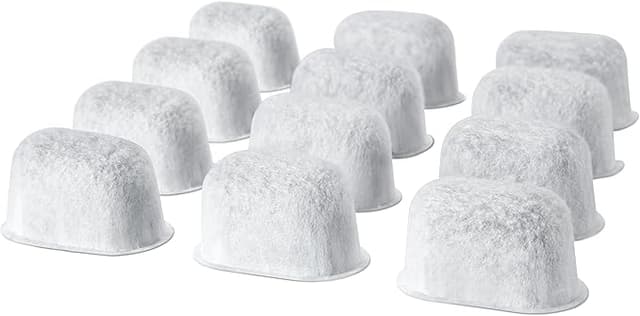
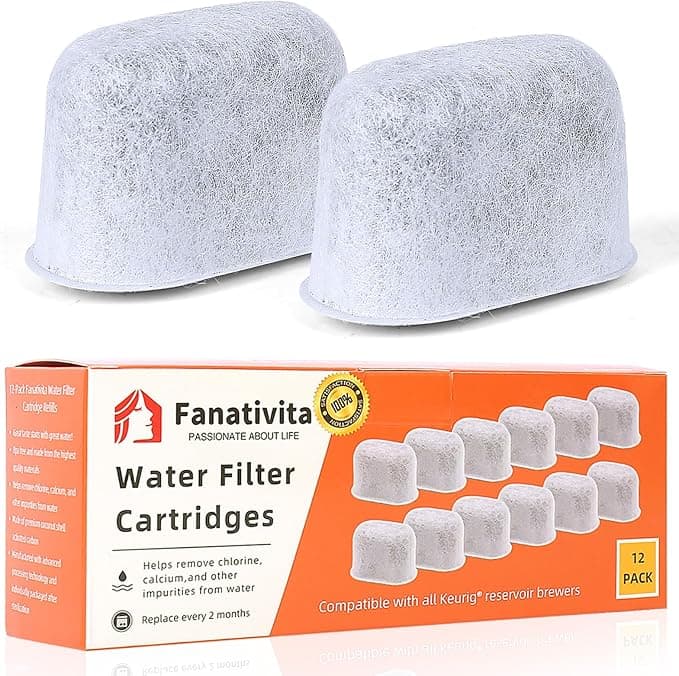
I didn't believe a $20 box of filters could be fine either. My K-CLASSIC had been chugging along for two years on whatever tap water I poured in, and when the reservoir started leaving that faint chalky film around the fill line, I figured I'd just buy the genuine Keurig charcoal cartridges and be done with it. Then I saw the OEM 6-pack sitting at around $18, and the compatible 12-pack — twice the cartridges — for about $13. Same charcoal, same little plastic basket, half the per-filter cost. And my gut said: that's the catch. The cheap ones must be the reason people's machines die.
So I bought the compatible pack specifically to find that catch. Here's what actually happened over four months of daily brewing.
The math that made me try it anyway
Let me lay it out the way I worked it out at the kitchen counter. Keurig wants you swapping the charcoal cartridge every two months. That's six a year. At the OEM rate of roughly $3 a cartridge, you're spending about $18 a year just keeping your water clean. The compatible pack I grabbed worked out to closer to $1.10 a cartridge — call it $7 a year for the exact same job. Five bucks a year isn't going to change your life. But run a Keurig for five or six years and you've handed over $90 for little baskets of activated carbon you could've had for $35. That gap is the whole reason this article exists.
And the thing protecting your machine — scale buildup is the number one reason these things quit — doesn't care whose name is printed on the cartridge. It cares whether there's fresh charcoal in the tank.
Does it actually fit the K-CLASSIC?
First real test, because a filter that doesn't seat is worse than no filter — it just floats around the reservoir doing nothing. The compatible cartridge dropped into the K-CLASSIC's filter holder with the same little snap the original had. The holder clips onto the bottom disc, you set the date dial, and the whole assembly stands up in the back corner of the tank exactly where the genuine one did.
One honest note: the plastic on the holder felt a hair less crisp than Keurig's. The date-dial clicks were a touch mushy. Didn't affect anything — it still tracks the two-month interval fine — but you can feel you're not holding the $18 version. Held both back to back, you'd know which was which with your eyes closed. That's the kind of corner that gets cut at this price, and I'd rather say it than pretend the molding is identical.
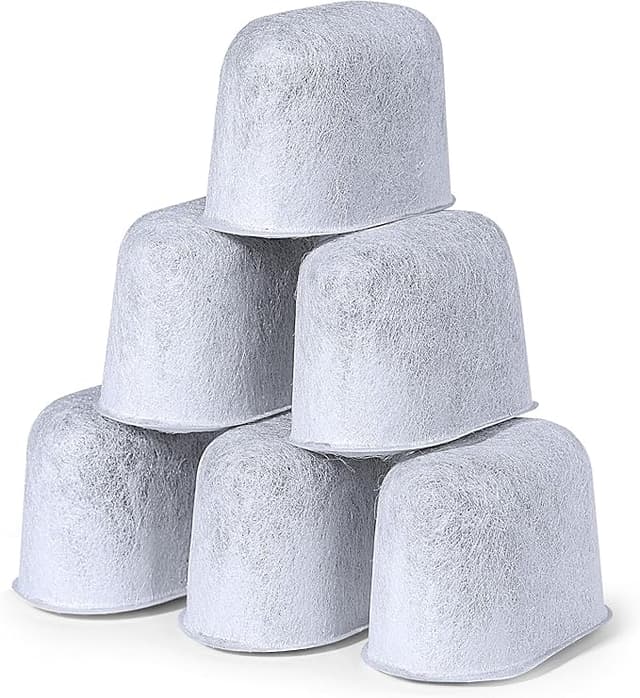
Before you install, do the soak. Drop the cartridge in a cup of water for about five minutes — you'll watch it sink and release a thin stream of fine black carbon dust. Normal. Give it a quick rinse, snap it into the holder, stand it in the tank, done. Skip the soak and your first cup tastes faintly of pencil shavings. Ask me how I know.
Four months of actual brewing
Here's the part I cared about most. The water. After the first soaked-and-rinsed cartridge went in, the chalky film stopped coming back, and my coffee lost that flat, slightly metallic edge the tap had been giving it. Brewed side by side against a cup made with the genuine cartridge — same pods, same setting — I genuinely could not pick the compatible one out. Two other people in the house couldn't either. For a charcoal filter, "I can't taste it apart from OEM" is the entire game, and it won.
Second detail worth knowing: by the back half of the two-month window, the compatible cartridge seemed to exhaust a little faster than I remembered the Keurig one doing. Around week seven the water started tasting very slightly less clean — not bad, just a notch off that week-one freshness. The OEM, in my memory, held steady right to the two-month mark. So I started swapping the compatible ones a couple weeks early, at roughly six weeks instead of eight. Even doing that I'm still way ahead, because I've got twice as many cartridges in the box. But it's a real difference, and if you're the type who runs a filter to the literal last legal day, factor it in.
The downsides, said plainly
I promised myself I'd find the catch, so here are the ones I actually found — not invented ones.
- The carbon dust. Skip the soak-and-rinse and your first brew or two taste off, with specks settling in the tank. Five minutes of prep fixes it completely — but you have to actually do it.
- Slightly shorter useful life. Mine tapered around week seven instead of holding the full eight. I treat it as a six-week filter and still come out way ahead on cost.
- Cheap packaging, cheaper-feeling holder. The cartridges arrived in a flimsy plastic sleeve, not the tidy retail box Keurig uses, and the holder clip is a little soft. Cosmetic. Doesn't touch performance. But it's there, and you'll notice.
What I did not find: any damage to the machine, any clogging, any weird taste once the soak was done, any fit problem at all. Four months in, the K-CLASSIC runs exactly like it did on the genuine cartridges.
Why bother filtering at all
Quick reality check, because it's the reason any of this matters. The charcoal cartridge isn't really about flavor first — it's about keeping minerals and chlorine out of the water that sits in your tank and runs through the heating element. A neglected, scaled-up Keurig is a Keurig on a one-way trip to the trash, and descaling a badly furred machine is a miserable afternoon. Here's the part nobody says: a $1 cartridge you'll actually remember to change beats a $3 one you skip because it stings to keep buying them. Cheaper filters you'll genuinely swap on time protect the machine better than premium ones you ration.
So who buys what
If you want the exact factory experience, hate fiddling, and run every filter to its absolute last day — buy the Keurig-branded cartridges. The molding's nicer, they hold their full two months, and the $18 is the price of not thinking about it.
For everyone else — which is most of us — the compatible pack is the easy call. It seats right, the water tastes identical to OEM once you soak it, it protects the machine just as well, and you get twice the cartridges for less money. Yeah, the holder feels a little cheap and I swap mine a couple weeks early. Those are the corners. Knowing them, I bought a second pack the day the first ran out — and that's the most honest endorsement I've got. Same job, a few bucks less, I'd grab it again. And I have.