Troubleshooting & Analysis
I didn't believe a $20 filter could do the same job either
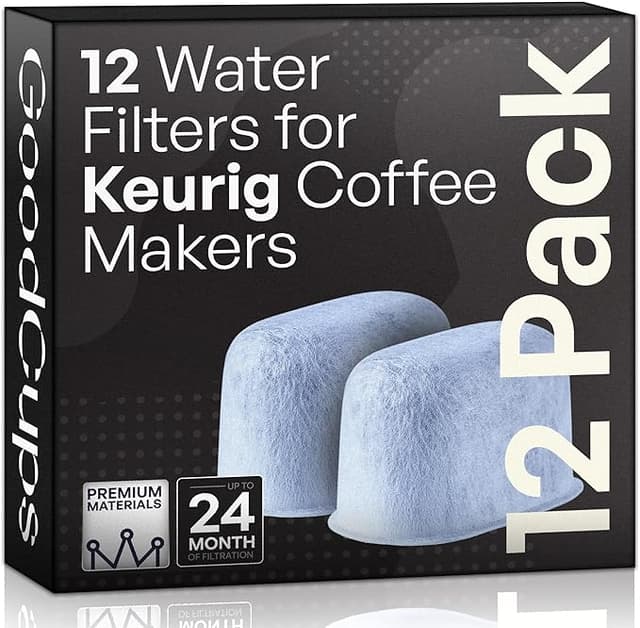
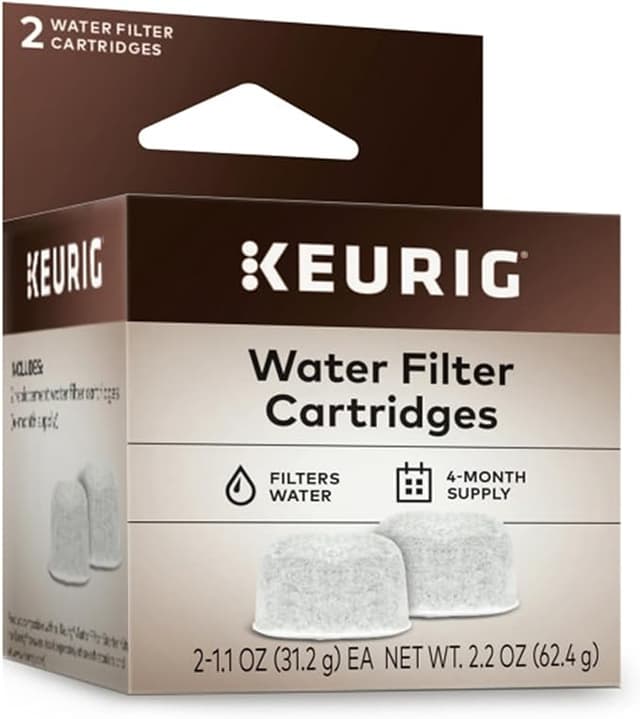
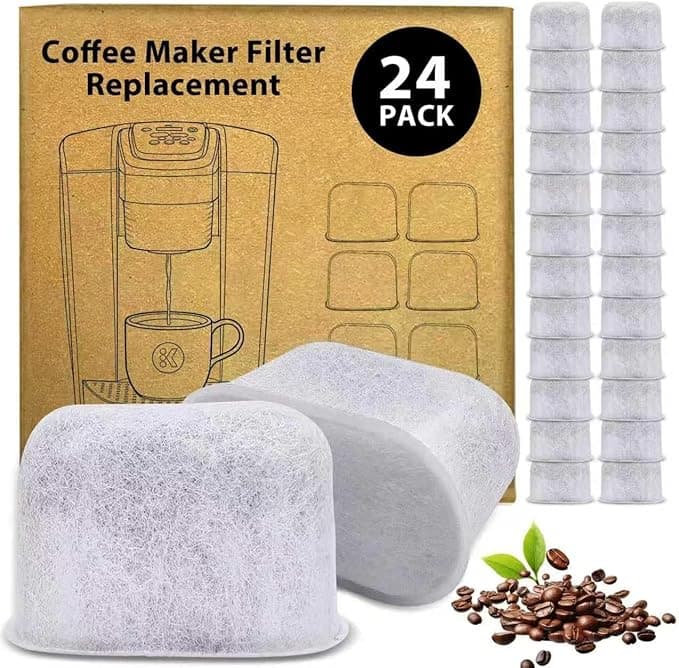
Here's where I started: I'd been buying Keurig's own charcoal water filter cartridges for years, the little ones that snap into the reservoir holder, and every time I reordered I felt a small jab of annoyance. A pack of six OEM cartridges runs me around $18, and you're supposed to swap them every two months. Do the math and that's roughly $36 a year just to keep water from tasting like the inside of a plastic tank. Then I saw a 12-pack of compatible cartridges for about $13. Twelve. For thirteen bucks. My first thought wasn't "great deal." It was "what's the catch." Cheap charcoal, no real filtration, maybe black grit floating in my morning coffee. I genuinely assumed I'd open the bag, run one, and go crawling back to the brand-name ones.
So I bought the cheap pack specifically to prove myself right. That's not how it went.
The price gap is bigger than it looks at first
Let me lay it out plainly, because the per-filter number is where this gets stupid. OEM: about $18 for six, so call it $3 a cartridge. Compatible: about $13 for twelve, so a little over a dollar each. Swap every two months like Keurig tells you and you'll burn through six a year. That's $18 of brand-name filters versus roughly $6.50 of compatible ones — annually. Not life-changing money on its own. But I have two of these machines running between my kitchen and my office, and I am the kind of person who actually changes the filter on schedule, and over a few years that gap stops being pocket change. The honest framing: you're paying almost triple for a slightly nicer logo on a sleeve of activated charcoal.
Does it actually fit, or do you fight it
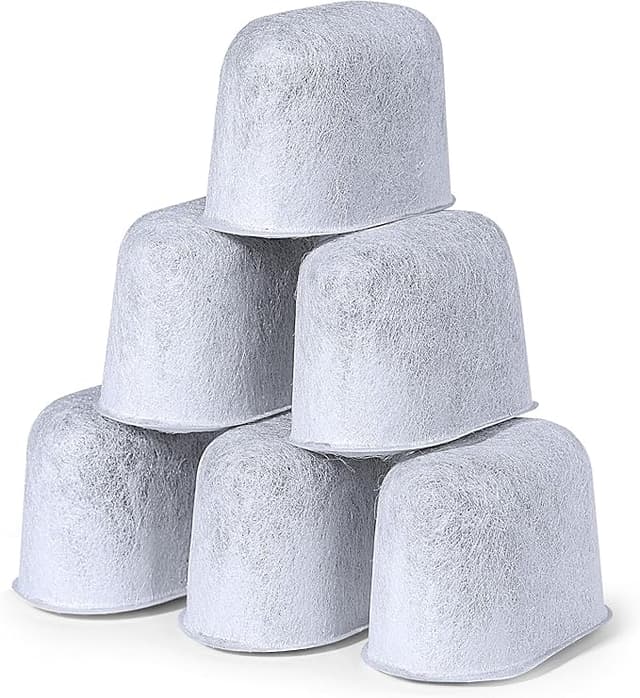
This was my real worry. The Keurig filter holder is a fussy little two-piece clamshell, and a cartridge that's even a hair too fat won't seat, while one that's too loose rattles around and lets water bypass it. I soaked the first compatible cartridge for the recommended five minutes — and yes, do this, the dry charcoal floats and won't sit right until it takes on water — then pressed it into the holder. It clicked. Same satisfying snap as the OEM. The holder closed without me forcing the halves together.
I'll give you the one honest fit note: out of my first twelve-pack, one cartridge had a slightly proud seam on the plastic collar and needed a firmer push to seat. The OEM ones, to be fair, are a touch more uniform — I've never had to wiggle one of those. But "11 of 12 dropped in clean and one needed an extra second" is not the disaster I'd braced for. Once it's in the reservoir and the tank's back on the base, you genuinely cannot tell which kind you're running.
The performance, told straight
The job of this thing is narrow: pull chlorine and the off-tastes out of your tap water before it ever hits the brew chamber, and keep scale-forming junk from caking up the internals. On taste, I did the dumb but useful test — brewed the same medium roast pod with city tap, then with water that had sat in a freshly-filtered reservoir overnight. The filtered cup was rounder, less of that faint pool-water edge on the back end. And here's the part that mattered: I could not tell the OEM-filtered cup apart from the compatible-filtered one. Blind, side by side, same coffee. If there's a difference in how much they pull out, it's below what my mouth can detect over actual coffee.
Where's it a touch behind? Lifespan feels marginally shorter. By the end of the two-month window the compatible cartridge seemed a little more spent — water from a stale one started creeping back toward plain-tap flavor maybe a few days sooner than I remember the OEM doing. But since I'm changing them every two months anyway, and they cost a third as much, I just don't care. If anything it nudges me to swap on time instead of stretching a $3 filter to four months out of guilt.
The downside I won't pretend isn't there
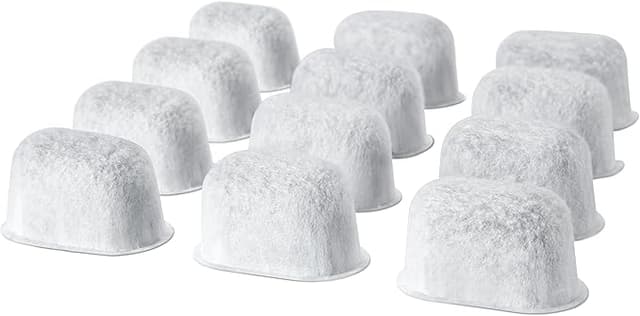
Two things, and I'd want a friend to tell me both. First: the packaging is cheap. The OEM cartridges come individually wrapped in a tidy sleeve; the compatible twelve-pack showed up loose in one bag, cartridges knocking against each other. None were damaged, but it doesn't inspire confidence when you open it, and if you're squeamish about that, know it going in.
Second, and this is the real one: the first cartridge I ran had a faint plastic-and-charcoal smell when I unwrapped it, and the very first reservoir of water carried a whisper of it. Not strong, not in the coffee — but it was there. I did what I'd tell anyone to do: ran one full tank of water through the machine and dumped it before brewing the first cup. After that flush, gone. Every cartridge since has needed the same little rinse-in, and honestly the OEM ones aren't totally free of break-in either, but the compatible smell was a notch more noticeable on day one. Five-minute soak, one throwaway tank, and you're clear. Skip that step and your first coffee might taste faintly like a new shower curtain. Don't skip it.
Why a dead filter is the part you can't ignore
The thing nobody mentions until their machine dies: a saturated, never-changed filter is worse than no filter, because scale buildup is the single most common way these Keurigs fail. Once that charcoal is spent it stops holding back the minerals, they cake onto the heating element, and your brew temp and flow start sliding before the machine eventually just quits. So the actual risk isn't "the cheap filter is unsafe" — it's "any filter you forget to change is a slow leak on your machine's life." Which is exactly the argument for cartridges cheap enough that you'll actually replace them on schedule instead of nursing an $18 six-pack for a year.
So who should buy OEM — and what I grab
If you've got a machine still under warranty and you're the anxious type who wants zero variables, the OEM cartridge is a fine, boring, slightly overpriced choice — buy it and don't think about it. Same if uniform packaging and that last sliver of consistency genuinely matter to you.
But for everyone else? I went in trying to catch this $13 twelve-pack failing and it just... did the job. Same fit, same taste in the cup, one extra throwaway tank on day one, a third of the price. I've reordered it twice now for both machines, and I'll do it again. Soak it five minutes, flush one tank, change it every two months. For the money I'd grab the compatible one every time — and I have.