Troubleshooting & Analysis
The morning my Keurig started tasting like a swimming pool
I knew something was wrong before I'd even taken a sip. The coffee smelled faintly of pennies and pool water — that flat, mineral tang you get when nothing's catching the junk in your tap anymore. I'd been running the same little charcoal filter in my Keurig's reservoir for what turned out to be almost five months. Way past the two-month mark. When I finally fished it out, the white mesh had gone a grim brown-gray, and there was a chalky ring of scale crusted around the basket where it sat. That's the part that scared me. Not the taste — the scale. Because scale buildup is the thing that quietly kills these machines from the inside, and I'd basically been letting it move in rent-free.
So that was my wake-up call. And it kicked off a stretch where I started actually paying attention to what I was paying for these filters — and whether the cheaper aftermarket ones were doing the same job or quietly wrecking my brewer.
The price gap nobody talks about
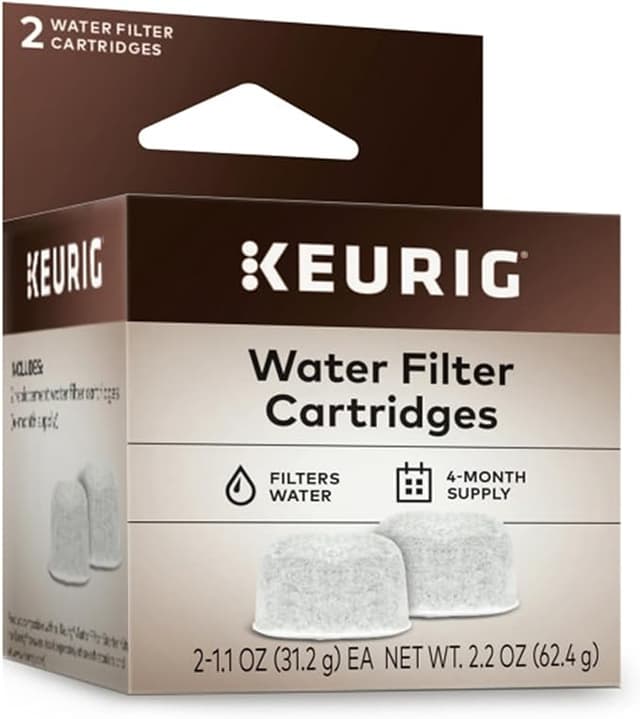
Here's the math that pushed me to the compatible filters in the first place. A six-pack of the genuine Keurig water filter cartridges runs me about $18 at full retail — call it $3 a filter. You're supposed to swap them every two months, so that's six filters a year, roughly $18 annually if you buy the OEM packs one at a time, more if you don't catch a sale.
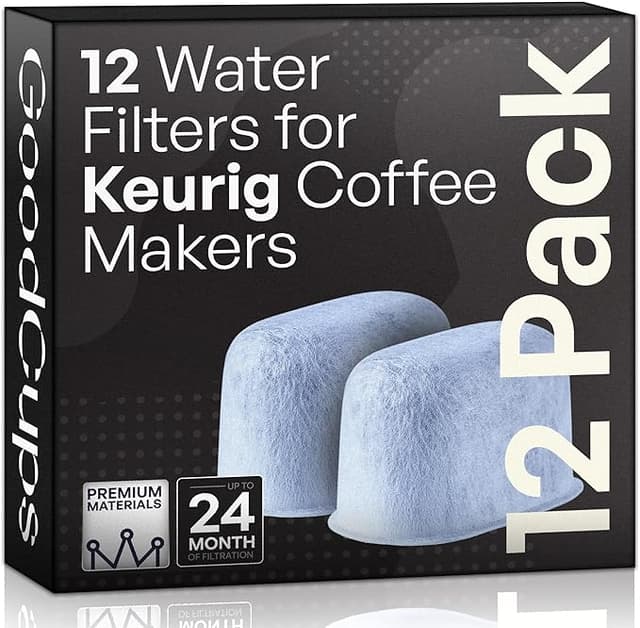
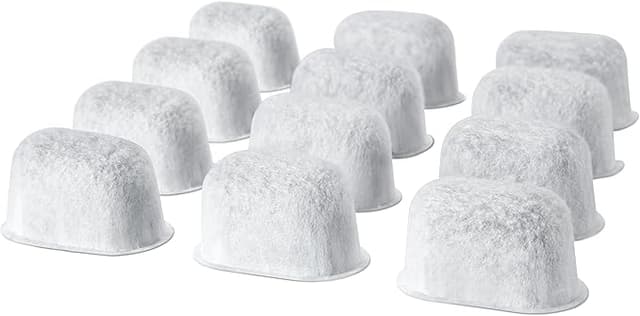
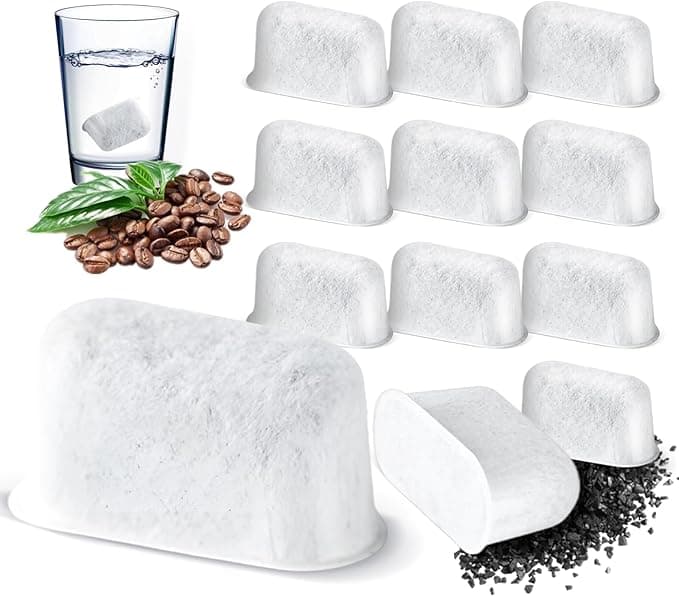
The compatible cartridges I switched to? I paid $13 for a twelve-pack. That's a hair over a dollar each — a two-year supply for less than what a single OEM six-pack costs. Run the annual numbers and I'm spending maybe $6.50 a year instead of $18-plus. It's not life-changing money. But it's the difference between "ugh, I'll reuse this gross one another month" and "whatever, it's a buck, swap it." And honestly that second mindset is the one that actually keeps your machine alive.
Do they actually fit?
This was my big nervousness going in. The Keurig filter basket isn't complicated, but it's specific — the cartridge has to seat into the little holder and clip down into the reservoir at the right depth or water just routes around it. I've had off-brand stuff for other appliances that was a millimeter off and rattled around uselessly.
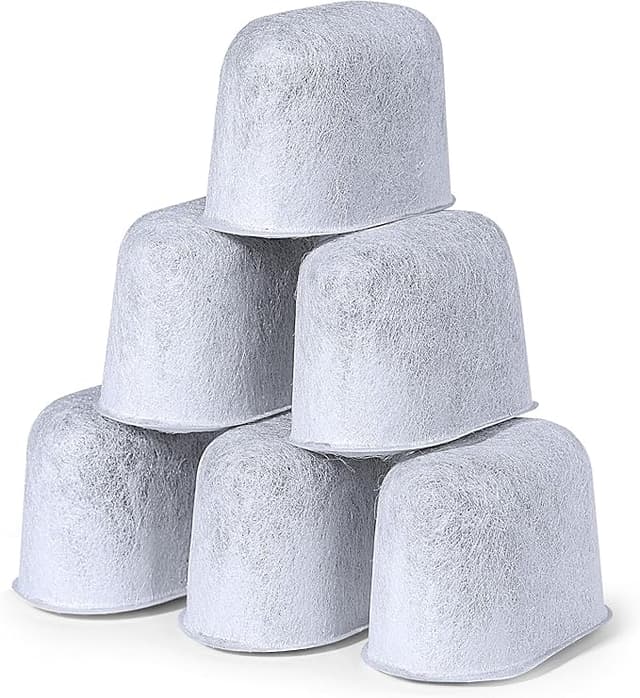
These seated fine. The routine is the same as OEM: you soak the new charcoal cartridge in water for about five minutes first — and don't skip this, the dry carbon floats and sheds black dust if you don't — then you press it into the filter holder and drop the whole assembly back into the tank. On mine it clicked into the holder with the same reassuring snap as the genuine one. No wobble, no gap. I'll say the plastic on the holder clip felt a touch thinner than Keurig's, and on one cartridge out of the twelve the seam had a little flash of molding plastic I had to thumb off before it'd sit flush. Minor. But that's the kind of thing you notice when you're looking for reasons not to trust the cheap option.
How it actually performs
The job here is simple: the activated charcoal pulls chlorine and the off-tastes out of your tap water before it ever hits the heating element, which does two things — makes the coffee taste cleaner, and cuts down the gunk that causes scale. After the swap, the pool-water smell was just gone by the second brew. Coffee tasted like coffee again. My tap water is moderately hard, nothing extreme, and the compatible cartridge handled the chlorine taste every bit as well as the Keurig one did. I genuinely can't taste a difference in the cup between the two.
Where's it a touch behind? If I'm being straight with you — I think the OEM carbon lasts a little closer to its rated life. Around the seven-week mark I felt like the compatible one was starting to fade a hair earlier than the genuine cartridge did, a very slight return of that flat taste. But here's the thing: it's a dollar. I just change it at six weeks instead of eight and I'm still spending a third of what OEM costs me. The "shorter life" downside completely evaporates when the filter is this cheap to replace.
The real downsides, because there always are some
First few days, there's a faint plastic smell off the cartridge housing — not the carbon, the molded plastic itself. It brewed away within two or three cups and I never tasted it in the coffee, but if you've got a sensitive nose you'll catch it on day one. The packaging is also dead cheap: a thin plastic sleeve, no individual wrapping, the cartridges just rattling together in a bag. A couple had a little loose carbon dust on them from knocking around, which is exactly why that five-minute pre-soak-and-rinse matters — do it over the sink.
And look, the bigger honest point: a filter is only as good as your willingness to change it. My whole pool-water disaster happened with a genuine Keurig filter that I just left in too long. The cartridge brand didn't cause that — my laziness did. A saturated, scaled-up filter stops protecting the machine no matter who made it, and that's when the heating element starts furring up and the brewer eventually quits on you. The cheap multipack actually fixed that problem for me, because now there's no guilt in tossing one early.
Who should skip these — and why I keep buying them
If you're the type who will genuinely run a filter to its exact rated life and not a day more, and you want the carbon that holds its performance dead-flat to week eight, buy the OEM cartridges. You'll spend more but you'll get that last bit of consistency. Same if you're on really hard well water — I'd lean OEM and change often, or honestly look at a dedicated water treatment upstream.
But for me, on normal city tap, brewing a couple cups a day? I grab the compatible twelve-pack every time. Same fit, same clean taste in the cup, a fraction of the price — and because they're cheap, I actually change them on schedule now, which is the whole point. My machine's been descaled, the scale ring hasn't come back, and the coffee tastes right. For a dollar a cartridge doing the same job, I'd buy them again. I already have.