Troubleshooting & Analysis
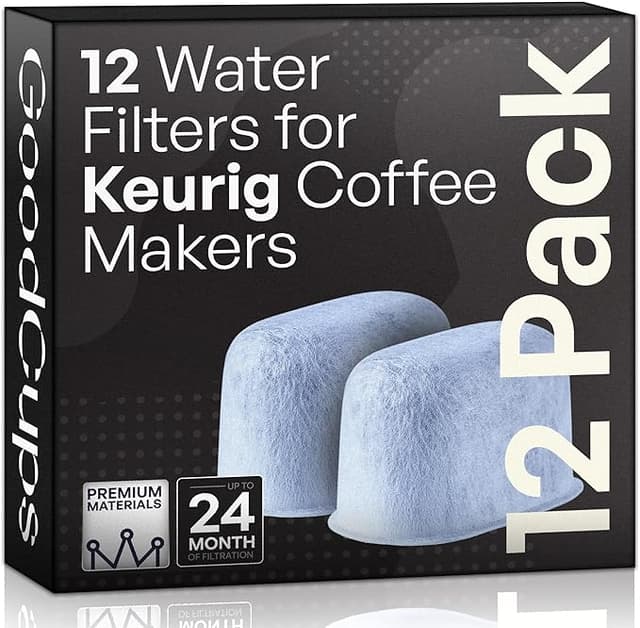
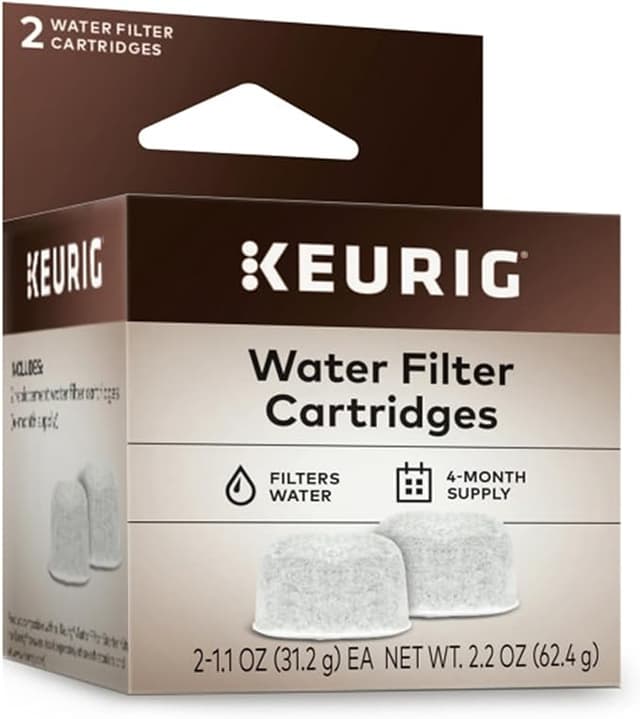
I was standing in my kitchen with two little boxes in front of me, both holding the same job. One was the Keurig-branded charcoal water filter refill — the puck-shaped cartridges that drop into the holder inside the reservoir. The other was a no-name compatible pack that cost less than half as much. I'd already let my old filter run four months past its swap date (we all do it), the water tasted faintly of the inside of the tank, and I just wanted clean coffee again. So which box was I actually going to trust against the machine I paid a hundred-plus dollars for?
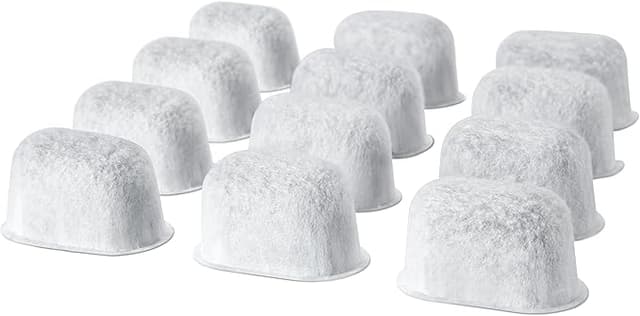
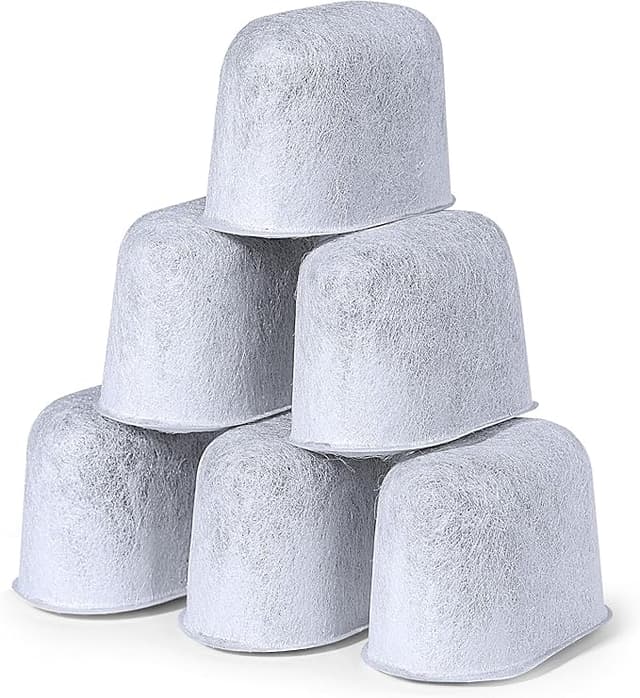
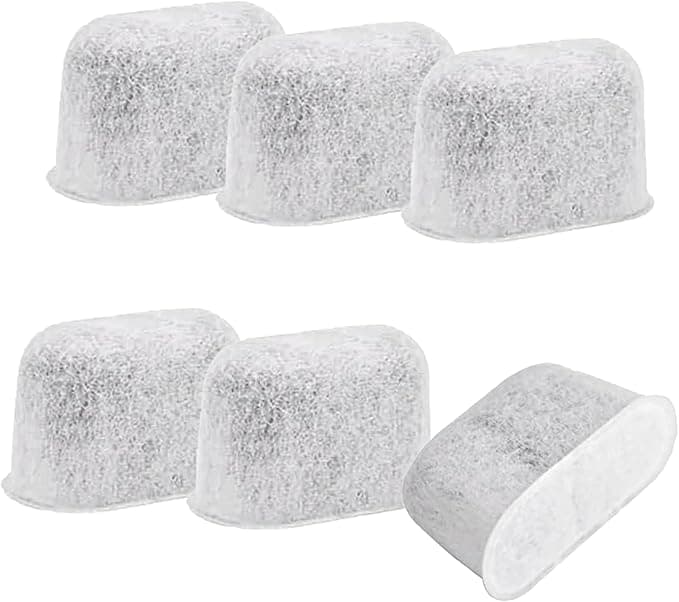
Here's the part nobody tells you up front: the cartridge inside a Keurig isn't doing anything exotic. It's a small mesh capsule packed with activated charcoal. Water flows through it on the way to the pump, the carbon grabs chlorine and the off-tastes that ride along with it, and that's it. No chip, no calibration, no handshake with the machine. Which is exactly why the compatible ones can be so much cheaper — they're copying a part that was never complicated to begin with.
The price gap, laid out plainly
The official Keurig charcoal refills run about $15 for a 6-pack where I shop — roughly $2.50 a cartridge. The compatible pack I grabbed was a 12-count for around $13, which lands closer to a dollar each. You're supposed to swap the filter every two months, so call it six cartridges a year. OEM: about $15 a year, more if you buy the small packs. Compatible: under $7 for the same year of clean water, and I usually have leftovers rattling in the drawer.
It's not a fortune either way — this isn't a $50 fridge filter. But I run the machine every single morning, the savings stack quietly, and honestly once I saw the carbon was identical I stopped being able to justify the brand-name premium for a charcoal puck.
Does it actually seat right?
This was my real worry. A water filter that fits a hair loose can let water sneak around the carbon instead of through it, and then you've paid for a filter that's doing nothing. So I paid attention.
The routine is the same as OEM: I dunk the new cartridge in a cup of cool water and let it soak about five minutes. You'll see tiny bubbles rise off the carbon — that's air leaving the mesh, and it matters, because a dry cartridge floats and channels water around itself. After the soak I press it down into the filter holder, snap the holder back together, and drop the whole assembly onto the reservoir post. Then I refill the tank and run two big water-only brews into the sink to flush out the first dusty pass.
On fit — the compatible cartridge clicked into my holder with the same firm seat as the Keurig one. No wobble, no gap I could feel. If I'm being precise, the plastic on the compatible mesh capsule is a touch thinner and the seam where the two halves meet looked a little rougher than the brand part. But it held water, it held its shape, and after eight weeks in the tank it came out intact, not crumbling. That's the bar, and it cleared it.
The honest performance read
Side by side, blind, on a Monday when my palate was actually awake: the water tasted clean. The chlorine bite that had crept into my reservoir was gone within that first flush, same as the OEM cartridge delivered a few months back. My coffee went back to tasting like coffee instead of tasting like the tank. For the thing you actually care about — pulling the junk out of the water — it did the job.
Where's it a touch behind? Two small things. First, the carbon fill felt slightly less dense when I squeezed the capsule, so I'd believe the brand part holds up a little longer at the tail end of its life. I don't push that limit anyway — I swap on schedule. Second, that first-day taste. For the first brew or two after install there was a faint flat, papery note, almost like the cardboard the thing shipped in. The pre-soak and the two flush cycles knocked it out fast, and by the next morning it was gone completely. But if you skip the flush you'll taste it in your cup, and you'll blame the filter. Don't skip the flush.
The downside I want you to actually hear
The packaging is cheap, and that's not just cosmetic. The compatible cartridges came loose in a thin plastic bag instead of individually wrapped, and one of the twelve had a small dent in the mesh from rattling around in shipping. It still worked fine once seated — the carbon wasn't spilling, the capsule wasn't split — but it made me look closer at each one before I dropped it in. With the brand pack I never bothered. So budget thirty extra seconds per swap to eyeball the cartridge: check that the seam is closed, the mesh isn't torn, no carbon is loose in the bag. If one looks wrong, toss it and grab the next. At twelve to a pack you've got spares, and that buffer is part of why the cheaper box still wins on my math.
There's also the plain reality that nobody's standing behind a no-name filter the way Keurig stands behind theirs. If a cartridge were defective, I'm not getting a polite email and a free replacement — I'm just eating the one bad puck. With a twelve-pack costing thirteen bucks, I made peace with that the moment I did the arithmetic.
Why a dead filter is the part you can't ignore
Here's the thing that pushed me to stop procrastinating in the first place. The filter's real job isn't just taste — it's catching the chlorine and sediment that otherwise cook down into scale inside your machine. Scale is the quiet killer of Keurigs. It builds up on the heating element and in the narrow water lines, your brew gets slower and cooler, and eventually the machine just gives up. A fresh charcoal cartridge slows that down. A saturated one that's four months overdue (hi, me in April) does nothing, and you're running raw tap water through a hundred-dollar appliance and hoping. Whatever filter you choose, the worst one is the expired one still sitting in your tank.
The verdict
Buy OEM if you swap maybe once a year and forget about it, want the individually sealed cartridges, and would rather not inspect anything — the few extra dollars buys you that "don't think about it" feeling, and that's a real thing to want.
But me? I reach for the compatible pack. The carbon does the same job, it seated tight in my holder, it cleaned the chlorine out of my water on the first flush, and it cost me under seven dollars for a full year instead of fifteen-plus. The thinner plastic and the loose packaging are real, and I told you about them — but for a charcoal puck that just needs to sit there and grab chlorine, I'd buy the cheap box again. And I have. Twice now.