Troubleshooting & Analysis
The first thing I noticed was the smell of wet charcoal
Not a bad smell. Just — there. I'd dropped the new cartridge into a mug of water to soak, like the instructions say, and after about a minute the water went faintly gray and gave off that clean, slightly mineral charcoal scent. My OEM Keurig filters did the exact same thing. Honestly that little detail was the first time I relaxed, because I'd been standing at my counter holding a compatible cartridge that cost me a fraction of what the brand-name ones run, half-convinced I'd just bought a chunk of dyed sponge.
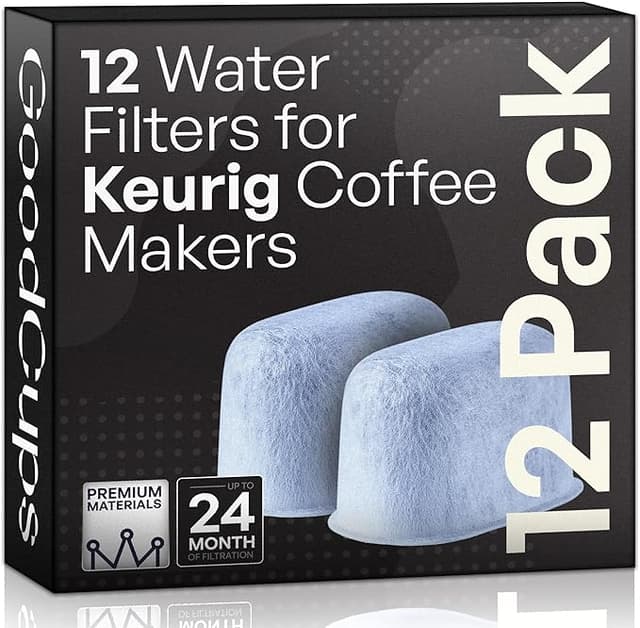
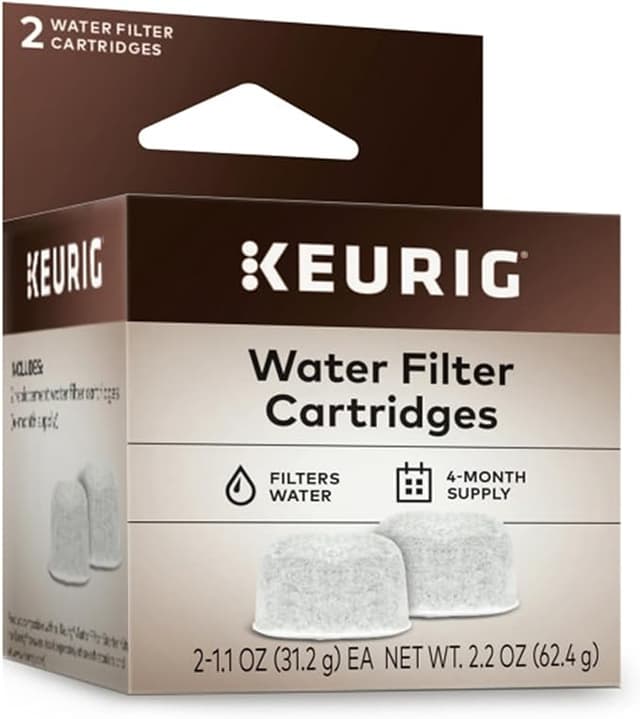
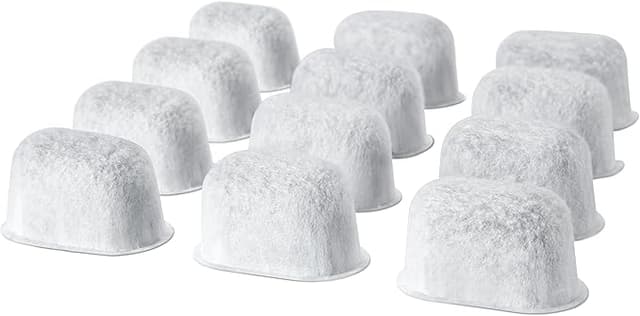
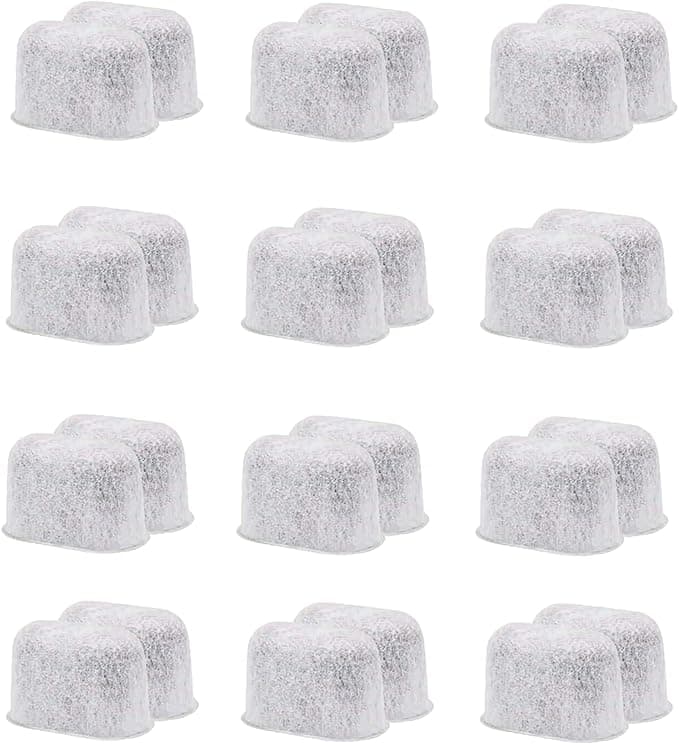
Here's where I was coming from. I'd been buying the genuine Keurig charcoal water filter cartridges for two years. A six-pack of the OEM refills runs about $15 — call it $2.50 per cartridge — and since you swap them every two months, that's six a year, roughly $15 annually just to keep the tank clean. Not bank-breaking. But then I found a 12-pack of compatible cartridges for around $13, which works out to a little over a dollar each. Same two-month interval, so my yearly cost dropped from about $15 to maybe $7. Cutting your filter spend in half isn't dramatic in dollars, but it's the principle — I was paying double for a piece of charcoal in a plastic mesh shell.
Does it actually fit the holder?
This is the part I always worry about with off-brand stuff, because the Keurig filter system is fussier than it looks. You've got the little two-piece holder — the cage and the cap — that the cartridge snaps into, and then the whole assembly clicks down into a post inside the water tank. If the aftermarket cartridge is even a millimeter too fat or too tall, the cap won't close flush and the holder won't seat.
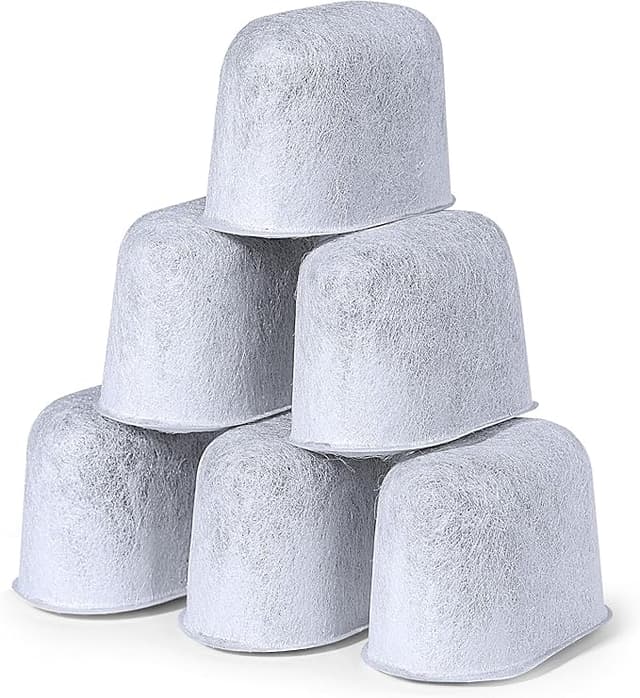
Mine seated. The cartridge dropped into the cage with the same resistance I remember from the originals, and when I pressed the cap on I got that small, satisfying click. Then the holder pushed down onto the tank post and locked. No forcing, no shaving anything down with a knife. I'll be straight with you, though: the fit was a hair looser than OEM. With the genuine cartridge the cap practically vacuum-seals; with this one there was the tiniest bit of play, a faint rattle if I shook the empty holder. Once it's in the tank under water, you'd never know. But I noticed it, and if you're the type who notices things, you'll notice it too.
How it brews after a couple weeks
I've got hard water. Before I ever started using these filters, my Keurig would scale up fast — you'd see the chalky white crust building around the needle and the water reservoir, and the coffee started tasting flat and a little metallic. That's the whole reason the filter matters. It's not making your coffee taste like a café; it's pulling chlorine and sediment out so the water going through your machine is cleaner, which keeps scale from caking up the heating element and the lines.
After about three weeks on the compatible cartridge, my water tasted the same out of the tank as it did on the OEM filter — that slightly softer, no-chlorine-bite taste. The coffee was indistinguishable. I did a side-by-side one morning, brewed the same pod with my last OEM-filtered tank and the new one, and I genuinely couldn't call it. If there's a performance gap between the brand cartridge and this one, it's smaller than my palate can detect at 6 a.m.
Where it's a touch behind: I think the compatible charcoal exhausts a little faster. Around week six or seven, right before the two-month swap, I started getting the faintest return of that chlorine edge in the water — earlier than I usually noticed it with the OEM. Not a dealbreaker, because you're supposed to replace at two months anyway. But it tells me the carbon load inside is maybe a bit lighter than the genuine cartridge. So if you're someone who pushes filters past their interval to save money, this one will punish that habit sooner.
The real downside
The packaging is cheap, and the quality control is uneven. My 12-pack showed up in a flimsy bag, no individual wrapping, just twelve cartridges loose in a sleeve. Two of them had a little loose charcoal dust shaken out into the bottom of the bag — nothing that affected function once I rinsed and soaked them, but it looked sloppy next to the neatly blister-packed OEM ones. And I'll add this: out of the twelve, one cartridge had a slightly malformed cap edge, a little flashing from the mold that hadn't been trimmed. It still snapped in fine. But if you're buying a budget pack, expect that one or two units might look rough. That's the trade you're making for the lower price.
The other honest caveat is the smell I mentioned up top. For the first day or two after installing a fresh one, I get a slightly stronger plastic-and-charcoal note in the first brew or two than I did with OEM. Soaking it the full five minutes — not the rushed two minutes I'm tempted to do — knocks that down a lot. Rinse it well, soak it the whole five, and the break-in funk is mostly gone by the second tank.
So who should buy what
If you've got a high-end Keurig and you treat it like an appliance you want to last a decade, and the difference between $7 and $15 a year genuinely doesn't register for you, buy the OEM cartridges. The fit is marginally tighter, the carbon lasts a hair longer, and the QC is cleaner. There's no shame in paying for the sure thing on a machine you care about.
But me? I've run these compatible cartridges through three full cycles now, six months, and my water tastes clean, my machine isn't scaling up, and my coffee is exactly what it was on the name-brand filters. For something that's doing the identical job — soak it, click it into the holder, drop it in the tank, swap it every two months — I'm not paying double anymore. I bought the 12-pack. When it runs out, I'll buy it again. Just soak it the full five minutes and don't stretch past the two-month mark, and the cheap one is, honestly, fine.