Troubleshooting & Analysis
The smell hit before the coffee did
I knew something was wrong the morning my Keurig started pushing out water that smelled faintly like a fish tank. Not strong. Just — off. The kind of off you notice on the second sip and then can't un-notice. I'd been running the same charcoal cartridge in the reservoir for, honestly, way longer than I should have. Probably four months. The little dial on top of the holder that's supposed to remind you? I'd snapped it to a month and then never looked at it again.
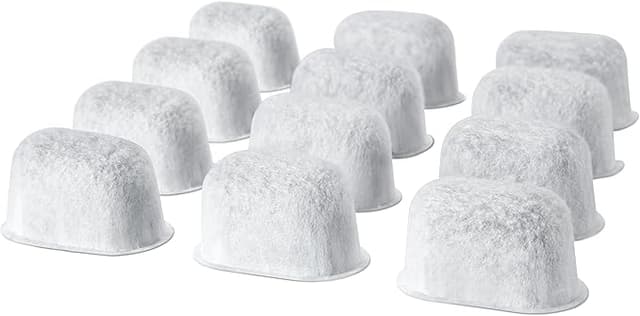
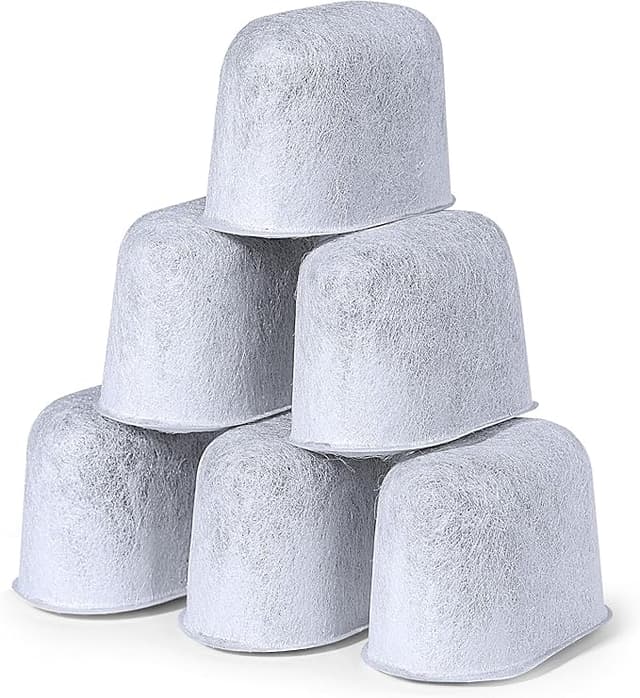
When I finally pulled the filter holder out of the water tank, the cartridge inside was a different color than I remembered. Grayish-brown, slimy on the mesh, and when I gave it a squeeze a little cloud came off it into the sink. That was the taste I'd been drinking. A saturated charcoal filter doesn't just stop working — it goes the other way and starts handing back everything it spent two months collecting. So I tossed it, and that's when I had to decide: pay Keurig's price for a fresh pack, or finally try the compatible cartridges I'd been ignoring in the "frequently bought together" row.
The price gap is the whole reason this article exists
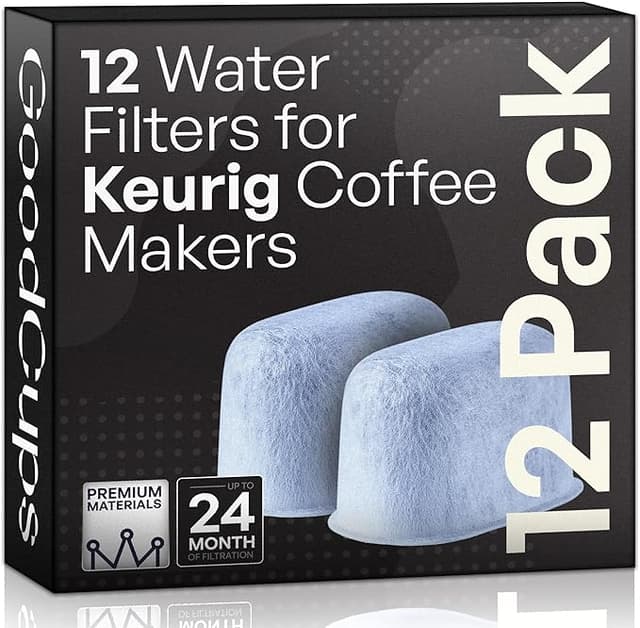
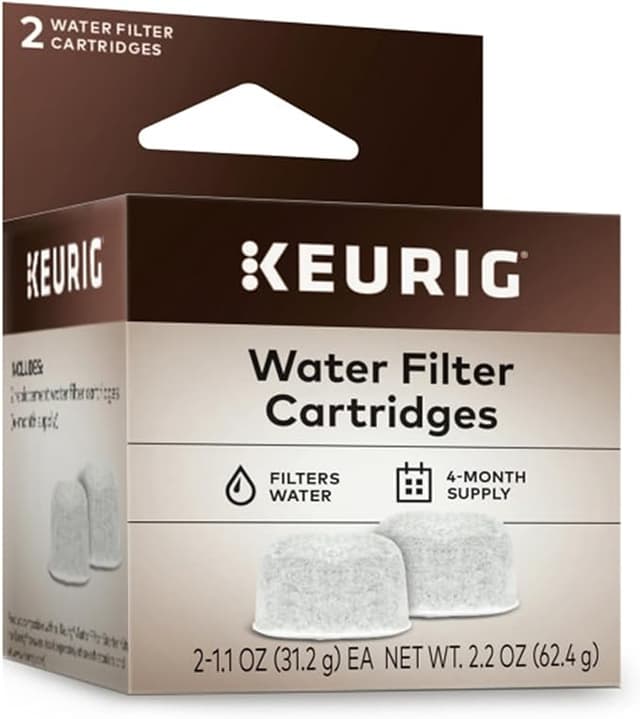
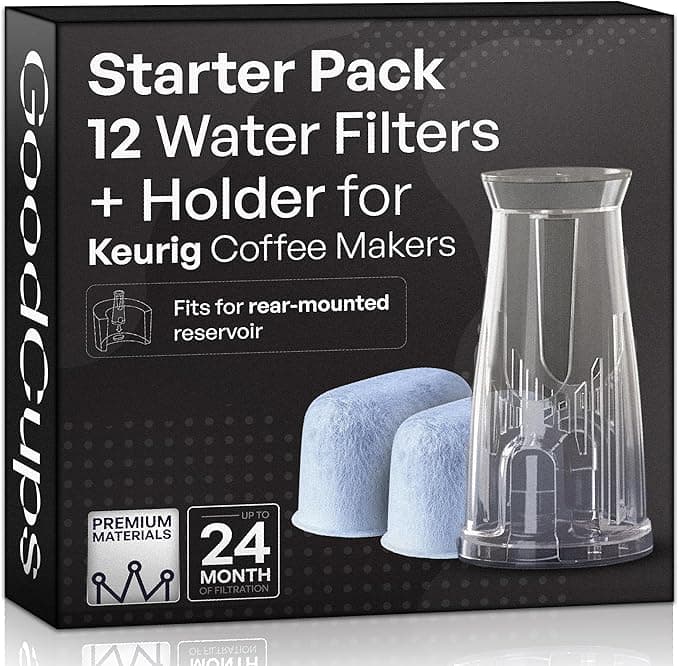
Here's the math that pushed me. A Keurig-branded 6-pack of the charcoal water filter cartridges runs about $15 most places — call it $2.50 a cartridge. The compatible 12-packs I ended up buying were around $13 for twelve. That's roughly $1.08 a cartridge. Same charcoal job, less than half the per-piece cost.
And these are a consumable you're meant to swap every two months. Six times a year. So it's not a one-time $2 difference — it's the difference between spending about $15 a year staying OEM versus around $6.50 a year on the compatible ones, forever, for as long as you own the machine. Over the life of a brewer that's real money for a part that dissolves impurities and then gets thrown in the trash. I'm not paying a premium to throw away a slightly nicer piece of plastic and carbon.
Do they actually fit the holder?
This was my worry. The filter holder on a Keurig is a two-piece deal — a lower basket and an upper cap that the cartridge snaps between — and I figured a third-party cartridge would be a hair too fat or too short and rattle around. It wasn't. The compatible ones I got seated into the lower holder with the same little resistance-then-click the originals have, and the top cap closed without me forcing it. No gap, no wobble when I shook the assembled holder next to my ear.
The install itself is nothing, and it's the same routine as OEM. You soak the new cartridge in a cup of water for about five minutes first — this matters, don't skip it, dry charcoal floats and traps air pockets that cut down how much water actually touches the carbon. Then you snap it into the holder, push the holder down into the post at the bottom of the water tank until it seats, and reset that little month dial so future-you isn't drinking fish water like I was. Two minutes, wet hands, done.
How they actually perform
The honest version: for the part that matters — taste in the cup — I cannot tell the compatible cartridge from the Keurig one. My tap water is moderately hard with a bit of a chlorine bite, and a fresh charcoal cartridge of either brand knocks that chlorine flavor down to nothing for the first several weeks. Coffee tastes cleaner. The scale story is the bigger deal anyway: mineral and chlorine buildup is what kills these machines, gumming the heating element and the needle, and a working charcoal filter slows that down whether it's got a Keurig logo on it or not.
Where the compatible ones are a touch behind: longevity at the very end of the cycle. The OEM cartridge, in my experience, holds its flavor-stripping a little more steadily right up to the two-month mark. The cheaper ones felt like they started fading maybe a week or two sooner — the chlorine taste crept back in around week six instead of week eight. But here's the thing. They're cheap enough that I just swap them a hair early and I'm still way ahead on cost. Faded-a-little-early on a $1 part is a non-problem.
The downsides — and there are some real ones
I'm not going to pretend these are flawless. First: the packaging is junk. The Keurig pack comes in a sealed, individually-wrapped arrangement; my compatible 12-pack showed up as a dozen cartridges loose in one bag, no individual seals. They were clean and fine, but it feels less hygienic and you're trusting that the bag was sealed when it left the warehouse. I gave each one an extra rinse before soaking just on principle.
Second: the first cartridge I installed had a faint plastic smell for the first day or two of brewing. Not in the coffee — more around the reservoir when I lifted the lid. It aired out completely by day three and never came back on the next cartridges, so I think it was just off-gassing from fresh packaging. Still, if you're sensitive to that, run a tank or two of plain water through before you trust it with coffee.
Third, smaller: the mesh on the bottom cap felt slightly thinner than OEM. It held up fine over a full two-month run with no shedding, but it doesn't feel as overbuilt. If you're rough yanking the holder out of the tank, be a little gentle.
So who should just buy the Keurig one?
If you're the type who genuinely forgets to swap filters — like I clearly was — and you'd rather have the cartridge that holds its edge the full eight weeks so a late swap costs you less, the OEM's slightly steadier end-of-life might be worth the extra dollar-something a piece to you. And if individually-sealed packaging is a hard requirement for your peace about hygiene, OEM wins that on paper.
For everyone else? Look — it's a chunk of charcoal in a plastic shell that you soak, snap in, and throw away eight weeks later. The compatible cartridges fit my holder with the same click, cleaned my water the same way, and cost less than half. I bought the 12-pack, I'm three cartridges deep, and when this batch runs out I'm buying the same thing again. That fishy-water morning was the last time I overpay to forget about a $1 part.