Troubleshooting & Analysis
Two little pucks, one annoying decision
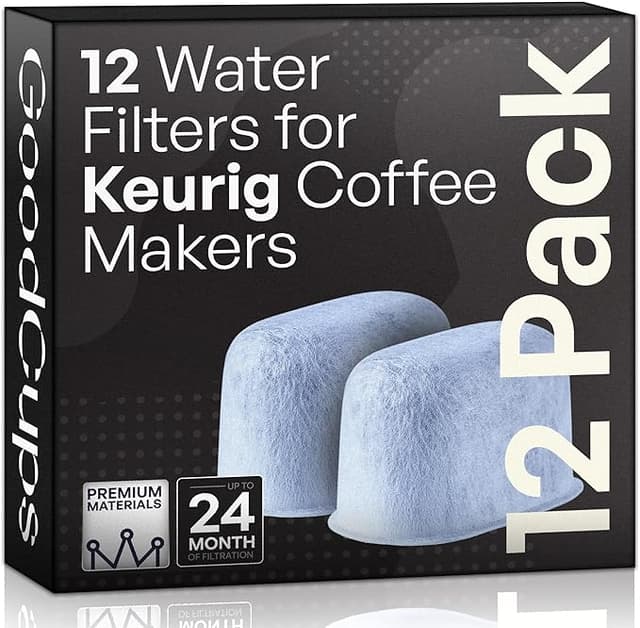
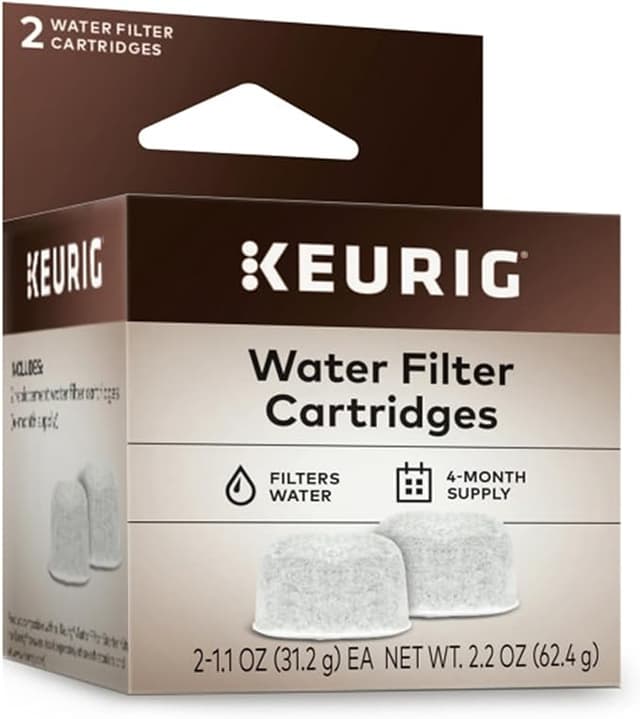
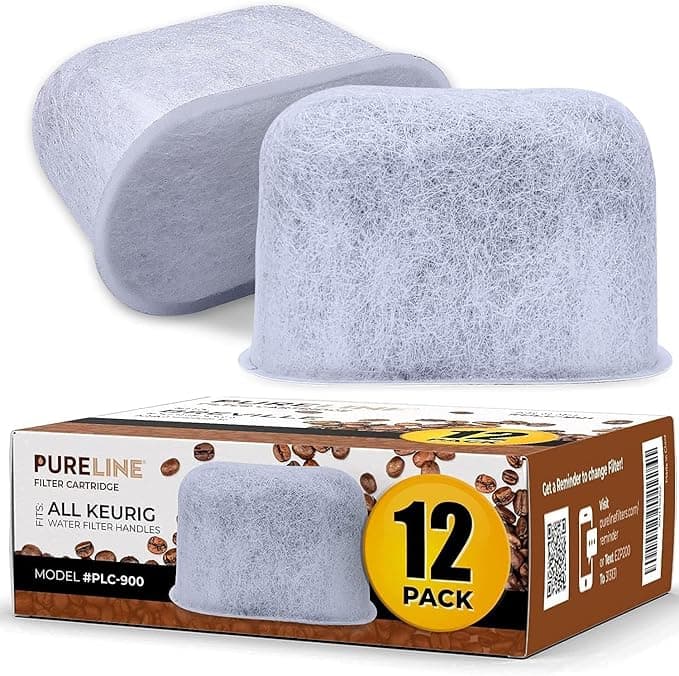
I was standing in the kitchen with my Keurig's water tank pulled out, holding the spent charcoal filter in one hand and my phone in the other, looking at the two options on screen. Keurig's own replacement cartridges — the genuine ones — ran me about $18 for a 6-pack. The compatible set right under it: $10 for the same six, sometimes a 12-pack for $14. Same job. Same little plastic puck that snaps into the holder. And I stood there doing the thing we all do — squinting at the cheap one like it's going to confess something.
I'd already swapped the filter on this machine maybe a dozen times over the years, always with the brand-name cartridges, because that's what you grab without thinking. This was the first time I made myself actually stop and ask whether the eight bucks of difference was buying me anything. Spoiler: it mostly wasn't. But I didn't know that yet, so I bought both — the OEM pack and a compatible one — and ran them back to back in the same machine for a few months. Here's what that actually looked like.
The math nobody does until they're annoyed
Keurig says swap the charcoal filter every two months, or every 60 tank refills, whichever comes first. So you're burning through six cartridges a year, roughly. At the genuine-pack price that's around $18 a year. The compatible packs put me closer to $10, sometimes less when I bought the bigger box and let it sit in the cabinet.
Eight dollars a year is not life-changing money, and I want to be honest about that — this isn't the fridge-filter situation where you're saving fifty bucks a pop. But here's the part that actually matters: a lot of people skip filter changes precisely because the brand cartridges feel like a tax. When the refills cost almost nothing, you actually change them on schedule. And changing them on schedule is the entire point, because the thing these little charcoal pucks are really protecting is the $130 machine they sit inside.
Does it fit, or do you have to fight it?
This was my real worry. Water filters that are "compatible" but a hair off seat crooked, and then you get that gap where unfiltered water sneaks past. So I paid attention.
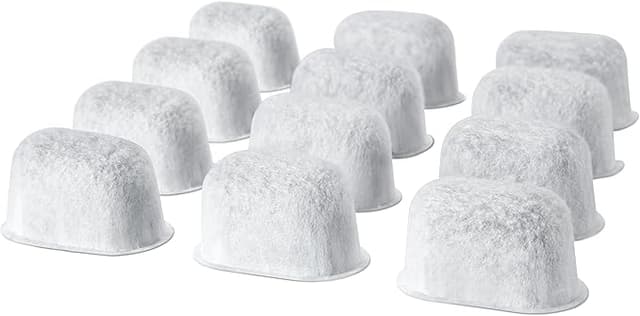
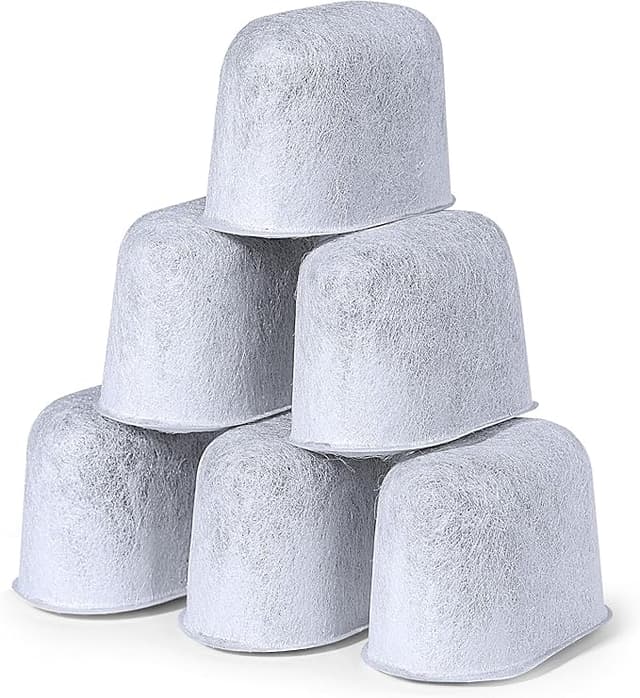
The compatible cartridges I tried snapped into the holder with the same click as the genuine one. Same diameter, same little tabs, seated flush. The install routine is unchanged and I'd tell anyone to do it the same way: pull the filter out of the bag, drop it in a cup of water and let it soak for a full five minutes — don't rush this, the charcoal needs to saturate or you'll get a faint dusty taste in the first few cups. Then it presses into the lower holder, the holder clicks into the upper assembly, and the whole thing drops into the tank. Set the little date dial on top so you remember when you put it in. That's it. No fiddling, no shimming, no "well it sort of stays if you push it." It just went in.
One small note on fit: the plastic on the compatible holder, if your set comes with a new holder, felt slightly thinner than Keurig's. Not loose — just lighter in the hand. Mine sealed fine. But if yours arrives and the cartridge wobbles in the holder, send it back; a wobble means a bad seal and there's no reason to tolerate it at this price.
How it actually brewed
I have hard-ish water, so this was a fair test. The genuine filter and the compatible one both knocked the same edge off — that flat, slightly mineral taste tap water gives the coffee was gone with either. Black coffee tasted cleaner, the way it's supposed to. I genuinely could not pick the compatible cup out of a lineup against the brand-filter cup, and I tried, because I wanted there to be a difference to justify the extra money. There wasn't one I could taste.
Where I'll give the genuine cartridge a slight edge: longevity at the very end of the two months. The compatible charcoal seemed to fade maybe a few days sooner — by week seven the water was a touch less "clean" tasting than a fresh genuine puck at the same age. Marginal. And since you're supposed to swap at two months anyway, it lands right at the replacement line, so in practice it didn't cost me anything.
The real downsides — and there are a couple
Let me not pretend this is flawless. First, the break-in. With one of the compatible packs I got a faint plastic-y smell off the cartridge the first time I opened the bag, and the first two brews tasted just slightly off if I'm being picky. A proper five-minute soak and one throwaway brew cycle cleared it completely, but if you skip the soak you'll notice it. The genuine ones I've never had do that.
Second, packaging and consistency. The brand cartridges come uniform every single time. The compatible packs are a bit of a grab bag — out of one box of twelve, one cartridge had a slightly rough edge on the plastic rim. It still worked, but it's the kind of thing that tells you the quality control isn't quite as tight. You're trading a little consistency for the lower price. For me that's a fine trade on a water filter. For some people it won't be, and that's legitimate.
Third, and this is the one that actually matters for your machine: don't use the low price as an excuse to stretch the interval. The whole reason this filter exists is to cut scale and chlorine before they reach the heating element. Scale buildup is the single most common way these machines die — they stop heating, or the pump strains, and then you're shopping for a new brewer, not a $10 refill. The cheap cartridge only helps if you actually change it on time.
So who should buy what
If you run a Keurig in a commercial setting, or you're the type who will lose sleep over a slightly rough plastic edge, buy the genuine cartridges and don't think about it — the premium is small and the consistency is real. No shame in it.
But for my own kitchen counter? After running both side by side for a few months, the compatible charcoal filters did the same job — same fit, same clean-up of the water, same click into the holder — for a little over half the price. The only real costs were a one-time plastic smell that a soak fixed and slightly looser quality control. I bought the bigger box of the compatible ones, it's sitting in my cabinet right now, and I'll keep buying them. The honest verdict is the boring one: for this part, the cheap one is fine, and the money you save is money you'll actually spend on coffee.