Troubleshooting & Analysis
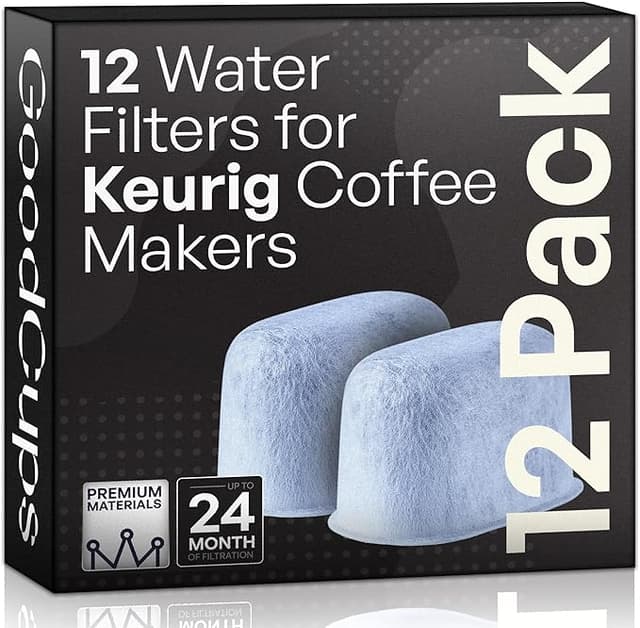
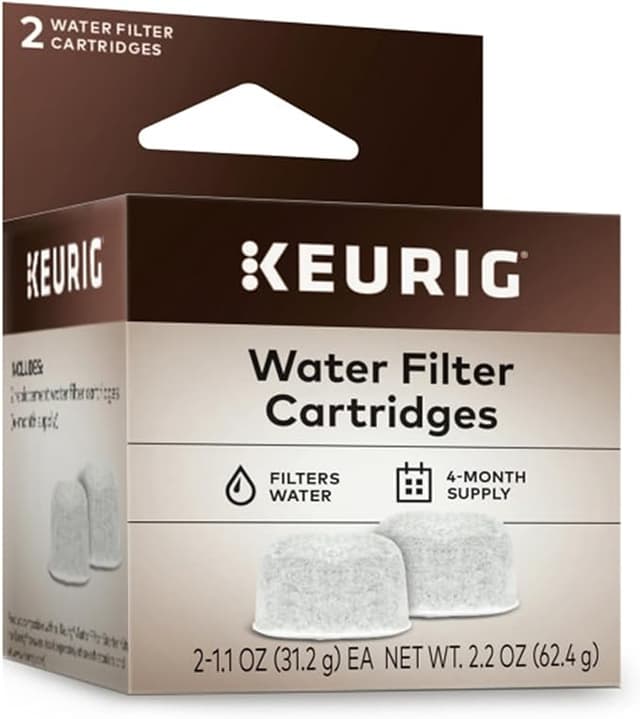
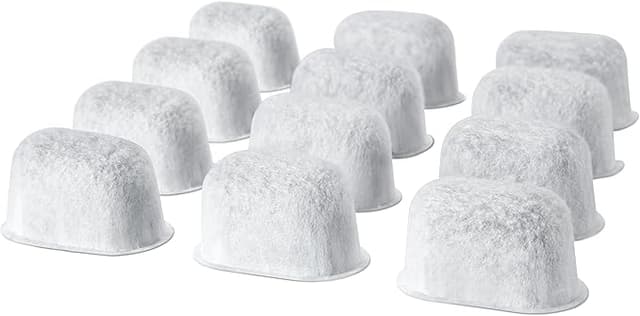
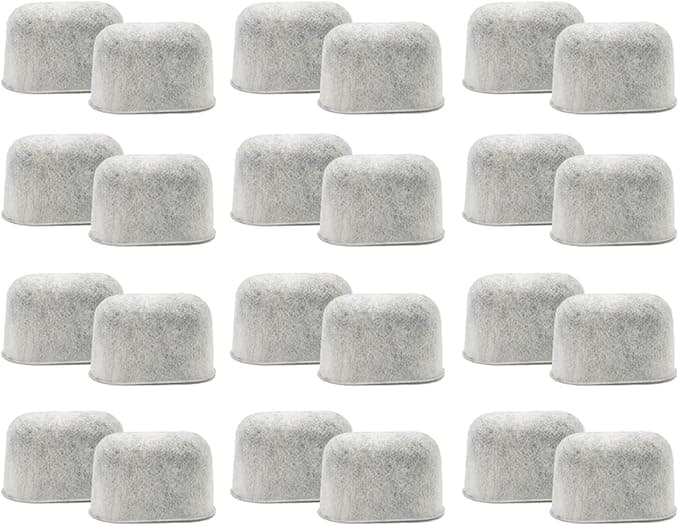
Twenty-four dollars. That's what the cashier app wanted for a six-pack of genuine Keurig charcoal water filters the week my reservoir started tasting like a swimming pool. Six little discs. Four bucks apiece for a chunk of carbon the size of a quarter. I stood there in the kitchen with my phone, did the math out loud — a six-pack lasts me a year if I swap every two months, so call it twenty-four bucks a year just to keep my coffee from tasting flat — and then I noticed the compatible twelve-pack one listing down for around $11. Twice the filters. Less than half the money. Roughly ninety cents a disc versus four dollars.
I'll be honest, my first thought was: yeah, and they probably crumble in the tank. So I bought a pack to find out, because I'd rather waste eleven dollars on an experiment than keep handing Keurig four bucks a disc out of habit.
The price gap is even worse than it looks
Here's the part that actually bugged me once I sat with it. The OEM disc and the compatible disc are doing the exact same job — a little activated charcoal pad that strips chlorine and the off-tastes out of your tap water before it ever hits the heating element. That's it. There's no firmware in a water filter. There's no secret Keurig sauce in the carbon. You're paying the brand markup for a consumable you flush down the drain six times a year.
Run it out over the life of the machine. Say you keep a Keurig four or five years. At OEM pricing you'll spend somewhere north of a hundred dollars on filter discs alone over that stretch. On the compatible side you're looking at maybe forty, fifty bucks for the same coverage. That's a tank of gas, a couple of bags of decent beans — for a part nobody ever sees.
Do they actually fit?
This was my real worry, not the price. A loose filter that floats up off the holder is worse than no filter, because you think you're protected and you're not.
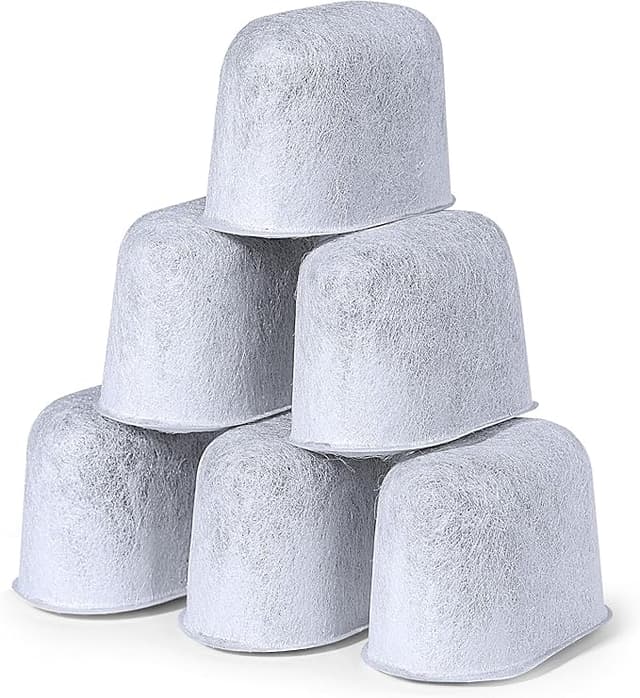
The install is the same dance as the genuine one. You soak the disc in a cup of water for about five minutes first — and don't skip this, a dry charcoal pad will dump a faint gray dust into your first tank if you just jam it in. You'll see tiny bubbles work their way out of the carbon while it soaks; that's the air leaving and the water getting in. Then it presses into the little plastic filter holder, the holder clicks onto the stem, and the whole assembly drops into the reservoir.
On my unit the compatible disc seated with a slightly looser feel than the Keurig one — a hair less of that snug "I'm home" click. Not loose enough to float, not loose enough to rattle, but I noticed it. I pressed it down with my thumb, gave the holder a wiggle to make sure it wasn't going to pop, and it held fine for the full two months. If you've ever changed the real one, your hands already know this exact motion. Nothing new to learn.
How it actually performs in the cup
This is where I expected to catch it falling short, and mostly I didn't. My tap water has a real chlorine bite in summer, and the first pot after I dropped the compatible filter in was clean — none of that pool-water edge in the finish. Black coffee tasted like coffee, not like the inside of a garden hose. Through two months of daily brewing, two to four cups a day, the taste held steady. I genuinely could not pick the compatible disc out of a blind cup against the OEM one. If there's a difference in how aggressively it scrubs the water, it's below what my tongue can register.
Where it matters just as much: scale. A spent or cheap filter that lets chlorine and minerals through is how you cook your machine to death — scale buildup on the heating element is the number one way these things die, and a tired filter speeds that right up. After two months I pulled the compatible disc and cut it open out of pure curiosity. The carbon was darkened and clearly doing its job, the pad hadn't disintegrated, and my tank walls were still clean with no chalky crust starting. That told me it was actually filtering, not just sitting there as a placebo.
The downsides — and there are a couple
I'm not going to pretend this was flawless, because it wasn't, and a review with zero complaints is one you shouldn't trust.
First: the packaging is cheap. The discs came loose in a thin plastic sleeve instead of individually sealed like the Keurig ones. It works, but a couple of the pads had a little carbon dust shaken loose in the bag, which is exactly why that five-minute soak-and-rinse step isn't optional with these. Soak it, swish it, and the dust problem disappears. Skip it and your first cup might come out faintly cloudy.
Second: there's a very slight plastic smell off the disc on the first day or two — more from it being freshly packed than from anything sinister. I ran one throwaway tank of plain water through after installing, the way I'd flush any new filter, and after that it was gone. If you're sensitive to that kind of thing, do the flush. It's two minutes.
Third, and this is the honest nitpick: consistency between discs in the pack wasn't perfectly uniform. One out of the twelve felt a touch thinner than the rest. It still seated and worked, but the OEM ones are all stamped out identical. You're trading a little quality-control polish for the price. For me that trade is easy. For someone who wants every part dead-uniform, that might bug you.
Who should buy OEM instead — and what I do
If your Keurig is still under warranty and you're the type who worries a third-party part could hand them an excuse to deny a claim, buy the genuine disc and sleep easy. It's twenty-four bucks a year. That's a defensible "I just don't want the headache" call and I won't argue with it.
But for the rest of us — machine out of warranty, water that just needs the chlorine knocked off, a consumable we flush six times a year — paying four dollars a disc when the same charcoal does the same job for ninety cents stopped making sense to me the second I ran the numbers. I soaked it, I seated it, I drank it for two months, and my coffee was clean and my tank stayed scale-free. So yeah — I bought the compatible pack again, and I've got the next one sitting in the cupboard waiting its turn. Same coffee, money back in my pocket.