Troubleshooting & Analysis
I didn't believe a $20 filter could be fine either
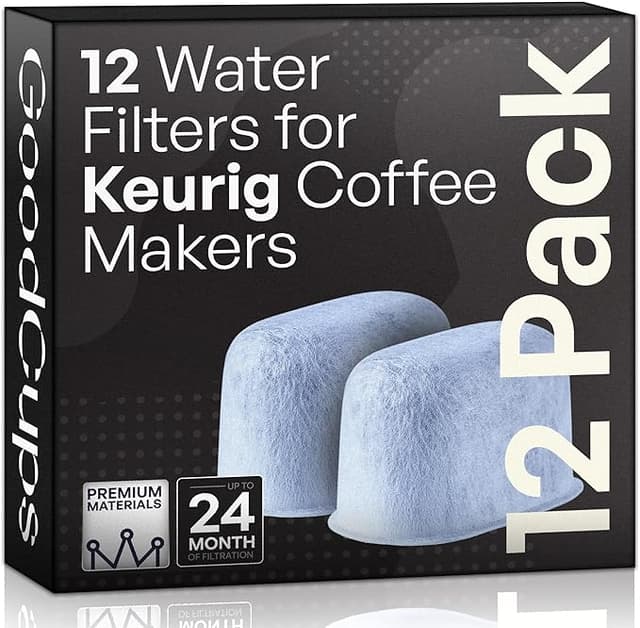
Let me be straight with you up front: the first time I bought a compatible charcoal water filter for my Keurig, I bought it expecting to be annoyed. I'd been paying for the official cartridges for two years, replacing them every couple months like a good little customer, and somewhere in there I got tired of it. So I grabbed a pack of the off-brand ones, mostly out of spite, half-expecting to throw them in a drawer after one bad brew. That was four months and three cartridges ago. I'm still using them. That's the whole review in one sentence, but you came here nervous, so let me actually walk you through it.
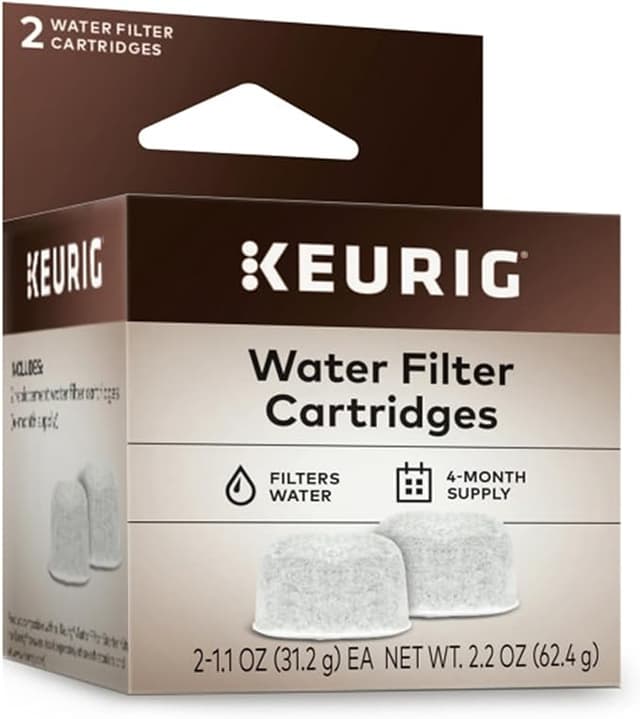
Here's the math that pushed me over. Keurig's own water filter refill cartridges run me right around $15 for a six-pack — so call it about $2.50 a cartridge, and you're swapping them every two months. The compatible pack I switched to was around $12 for six. Not a huge per-unit gap, sure, but it's the same charcoal doing the same job, and over a couple years of a machine that lives on my counter and gets used twice a day, those dollars and the principle of it add up. I'd rather not pay a premium for the privilege of a logo molded into the plastic.
Does it actually fit, or did I just get lucky?
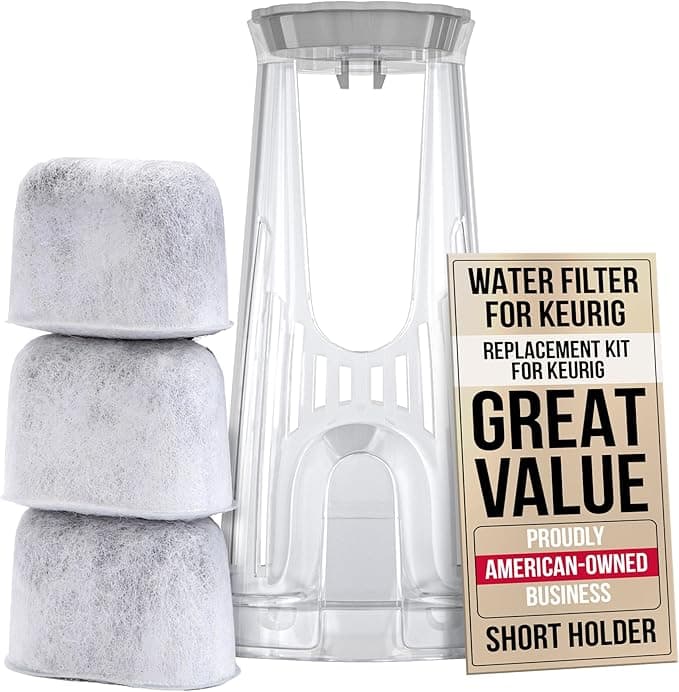
This was my real fear. The filter holder in the water tank is a specific little two-piece basket — you've got the mesh holder and the charcoal disc-cartridge that snaps down inside it. If the aftermarket cartridge is even a millimeter off, it either won't seat or it rattles around and water sneaks past it unfiltered, which defeats the entire point.
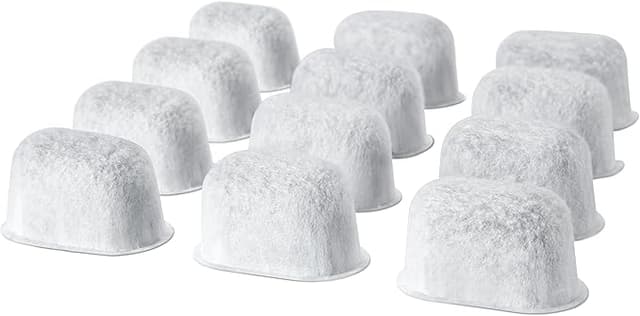
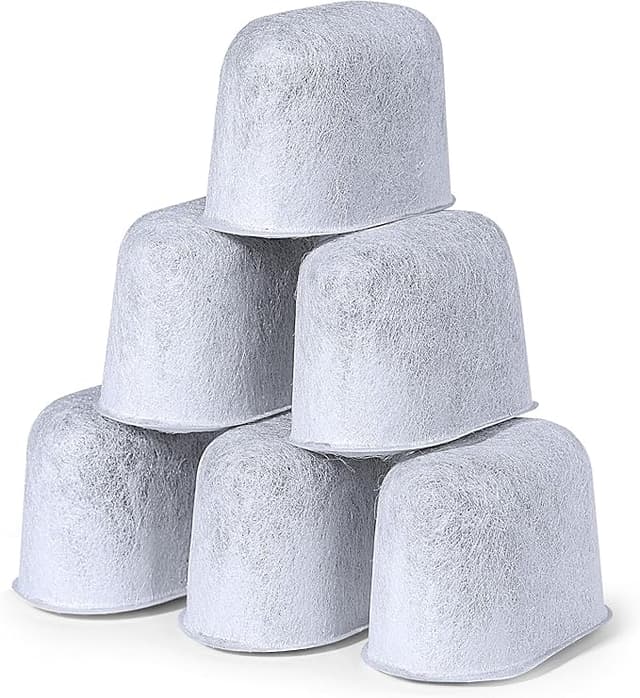
The ones I bought seated fine. Honestly the install is dead simple and the compatible cartridge didn't change that: you soak the new charcoal cartridge in a cup of water for about five minutes first — and yeah, you actually have to do this, skipping the soak is the number one reason people think their filter "doesn't work" — then you press it down into the holder until it clicks, drop the holder back into the tank, and you're done. The click is real. You feel it seat. On the compatibles I could feel a tiny bit more play in the basket than the OEM had, the tolerances are a hair looser, but once it's pressed in and the lid's on, it doesn't move. No bypass, no float-up. Four months in, no fit problems at all.
How it brews — the honest comparison
I live somewhere with moderately hard water, the kind that leaves a chalky ring in a kettle, so a charcoal filter actually earns its keep here. With the OEM cartridge my coffee tasted clean, no flatness, no metallic edge. With the compatible cartridge? Same. I did the dumb thing where I brewed a cup with each and tried to taste a difference side by side on my kitchen counter like some kind of amateur. I couldn't reliably tell them apart. Both knocked down the chlorine taste, both gave me a rounder, less "tap-watery" cup than running the machine with no filter at all.
Where the compatible is a touch behind: longevity confidence. The OEM cartridges, I trust the two-month interval completely. With the off-brand ones I found myself being a little more disciplined — I genuinely swap them every two months on the dot rather than letting one ride an extra few weeks like I sometimes did with the originals. The charcoal volume feels comparable but I'm not going to pretend I've lab-tested the adsorption curve. So I treat the schedule as a hard rule, not a suggestion. That's the trade for the lower price: a tiny bit more vigilance on my end.
The downsides, because there are some
First, the smell. The first cartridge out of the bag had a faint plastic-and-fresh-charcoal odor before I soaked it. The five-minute soak handled most of it, but my first brew or two had the very slightest off note — gone by day two, never came back, but it was there and I'm not going to lie about it. If you skip the soak you'll taste it worse, so don't skip the soak.
Second, the packaging is cheap. The OEM ones come individually wrapped and feel fussy-but-protected. The compatibles came loose-ish in a single bag, and one of the six had a slightly crushed mesh edge. It still worked fine once seated, but it didn't inspire confidence in the moment. If you're the type who needs the unboxing to feel premium, this'll bug you.
Third — and this is the real one — quality control across packs isn't as tight. Out of two six-packs I've gone through, every cartridge functioned, but there was more cosmetic variation between them than I ever saw with the originals. Nothing that affected the brew. But it's the kind of thing that tells you you're buying a budget product, and you should go in knowing that.
Why I don't let it slide past the schedule
Quick reality check on why this little disc matters at all: a charcoal water filter is mostly there to clean up your water's taste and cut chlorine, but a tank running dirty, hard, unfiltered water is also how you get scale building up inside the machine — and scale buildup is the single most common way a Keurig dies. A $2 filter swapped on time is cheap insurance against a $130 machine quitting on you early. So whichever cartridge you use, OEM or compatible, the real mistake is letting a saturated one sit in there for six months. That's the part that actually protects your investment, not the brand on the plastic.
So who should buy which
If you've got a very high-end Keurig you babied with an extended warranty, or you live somewhere with brutally hard water and you want maximum confidence on filtration, buy the OEM cartridges — the few extra dollars buy you peace of, well, you know what I mean, they buy you one less thing to second-guess.
For everyone else — which is most of us — the compatible charcoal filter is the one I grab. It fits, it clicks, it cleans the water, and it costs less to do the exact same job. The frame's a hair looser, the packaging's cheap, the first brew has a whisper of break-in smell. I know all that. I bought another pack anyway, and I'll buy them again. Just soak them, seat them till they click, and swap them every two months. That's the deal, and four months in, it's been a good one.