Troubleshooting & Analysis
Twelve filters for the price of a sandwich, or one for the price of a latte — same charcoal
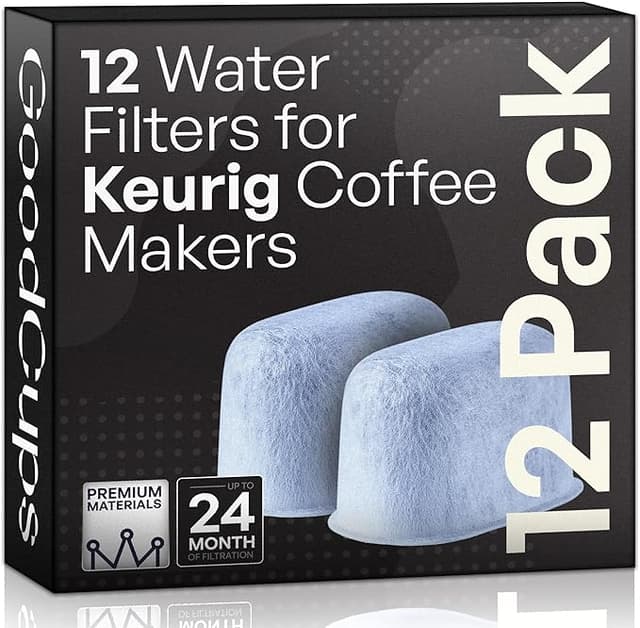
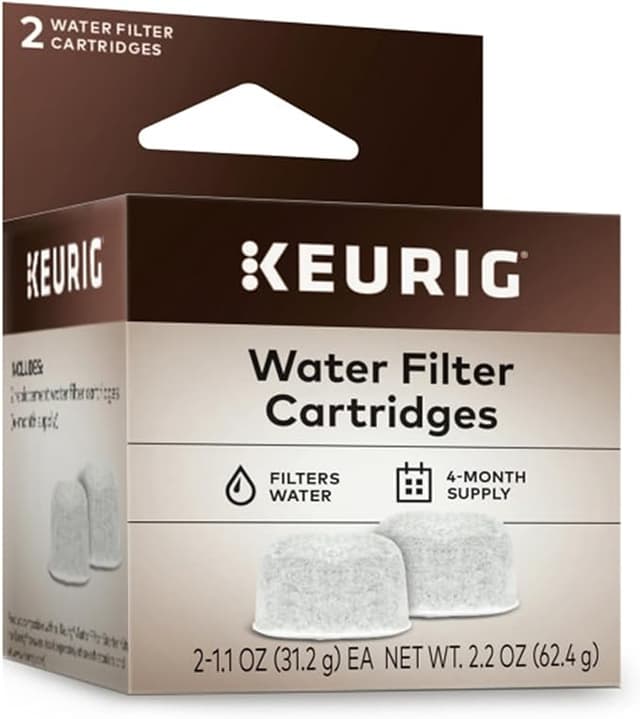
Here's the number that finally got me. A six-pack of Keurig's own water filter cartridges was sitting at around $18 the last time I bought it — call it three bucks a filter. Right next to it, a twelve-pack of the compatible version: a little under $12. That's roughly a dollar a filter against three. Same little puck of charcoal, same job, and I was about to pay triple for the logo molded into the plastic.
I'd been the sucker buying the brand-name ones for two years. Not because I'd compared anything — just because the machine was a Keurig, so I figured the filter had to be a Keurig too, like it was some sealed ecosystem. It isn't. The cartridge that clips into the reservoir holder is about as proprietary as a AA battery.
What you're actually paying for
The math is the whole story here. You're supposed to swap these every two months — that's the schedule, and it's a real one, not a money-grab. Six changes a year. On the OEM cartridges at three dollars a pop, that's about $18 a year just to keep your water clean. On the compatible ones at a dollar each, you're looking at six bucks a year. Twelve dollars saved doesn't sound like a yacht, I know. But the twelve-pack I bought is two years of filters for less than a single OEM six-pack costs. I haven't thought about buying water filters since, and that's the actual luxury.
And the thing the cheap filter is protecting is not cheap. Scale — that crusty mineral buildup from hard water — is what kills these machines. It clogs the needle, gums up the pump, and eventually your $130 brewer is making half a cup of lukewarm coffee with a death rattle. The charcoal cartridge knocks down the chlorine taste and grabs a chunk of the junk before it ever hits the heating element. A dead, saturated filter does none of that, which is the part people miss: skipping the filter to save money is how you end up replacing the whole machine.
Does it actually fit, though
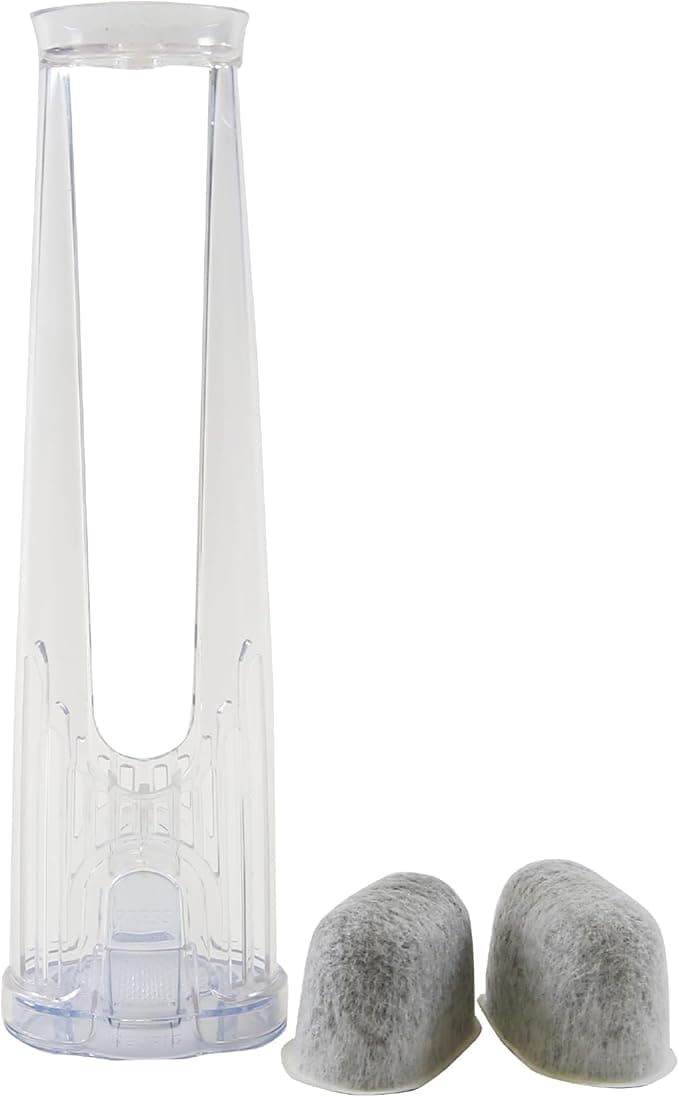
This was my only real worry going in. The compatible cartridge has to clip into the same plastic holder, snap into the bottom of the reservoir, and sit flush so the lid closes. Mine did. I dropped one into the holder, it seated with that same little click, and the reservoir lid shut like nothing had changed.
The install is genuinely a two-minute thing, and you should do one step people skip: soak the new cartridge in a cup of water for about five minutes before you use it. I forgot this the first time and my first two cups tasted faintly of, well, nothing bad exactly — just a slightly flat, papery edge. The soak primes the charcoal and rinses off the loose carbon dust. Five minutes in a glass of water, then slide it into the holder, drop the holder into the tank, done. Don't skip the soak. It's the difference between a clean first brew and a meh one.
One honest fit note: the plastic on the compatible holder clip felt a hair less precise than the OEM. Not loose — it locked in fine — but you can tell the mold tolerances aren't quite as tight. It clicked, it held, it never floated or rattled. But if you're the kind of person who notices that the seam on a knockoff Lego feels slightly different, you'll notice it here too. It does not affect a single thing about how it works. It's just a tell that you bought the $1 one.
The performance, straight
In the cup? I genuinely cannot taste a difference between this and the OEM cartridge. I run a K-Classic-style reservoir machine on city water that's noticeably chlorinated, and the compatible filter pulls that pool-water smell out exactly as well as the brand one did. Coffee comes out clean, no off-flavors, no plastic taste once you've done the soak and run a throwaway cup through.
Where's it a touch behind? Two small places, and I want to be straight about both because a review with zero downsides is a review you shouldn't trust.
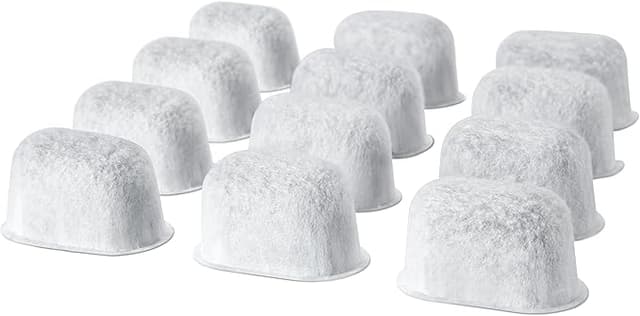
- The packaging is cheap. The OEM cartridges come in those individually sealed pods. My compatible twelve-pack came loose in a single bag, all twelve cartridges rolling around together. They were clean and dry, but it's a worse setup — if your kitchen runs humid, store the spares in a zip bag instead of leaving them in the floppy original packaging.
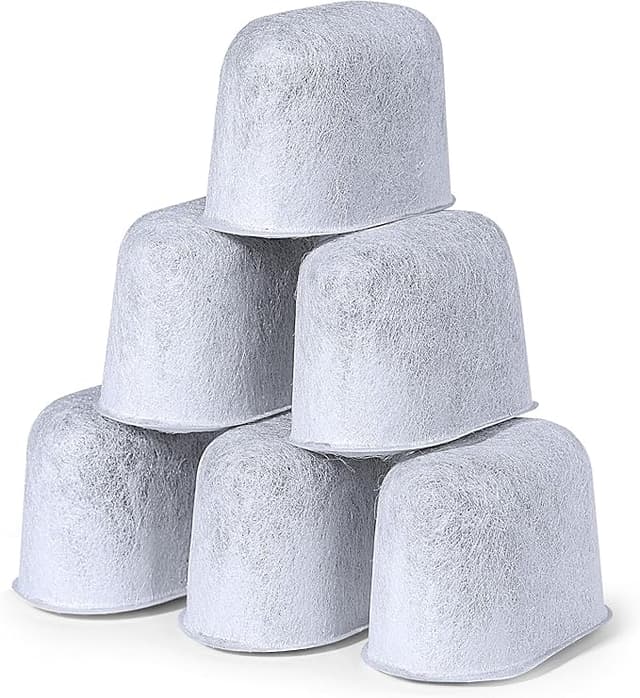
- The charcoal fill looks slightly less dense. When I held a compatible one and an old OEM one side by side under a light, the OEM looked a touch more packed. Does it matter over a two-month cycle? Not that I could measure — the water tasted identical the whole run. But if you're someone who lets a filter ride three or four months past the swap date, the OEM might have a little more margin before it's truly spent. The honest fix is just: actually change it every two months like you're supposed to, and the difference evaporates.
That's the full list of complaints. Looser-feeling clip, baggie packaging, and a charcoal puck that might be a smidge less dense if you abuse the replacement schedule. None of it touched the coffee.
A second thing I noticed after a few months
The other quiet win: descaling. I used to descale my machine constantly because the chlorine-heavy tap water left scale fast. Running the charcoal filter — OEM or compatible, doesn't matter — stretched my descaling interval way out. After four months on the compatible cartridges, my machine's still brewing a full, hot cup with no slowdown, and the inside of the reservoir is noticeably cleaner than it used to get. The cheap filter is doing the expensive job. That's the whole point.
So who should buy what
Buy the OEM cartridges if you're under warranty and you're the anxious type who wants zero variables if you ever have to make a claim, or if you genuinely forget to change filters for months and want that extra density buffer. No shame in it — sometimes paying triple for one less thing to think about is worth it.
For everyone else: I run the compatible ones, I've run them for months across multiple swaps, and the only way I can tell them from the brand cartridge is the slightly cheaper clip and the price on the receipt. Same charcoal, same clean water, same protection for the machine that actually matters — at a dollar a filter instead of three. I bought the twelve-pack, I'm most of the way through it, and when it runs out I'll buy another one without a second thought. That's the most honest endorsement I've got: I already voted with my own money, twice.