Troubleshooting & Analysis
The click is how you know it's seated
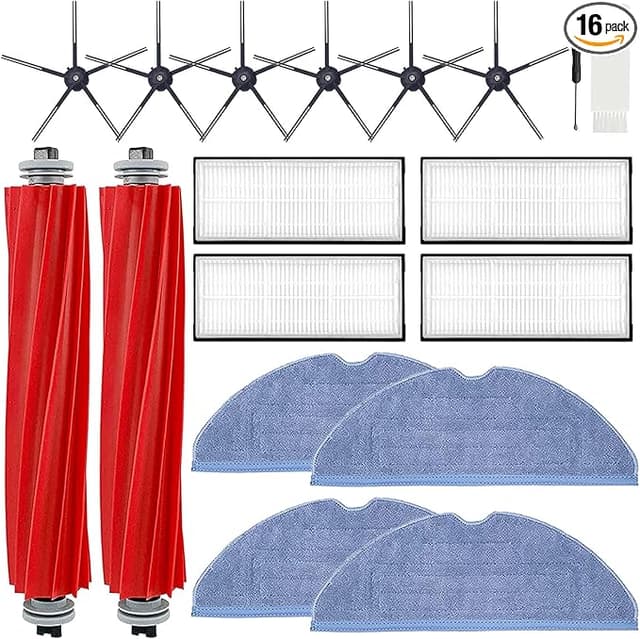
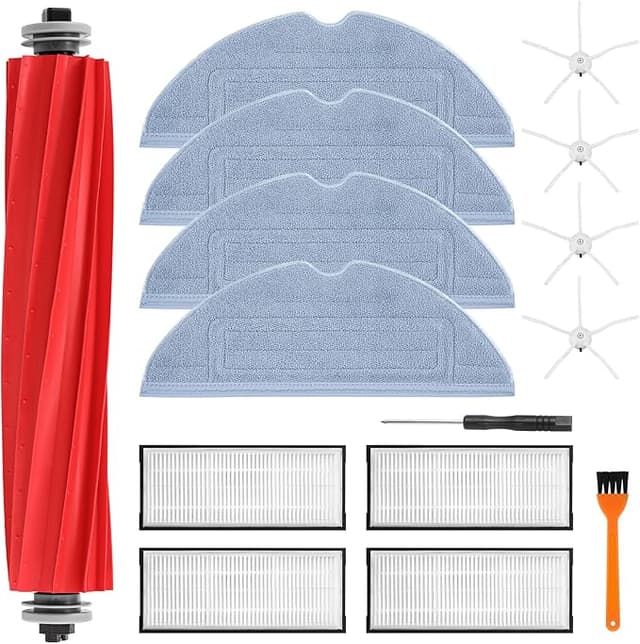
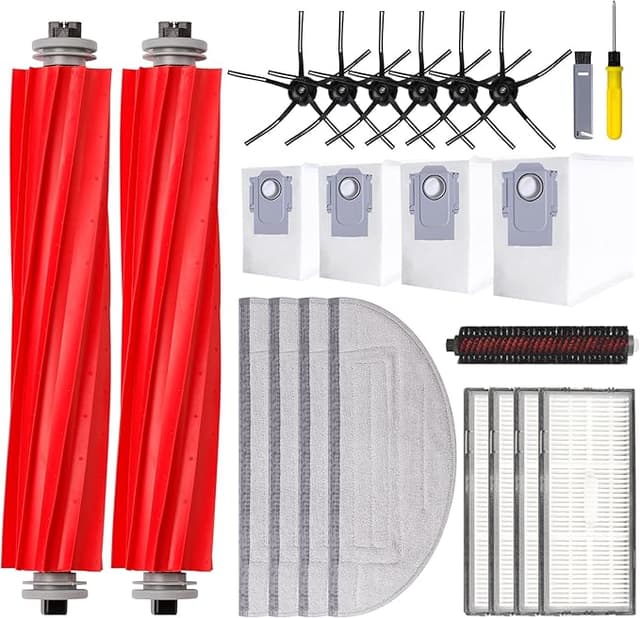
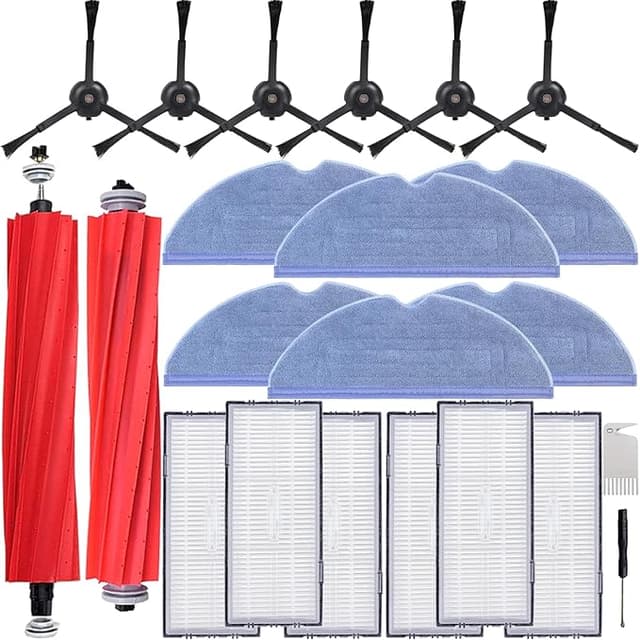
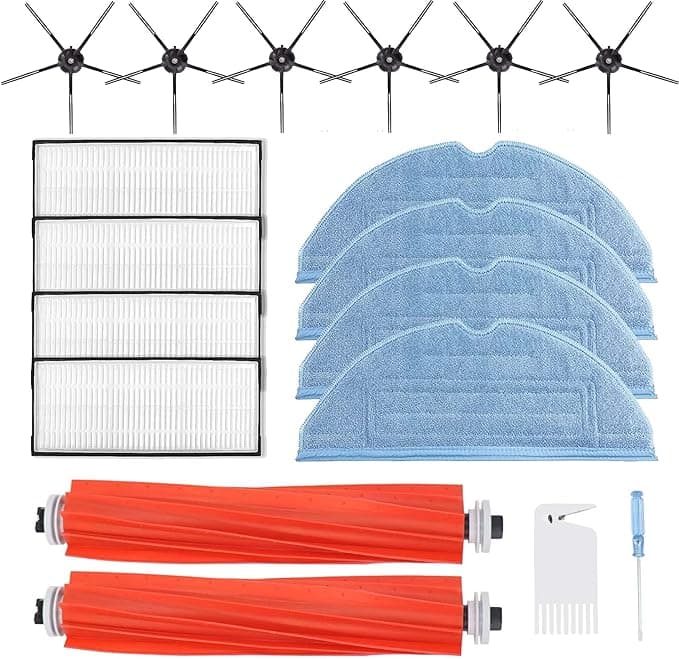
First thing I noticed pulling the new side brush out of the bag was the smell — faint plastic, the kind that fades by day three. Then I pressed the main roller into the S7's housing and got that little click. That click matters. On the S7+ and S7 MAXV the brush bracket snaps with a specific give, and if you don't feel it, the brush rides loose and chatters on hardwood. This compatible kit clicked the same as the Roborock-branded roller I'd been running for a year. Same depth, same resistance. I stood there for a second waiting to be disappointed and... wasn't.
I've been buying replacement parts for these robots long enough to be cynical about it. Roborock's own maintenance kit — roller, side brush, a couple of filters, dust bags, mop pads — runs me around $50 when I buy it through the official channel. This third-party kit was $22. That's not a rounding error. That's nearly thirty bucks a cycle, and on a robot you're servicing two or three times a year, the math gets loud fast.
The annual math, because that's what actually decides it
Here's how it shakes out in my house. I replace the main roller and side brush about every four months — I've got a shedding dog and a kid, so my unit works harder than most. Filters I swap every two months. Mop pads whenever they start looking gray no matter how many times I rinse them. If I bought all of that OEM, I'm spending somewhere north of $120 a year just keeping the thing healthy. With this kit at $22 a pop, I'm under $70. That's a tank of gas and then some, every single year, for parts that — and I went in expecting otherwise — do the same job.
Fit and install: where compatible parts usually trip, this didn't
Installation on the S7 line is genuinely easy, and that's good because it's where cheap kits expose themselves. You power the robot down and flip it. The roller cage pops off with two tabs — no screwdriver needed for the brush itself, despite what some generic instructions claim. The new main roller dropped in flush. The side brush is a single screw; the kit included a spare screw, which the OEM box never bothers to do, and I appreciated that more than I expected to.
The filters seated cleanly into the dustbin slot. The mop pads were the one spot I paused — the velcro backing felt a touch grippier than Roborock's, almost too aggressive, and I had to peel and re-set one to get it square on the plate. Took fifteen extra seconds. Not a dealbreaker, but I'm telling you because it's real.
How it actually performs — honest version
Suction pickup on hard floors and low-pile rug: I can't tell the difference from OEM, and I looked. The roller grabbed dog hair off the kitchen tile on the first pass same as always. The HEPA-style filter slotted in and the airflow note from the motor sounded identical — no whine, no change in the empty-dock vacuum pull on the S7+ base.
Where it's a hair behind: the mop pads. After about six weeks of near-daily mopping, the compatible pads started thinning at the edges a little faster than the Roborock ones did. Still functional, still leaving a clean floor, but I could see them aging quicker under the same use. So I treat the pads as the consumable-within-the-consumable. Doesn't bother me at this price — I'd rather replace a $22 kit's pads early than pay OEM for the privilege of slightly tougher fabric.
The downside, said plainly
The packaging is cheap. Thin poly bags, no molded tray, a folded instruction sheet with slightly-off English. None of that touches performance, but if unboxing reassurance is part of why you pay OEM, you won't get it here. And there's the break-in smell I mentioned — three days of faint plastic before it disappeared. If you're sensitive to that, run the robot with a window cracked the first couple of cycles.
The other honest caveat: tolerances on the brush frame are a whisper looser than factory. Not enough to rattle in mine, but I've seen third-party parts where "close enough" wasn't, so seat it firmly and listen for that click. If it clicks, you're fine.
Why keeping these fresh isn't optional
A clogged filter and a matted roller don't just clean worse — they make the motor work harder, and on a sealed unit like the S7 MAXV that's how you cook the fan over time. A saturated filter also stops trapping the fine dust and dander it's supposed to, which is the whole point if anyone in the house has allergies. The reason I service mine on schedule isn't fussiness. It's that a $22 kit on time is a lot cheaper than a dead robot.
The verdict
Buy OEM if you mop daily and want the pads to last every last week, or if you simply won't sleep unless the box says Roborock. That's a real reason and I won't argue you out of it.
For everyone else — and that's most of us — this is the one I grab. It clicks in right, it pulls hair like the original, it saves me close to thirty dollars a service, and the only thing it asks in return is that you change the mop pads a touch sooner and tolerate three days of plastic smell. I've bought it twice now. I'll buy it a third time without thinking about it.