Troubleshooting & Analysis
I stood in the parts aisle of my own browser tab for twenty minutes
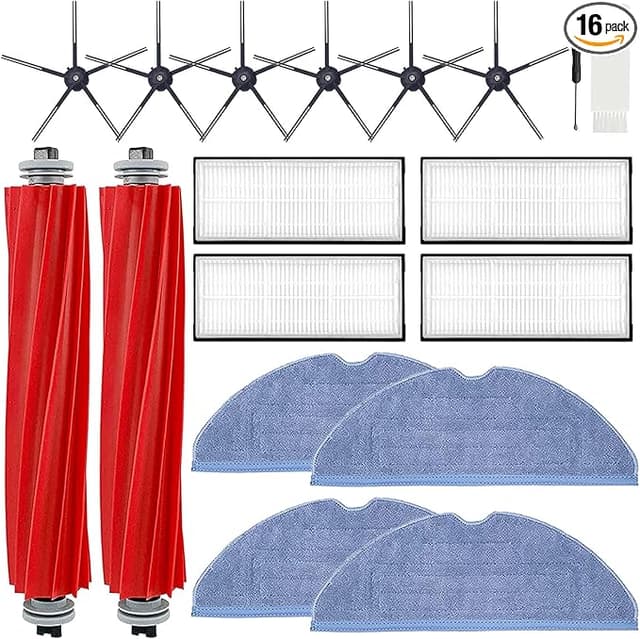
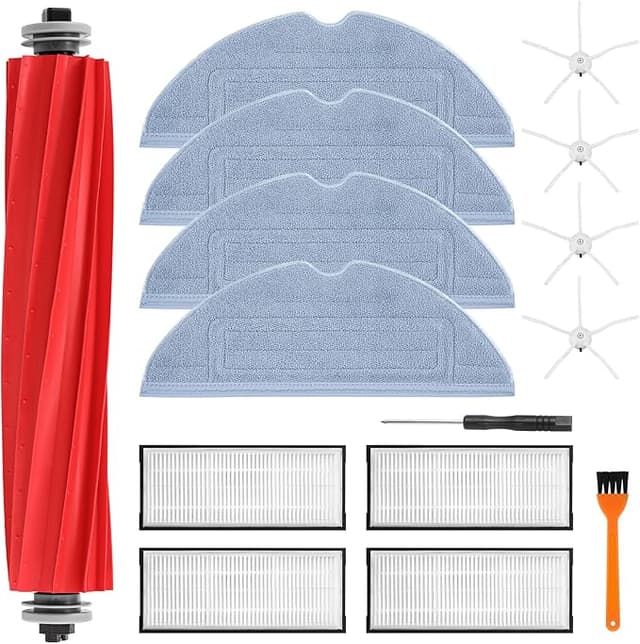
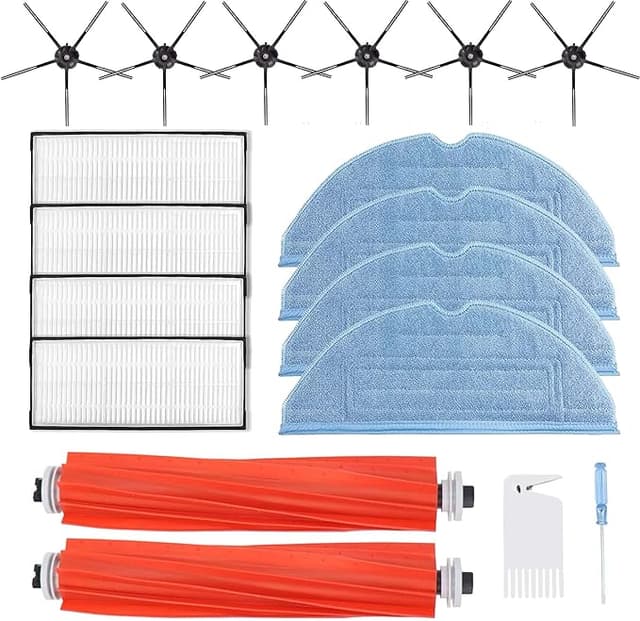
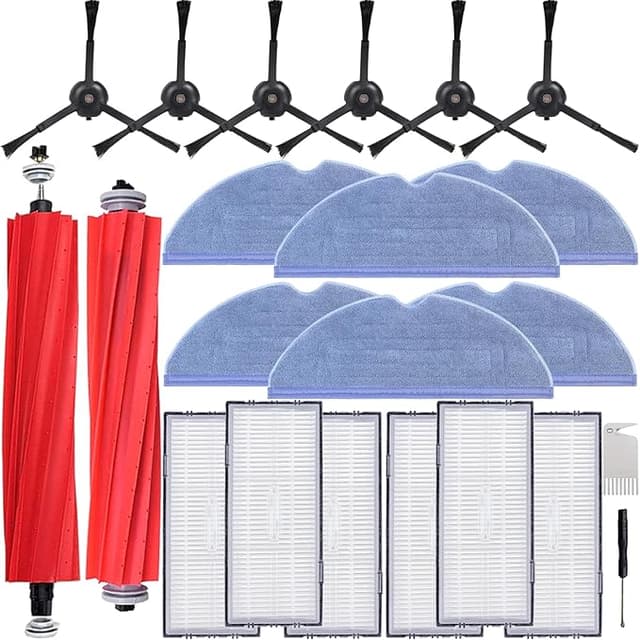
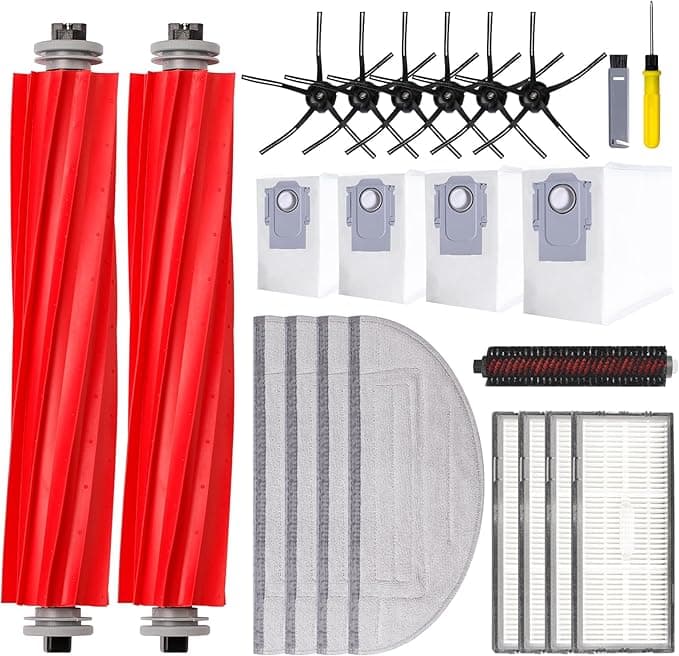
Two carts, side by side. One had the official Roborock S7 MAXV maintenance kit sitting at around $55. The other had a generic set — same brushes, same mop pads, a couple of filters and dust bags — for $22. Thirty-three dollars between them. And I just sat there, cursor hovering, doing the thing everybody does: imagining the generic stuff jamming up my robot and me having to buy a whole new $600 vacuum because I tried to save the cost of a sandwich.
I'd already been burned once on a cheap cable for a different gadget, so the nervousness was earned. But I'd also been paying Roborock's prices for two years and I was tired of it. So I bought the generic kit. Then I actually used it, in my apartment, on real dog hair and real kitchen-floor crumbs, for months. Here's what happened.
The math that made me click "add to cart"
The S7 MAXV is a wear-part machine. The side brush frays. The main roller brush collects hair like it's its job — because it is. Mop pads get gross. Dust bags fill. If you run it as often as I do (basically daily, two cats and a dog), you're cycling these parts roughly every two to three months whether you like it or not.
So this isn't a one-time $33 decision. Run the OEM kit four times a year and you're looking at something like $220 annually just to keep the thing fed. The generic route, at roughly $22 a pop, lands closer to $88 for the same year of coverage. That's over a hundred bucks a year, on a robot that already cost me a small fortune. Said plainly: the consumables can quietly out-cost the machine if you let the OEM price ride.
Fit and install — the part I was most scared of
This was the make-or-break for me. A side brush that's a millimeter off, or a mop pad that doesn't sit flat, and you've got a robot that wobbles or smears water everywhere.
I powered the unit off and pulled it off the dock first — do that, genuinely, because a S7 MAXV that decides to start a cleaning run while your hand is under the brush is startling. The old side brush popped off its little post. The new generic one clicked right onto the same post. No screwdriver needed for that part, though I kept one nearby for the main brush bearing cap like the instructions suggest. The main roller dropped into its cradle and the end caps seated with that small, satisfying snap you're listening for.
The mop pads use the same hook-and-loop backing, and they grabbed the plate fine. Dust bag slid into the base station clip without fighting me. Honest verdict on fit: it seated correctly, all of it, first try. I didn't have to shave anything down or force a part.
How it actually cleaned
For suction and pickup, I genuinely could not tell you in a blind test which brush was on the robot. The generic main brush grabbed hair and grit the same as the factory one. Mopping with the aftermarket pads left my tile just as clean — the S7 MAXV's vibrating mop does most of that work anyway, the pad's just the contact surface. Performance, the thing you actually care about, was a wash. Even.
Where it's a touch behind: the side brush bristles on the generic set feel a hair softer. On bare floor, no difference. But pulling debris out of the deep corner where my baseboard meets the cabinet, the OEM brush was maybe slightly stiffer and flicked stuff out a beat better. We're talking small. I noticed it because I was looking for it.
The downsides — and there are real ones
Let me not sell you a fairy tale.
First, the packaging is cheap. Thin plastic bags, no fancy molded tray, one of the dust bags had a slightly crumpled corner. It didn't affect function, but if unboxing matters to you, this feels like the budget option because it is.
Second — and this is the one I'd actually flag — the mop pad lifespan ran a little shorter for me. The OEM pads I'd get maybe ten or twelve good washes out of before the backing started pilling. The generic ones I'd swap a couple washes sooner. Given they cost a fraction as much, I genuinely don't care, but I want you to know the per-pad longevity isn't identical. You're trading a bit of durability for a big chunk of money.
Third, quality control across a generic batch is less locked-down than a brand kit. Out of the brushes and pads I went through, every one worked — but I treat these as "inspect before installing" rather than "trust blindly." Look the part over, make sure the bristles are even and the pad backing is fully attached, and you'll catch the rare dud in two seconds.
Why you can't just skip the swap
Worth saying, since the cheap price tempts people to stretch parts way past their life: a frayed side brush stops sweeping into corners, a hair-choked main brush drags down suction, and a saturated dust bag means your robot is basically pushing dirt around instead of collecting it. That's not just a dirty floor — a clogged system makes the motor work harder, and over time that's how you actually kill a robot vacuum. The whole point of these consumables being cheap is that you replace them on schedule without flinching. Cheap parts you'll actually swap beat premium parts you ration.
So — OEM or this?
Buy the Roborock OEM kit if you're still under warranty and you're the type who worries a third-party part could give a pushy support rep an excuse to deny a claim. That's a legitimate reason, and I won't talk you out of it. Same if you simply want the absolute longest pad life and the dollars don't move you.
For everyone else — for me — the generic kit is what I keep buying. It fit right, it cleaned the same, the only real cost was slightly shorter mop-pad life and uglier packaging, and it saved me over a hundred dollars across a year of running this robot into the ground. I stood in that aisle nervous about $33. Months later, I've reordered the generic set twice without a second thought. That's the most honest endorsement I've got: I voted with my own wallet, again.