Troubleshooting & Analysis
The day my Roborock started smelling like a wet dog
Four months in, I noticed the S7+ was leaving the living room smelling faintly... off. Not dirty exactly. More like the air it pushed out had been sitting in a gym bag. I didn't connect it to the filter at first — I figured the mop pad needed a wash. Then one night the dock fan kicked into that strained, high whine it makes when it's working too hard, and the little app threw me a "filter" reminder I'd been swiping away for weeks. I popped the lid, pulled the filter, and there it was: a gray-brown felt of fine dust packed so deep into the pleats that I could barely see the white underneath. Squeezing it sent up a little puff. That was the smell. I'd been breathing my own re-circulated floor dust for a month.
That's the thing nobody tells you about a robot vacuum filter going bad — it doesn't announce itself. The suction just quietly drops, the motor runs hotter to compensate, and the whole machine ages faster than it should. A choked filter is the cheapest way to kill an expensive vacuum. So I went looking for a replacement, and that's where the price thing hit me.
The OEM math that made me pause
Roborock's own replacement filter for the S7+/S7 MAXV runs about $19 for a single. The vacuum wants a fresh one roughly every two to three months if you've got pets or run it daily like I do. Do that honestly across a year and you're looking at four or five filters — call it $80 to $95 a year just on a piece of pleated paper and plastic frame. For a part that, mechanically, is not complicated.
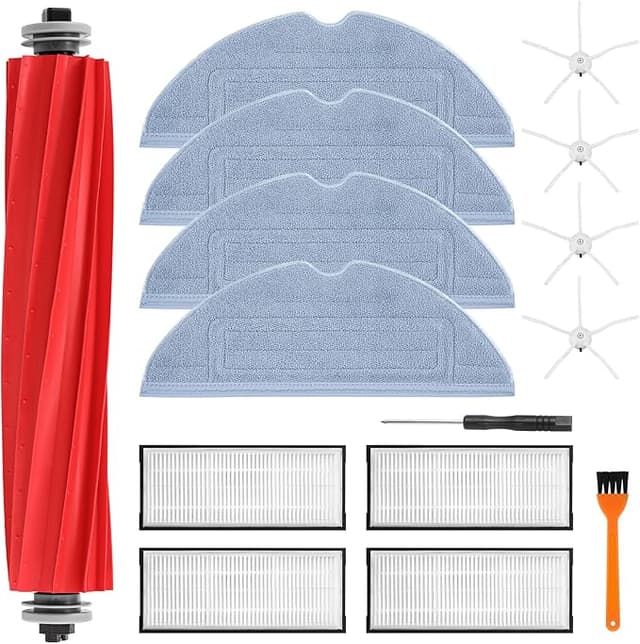
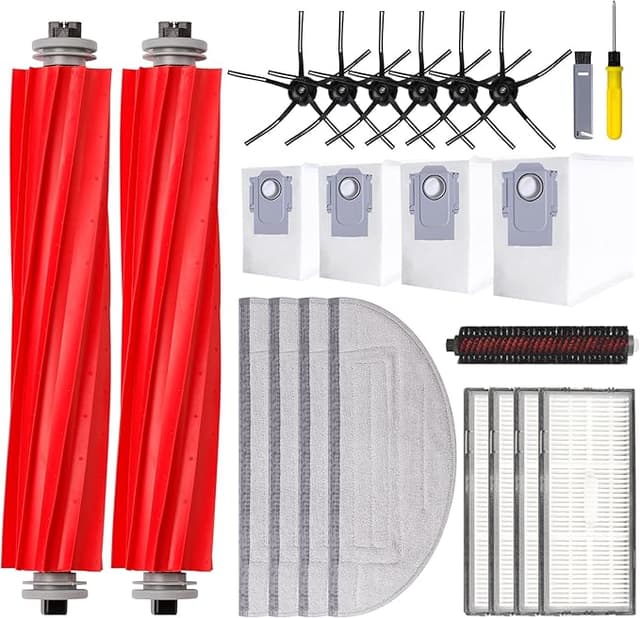
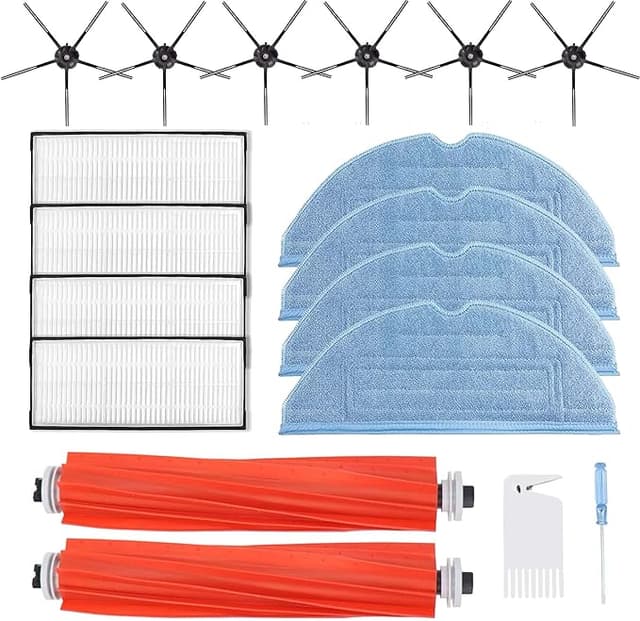
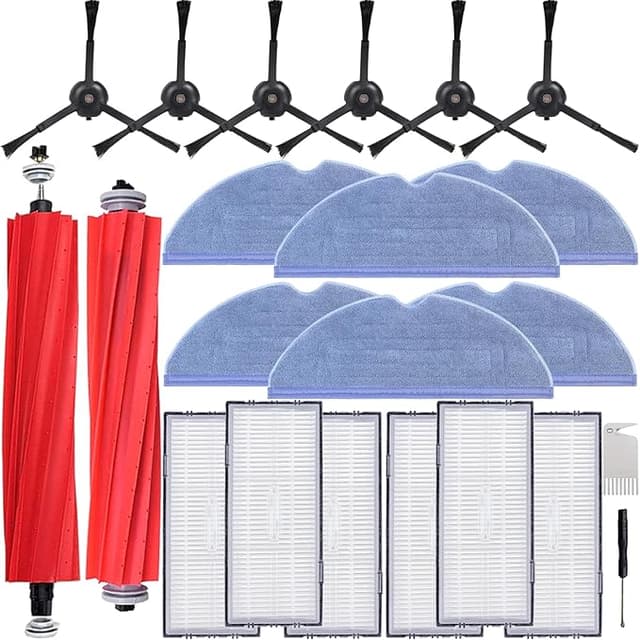
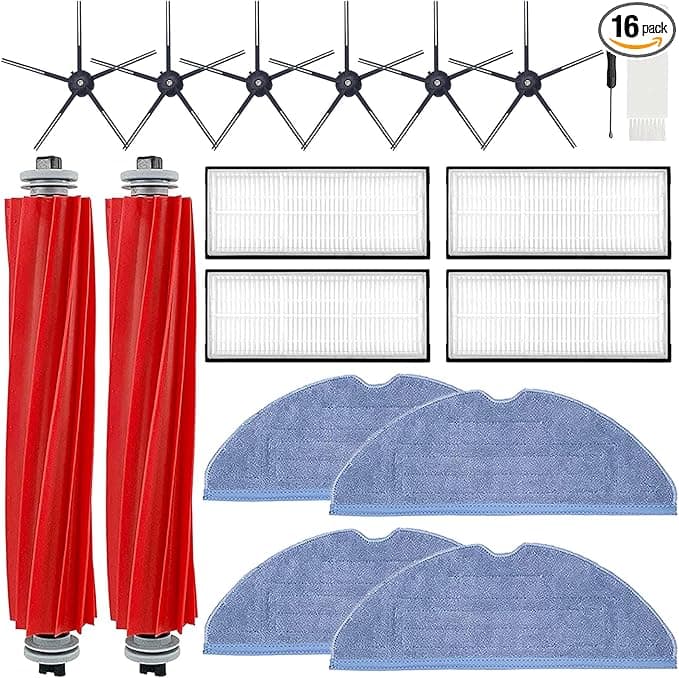
The compatible version I landed on came as a 4-pack for around $14. That's roughly $3.50 a filter against the OEM's $19. Same fitment, same job. Over a year that's the difference between spending $90 and spending maybe $14 to $18. I'll be honest — when the gap is that wide, my first instinct is suspicion, not excitement. Cheap filters in a machine that pulls fine dust all day is exactly where corners get cut. So I didn't trust it. I bought one pack to test it, fully expecting to write a "just pay for OEM" review.
Fit and install — does it actually seat?
Installing it is genuinely a two-minute job, and the compatible filter didn't fight me. Power the unit off and unplug it first — I know that sounds overcautious for a vacuum, but you're sticking your fingers into the dustbin area and there's a brush motor right there. The filter compartment on the S7+/S7 MAXV is on the dustbin itself; you pull the bin, press the little tabbed latch, and the old filter lifts straight out. Note which way it faces before you yank it — there's a rubber-gasket side that points outward.
The new one dropped in with a soft click and the gasket sat flush. Here's where I'll give you the honest nitpick, because there is one: the frame on the compatible filter is a hair less rigid than the OEM. When you press it home, the OEM gives you this confident, solid snap. The aftermarket one seats fine — it's not loose, it doesn't rattle, the bin closes flush over it — but the plastic feels a touch thinner under your thumb. The first time I installed one I pulled it back out just to double-check it wasn't going to wobble loose mid-clean. It didn't. Four months and probably ninety runs later it hasn't budged. But that first-install confidence? OEM has it, this doesn't quite. If you're the type who needs the reassuring snap, that's a real thing you'll notice.
How it actually performs
This is the part that flipped me. Suction off a fresh compatible filter felt indistinguishable from a fresh OEM one — and I tested it the dumb, practical way, by sprinkling a measured spoon of flour on hardwood and watching the pickup on a single pass. Both cleared it. The dustbin filled at the same rate over the following weeks, which tells me the filter media is catching the fine stuff and not just letting it blow back into the room. No return of that gym-bag smell, either, which was my real worry.
Where's it a touch behind? Longevity, maybe. The OEM filter felt like it held its airflow a week or two longer before the suction started to dip — the compatible one I rotate a little sooner, every two months instead of stretching to three. But at four filters for $14, rotating more often is not a hardship. I'd rather swap a $3.50 filter early than baby a $19 one.
The downsides, said plainly
Let me give you the full list so you're not surprised. One: the packaging is cheap — thin plastic sleeves, no individual wrap, and on my first pack two of the four filters had a slight bend in the frame from shipping. They flexed back fine and seated normally, but it doesn't inspire confidence when you open the box. Two: there's a faint plastic-and-paper smell off a brand-new one, the kind you get from anything freshly molded. It aired out after the first day of running and I haven't smelled it since, but day one, it's there. Three, the one I already mentioned: the frame's a little thinner than OEM, so handle it with slightly more care on install and don't crush the pleats when you're brushing it out.
And do brush it out — a quick tap and a soft-brush sweep between swaps keeps the airflow up. These are listed as washable, and you can rinse them, but cold water only and let them dry fully for 24 hours before reinstalling. A damp filter back in the bin is how you grow the exact mildew smell that started this whole saga for me.
Who should skip it
If your S7 MAXV is still under warranty and you're worried a third-party part could give the manufacturer an excuse to deny a claim, buy the OEM filter and don't think twice — $19 is cheap insurance on a machine that costs hundreds. Same if you genuinely can't be bothered to swap a couple weeks sooner and you want the absolute longest interval between changes. For those folks, pay up.
For everyone else — and that's most people — I run the compatible ones in my own unit and I've reordered them twice now. The fit is right, the suction holds, the air doesn't stink, and the cost difference over a year is real money for a part that's doing the identical job. The frame's a little thinner and the box is ugly. I do not care, honestly. Fourteen bucks versus ninety, same clean floors — I grab the cheap ones, and I'll keep grabbing them.