Troubleshooting & Analysis
I paid $24 for a brush. A roller of bristles. Twenty-four dollars.
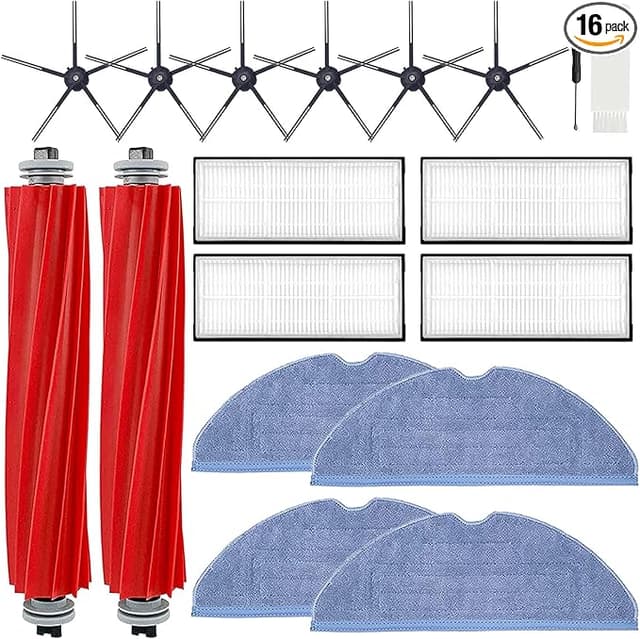
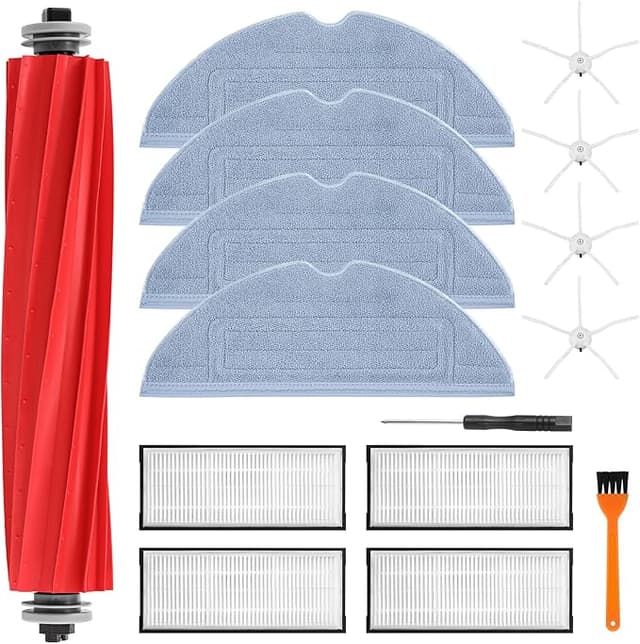
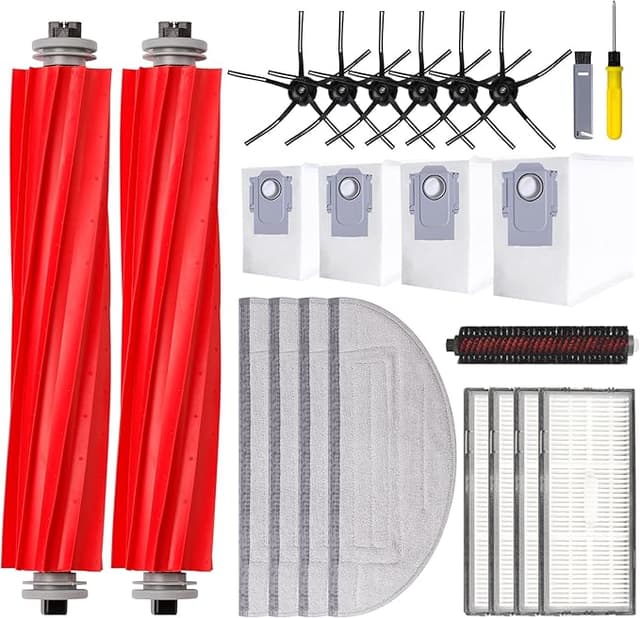
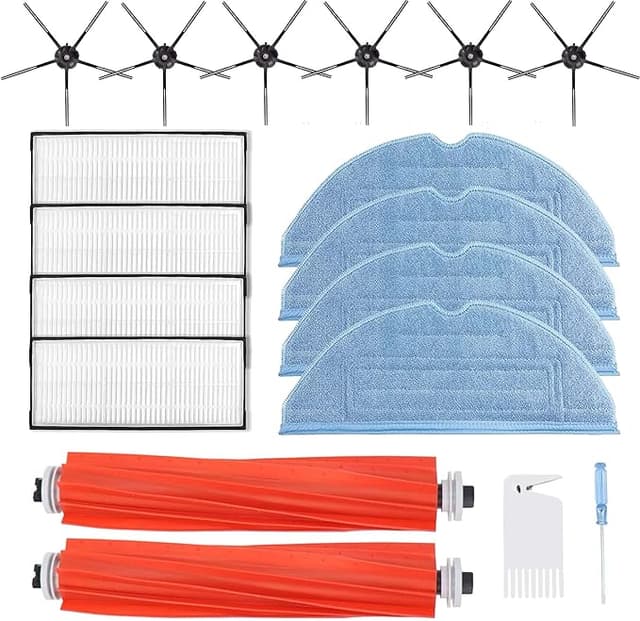
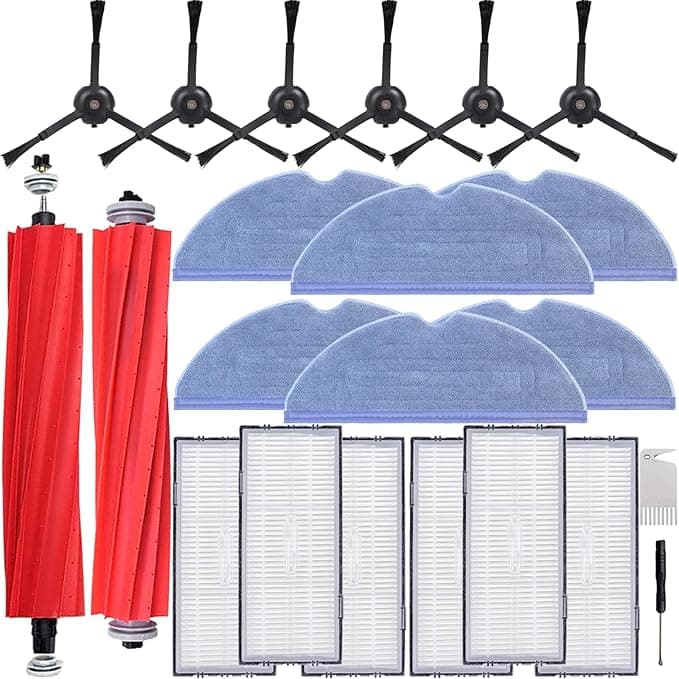
That was the moment I started buying compatible. My S7+ flashed the maintenance reminder, I clicked through to the Roborock store for a replacement main brush, and there it sat — somewhere north of twenty bucks for a single roller that, let's be honest, is a plastic core wrapped in fins and bristle. I bought it that first time because I was nervous. Second time around I found a compatible main brush for about $11, ordered two so I'd have a spare, and paid less for the pair than I'd paid for one OEM. That's the whole story in one sentence: same job, roughly half the money, and I've now run the cheap ones through my S7 MAXV for the better part of a year.
So let me tell you what that actually looks like day to day, because the price gap only matters if the thing works.
The annual math nobody puts on the box
Roborock says swap the main brush every 6 to 12 months depending on how hard you run it. I've got a dog and a house that's mostly hard floor with a couple of rugs, so I'm on the aggressive end — call it twice a year. At OEM prices that's roughly $48 a year just for main brushes, before you even touch side brushes or filters. On compatibles I'm spending around $22 for the same two swaps. Twenty-six bucks a year saved on one wear part. Stack that across the side brush and the filter and the mop pads and the OEM "maintenance kit" math gets genuinely silly. You're not paying for engineering at that point. You're paying for the logo printed on the end cap.
Does it actually seat right?
This was my real worry. A main brush that sits a hair proud, or doesn't lock into the bearing cap cleanly, will rattle, throw an error, or chew itself up in a week. So here's exactly how the swap went. Flip the robot over, pop the brush guard — it's the frame with the two little tabs, lifts straight off, no tools on my S7+. Old brush lifts out of its cradle, and you'll notice the floating end has a colored cap that pulls off. That cap moves over to the new brush. New roller drops in, cap end first into the bearing, then the squared drive end clicks down into the motor coupling. Guard snaps back. Two minutes, maybe three if you stop to clean the hair tornado wrapped around the axle while you're in there.
The compatible brush seated. It clicked. No error. I'll give you the honest caveat though — the fit on mine was a touch firmer going in than the OEM, like the squared drive end was molded a few thousandths fat. I had to press it down with a real push rather than the OEM's drop-and-done. It went, it locked, it's spun fine ever since. But if you're the kind of person who panics when something needs a firm seat, that first install will make you sweat for about four seconds.
How it cleans, told straight
On hard floor I genuinely cannot tell you which brush is in the machine. Pickup is the same, the bin fills the same, the robot doesn't sound different. Where I'd give OEM a slight edge is deep in carpet pile after a few months of wear — the compatible bristles felt like they softened a little sooner, lost a bit of that stiff "rake" that drags out the embedded grit. Not dramatically. We're talking the difference between a brush at 90% and a brush at 100%, and only on the rug, and only once it was past the half-year mark. On the floors that make up most of my house? Dead even.
Hair wrap, which is the thing that actually kills these brushes, was about equal. The aftermarket fins still funnel long hair toward the end where it bunches, and I still have to cut a wad free every few weeks. That's not a knock on the compatible — that's just how every spiral main brush in this category behaves. Anyone who tells you a $24 brush magically doesn't tangle hasn't owned a dog.
The downsides — and there are real ones
Let me earn your trust by not pretending these are perfect.
- The bristle quality is a step down. Out of the bag, a couple of bristle rows on one of mine were slightly uneven — a few strands longer than their neighbors. It didn't affect cleaning that I could measure, but hold it next to an OEM and the OEM is more uniformly trimmed. You can feel the cost-saving in the fingertips.
- Lifespan runs a little shorter. My honest read is the compatible gives me maybe 80–90% of the OEM's useful life before the bristles splay and pickup drops. Since it costs less than half as much, that's still a win on cost-per-month — but if you hate swapping parts more often, factor it in.
- Packaging and consistency are hit-or-miss. One order came in a proper box, another came in a flimsy bag with the end cap rattling loose. Both brushes were fine. But there's a clear "we spent nothing on presentation" vibe, and once in a while you'll get a roller that needs that firmer press to seat. Quality control is good, not OEM-tight.
- Faint plastic smell at first. Brand new, the core had a mild plastic odor for the first day of running. Gone by day two. Worth a mention if you're sensitive to that.
Why I don't let it ride past the reminder
Here's the part that's easy to ignore until it bites you. A worn main brush doesn't just clean worse — it makes the motor work harder. When the bristles flatten and stop lifting debris cleanly, the robot drags the same dirt around and the suction path stays loaded, and you can hear it laboring on carpet. Run that long enough and you're risking the brush motor or the bearing, which is a repair that costs many, many times what a brush does. So whichever brand you buy, swap it on schedule. The whole reason I'm comfortable going compatible is that it's cheap enough that I actually replace it on time instead of squeezing another three months out of a tired OEM roller because it stung to pay for it.
Who should buy OEM — and what I personally grab
If your S7 MAXV runs mostly thick carpet and you want that last sliver of deep-pile rake, or you simply don't want to think about parts and would rather pay the premium for the longest possible interval, buy the OEM brush. No shame in it. It's a touch better made and it'll last a little longer.
But me? Hard floors, a couple of rugs, a dog, and a reminder that goes off twice a year. For about $11 a brush doing a job I genuinely can't distinguish from the $24 part on the surfaces that matter — I grab the compatible, I keep a spare in the drawer, and I swap it the day the light comes on. I've done it through a full year on my own machine and the robot is running exactly as it should. That's not a pitch. That's just where my money goes.