Troubleshooting & Analysis
The Tuesday I stood in the pet-supply aisle doing math on my phone
It came down to this: a genuine Roborock maintenance kit sitting in my cart at one price, and a generic set — same brush, same mop pads, same little dust bags — at about half that. I'd already killed the original side brush on my S7 MAXV (cat hair, a rug fringe, my own laziness about emptying the bin), and the OEM replacement kit Roborock wanted was running close to $45 for the full set. The generic one? Around $22. I sat there in the aisle for a solid two minutes, thumb hovering, doing the thing we all do — is the cheap one going to gum up a $700 robot?
I bought the generic. I've now run it across three rooms, a kitchen with tile, and one very shed-prone tabby for about five months. Here's the honest version.
The price gap is the whole story — so let's be specific
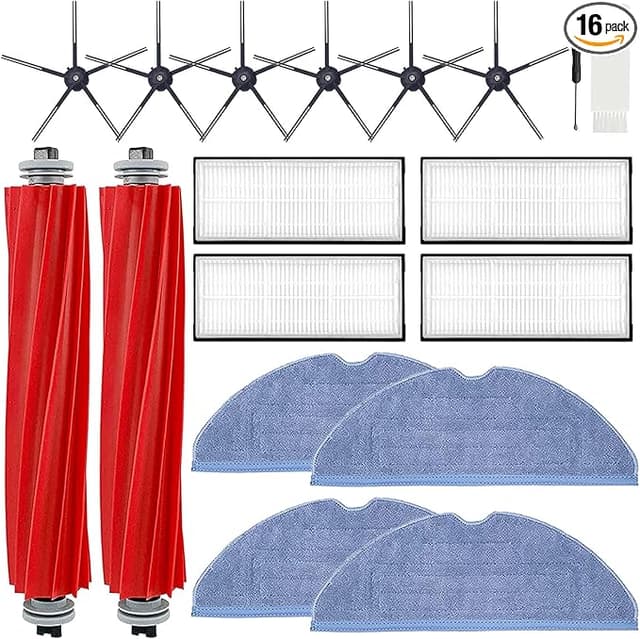
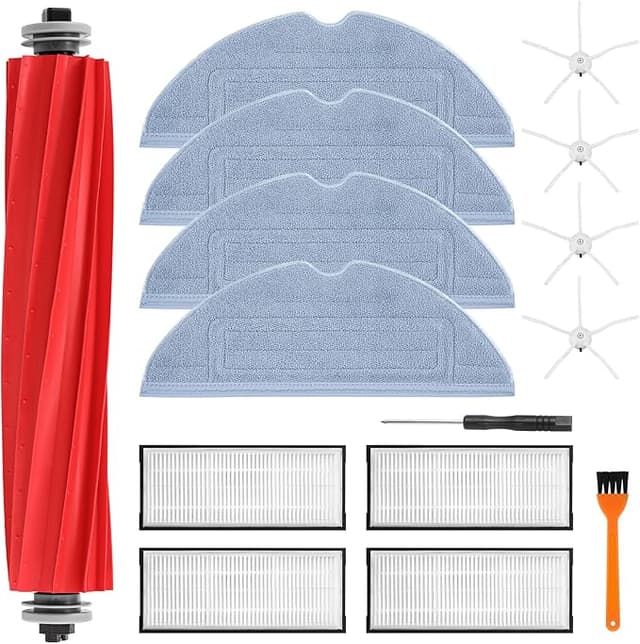
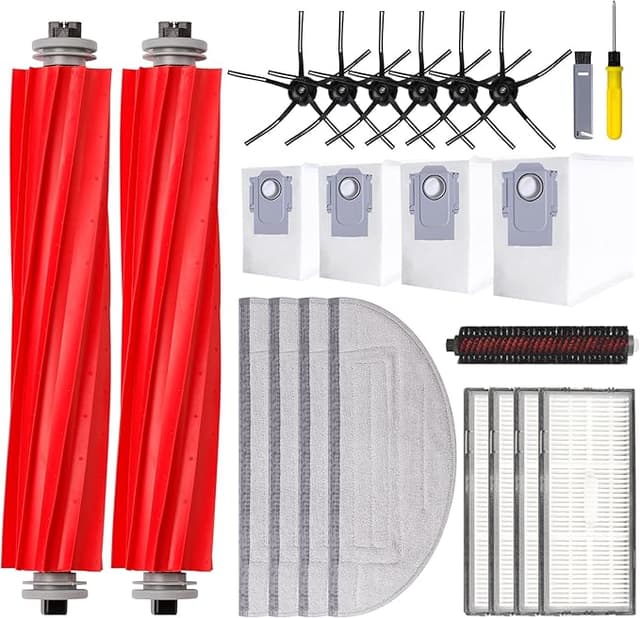
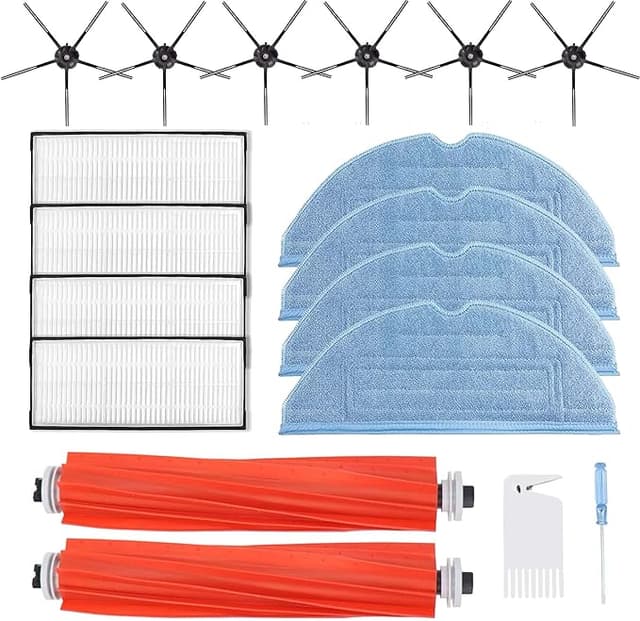
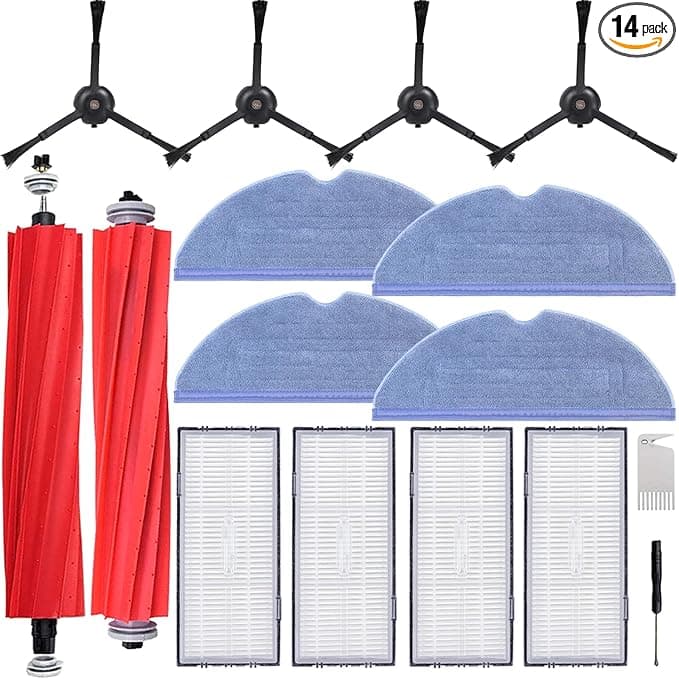
A robot vacuum isn't one filter. It's a little ecosystem of wear parts: the main roller brush, the spinning side brush, the washable mop pads, the HEPA-style filter, and the dust bags for the dock. Roborock sells these as a bundle, and the bundle is where they get you. Replace everything on the OEM schedule with genuine parts and you're looking at roughly $40–$50 a pop, two or three times a year if you run the thing daily like I do. That's real money on top of what the robot already cost.
The generic set I grabbed covered the same parts for a little over $20. Call it a $20–$25 gap per refresh. Over a year, running it hard, that's the difference between spending maybe $120 on consumables and spending closer to $60. I'd rather keep the sixty bucks.
And before anyone asks — no, the cheap parts didn't void anything that matters. These are consumables. You're meant to throw them out. The robot doesn't know or care who made the mop pad it's dragging around.
Fit and install: does the generic stuff actually seat right?
This was my real worry. A robot vacuum's brushes have to click into specific release tabs, and the mop pads ride on a mount that either grips or it doesn't. So I went slow the first time.
Powered it off, flipped it over on a towel. The old main brush pops out by squeezing the two release tabs on the bearing cap and lifting — same as always. The generic main brush dropped into the compartment and clicked home with that same little snap the original had. No screwdriver needed on my unit, though I had one ready. The side brush is just a single screw or a press-fit peg depending on your model; mine pressed on, spun freely, no wobble.
The mop pads were the one place I felt the price. They attach by Velcro to the mounting plate, and the generic Velcro is a hair less aggressive than Roborock's — I pressed each one down with my thumb and gave it a tug to be sure. They've held fine through dozens of wash-and-reuse cycles, but I do re-seat them maybe once a week out of paranoia. The dust bags slid into the dock collar and sealed with no fuss.
Total install time, including me being careful: under five minutes. The second time, two.
How it actually cleans — and where it's a touch behind
Suction-side, I genuinely can't tell the difference. The main brush picks up the same nest of cat hair, the side brush flicks debris out of corners the way it should, and the filter traps the fine stuff — I checked the bin after a week and it was full of the gray dust you'd expect. Mopping on the generic pads leaves my tile clean enough that I stopped noticing.
Where it's slightly behind: the generic main brush bristles feel a touch softer, and I think that's why it sheds its own fuzz a little faster than the OEM did. After about four months mine was visibly more worn than the original was at the same point. Not failing — just aging quicker. The filter, too, I'd swap a bit sooner than the printed interval rather than push it to the limit, because the media feels marginally thinner when you hold the two side by side.
The downside, said plainly
Let me not soft-pedal this. There are two real catches.
First, the packaging is cheap and the first mop pad I unwrapped had a faint plastic-and-glue smell for the first day or two of use — gone by day three, but it was there. If you've got a sensitive nose, run the robot once with a window cracked before you trust your first impression.
Second, lifespan. The generic parts do the job, but they don't quite go the distance the OEM ones do. My honest read is you might replace the generic main brush a little more often. But here's the thing — even buying generics more frequently, you're still well under the OEM cost. I'd have to burn through nearly two generic sets to match the price of one genuine kit, and I'm not coming anywhere close to that pace.
There's also the quality-control lottery. I got a good set. The Velcro grips, the brush clicks, it all fit. But generics vary batch to batch more than OEM does, so check your pieces on arrival and don't toss the packaging until you've confirmed everything seats.
Why you actually can't skip this
Skipping replacement isn't an option I'd recommend, OEM or generic. A clogged filter and a matted, worn brush don't just clean worse — they make the motor work harder, push fine dust back into your room, and turn a robot that's supposed to help your allergies into one that's stirring them up. A saturated dust bag does the same in the dock. I learned to feel the difference: a fresh brush and filter, and the whole apartment smells less like "vacuumed" and more like nothing at all, which is the point.
The verdict — who should buy what
If your S7 is under warranty and you're the kind of person who wants zero variables — buy the genuine kit, pay the premium, sleep easy. Same if you run a heavy-duty home where the robot is on for hours daily and you want the absolute longest part life. That's a legitimate call.
But for me — one apartment, one shedding cat, daily runs, and a real distaste for paying $45 when $22 does the same job — the generic set has been the easy choice. It fit, it cleaned, it had one mild smell and a slightly shorter lifespan, and it still saved me real money every single cycle. I'm on my second generic refresh now. That's the most honest endorsement I can give: I bought it again, with my own money, knowing exactly what I was getting.