Troubleshooting & Analysis
Standing in the kitchen with two carts open on my phone
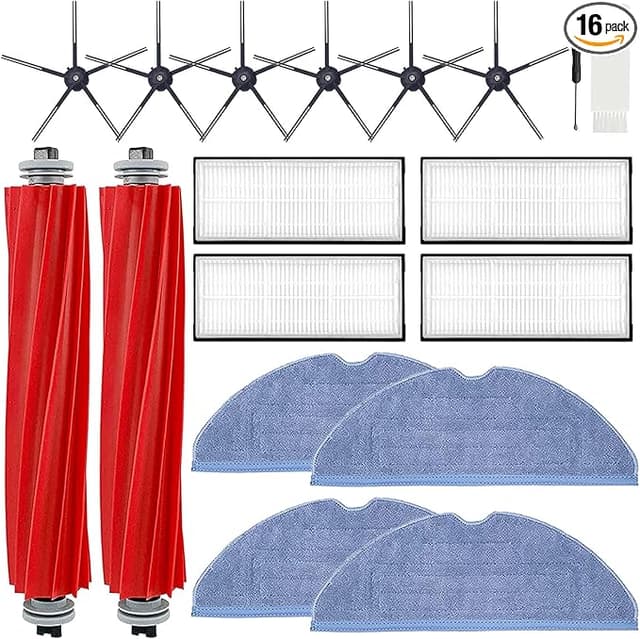
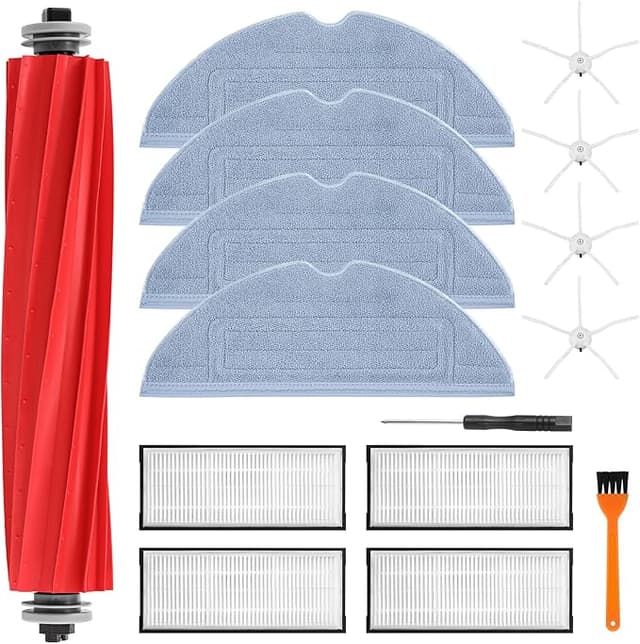
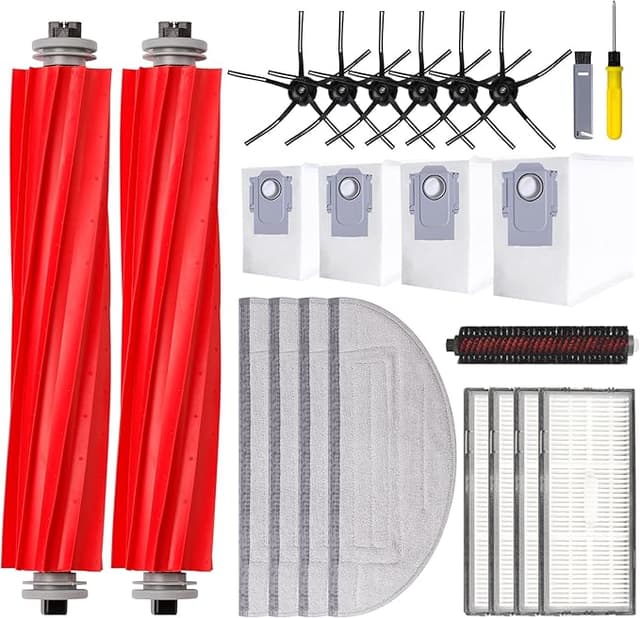
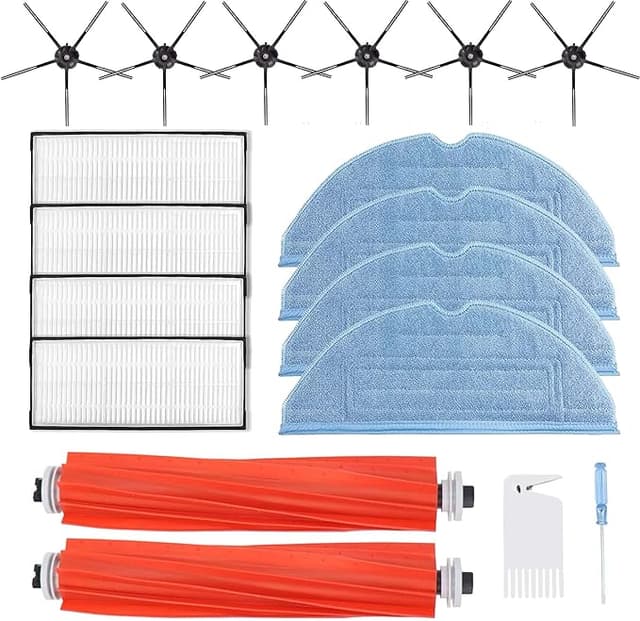
I had the official Roborock accessory kit in one browser tab and a generic one in the other, and I sat there at the counter doing the math like a cheapskate. The OEM kit — side brush, main brush, filters, a couple of mop pads, a pack of dust bags — was running me about $52. The generic bundle with basically the same contents? $23. Same parts list. Same machine: my S7 MAXV that's been crawling around my apartment since 2023. And I just stared at it, because $29 is $29, but it's also a robot that costs a few hundred bucks, and the back of my brain kept whispering what if the cheap brush chews up the gearbox.
So I bought the generic one. Partly to save money, partly because I genuinely wanted to know if the fear was real. I've now run it for about five months. Here's the honest report.
The fit, and the one thing that made me nervous on day one
Install is dead simple on these — that part Roborock got right and the generic makers can't mess up because the mount points are fixed. I powered the unit down and flipped it over. The old main brush pops out of its little hinged cage; the new one drops in the same way, bristles facing the right rotation. Side brush is a single Phillips screw — and yes, you actually need the screwdriver, the kit doesn't come with one, so have it on the counter before you start. The mop pads attach to the Velcro plate, the dust bag slides into the dock with that little cardboard collar.
The thing that made me hesitate: the main brush bristles on the generic felt a hair stiffer out of the bag than the OEM one I pulled out. Not worse, just different — like they hadn't been broken in. For the first two or three runs the brush sounded a touch louder against the hardwood, a faint scrubbier note. By the end of the first week it had softened into exactly the hum I'm used to. That break-in is real and nobody warns you about it, so I'm warning you.
How it actually cleans, five months in
Suction and pickup: I honestly can't tell the difference. I have a long-haired cat and a runner who lives in the hallway, and the generic main brush wraps hair the same way the OEM one did — which is to say it still wraps hair, because that's physics, not a brand problem. The little comb tool cleans it out fine. Dust pickup on the carpet edges is the same. The side brush flicks debris toward the center mouth just as well.
The filters are where I paid the most attention, because a robot filter is the part that actually protects the airflow and your lungs. The generic filters sit in the bin housing snug, no light gaps around the foam gasket. After a month of use I held one up to the window next to a month-old OEM filter and the loading pattern looked identical — even gray, no blown-out sections. I rinse mine and let them dry a full day, and at $23 for the bundle I don't agonize over swapping a filter early if it looks tired.
Mop pads: same coverage, same water wicking. They came out of the wash a little fuzzier at the edges than OEM after a few cycles, but they still mop the floor, and at this price I treat them as semi-disposable anyway.
The real downsides — because there are some
Let me be straight, because a review where everything is perfect is a review you shouldn't trust.
First, the dust bags. The generic bags seal to the dock fine and the auto-empty fires normally, but the cardboard collar is thinner than Roborock's, and on one bag the self-sealing flap was a little stubborn when I pulled it out to toss — I got a small puff of dust escaping at the dock. Annoying. Not dangerous, but if you bought a self-emptying dock specifically so you'd never touch dust, that thin flap is the one spot the generic cuts a corner. I now pull bags slowly and it's a non-issue, but I shouldn't have to think about it.
Second, the packaging is cheap and there's no nice labeling. The OEM kit tells you which brush is which and roughly how many months each part lasts. The generic kit came in a plain box with everything loose in plastic sleeves, and I had to eyeball which side brush went where. For someone doing this the first time that's a small stress. Took me thirty seconds of squinting.
Third — and this is the one I'd flag hardest — the main brush bristle stiffness I mentioned means I think it'll wear a touch faster than OEM. After five months mine looks slightly more splayed at the ends than my old OEM brush did at the same age. Maybe I get nine months out of it instead of twelve. But at less than half the price, I can replace it twice and still come out ahead. The math forgives it.
Why I don't let any of these parts run dead
One thing I won't be loose about: I swap on schedule. A clogged filter and a hair-choked brush don't just clean badly — they make the motor work harder, and a robot fighting a saturated filter runs hot and pulls more current than it should. That's the path to a dead unit, and a dead unit costs a hundred times what a brush does. So whatever you buy, OEM or generic, the worst choice is letting a gummed-up brush keep dragging. Cheap parts you'll actually replace on time beat expensive parts you stretch to fifteen months out of guilt.
So who should buy which
If you lease out the unit, run it in a commercial space, or you're the type who will be genuinely bothered by a fuzzy mop edge or a slightly stubborn dust bag flap, buy the OEM kit and pay the $52. The fit and finish is a notch cleaner and you'll sleep better.
For everyone else — for me, for the person with one S7 or Q7 MAX doing one apartment — I grab the generic kit, and I've done it twice now. It seats right, it filters right, it picks up cat hair like it's supposed to, and it costs about $29 less every refresh. The brush breaks in loud for a few days and the dust bags are a little flimsy. I know that going in. And I'd still buy it again, because it does the same job for under half the money, and saving $29 a refresh on a part that's literally designed to wear out is the easiest call I make all year.