Troubleshooting & Analysis
The smell hit me before the error did
Three weeks back my S7 MAXV started leaving a faint dusty-attic smell trailing behind it on every run. I ignored it. Then one morning it docked, the app threw a fan-speed warning, and the thing was running loud — that strained, higher-pitched whine a vacuum makes when air can't get through. I popped the dustbin out and the filter looked like a felt pad somebody had dragged across a construction site. Gray, packed, the pleats basically welded shut with fine dust. That was the whole problem. A choked filter was making the motor fight for air, and a robot vac that fights for air gets hot and gets dumb — weaker suction, shorter runtime, and eventually a fan motor you do not want to pay to replace.
So I'd been running it like that. For who knows how long. Honestly the real lesson was that I'd let it go way past where I should have, and the second lesson was that I was about to do the dumb thing again — go pay Roborock's price for a strip of pleated paper.
The price gap is the whole reason we're here
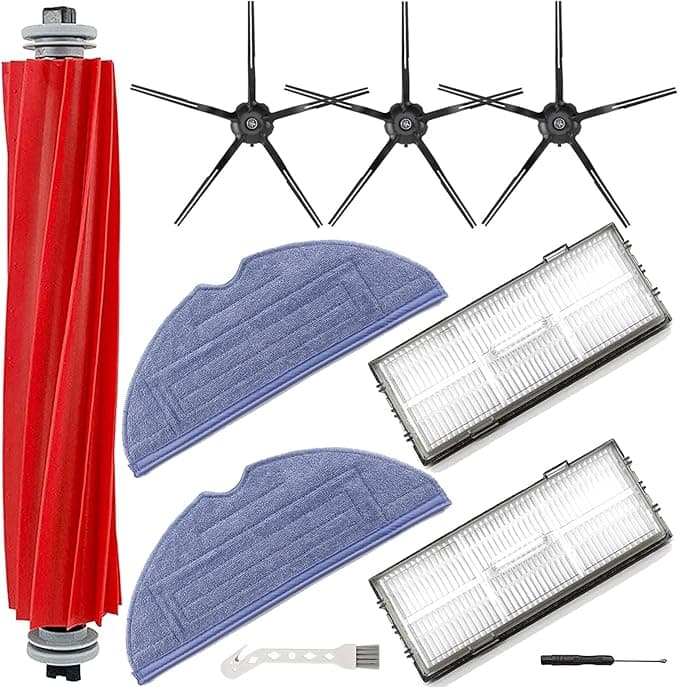
Here's the math that made me stop. A genuine Roborock filter, depending on where you grab it and whether it's bundled, runs you somewhere in the $18–$22 range for a single, and the official multi-packs don't drop the per-filter cost as much as you'd hope. The compatible one I switched to landed around $8 a filter in a two- or three-pack — call it a flat $10 savings every time you swap, sometimes more.
And you swap these more than you think. Roborock's own guidance is to replace the filter roughly every two to three months, and if you've got pets or you run it daily like I do, it's closer to every two. Do that math out: two filters a year if you're gentle, more like four or five if your house actually generates dirt. On OEM that's $40 to $90 a year on a part that is, functionally, a folded sheet of fabric in a plastic frame. The compatible route on the same schedule is more like $16 to $40. Over the two or three years you'll own this robot, that gap buys you a real thing — another accessory, a chunk of a mop-pad refill stash, whatever. It's not nothing.
Does it actually fit, or do you fight it
This was my worry, because a robot vac filter that sits even slightly proud of its seat lets dirty air sneak around the edges, and then you're filtering nothing. The swap itself is genuinely a thirty-second job. Power the unit off and pull it off the dock first — you don't want it deciding to start a run while your hand's in the bin. Pop the dustbin, lift the old filter out (do this over a trash can, the dust cloud is real and it's exactly the stuff you don't want to breathe), and seat the new one.
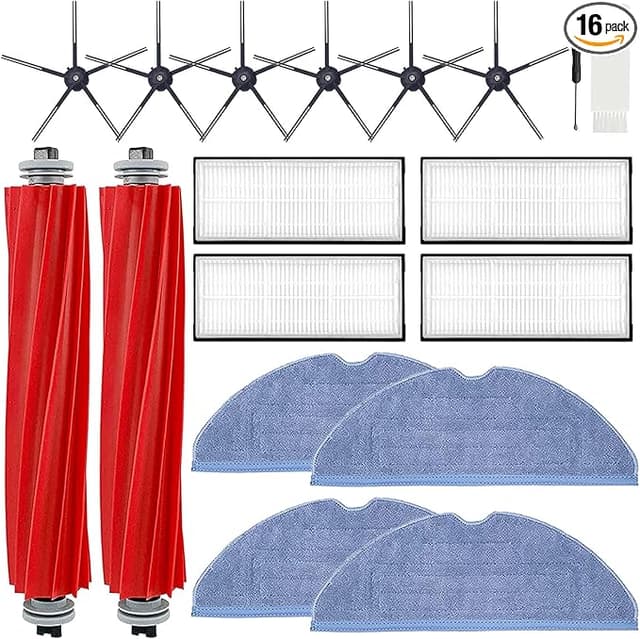
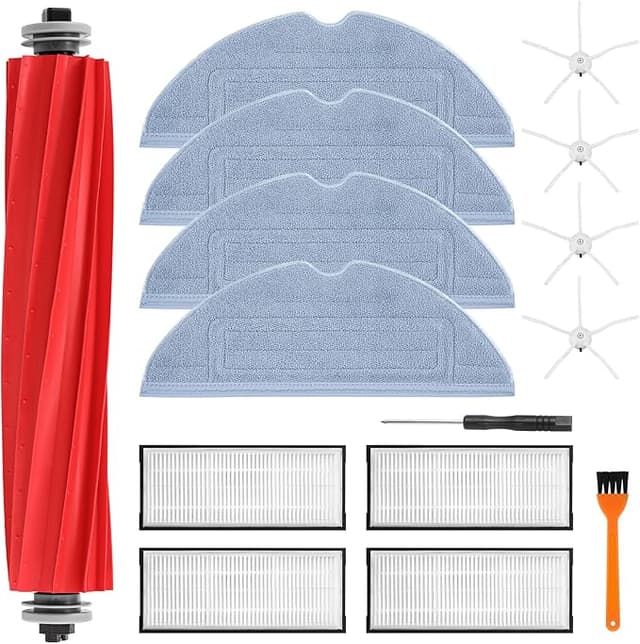
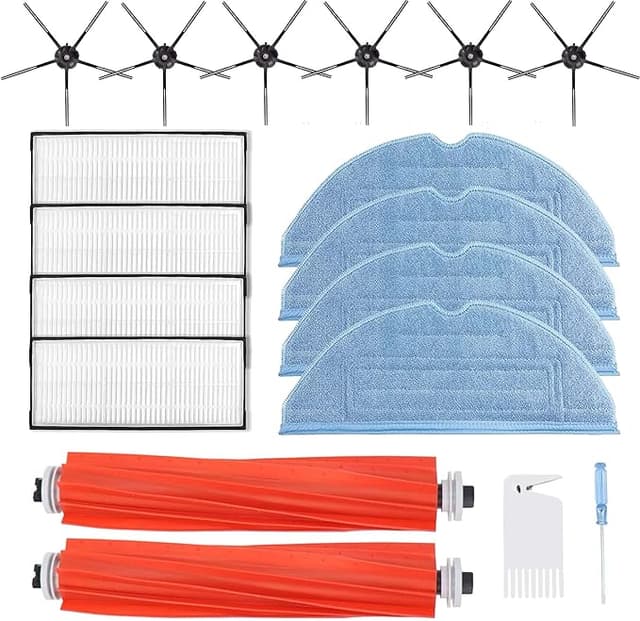
The compatible filter clicked into the housing on my MAXV with that same small positive snap the OEM gives you — the little "okay, it's seated" feedback you feel through your fingertips. No trimming, no forcing, no gap I could see when I held it up to the light against the old one. I'll be straight about the one difference: the plastic frame on the compatible is a touch lighter, a hair less rigid than Roborock's. Side by side you can feel it flex a bit more. In the housing, though, it sits flush and tight, and after three months of daily runs it hasn't loosened, warped, or rattled. The fit is the thing that actually matters here and the fit is fine.
How it runs once it's in
First thing I noticed: the motor went quiet again. That strained whine I mentioned dropped back to the normal hum the second I ran it on a fresh compatible filter, which told me air was moving the way it should. Suction on the carpet edge test — I do a dumb little thing where I scatter oatmeal on a low-pile rug and see what one pass picks up — was indistinguishable from a new OEM filter to my eye. Picked up clean.
Where's it a touch behind? Two honest things. One, the very fine dust capture over the long haul. The OEM filter, subjectively, seemed to hold its grip on the really fine stuff — the flour-grade dust — maybe a couple weeks longer before I felt it was time to swap. The compatible does the job well but I find myself rinsing and replacing it a little sooner, which, fine, it's a third of the price. Two, and this is the only genuine annoyance, the first day out of the bag there's a faint plastic smell. Not chemical-strong, just that new-molded-plastic note, and it rode along on the exhaust for the first day or two of running before it aired out completely. If you're sensitive to that, run the vac with a window cracked the first couple of sessions and it's gone.
The downside I want you to actually hear
The packaging is cheap. The filters showed up in a thin plastic sleeve, no rigid box, and one of the three in my pack had a slightly crushed corner on the frame from shipping — it still seated fine, but it didn't inspire confidence opening the bag. The OEM packaging is nicer and you do pay for that nicer. If you're someone who needs the unboxing to feel premium, this'll bug you.
And here's the related, more important warning that has nothing to do with brand: whichever filter you buy, the failure mode I opened with is the one that costs real money. A saturated filter chokes airflow, the fan motor works harder and runs hotter, and heat is what kills these little motors. The cheap filter doesn't cause that — neglect does. So the move isn't "buy OEM to be safe," it's "buy the affordable one and actually change it on schedule because now it's cheap enough that you will." That's the part that protects your machine.
Who should buy OEM — and what I grab
Buy the genuine Roborock filter if you've got a serious dust allergy and you want the manufacturer's exact HEPA spec with zero question marks, or if you simply change filters once a year and the $10 difference isn't worth a second thought. No shame in that.
For everyone else — and that's most of us — I reach for the compatible now. It seats with the same click, it brought my whining, overworked MAXV back to a quiet normal run, and it does the actual filtering job at roughly a third of the price, which is what finally got me to stop running a clogged filter for three months at a time. Looser frame, cheap bag, one day of faint plastic smell. All real, all minor. For around $8 a filter doing the same work, I bought another pack, and I keep one sitting in the dustbin drawer so future-me has no excuse. That's the honest verdict.