Troubleshooting & Analysis
I genuinely thought the $20 kit was going to be junk
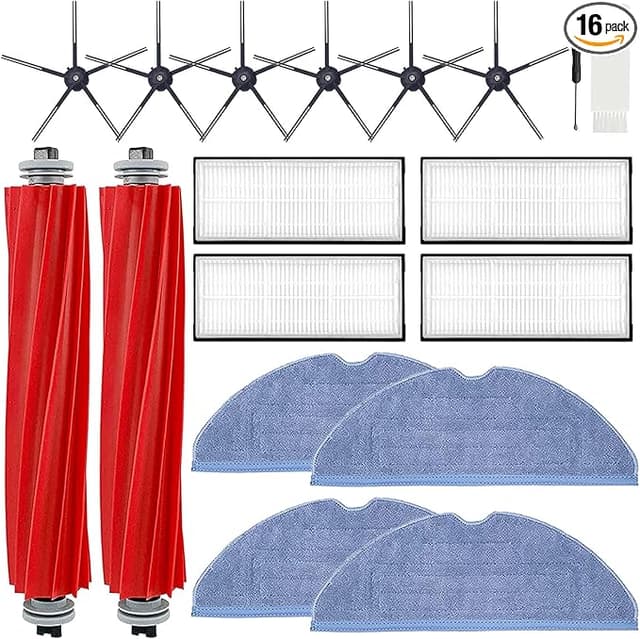
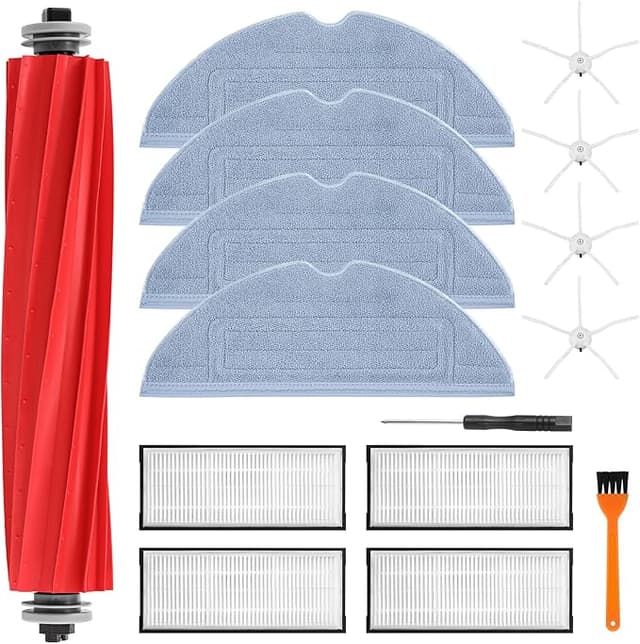
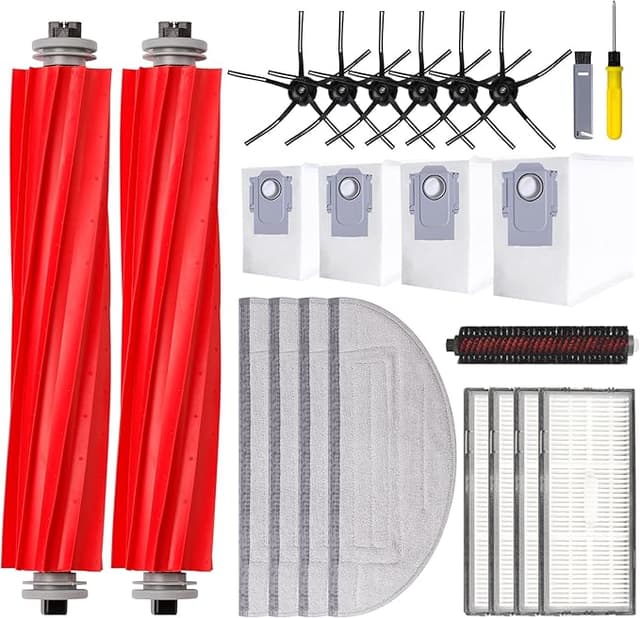
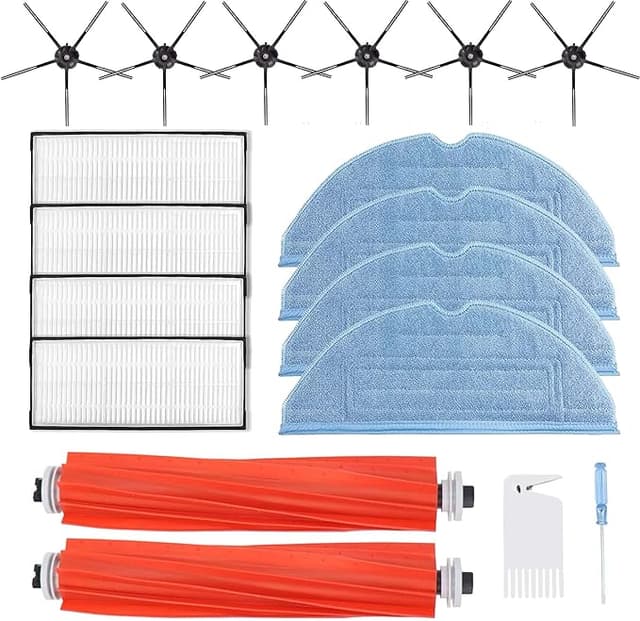
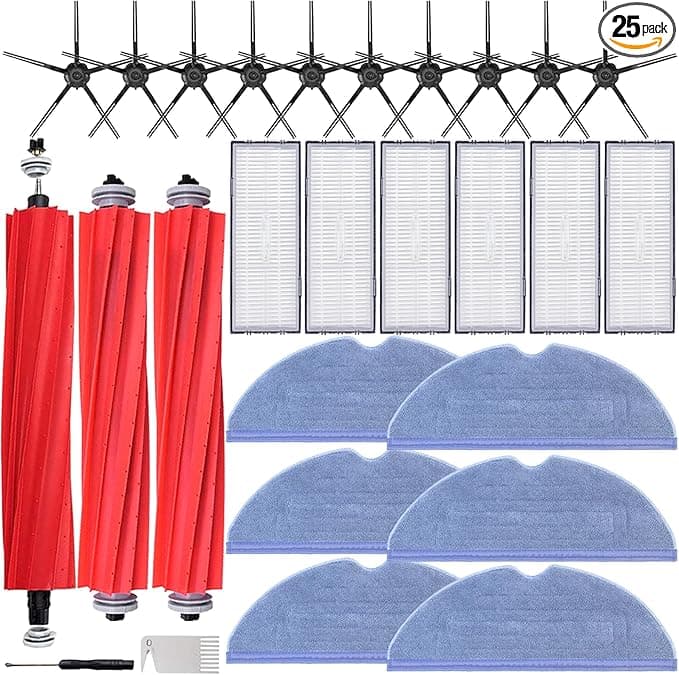
Here's the thing — I'd already been burned once. Bought a no-name "compatible" pack for a different vacuum a couple years back, and the brush bristles were so soft they basically combed the dust instead of grabbing it. So when my Roborock S7+ started leaving streaks and the side brush looked like a bad haircut, my first instinct was to just cough up for the official Roborock maintenance pack. Forty-something dollars for what is, let's be honest, some bristles, two mop pads, and a paper dust bag. I stared at the OEM kit, then at a generic replacement kit sitting right under it for about twenty bucks, and thought: no way the cheap one is actually fine.
It is fine. Annoyingly fine. I've now run it across two full cleaning cycles in a 1,100-square-foot apartment with a shedding dog, and I'm writing this partly because I owe the cheap kit an apology.
The money, laid out plainly
The Roborock-branded accessory bundles for the S7+/S7 MAXV float around $40–$45 depending on what's in them and whether they're "on sale" (they're always on sale). The compatible kit I bought ran about $20. That's roughly a 50% cut for the same job. Where it actually adds up is the cadence — Roborock wants you swapping the main brush and side brush every few months, the mop pads when they get crusty, and the dust bags whenever they fill. If you're a stickler doing that twice a year, OEM is pushing $80–$90 annually. The compatible route keeps me near $40. Over the three or four years one of these robots lasts, that's real grocery money, not a rounding error.
And no, I'm not counting some fantasy "lifetime" savings. Just the boring math of buying consumables more than once.
Does it actually fit? Yes — with one small gripe
This is the part people are really nervous about, because a brush that doesn't seat right can throw an error or rattle itself loose mid-clean. So I paid attention. Powered the unit off, flipped it over, popped the old main brush out by lifting the little hinged guard, pressed the release tabs on the side brush, peeled the mop pad off its plate. The new main brush dropped into the housing and gave me that clean click — the same satisfying seat the original had. Spun it with a finger to make sure it turned free. Good.
The side brush screwed on without drama. The mop pads attached to the plate fine. Dust bag slid into the dock and the little flap closed over it the way it should.
My one gripe: the side-brush hub on the compatible piece sat a hair looser than the Roborock original the first time I clicked it in. Not loose enough to fall off — it's held cleaning for weeks — but I did press it a second time to be sure. The molding tolerances just aren't quite as tight as the factory part. If you're the type who needs everything to feel machined-perfect, that tiny bit of play will bug you. For me, once it was seated and spinning, I forgot about it.
How it actually cleans — the honest version
The main brush is the star here, and it's the component I cared most about. Pickup on hard floors is dead even with OEM as far as I can tell — pulled up the dog hair, the kitchen crumbs, the gritty stuff by the door. On the medium-pile rug, it's maybe a whisker behind the original after a few weeks of use; the bristles feel like they soften slightly faster than Roborock's do. Not dramatic. But if I'm being the skeptical friend instead of the salesman, I'd say the OEM brush probably holds its stiffness a month or two longer before you'd want to swap it.
The mopping pads surprised me the most. They soaked and wrung out just like the originals, no weird chemical residue, no warping after going through the wash a handful of times. The S7's sonic scrubbing didn't seem to care at all that the pad wasn't factory.
The dust bags are where "cheap" shows a little. The cardboard collar that seals into the dock is thinner than Roborock's, and the paper feels a touch flimsier. They've sealed fine and I haven't had a leak — but I handle them a bit more gently when I pull a full one out, because I could see a really stuffed one tearing if you yanked it.
The real downsides — all of them
Let me not pretend this is a flawless swap, because it isn't.
- Faint plastic smell out of the box. The new brushes had that thin off-gassing smell for the first two or three days. It aired out completely and I never smelled it during actual cleaning, but it's there when you first unwrap it.
- Cheap packaging. Everything came in thin plastic sleeves, no nice molded tray, one piece had a slightly bent bristle from being packed tight. It straightened out after the first run, but it doesn't give you that "premium" unboxing the OEM box does. Honestly I don't care, but you should know.
- Slightly faster wear on the soft parts. As I said — the brush bristles and mop pads seem to have a marginally shorter useful life than factory. At half the price, I'm okay replacing a touch sooner. But if you hate the chore of swapping consumables, that math might tilt you toward OEM.
- Looser side-brush fit. Covered above. Minor, but real.
Why I don't let any of this slide for long
Here's the part that actually matters and isn't just nitpicking. A worn-out brush or a packed dust bag isn't a cosmetic problem. When the main brush goes bald, the robot starts pushing dirt around instead of lifting it, and the motor works harder for worse results. A stuffed dust bag chokes airflow, and a vacuum starving for air runs hot. Crusty mop pads stop scrubbing and just smear. The whole reason I stay on top of these swaps — OEM or compatible — is that letting them rot is how you cook a motor or end up with a machine that's quietly redistributing dog hair and dust around your floors. So the fact that a $20 kit lets me replace this stuff more often, not less, is genuinely a point in its favor.
So who should actually buy which
If you run a service business off this robot, or you're the person who will be irritated every single time the side brush has a millimeter of wiggle, buy the Roborock kit. You're paying for tighter tolerances and parts that hold up a little longer, and that's a legitimate thing to want.
For basically everyone else — a normal home, a normal mess, someone who just wants clean floors and resents paying $45 for bristles — the compatible kit does the job. I went in expecting to write a "save your money, buy OEM" warning. Instead I've reordered the cheap one once already. For twenty bucks doing the same work, with downsides I can live with and a couple I genuinely don't notice, I'd grab it again. And I have.