Troubleshooting & Analysis
The click is how I knew it was right
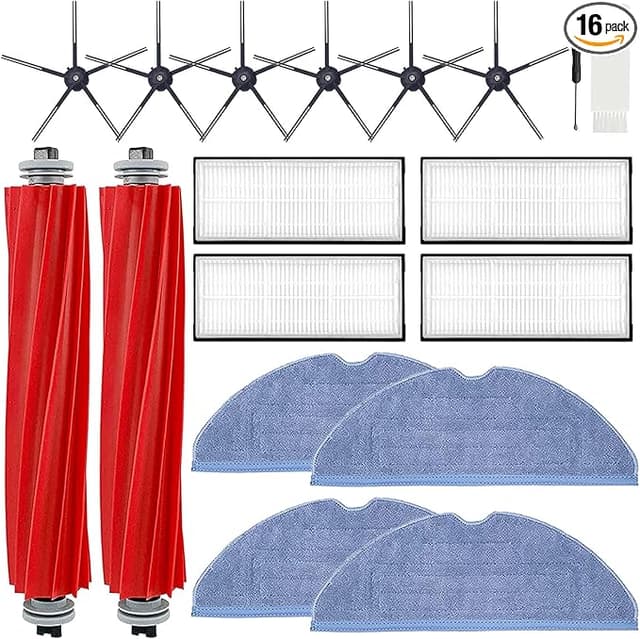
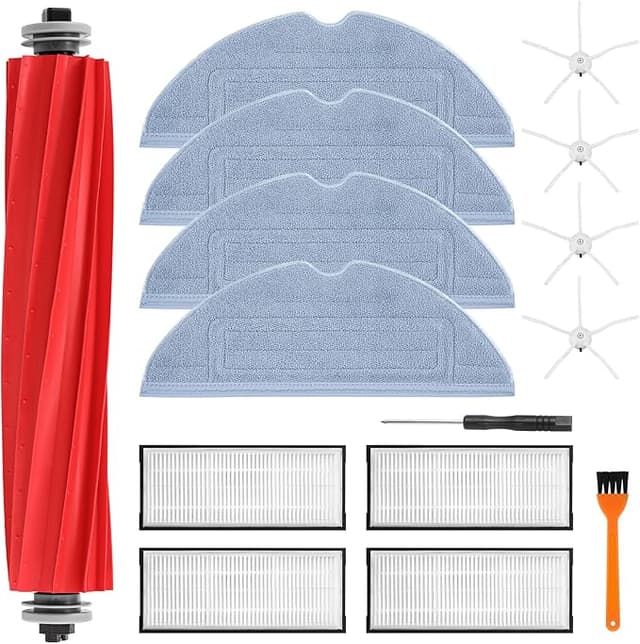
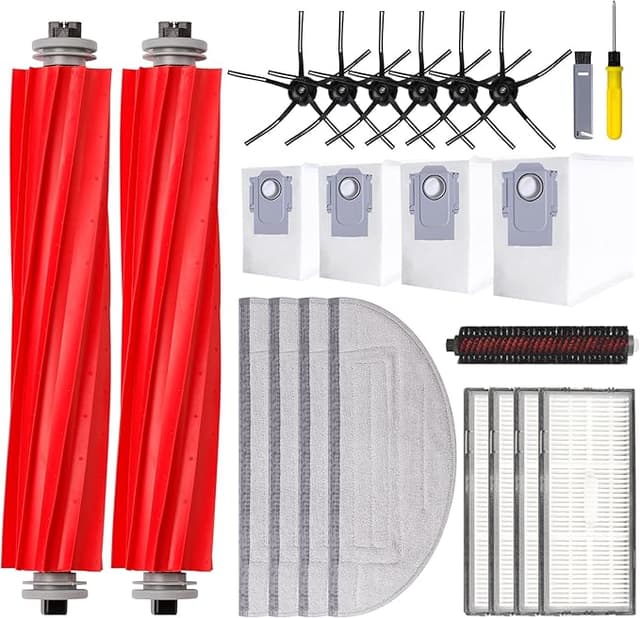
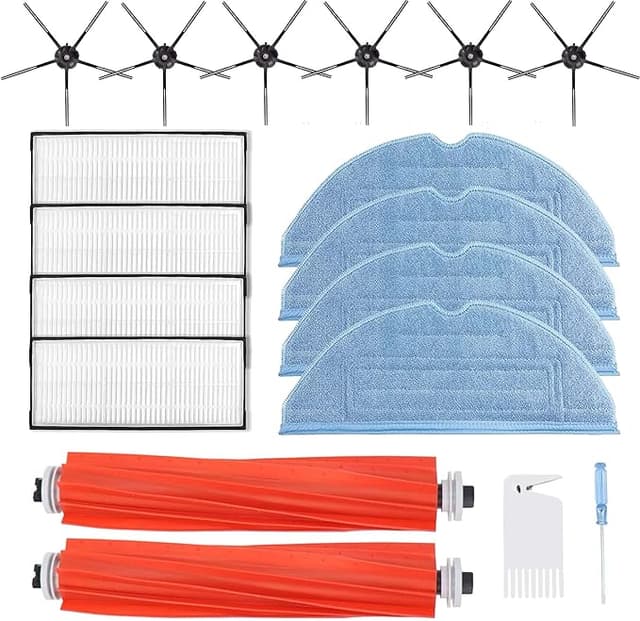
First thing I noticed pulling the new brush out of the bag was the smell — faint plastic, kind of warm, the way a new toothbrush smells before you rinse it. Not chemical, just new. I held it next to the old Roborock main brush I'd just yanked out of my S7 MAXV, the one matted with a four-month dreadlock of my dog's undercoat, and honestly they looked like cousins, not twins. The bristle rows on the compatible one were a touch stiffer. The end caps a slightly different shade of orange. But when I dropped it into the housing and pressed down, it gave that same little click — the one that tells you the bearing seated and the cover's going to latch. That click is the whole ballgame on these. If it doesn't seat, it rattles, and a rattling brush eats itself in a month.
So let me back up and tell you why I was even holding a third-party brush instead of just buying Roborock's.
The price math that pushed me here
An OEM Roborock main brush runs around $25 once you count shipping, and the official line is you swap it every 6 to 12 months depending on how much hair and grit it's fighting. In my house — one shedding dog, hardwood and a couple of rugs — I'm replacing it closer to every 8 months because the bristles flatten and stop digging into the rug pile. The compatible one I bought was about $12. Call it a $13 gap per brush. Doesn't sound like a fortune, I know. But I also run the side brushes and filters on a schedule, and when you're buying the whole maintenance kit OEM, the robot starts feeling like a printer — cheap machine, expensive refills. That's the trap I got tired of. Thirteen bucks here, twenty there, and suddenly I've spent more on consumables in two years than I'd care to admit.
So I figured: it's a spinning brush. It's nylon bristles and a rubber fin on a plastic core. How wrong can a third-party version go? Turns out the answer is "a little, in ways you can feel" — which is exactly what I want to walk you through, because the upside-only reviews helped me zero.
Fit and install — where the cheap ones usually fail, and this one didn't
This is the part I was nervous about, because a brush that's even a millimeter off on the end-cap geometry will bind against the housing and the robot throws a "main brush error." Done the swap enough times that I can do it half-asleep now: power the unit off, flip it belly-up, pop the brush guard (the little tabs you squeeze — the cleaning tool that shipped with the vac has a tab on the end made for this), lift the old brush straight up and out. Pull the hair tangle off the bearing cap before it follows the brush out. Then drop the new one in, fixed-bearing side first, and press until it clicks.
The compatible brush seated on the first try. No shaving the end cap with a knife, no forcing the guard back down. It latched flush. I powered up, ran a quick test pass across the kitchen, and the robot didn't cough up a single error code. That's not nothing — I've had off-brand side brushes that were molded a hair too thick and wouldn't sit, and you don't find out until the cover won't close. This one just worked. First-week break-in, the stiffer bristles softened up after maybe three or four runs and started conforming to the rug the way the OEM does.
How it actually cleans
On hard floor, dead even. I genuinely could not tell you which brush did a given pass — both pull dust and kibble crumbs and dog hair off the hardwood like it's the same part. On low-pile rug, the OEM had a slight edge for the first week, because those stiffer compatible bristles hadn't broken in and weren't reaching as deep into the pile. By week two that gap closed. The rubber fin that's supposed to flick debris up into the suction path works fine — I checked the dustbin fill after a few runs and it was right where it normally is.
The pet hair test is the one I care about, and this is where I'll give it real credit: it tangles about the same as OEM, which is to say it tangles, because all of them do, but the hair pulls off the bearing cap cleanly instead of welding itself on. Some cheap brushes have a rougher bearing collar that hair wraps and grips. This one's smooth enough that maintenance is the usual ten-second peel.
The downsides — and there are real ones
Here's where I earn your trust. The plastic core feels lighter than OEM. Not flimsy exactly, but you can tell there's less material in it, and my honest guess is it won't last as long — I'd bet I'm replacing this one a little sooner than the 8 months I get from genuine. At a $13 savings that still comes out ahead, but I'm not going to pretend it's built like a tank, because it isn't.
Second thing: the bristle rows weren't perfectly even out of the package. One row sat a touch proud of the others, and for the first two runs there was a faint uneven hum — the brush wasn't contacting the floor totally flat. It settled after break-in and the hum went away, but if you're someone who notices that stuff, you'll notice it. And the packaging is cheap. A thin poly bag, no insert, the kind of thing that makes you double-check you got a real part and not a counterfeit. The part was fine. The presentation does it no favors.
One more, because it matters more than people think: don't let any main brush go too long, OEM or not. A flattened, hair-choked brush stops lifting debris and starts dragging it, and the load comes back on the motor and the wheels. I've felt a robot run hot and louder than it should because the brush was packed solid — that's the path to a strained motor and a shorter life for a $400 machine. A $12 brush swapped on time is the cheapest insurance you'll ever buy for it. A saturated one is a slow problem you don't see until it's an expensive one.
Who should skip it — and why I keep buying it
If your S7 MAXV is still under warranty and you're worried a third-party consumable could give Roborock an excuse to deny a claim, buy OEM and don't think twice — that peace of writing a $13 check isn't worth a warranty fight. Same if you run the robot daily over heavy debris and want the absolute longest service interval; the OEM core will probably outlast this one.
But for me — out of warranty, one dog, normal use — this is the one I grab. It seated with that right click, it cleans dead even on hard floor and catches up on rug after a couple of runs, and it does the same job for about half the money. The downsides are real and I told you all of them. None of them changed my mind. I've bought this brush twice now, and when this one flattens out, I'll buy it a third time.