Troubleshooting & Analysis
The OEM filter cost me almost as much as a new robot
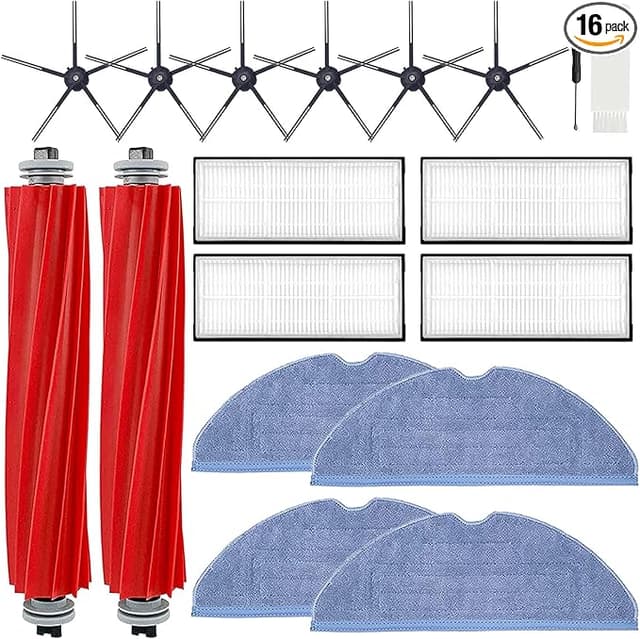
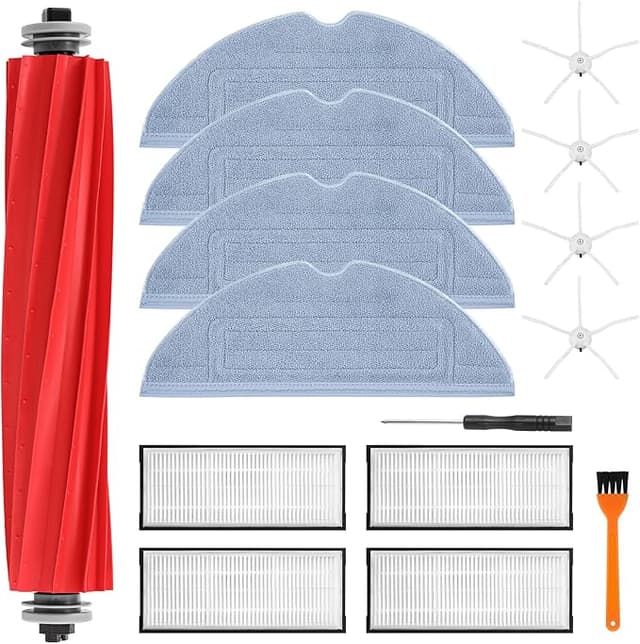
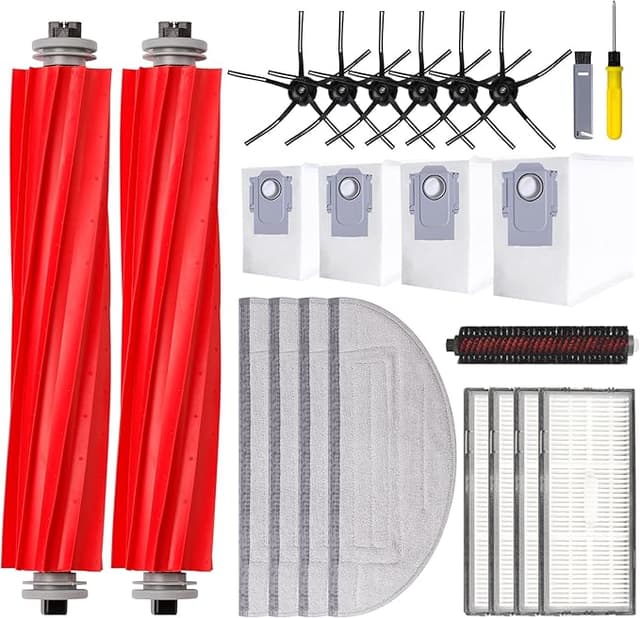
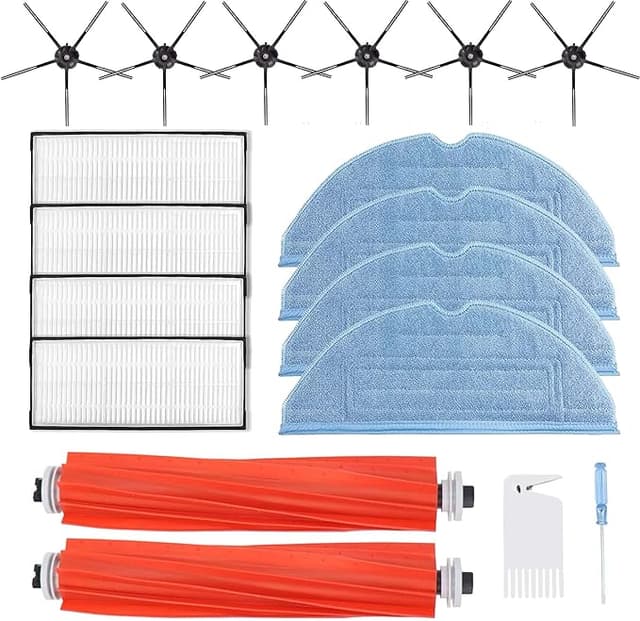
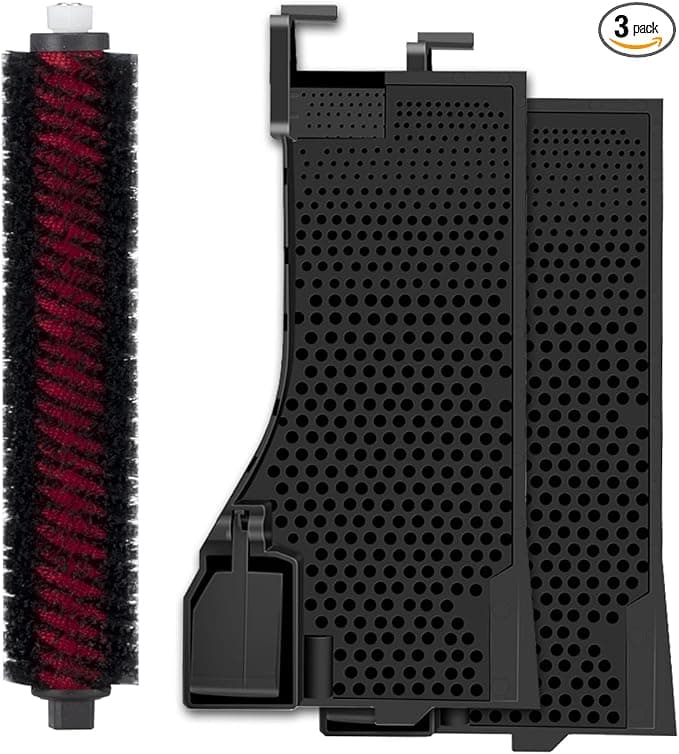
I went to reorder a filter for my Roborock S7 MAXV and nearly closed the tab. The branded replacement was sitting there at $24 for a single filter — one — and I burn through these about every two months because I've got a shedding husky and a house that fills with hair like a snow globe. Do that math out loud: six filters a year, $144, just in little pleated rectangles of paper. Meanwhile the compatible pack I ended up buying was $13 for two. So roughly $6.50 a filter versus $24. That's not a small gap. That's a "wait, what am I actually paying for" gap.
I bought the cheap ones half-expecting to regret it. I didn't trust them either — a $6 filter for a $650 robot feels like the setup to a sad story. Four months and a couple of swaps later, here's the honest rundown.
The fit: better than I braced for, with one quirk
Swapping the filter on the S7 MAXV is genuinely a thirty-second job, and the compatible one didn't make it harder. You power the robot off, pop the dustbin out — there's a release on the bin, you press it and the whole thing lifts away from the body — and the filter sits right there in its little caddy on the bin. Old one pulls straight out. New one drops in. That's it.
The compatible filter seated into the bin and clicked closed without me having to wrestle it. The pleats lined up, the rubber gasket on the edge made contact all the way around — I actually pulled it back out and reseated it twice the first time because I'm paranoid, and both times it sat flush. No light gap, no rattle when the bin went back into the robot.
The quirk: the frame plastic is a hair thinner and a touch more flexible than the OEM. If you grab it by one corner and it flexes a little, that's normal for these. It does NOT affect the seal — the gasket is what matters and that part's fine — but it means you want to handle it by the frame edges, not pinch a corner, especially when you're tapping dust out of it. One of my first batch I creased slightly because I was rough with it. My fault, not the filter's, but worth knowing your touch needs to be a little gentler than with the stiffer branded part.
Performance: where it matches, where it's a step behind
Suction is the thing everyone worries about, so let me be direct. On hard floors and low-pile rug, I cannot tell the difference between the compatible filter and the OEM one. The robot picks up the husky hair, the kibble crumbs, the grit by the back door — same as ever. Bin fills at the same rate. The mop pass after is just as clean.
Where it's a touch behind: the very fine stuff. After a long run on max suction, when I pull the OEM filter the pleats are still mostly cream-colored on the clean side. The compatible one greys through a little faster — the fine dust loads it up sooner. In practice that means I'm tapping it out over the trash maybe once a week instead of every ten days, and I'm probably replacing it a couple weeks sooner than I would the branded one. Honestly, at a quarter of the price, replacing it more often is a feature, not a problem. I'd rather swap a fresh $6.50 filter in early than nurse a clogged $24 one because I'm trying to get my money's worth out of it.
The real downsides — and there's more than one
I told you the frame is softer. There's a second thing: out of the bag, mine had a faint papery-plastic smell for the first day or two of running. Not chemical, not strong — you'd only catch it standing right over the robot when it docked. By day three it was gone and I never noticed it again. But if you're sensitive to that, run the robot once with a window cracked before you decide it's fine.
Third, the packaging is cheap. The two filters came in a thin poly sleeve, no rigid box, and one of mine had a slightly bent corner pleat on arrival — pushed back into shape with a fingernail and it was fine, sealed fine, but it tells you these aren't getting the white-glove treatment in shipping. If you're the type who needs the unboxing to feel premium, this'll bug you. I stopped caring the moment it picked up a full bin of dog hair without complaint.
And the consistency point: these are made in batches, and batch-to-batch the foam pre-filter density can vary a hair. Across two orders I got filters that were effectively identical, but I've seen enough of these to say buy from a seller with steady recent reviews rather than the absolute cheapest listing. The few dollars you save going rock-bottom isn't worth a dud.
Why the dead-filter thing actually matters
Here's the part that keeps the price math from being the whole story. A clogged filter on a robot vacuum isn't just weaker pickup — it makes the motor work harder to pull air through a wall of packed dust. Run it like that long enough and you're putting real strain on the fan motor, the one expensive part you can't just pop out and replace for six bucks. A saturated filter also stops trapping the fine allergens it's supposed to catch and starts puffing some of it back into the room, which, if anyone in your house has allergies or asthma like my partner does, you'll feel before you see. So the cheap-filter strategy only works if you actually swap on time. The low price is what makes that easy — you're not tempted to stretch a tired filter another month to justify the cost.
Who should skip this — and why I keep buying it
If you run your robot once a week on light floors and a single OEM filter genuinely lasts you six or eight months, the savings are smaller and maybe you'd rather just keep buying branded and not think about it. No argument there. And if a faint break-in smell or a softer frame is a dealbreaker for you, buy the OEM and sleep easy.
But for me — heavy use, a hair factory of a dog, swapping filters constantly — paying $24 a pop was quietly bleeding me. The compatible filter fits right, seals right, pulls the same on every floor I own, and falls a little behind only on the finest dust, which I solve by swapping it early because I can afford to. Same job, roughly a quarter of the cost. I've reordered twice now and I'll do it again. That's the most honest endorsement I've got: I spend my own money on these.