Troubleshooting & Analysis
Thirty bucks for a brush. A brush.
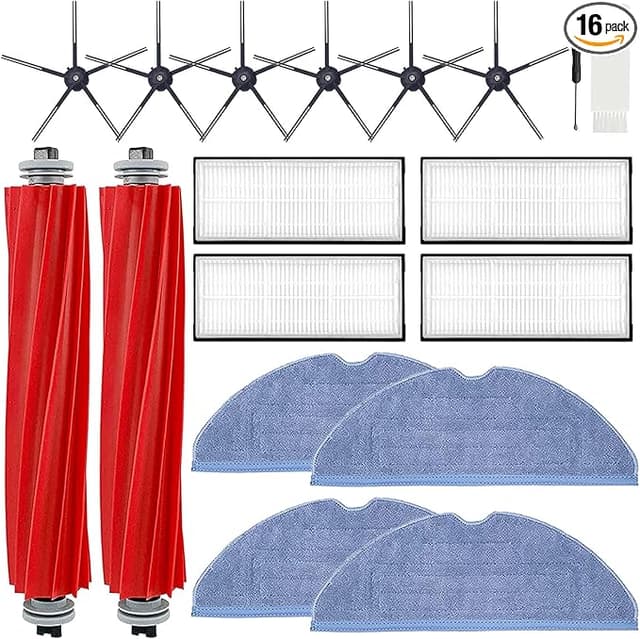
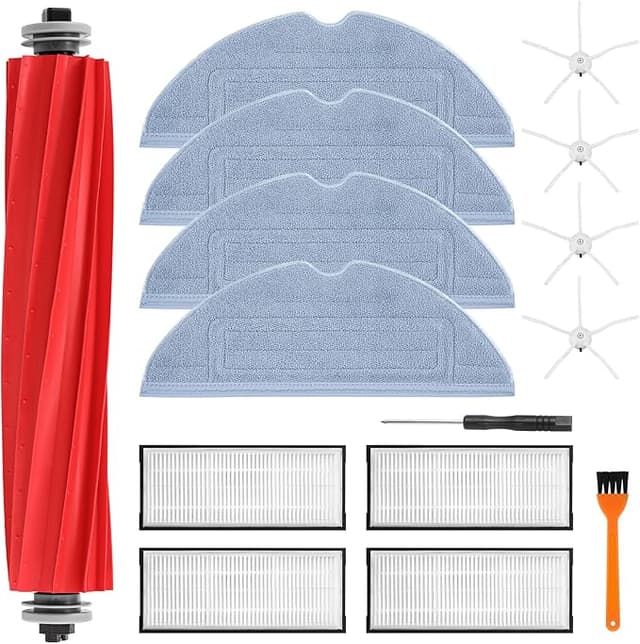
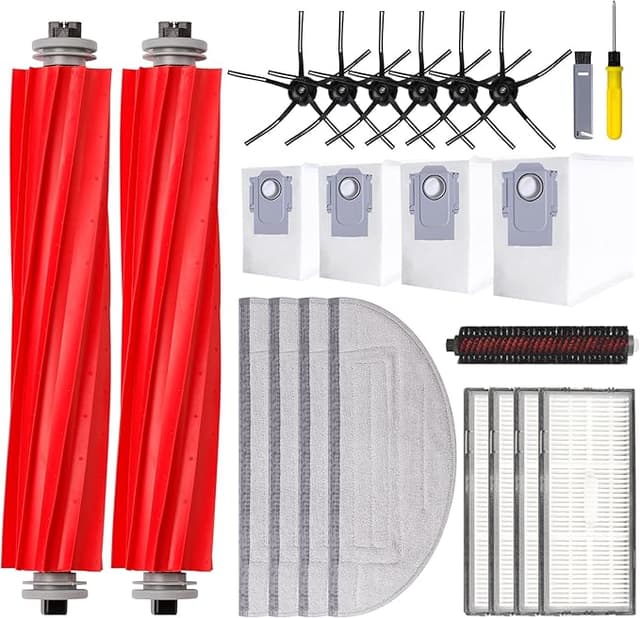
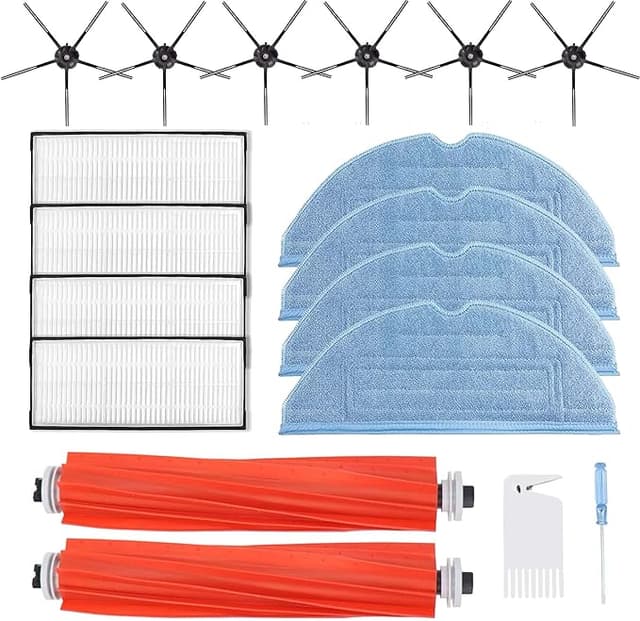
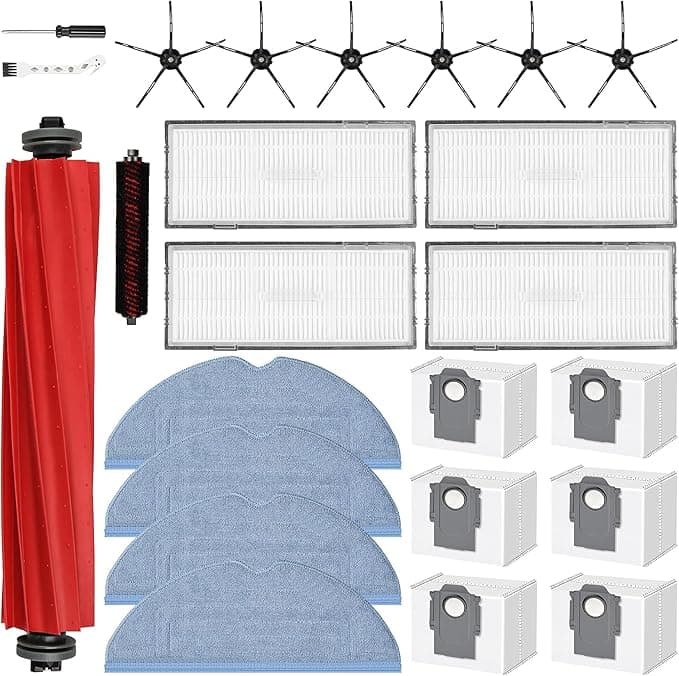
That was the number that stopped me. I went to reorder the main brush for my Roborock S7 MAXV — the spinning bristle roller on the underside, the part that actually drags dirt off your floor — and the official Roborock one rang up at $29 plus shipping. For a strip of nylon bristles wrapped around a plastic core. I sat there with my thumb over the buy button and thought, no. There's a third-party version of this for around $12. I bought that one instead, half expecting to regret it. I didn't. Four months in, I've got opinions.
Let me back up, because the math is the whole story here. The S7 MAXV's main brush is a wear part. Roborock themselves say to swap it somewhere between every six and twelve months depending on how hard your robot works. Mine runs daily across hardwood and a couple of rugs, with a dog, so I'm on the aggressive end — call it twice a year. At $29 a pop from the OEM, that's roughly $58 a year just to keep a brush turning. The compatible one I landed on runs about $12, sometimes you catch a two-pack for $19. So we're talking $24 a year versus $58. Over the three or four years I expect to keep this vacuum, that gap is real money — more than a hundred dollars — for a part that, honestly, is bristles and plastic.
Does it actually fit, though?
This was my real worry, not the cleaning. Robot vacuum parts are fussy. The end caps have to seat, the drive peg has to catch, or the brush rattles and the robot throws an error and parks itself in a corner sulking. So I went slow the first time.
The swap itself is nothing. Flip the robot over — power it off first, I unplugged the dock too just out of habit — and you'll see the brush sitting under a hinged green frame. There are release tabs on that frame; pinch and lift and the old brush pops up and out. The new one drops into the same channel, you line up the squared-off drive end so it clicks into the motor coupling, snap the frame back down. Ninety seconds, no tools. The new brush's end caps were a hair tighter going in than the genuine one — I had to give it a firmer press to feel that click — but once it seated, it seated. No wobble. The robot recognized it immediately and ran a full cycle without complaint.
One thing I'll flag because nobody warned me: inspect the brush before you install it. Mine was fine, but the bristle trim on these aftermarket rollers can be slightly uneven out of the bag — a few bristles standing proud of the rest. Run your hand down it. If something's obviously long, you can trim it flush with scissors and it'll settle into shape within a day of use anyway. The first OEM brush I ever bought was laser-perfect; this one was 95% there. That last 5% didn't matter on the floor.
How it cleans — the honest version
On hard floors I genuinely cannot tell the difference. Crumbs, dog hair, the grit that tracks in from outside — it sweeps it into the suction path exactly like the original did. The bristle stiffness feels right, which matters more than people think; too soft and it just flicks debris around, too stiff and it scatters. This one's in the pocket.
On carpet and rugs is where I'll be straight with you. It's good. It's maybe a touch behind the OEM. The genuine Roborock brush has this particular bristle-and-fin pattern that digs into medium-pile rug a little more aggressively, and on a deep run I think the original pulled out a fraction more embedded hair. We're talking marginal — like, I noticed it on the first deep-clean comparison and basically stopped noticing after that, because for daily maintenance passes it's a wash. If your whole house is plush carpet and the robot is your primary deep-cleaner, that small gap might nudge you toward OEM. For me, mostly hardwood with rugs as accents, it's irrelevant.
The downsides, for real
I promised at least one real one, so here's the full list. First, the bristle uniformity thing I mentioned — minor, fixable, but it's there and the OEM doesn't have it.
Second, and this is the one that actually nags me: I don't know how long this brush will last versus the genuine article, and anyone who tells you they do is guessing. Four months in, mine shows normal wear — the bristles are splaying a little at the tips, totally expected — and it's keeping pace. But "matches or exceeds OEM durability" is a claim I can't fully sign off on yet, because I haven't run it to death twice over. My honest read: it'll get you the same six-to-twelve-month service life, and even if it wears a month faster, you're so far ahead on price that it doesn't change the verdict. Still — I'd rather say I don't know than pretend I do.
Third, the packaging is cheap. Thin plastic sleeve, no nice molded tray like Roborock ships. Cosmetic, doesn't touch performance, but if unboxing matters to you, set expectations.
Why I don't let the brush go bald
Worth saying plainly: a worn-down main brush isn't just a "cleans a little worse" problem. When the bristles flatten out, the robot stops actually lifting debris and starts dragging the motor harder to compensate — you can hear it working. Push that long enough and you're stressing the brush motor, which is a far more expensive part than the $12 you're avoiding spending. Stretch a dead brush to save twelve bucks and you can cook a motor that costs many times that. A flattened brush also means hair and fine dust stay on the floor instead of getting collected, which, with a dog and anyone in the house who reacts to allergens, I'd rather not have circulating. The brush is the cheap insurance. Treat it like a consumable, because it is one.
So who should buy what
If you run wall-to-wall deep-pile carpet and you lean on this robot as your main deep-cleaner, buy the genuine Roborock brush — that small extra bite into pile is worth the premium for you, and it's your money to spend on the last few percent.
Everybody else — hard floors, mixed floors, rugs, daily maintenance cleaning, which is most of us — grab the compatible one. It seats right, it sweeps the same, the difference where there is one is marginal, and you're paying roughly $12 instead of $29 to do an identical job. I talked myself into it out of stubbornness over a $29 brush, and after four months I've already reordered the two-pack. That's the most honest endorsement I've got: I spent my own money on it twice.