Troubleshooting & Analysis
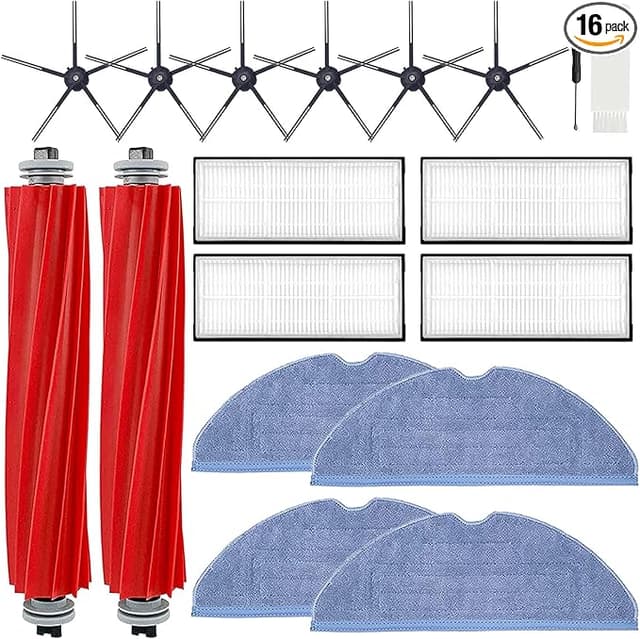
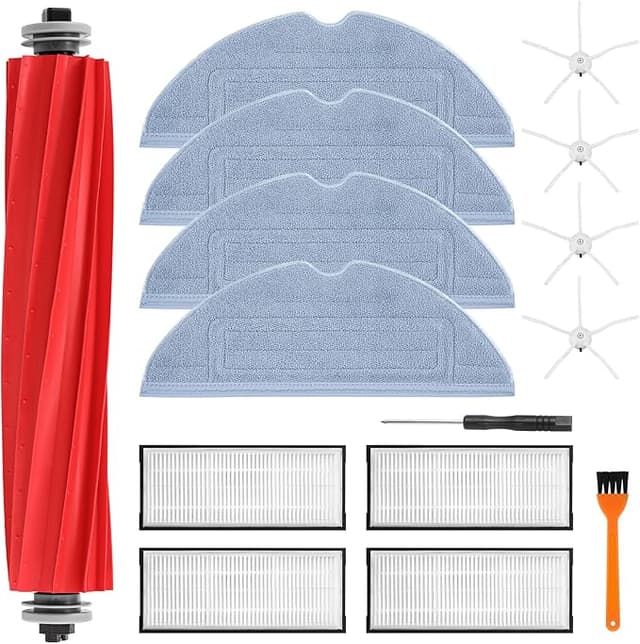
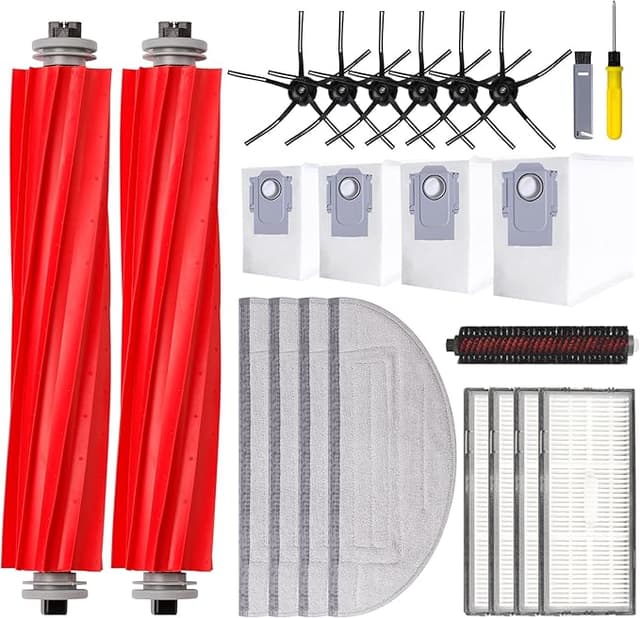
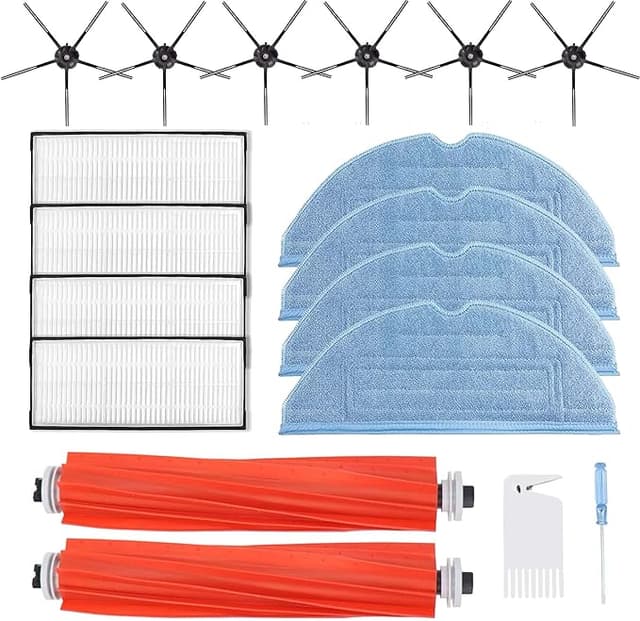
I almost dropped my phone when I saw the cart total. Forty-nine dollars. For a Roborock-branded refresh kit — a couple of side brushes, a main brush, two mop pads, a filter, and a dust bag or two. That's it. My S7 MAXV cost a small fortune already, and now the company wants nearly fifty bucks every few months to keep it fed? Meanwhile the generic kit sitting right next to it, same parts, same count, was $19. I sat there doing the math: run the OEM stuff on the recommended schedule and you're looking at roughly $150 a year in consumables. Switch to the compatible kit and that drops to about $57. Same robot, same floors, a $93 swing every year. That number is what finally got me to stop being precious about it and just try the cheap one.
So I did. I've now run two of these generic kits through my S7 MAXV over about seven months — kitchen, hallway, a living room with a shedding dog and a rug that eats everything. Here's the honest version of how it went, downsides and all, because I was the nervous one too.
The fit: better than I expected, but not flawless
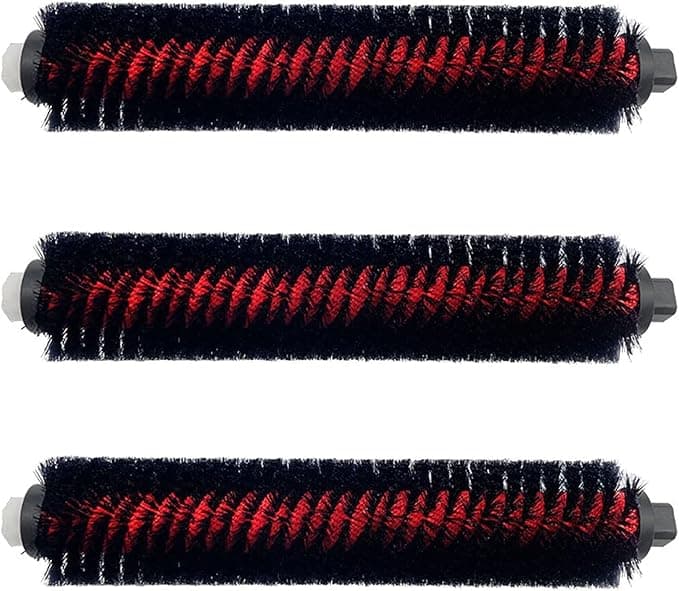
The main brush is the part I worried about most, because that's the piece that actually has to seat and spin true. It dropped into the brush cage fine. You power the unit down, pull it off the dock, press the two release tabs on the brush compartment, lift the old one out, wipe the channel clean (mine had a felt of hair wound around the bearing caps — do clean that), and set the new one in. It clicked. Spun without wobble. No complaints there.
The mop pads are where you feel the price. They pull off the mounting bracket and the new ones press right back on, and they hold — but the velcro backing on the generic pads is a touch stiffer than the OEM ones straight out of the bag. First use, one corner lifted slightly mid-clean. I pressed it down harder when I reattached it and it never did it again, but I'll be straight with you: I check the corners now before I start a mop run. Five seconds. Mild annoyance, not a dealbreaker.
The side brushes and the dust bag were a non-event. Snapped in, sat flush, no fuss. The filter seated with the same little click the OEM one makes.
Performance: where it matches, where it lags
Suction-side pickup felt identical. The dog hair, the kitchen crumbs, the grit by the back door — gone, same as ever, and the dustbin filled at the same rate it always did. If you handed me two bins after a run, one on OEM and one on the generic, I could not tell you which was which.
The mop pads are the one spot where I'll give OEM a slight edge. They're a hair thinner, and over a long mop cycle on the kitchen tile they seemed to dry out a touch sooner than the factory pads did — I'd find the back third of the pad drier at the end of a big room. Not a failure. The floor still came up clean. But if you mop huge open spaces in a single pass, you might notice the pad isn't holding quite as much water deep into the cycle. For my layout it never mattered.
The filter is the part people get squeamish about, and I get it — a filter is the one component where "close enough" feels risky. I ran mine the full recommended stretch and the airflow held. The bin didn't puff dust back out when it docked and ran the self-empty. That's the real test of whether a filter is sealing: if it weren't, you'd smell it and see a fine grey film around the dock. I didn't.
The genuine downsides — the stuff a marketer would hide
One: the packaging is cheap. Thin poly bags, no molded tray, a sticker that was already peeling. It doesn't affect the parts, but if unboxing matters to you, this isn't that.
Two: there was a faint plastic-and-rubber smell on the new main brush and the mop pads for the first day or two. Not chemical-harsh, just that new-aftermarket-part odor. It aired out completely by day three and I never smelled it on the floors. Still — it's there, and OEM parts don't really have it.
Three, and this is the real one: consistency from kit to kit. My first kit was perfect. My second kit had one mop pad where the stitching at the edge was a little rough, a couple of loose threads. It worked fine, didn't fray in use, but it's a reminder that you're buying to a price and quality control isn't airtight. With OEM you're paying partly for the boring guarantee that every part is the same every time. With the generic, nine times out of ten it's identical and the tenth time you get a cosmetic quirk. For a $93-a-year saving, I'll take that trade. You might not, and that's a fair line to draw.
Why you actually have to keep up with this
Here's the part people skip until it bites them. A clogged dust bag and a saturated filter aren't just "the robot cleans worse." A packed bag pushes the motor to work harder against the restriction, and that's where you start cooking the thing that's genuinely expensive to fix. A worn main brush stops agitating the carpet and just glides over the dirt. And a loaded filter doesn't trap fine dust anymore — it starts pushing it back into the room every time the unit docks and self-empties, which, if anyone in your house has allergies, you'll feel before you understand why. The whole reason the compatible kit is the smart buy is that the low price makes you actually replace this stuff on schedule, instead of stretching a worn brush three extra months because a fresh one stings.
The verdict — who buys OEM, and what I personally grab
Buy OEM if you mop very large open floors in single passes and want every pad to hold maximum water deep into the run, or if you simply can't stand the idea of one cosmetically-off part in ten and want the guaranteed-identical box every time. That's a real preference and I won't talk you out of it.
For everyone else — which is most of us, with normal apartments and houses and a dog or a kid making the messes — the generic kit does the same job for roughly a third of the price. I've run two of them now, my S7 MAXV cleans exactly like it did on factory parts, and I'm $93 a year better off for it. The stiff velcro and the day-one smell and the cheap bag are the cost of that saving, and they're small. I bought a third kit last week without thinking twice. That's the most honest endorsement I can give you: I voted with my own money, again.