Troubleshooting & Analysis
The night my Roborock started smearing instead of cleaning
I knew something was wrong before I ever flipped the thing over. My S8+ had been making this dry, scrubbing-on-pavement sound for about a week, and the floors looked... fine from across the room. Up close, though, there were these faint streaks in the hallway where it had basically dragged dust around instead of pulling it up. Pet hair was wrapping around the roller and just riding along for the trip.
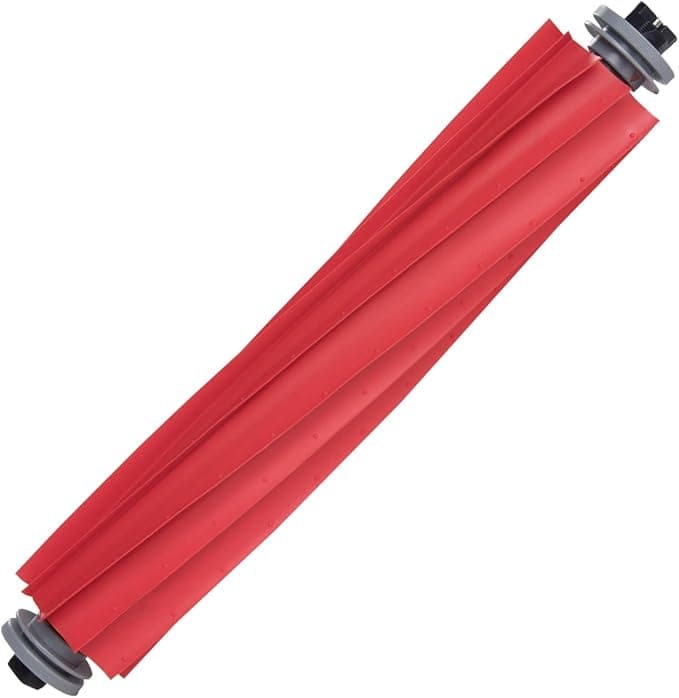
So I powered it off, unplugged the dock, and turned it over on the kitchen towel. The main brush was wrecked. The bristles on one end had splayed out flat like an old toothbrush, and there was a packed gray felt of hair and lint choked into the bearing cap. That felt — that's the part nobody warns you about. It builds up slow, the suction drops a little each week, and you don't notice until the robot is putting in the same lap time but actually picking up half of what it used to.
That's the moment most people go looking for a replacement brush. And that's where the price thing punches you in the face.
What Roborock wants vs. what I actually paid
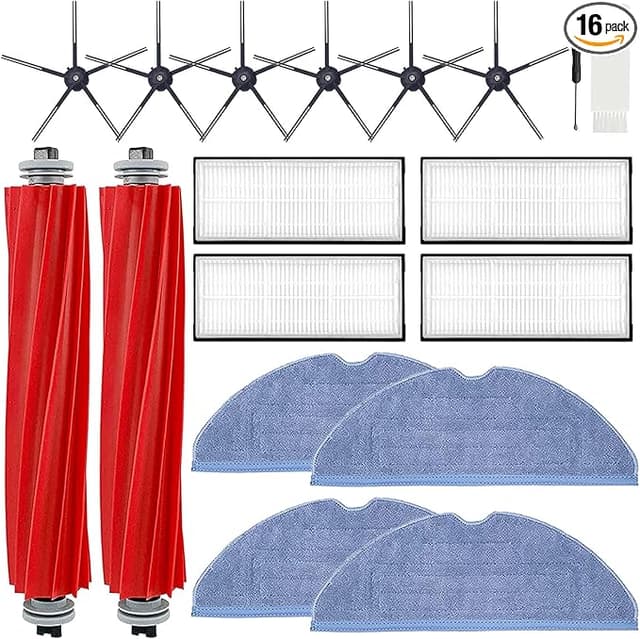
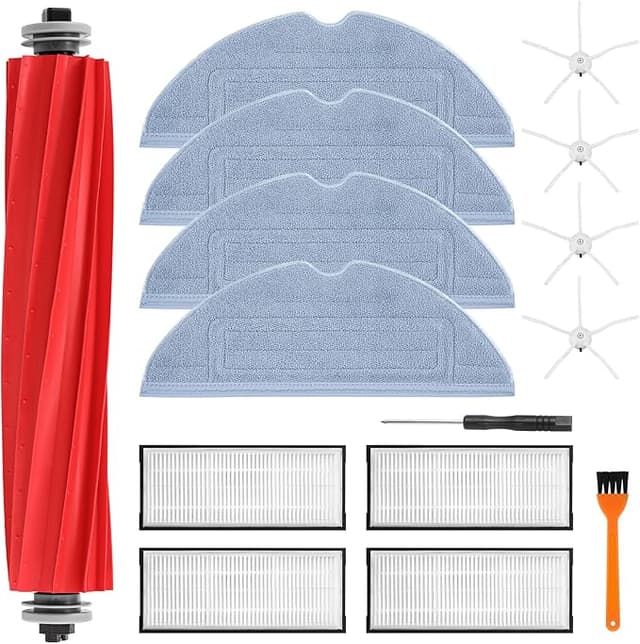
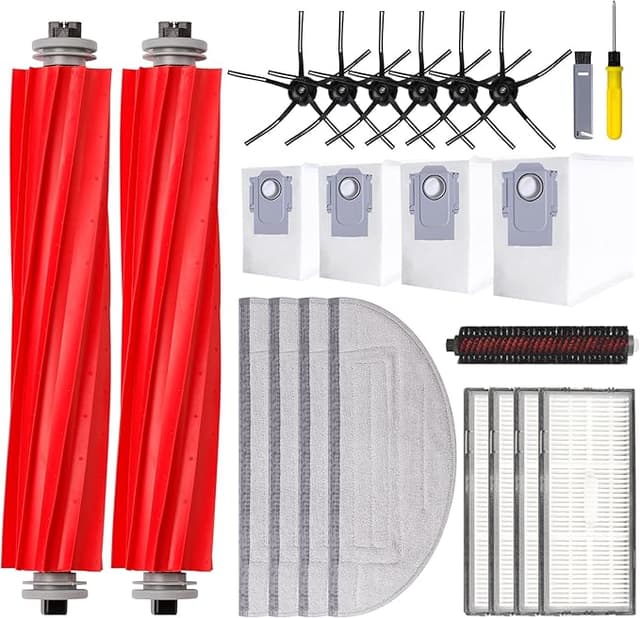
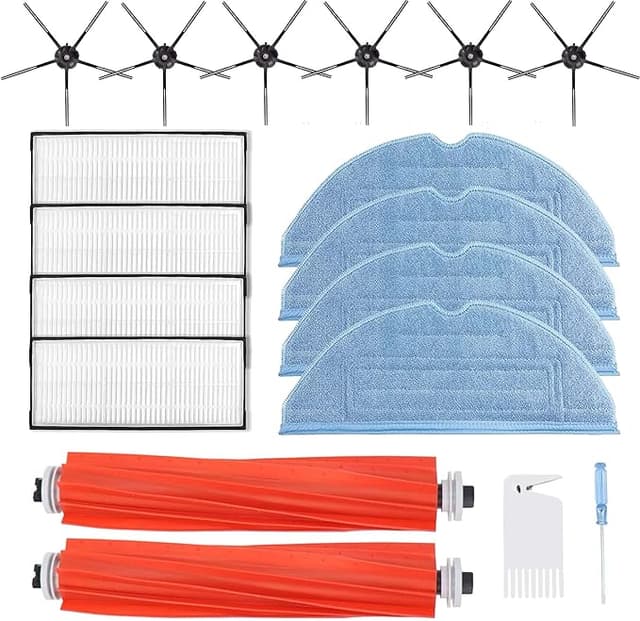
The official Roborock main brush, depending on the day and whether it's bundled into one of their "maintenance kits," runs you somewhere in the $25 to $30 range for the single roller — more if they rope you into buying side brushes and filters you don't need yet. The compatible main brush I went with was $13. Same fit, same job.
Run the math on a robot vacuum that's cleaning a real house with a dog: you're swapping the main brush roughly every six to nine months, sometimes sooner if you've got long hair in the house. Call it once a year to be safe. Over the three or four years you'll actually keep this vacuum, going compatible is the difference between spending maybe $100 on brushes and spending around $45. That's not nothing. That's a couple of refill bags of detergent or, honestly, the dog's monthly food.
Does it actually seat right? Yeah — with one fiddly second
This is the part I was nervous about, because a brush that doesn't sit flush will rattle and wear unevenly. Install is genuinely simple on the S7 MAX, S8+, and Q7 MAX. Flip the robot, pop the two tabs on the brush guard cover (you can do it with a fingernail, no screwdriver needed on these models despite what the generic instructions suggest), lift the old roller straight out, and drop the new one in. There's a square peg on one end and a pin cap on the other — note which way the old one came out, because the new brush only seats correctly one way around.
Here's the honest fiddly bit: on my first try the pin-cap end didn't click fully home, and the cover wouldn't snap shut. Took me about ten seconds of wiggling to realize I had the cap end and the drive end swapped. Flip it, push, click. Cover snapped down. The fit on the compatible brush was maybe a hair tighter in the housing than OEM — I had to press a touch harder to seat it — but once it was in, zero rattle. No play, no wobble on the test run.
How it actually cleans, four months in
I've had this running daily across hardwood, a couple of low-pile rugs, and the disaster zone that is my kitchen. On hard floors it picks up exactly like the original did — I genuinely cannot tell a difference in how clean the boards feel under bare feet. On the rugs it's grabbing the embedded dog hair fine, and the anti-tangle design on this one is doing its job better than I expected. After four months I pulled it to check and there was way less hair wrapped around the bearing than my old OEM brush had at the same point.
Where it's a touch behind: the bristle stiffness. The compatible brush's bristles feel very slightly softer than a brand-new OEM roller. On a deep, plush rug I think the OEM digs in maybe 5% harder. For 90% of homes — hard floors and thin rugs — you will never feel that gap. If your whole house is thick shag carpet, that's the one case where I'd think twice.
The real downsides, because there are some
First: the packaging is cheap. Mine showed up in a thin plastic sleeve, no fancy box, and there was a faint rubbery plastic smell when I opened it. It aired out in a day and I never smelled it during cleaning, but if you're someone who expects a premium unboxing, this isn't it.
Second, and this is the one that actually matters: quality control across the compatible market is streakier than OEM. My unit was perfect, but I've read enough buyer reports to believe some batches have a roller that's a millimeter off or a stiffer cap. The flip side is that at $13 a brush, even if one out of five were a dud, you'd still be ahead of OEM pricing — and most sellers will just replace a bad one. Still, it's a real difference. With the official brush you're paying partly for the near-certainty that it's right out of the bag.
Third, the bristle softness I mentioned will probably mean this roller hits "time to replace" a little sooner than a premium OEM one would on heavy carpet. On hard floors I don't expect a meaningful difference in lifespan.
Why you don't want to limp along on a dead brush
Quick reminder from my streaky-hallway story: a worn or clogged main brush isn't just a cleaning problem, it's a strain problem. When the roller can't grab debris, the robot doesn't know that — it just keeps driving, and the motor works harder against a brush packed with matted hair. That heat and load is how you cook a vacuum early. A flattened brush also means dust and dander stay on your floors instead of in the bin, which is the opposite of why you bought the thing. Swapping a $13 part on time is cheap insurance against a much more expensive repair.
So who should buy which?
Buy the OEM brush if your home is wall-to-wall thick carpet and you want the absolute stiffest bristle dig, or if you genuinely can't tolerate the small odds of a quality-control miss and want it perfect first try. That certainty is worth something to some people, and I won't pretend it isn't.
For everybody else — hard floors, normal rugs, a pet or two, a budget — I grab the compatible brush. I've now installed two of them, the floors are just as clean, the install took under a minute once I stopped fighting the cap, and I kept twenty-some bucks in my pocket each time. Look, it's a wear part. It's going to get chewed up and thrown out in a year no matter whose name is on it. I'd rather replace a cheap one on schedule than feel precious about an expensive one and put off the swap — and that, more than anything, is why my floors are cleaner now than when I was loyal to the brand.