Troubleshooting & Analysis
The first time I dropped it into the bay, it clicked — and I exhaled
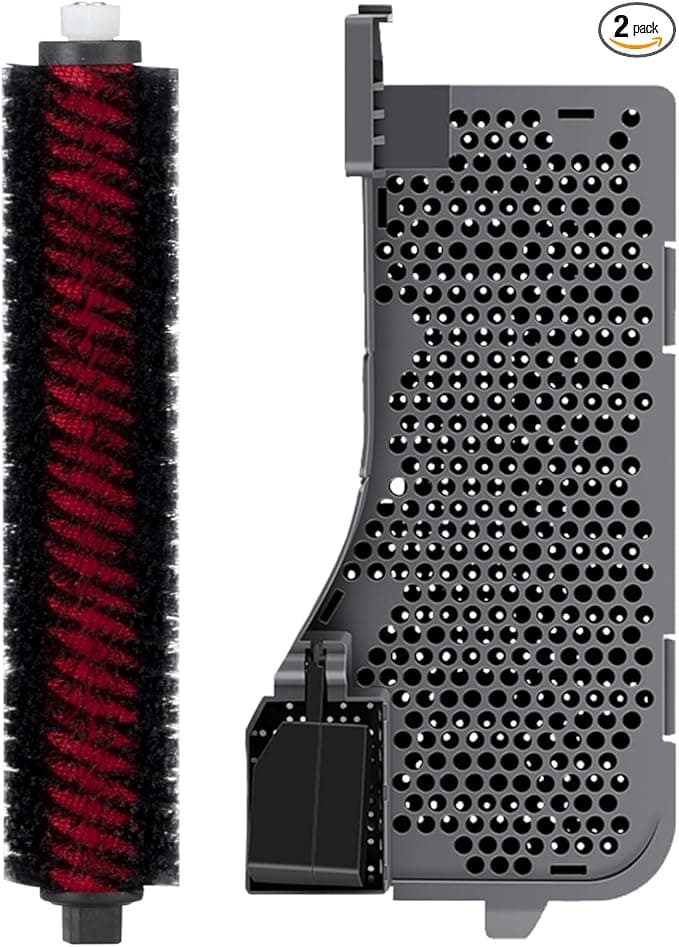
That click. If you've owned a Roborock long enough, you know the one. The little plastic snap when the filter seats flush against the dust bin wall, no gap, no wobble. I'd been holding my breath because I'd just paid about $11 for a compatible filter to replace the $20-ish OEM unit Roborock wants for the S7 MAX, and a cheap part that doesn't seat right is worse than no part at all. But it clicked. First try. Same as the original.
I'll back up. My S7 MAX runs every morning at 7 — two cats, a shedding mutt, and a kid who treats the living room rug like a snack tray. The factory filter had gone gray-brown and the suction had that tired, muffled sound. Roborock's official replacement kit is fine, but I'd already been burned by OEM pricing on my old Dyson, so this time I went looking for a third-party one before I clicked "buy" on the brand-name part.
The price math nobody at Roborock wants you doing
Here's the thing that actually drives the decision. A robot vacuum filter isn't a once-a-year part. If you've got pets, you're swapping it every two to three months — Roborock themselves say roughly every 150 hours of run time, and with a daily cycle you hit that fast. So this isn't a one-time $9 difference. Run the year out: four OEM filters at full price versus four compatibles, and you're looking at the gap stacking up to real money. Forty, fifty bucks a year on a part that catches dust. For the same machine doing the same job.
And that's the part that nags at me about OEM kit pricing on consumables. The motor's the expensive bit. The filter is pleated paper and a plastic frame. You are not paying for engineering on the fourth replacement — you're paying for the logo printed on the tab.
Fit and install: where cheap filters usually betray you
This is the make-or-break, so let me be specific. Power off, flip the unit over, pop the dust bin out — on the S7 MAX the filter lives behind a little hinged door on the bin, and you press the release and the old one slides out. Twenty seconds, no tools. The compatible filter went in the same way the original did. Pleats facing the right direction, frame flush, door latched with that click I already gushed about.
Now the honest part. The frame on this one is a hair — and I mean a hair — looser in the hand than the OEM. When you hold them side by side the aftermarket plastic feels slightly less rigid, a touch more flex when you squeeze the corners. In the bay? You'd never know. It doesn't rattle, doesn't shift, doesn't let air sneak around the edge. But if you're the kind of person who notices these things, you'll notice. I noticed. It didn't change how it ran.
One real tip from the install: before you slot the new one in, wipe out the bin compartment. Mine had a fuzz of fine dust packed into the corners that would've sat right against the fresh filter. Ten seconds with a dry cloth. The guide tells you to clean the compartment and it's right — a new filter pressed against old gunk just clogs faster.
How it actually performs after four months
I've run this thing daily since early spring. The suction came back to that crisp, slightly angry whine the machine makes when airflow is clean — the muffled tiredness was gone the first run. Pet hair pickup is right where it should be; I empty the same volume of dog fluff I always did. Tapped it out over the trash at the eight-week mark and the pleats had the even gray loading you want to see, not a blown-through spot or a collapsed section.
Where's it a touch behind OEM? Two things, and I'll be straight about both. The pleat paper feels marginally thinner when you flex it, and I suspect — can't prove with a lab, just a hunch from handling dozens of these — that it'll hit "time to swap" a week or two sooner than the genuine part under heavy pet load. And the very first day, there was a faint plastic-and-cardboard smell when the vacuum ran. Not chemical, not strong. Gone by day three once it cycled some air through. If you've got a sensitive nose, run the robot once with a window cracked and you'll never smell it again.
The downside I want you to take seriously
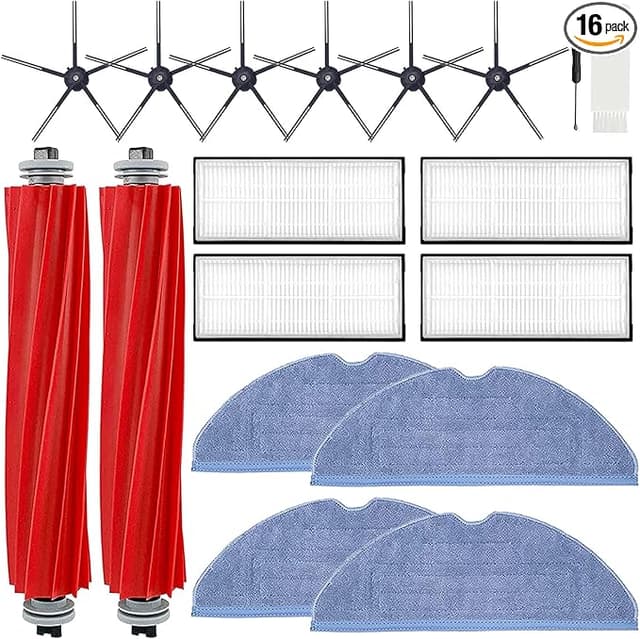
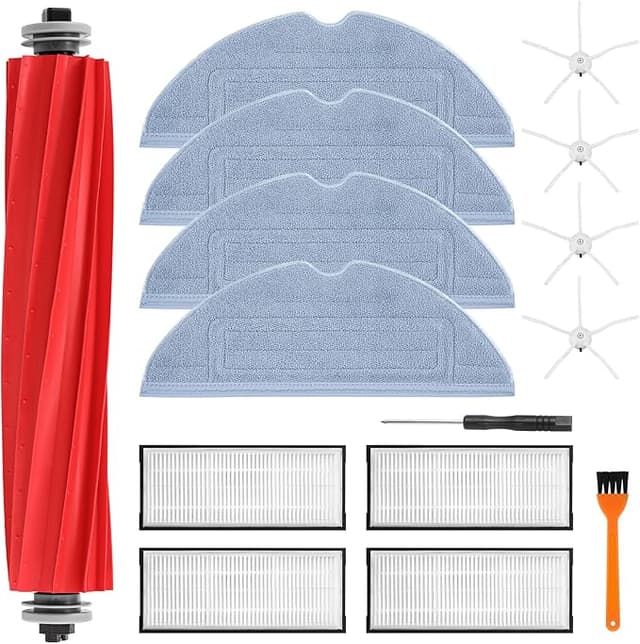
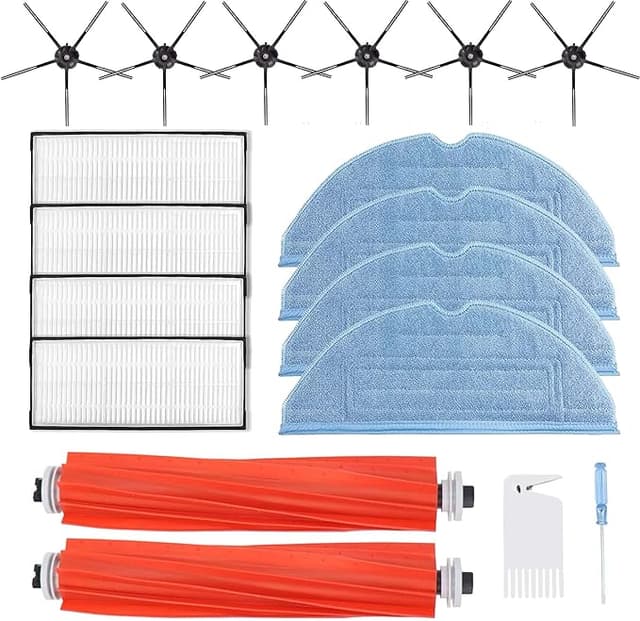
The packaging is cheap. Thin poly bag, a bend in one corner of the frame when it arrived — popped back fine, but it tells you these aren't shipped with white-glove care. More importantly: buy filters, not a filter. The risk with any aftermarket consumable isn't that one unit is bad, it's variance between units. So when you find a compatible that fits and seats clean, grab the multi-pack. You spread the cost, you've always got a spare, and you're not gambling on a single piece arriving warped.
And don't let any filter — OEM or not — ride past its life because it "still looks okay." A saturated filter doesn't just dump allergens and fine dust back into the room your kid crawls on; it chokes airflow and makes the motor strain. That strain is what actually kills these vacuums. The filter is the cheap insurance policy on the expensive part. Skipping a $10 swap to save the motor is the dumbest false economy in this whole hobby.
So who should buy what
If your S7 MAX is brand new and under warranty and you're nervous about anything voiding it — or you've got a serious respiratory condition where you want the absolute tightest filtration spec on paper — buy the OEM kit and don't think twice. That's a real use case, no shame in it.
Everyone else? This is my honest read after four months of daily dog-hair abuse: it seats with the same click, it filters the same dust, it brought my suction back, and it does it for roughly half the per-filter cost. The frame's a touch softer and there's a two-day break-in smell. Those are the trade-offs. For the money I'd save across a year of swaps, I'd buy it again — and I already have, because the multi-pack's sitting in my closet waiting for the next change.