Troubleshooting & Analysis
I genuinely thought a $20 kit would be junk
Here's the thing — I bought the cheap one to prove a point. Not to my wife, to myself. I'd been paying Roborock's prices for the Q7MAX refresh kit for two years, and every time the order confirmation hit I'd mutter the same thing: there's no way this little stack of foam and a few bristles costs forty-something dollars to make. So I ordered a generic compatible kit for my S7 MAXV instead, fully expecting to write a smug little "told you, get the real one" review. That's the honest setup. I didn't believe a $20 kit could be fine either.
It's been about five months now. I was wrong, mostly. Let me walk you through where.
The price gap is the whole story
OEM Roborock maintenance kits for the Q7MAX/S7 MAX/S7 MAXV line tend to run in the $40–55 range depending on what's bundled — filters, side brush, the main roller, mop pads. The generic kit I grabbed was around $20. So you're looking at roughly half, sometimes less.
And these aren't lifetime parts. The HEPA-style filter on these machines really wants swapping every two to three months if you run it daily with pets, and the mop pads and brush wear faster than you'd guess. So this isn't a one-time decision. Buy OEM twice a year and you're spending $90–110 annually just keeping the thing breathing. Go compatible and you're closer to $40. That $50-ish gap, every single year, on a vacuum — that was the number that made me actually pay attention instead of just grumbling.
Multiply that across the life of the robot. I've had mine three years. The math stopped being cute and started being real money.
Does it actually fit? Mostly yes — with one fiddly bit
This was my biggest worry. Robot vacuums are fussy about seating. A filter that sits a millimeter proud can throw an error or just let dust bypass it entirely, which defeats the point.
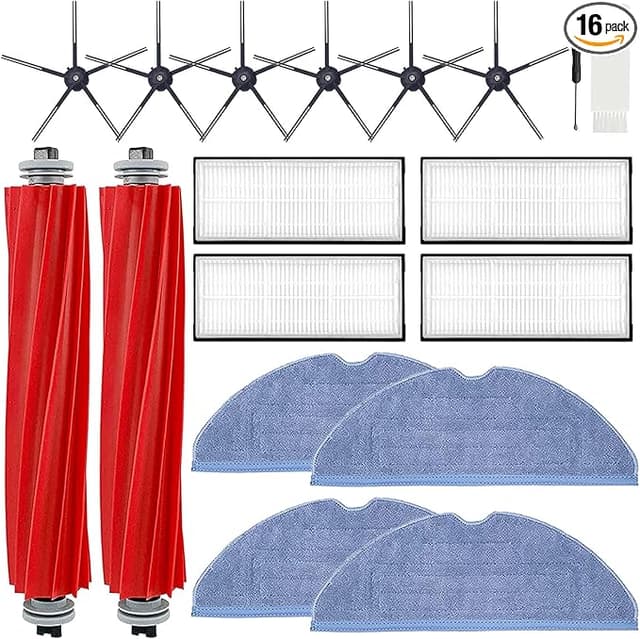
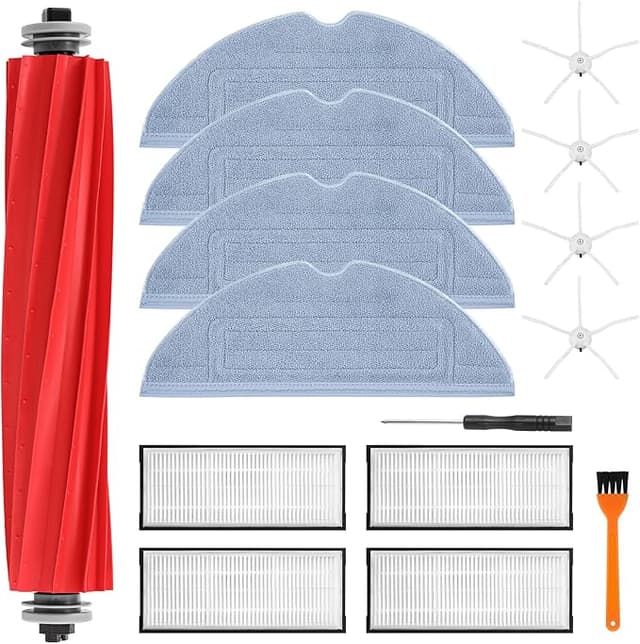
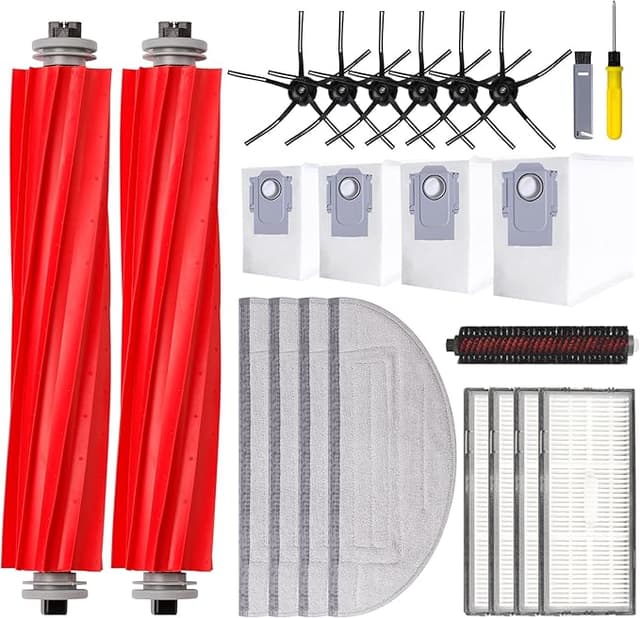
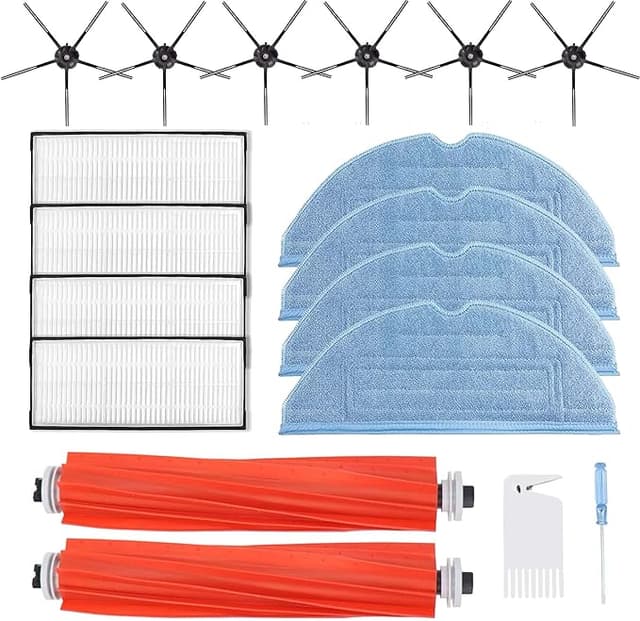
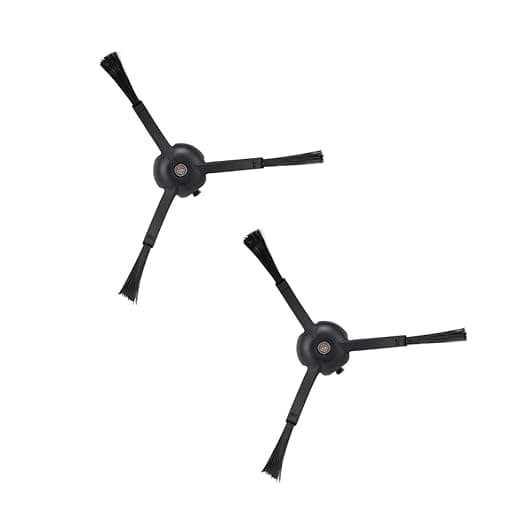
Install was genuinely simple. I cleared a spot on the floor, popped the dustbin, pulled the old saturated filter — it lifts straight out, no tool needed on these models — and dropped the new one in. It clicked. That little seated click is the sound I was listening for, and it was there. The side brush screwed back in the same way the OEM one does, single screw, and the main roller seated under its cover without drama. The mop pads attach to the bracket the same as stock.
The one honest gripe: the filter frame on the generic is a hair looser in the slot than the Roborock original. Not loose enough to rattle or bypass — I checked, ran a tissue test around the seal after a few cycles and it was clean — but you can feel it's a touch less snug when you press it in. If you're someone who notices that kind of thing, you'll notice it. It hasn't caused me a single error code in five months, for what that's worth. But I'm not going to pretend it seats with the exact same authority as the part that came in the box.
How it actually performs
Suction held up. This is the part I was sure would expose the cheap kit, and it just... didn't. The robot picks up the same dog hair off my kitchen tile and the same dust out of the rug as it did on day one with OEM parts. I run it daily — two cats, hardwood and a couple of low-pile rugs — and the dustbin fills at the same rate it always has. The filtration on the new filter does its job; I'm not seeing dust kicked back out or a stale smell from the bin, which is the first sign a filter has given up.
The mop pads are where I'd say OEM has a slight edge. The generic pads are a touch thinner and the weave feels a little less plush. They mop fine — my floors come up clean — but I suspect they'll wear out a month or so sooner than the Roborock ones. At this price I genuinely do not care; I'll just swap them more often and still come out way ahead.
The downsides, for real
Okay, the stuff a fake review would skip.
First, there's a faint plastic smell out of the package. The first two or three days, when the robot ran, there was a mild new-plastic odor near the unit. It aired out completely by day four and I haven't smelled it since, but it's there at first and I'd rather tell you than have you sniff your living room thinking something's wrong.
Second, the packaging is cheap. The OEM kit comes in that tidy molded tray; this showed up in a thin plastic sleeve with the parts loose-ish inside. Nothing was damaged, but it doesn't feel premium when you open it. If unboxing matters to you, this isn't it.
Third — and this is the one I'd actually weigh — the filter frame looseness I mentioned. On my machine it's been a non-issue, but I've read of people with the same generic kits getting the occasional "check filter" nag on the very pickiest S7 MAXV units. I didn't hit it. But it's the kind of thing that varies unit to unit, so I won't promise you'll never see it.
And honestly? The bristle stiffness on the side brush feels a notch softer than stock. It still sweeps debris into the path fine, but it's a small tell that you're not holding the original.
Why a dead filter actually matters here
This part isn't fearmongering, it's just true. When the filter clogs, a robot vacuum doesn't politely tell you — it quietly loses suction and starts pushing fine dust and allergens around instead of trapping them. Worn brushes can drag grit across hardwood. A gunked-up bin holds onto exactly the stuff you bought the machine to remove. The whole reason to stay on a replacement schedule is that a saturated filter turns your cleaner into a dust spreader. Which is the actual argument for going compatible: when the parts cost half as much, you'll actually swap them on time instead of stretching a dead filter three extra months because a fresh one stings $45.
Who should buy OEM instead — and what I do
If your machine is under warranty and you're nervous about anything voiding it, or if you've got one of the touchier S7 MAXV units that throws sensor fits, buy the Roborock kit and sleep easy. That's a real reason, not a cop-out.
For everyone else — me included — I grab the compatible kit now. Same job, fits, suction's there, and it's roughly half the price every time I reorder. The plastic smell fades, the packaging goes in the bin anyway, and the slightly looser frame hasn't cost me a thing in five months of daily runs.
I went in trying to prove these were junk. Instead I've reordered twice. For about $20 doing the work of a $45 kit, I'd buy it again — and I have.