Troubleshooting & Analysis
The smell hit before the warning light did
I knew something was wrong with my Q7 MAX about a week before the app finally bothered to tell me. It started leaving these faint gray streaks on the kitchen tile — places it used to clean fine — and the exhaust had picked up this hot, dusty smell. Like a hair dryer running too long. I ignored it. Then one Tuesday it docked, made a noise I can only describe as a wet cough, and the main brush just... stopped spinning halfway through a pass.
I pulled the bottom plate off and it was grim. The main brush was wound so tight with hair and thread it had basically become a solid cylinder. The filter behind the bin was matted gray, clogged flat. The side brush had two bent bristles dragging on the floor. That hot smell? That was the motor pulling harder and harder to move air through a filter that had stopped letting air through. I'd been running it like that for who knows how long.
So I did the math I should've done months earlier, and that's the whole reason I'm writing this.
What Roborock wants vs. what I actually paid
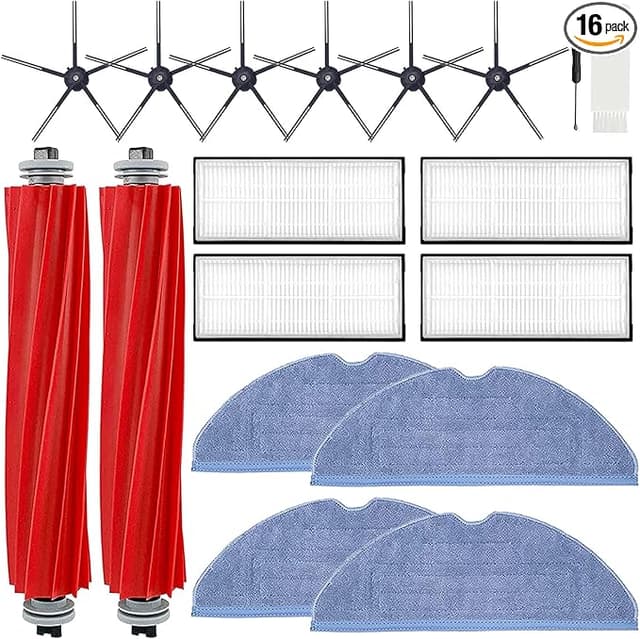
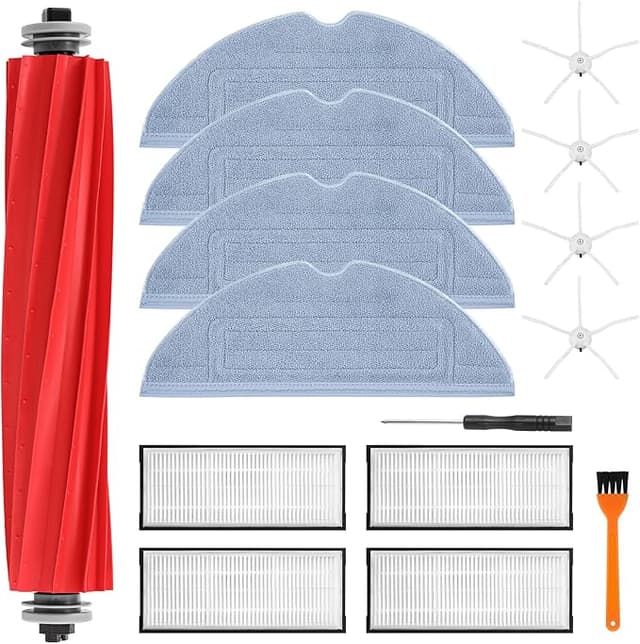
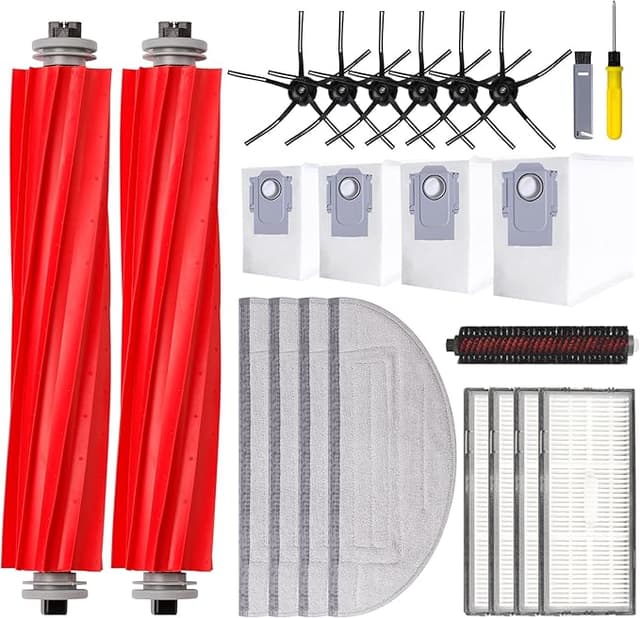
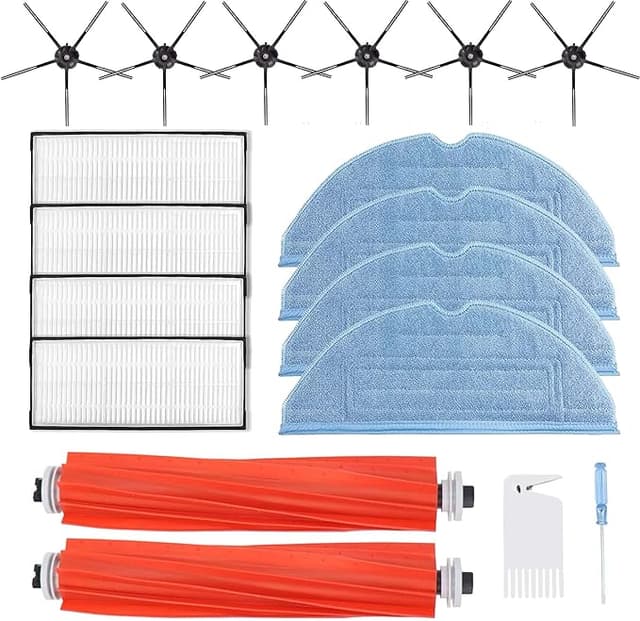
Roborock's official accessory kit for the Q7 MAX — brush, side brushes, filter, mop pads, the works — runs in that $40-plus range every time you need a refresh, and on a robot that mops you're swapping consumables more often than you'd think. The generic replacement kit I ended up buying did the same job for closer to $20. Call it a $20 gap per cycle. Replace two or three times a year and you're looking at real money — fifty, sixty bucks a year — to put the exact same shape of plastic and felt into the exact same slots.
Let me be clear about what that money buys with OEM: the Roborock logo, nicer packaging, and the comfort of buying from the same company that made the robot. That's it. It does not buy you a filter that lasts twice as long or a brush that's structurally different. I've now held both in my hands, side by side, and I'll tell you what's the same and what isn't.
Does the generic kit actually fit?
This was my real fear. A robot vacuum has tight tolerances — the brush has to seat flat or it chatters, the filter has to wedge in snug or unfiltered air sneaks past it. I unplugged the unit (do this — the brushes can twitch if it thinks it's docked), flipped it, and went part by part.
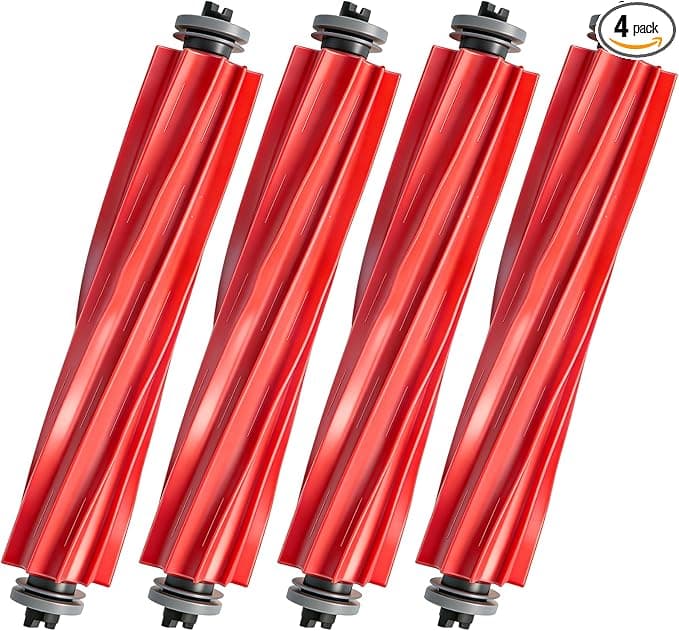
The main brush dropped into its housing and the end caps clicked home with that little positive snap you want to feel. No fight. The filter pushed into the bin and seated flush — I gave it the wiggle test and it didn't budge. Side brush screwed down in seconds. The mop pads pull off and the new ones press on with that velcro grip, and honestly these gripped tighter than the worn OEM ones I was replacing. Dust bag slid into the dock compartment and the flap closed without me forcing it.
Total swap was maybe eight minutes, most of which was me cleaning a winter's worth of gunk out of the empty housing before the new parts went in. Everything fit like it was molded off the same tooling. Because, functionally, it was.
How it runs — and where it's a hair behind
First clean after the swap, the difference was immediate. No streaks. The suction note went back to that even, confident hum instead of the strained whine it had developed. The bin filled the way it used to, and the exhaust was cool and odorless. That hot-dryer smell? Gone the first run. The filter was doing its job again, which is the whole point — a saturated filter doesn't just clean worse, it makes the motor work harder to breathe, and that strain is what kills these machines early.
Now the honest part. The generic filter felt very slightly less dense than the OEM one when I pinched the pleats — the paper's a touch thinner. Does it filter visibly worse? Not that I can tell from the floors or the air. But I'd bet the OEM one holds up a week or two longer before it starts clogging, just on material alone. The bristles on the generic main brush are a fraction stiffer, too, which actually scrapes my low-pile rug better but means I notice it a hair more on hard floor.
The downsides, because there are some
I'm not going to pretend this kit is flawless. The packaging is cheap — a thin plastic sleeve, no inner tray, and one of my mop pads had a folded corner from being crammed in. It steamed flat after a clean, but it's the kind of thing that makes you go "yeah, I paid twenty bucks."
There's a faint plastic-and-glue smell off the new parts for the first day or two of running. Not chemical-harsh, just that new-rubber thing. It aired out completely by day three and I stopped noticing it. If you've got a sensitive nose, run the first cycle when you're out of the house and you'll never know.
And the consistency question is real with generics: this particular kit was great, but third-party quality can wander batch to batch in a way OEM doesn't. The mounting hubs, the felt density, the seal — they were spot-on for mine, but I can't promise every box off the line is identical the way Roborock can. Buy from a seller with a real return policy and actually inspect the parts before you install, the way I did. Two minutes of looking saved me from installing that folded mop pad without flattening it first.
One more thing worth saying plainly: whatever you buy, don't run a robot vacuum on a dead filter and a hairball brush like I did. That's not a brand problem, that's a maintenance problem, and it nearly cost me a motor. The streaks and the smell were the machine begging me. Listen earlier than I did.
Who should buy OEM — and who should grab this
If your Q7 MAX is still under warranty and you're worried a third-party part could give Roborock an excuse to deny a claim, buy the OEM kit and sleep easy. The peace of — sorry, the few extra bucks are cheap insurance there. Same goes if you simply hate fussing and want the guaranteed-identical part with zero variance.
But for me, out of warranty, replacing consumables that are genuinely consumable? I grab the generic. It seated right, it cleaned the streaks away the first pass, it killed the burning smell, and it did all of it for about $20 less than the badge. I've now bought this kit twice. The machine runs like the day I got it, my floors are clean, and the motor isn't screaming anymore. For that price doing that job — I'd buy it again. I already did.