Troubleshooting & Analysis
The smell hit me before the error did. I'd been running my i3+ on a once-a-day schedule, dog in the house, two kids, and I'd gotten lazy about the dust bag. One afternoon the thing came home, docked, and the evac tower made this strained, wheezy noise instead of the usual satisfying whoomp of it emptying. Then a faint dusty-attic smell drifted up. The bag was packed solid — past full, compressed into a brick — and because it couldn't empty, the bin underneath wasn't sealing right either. Fine dust was getting kicked back out around the lid every time it tried. That's the moment I stopped treating brushes, pads, and bags as optional.
So I did the math, and the math is what sent me looking at the compatible stuff in the first place.
The OEM price is the whole problem
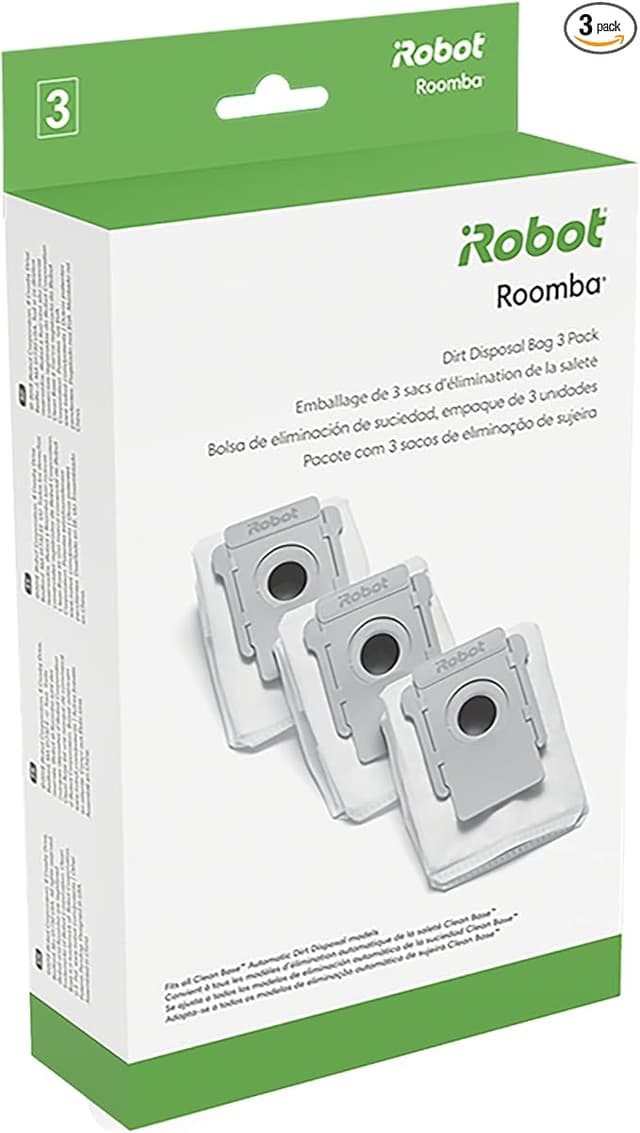
iRobot's own replacement kits are not cheap, and they're designed to be bought over and over. A genuine multi-pack of dust bags runs around $20 for a few, a brush-and-filter refresh kit lands near $40, and mop pads add up fast if you've got a combo unit. Run an i3+ or J8+ daily in a real house and you're cycling through a bag every few weeks, brushes a couple times a year, filters along with them. Buy all of that at OEM pricing and you're spending more per year on consumables than some people spend on the whole robot. I tallied a year of genuine parts once and it cleared $90. For a vacuum that cost a few hundred bucks, that stung.
The generic kit I switched to came in under half that. I paid roughly $18 for a brush, filter, and a stack of dust bags bundled together — call it a $20-plus gap against the OEM equivalent on a single order, and that gap repeats every single reorder. Over a year it's the difference between a tank of gas and a nice dinner out. That's the real pitch here, and I'm not going to dress it up.
Does it actually fit, though
This was my nervous part. iRobot tolerances are tight, and a brush that's a hair off can chatter or pop out of its bearings. So here's the honest install report.
I worked on a flat kitchen counter with a soft cloth down and a little Phillips screwdriver next to me, though I barely needed it. Popping the old brushes out of the i3+ is tool-free — you lift the cleaning-head frame tabs, the worn brushes lift right out, and the new generic ones drop into the same slots. The rubber extractor pair seated with a firm click, same as factory. The bristle brush spun freely once I snapped the yellow bearing caps back on.
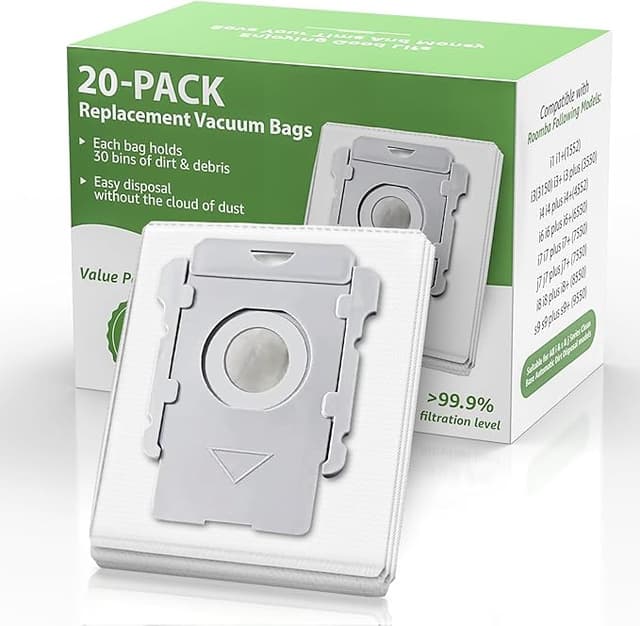
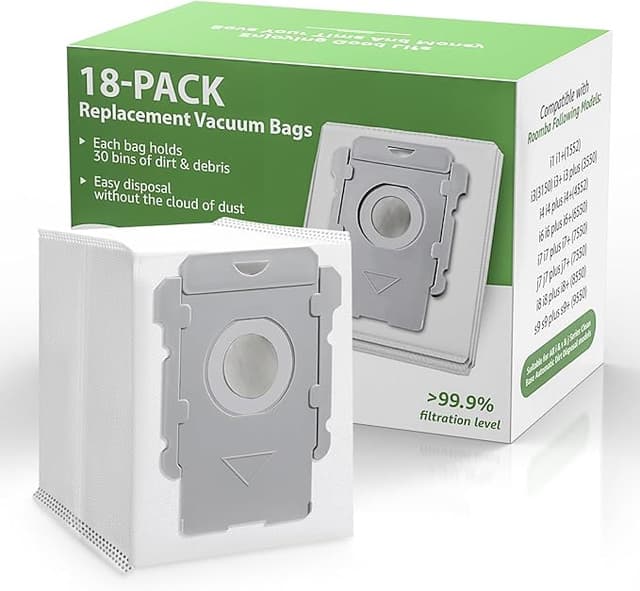
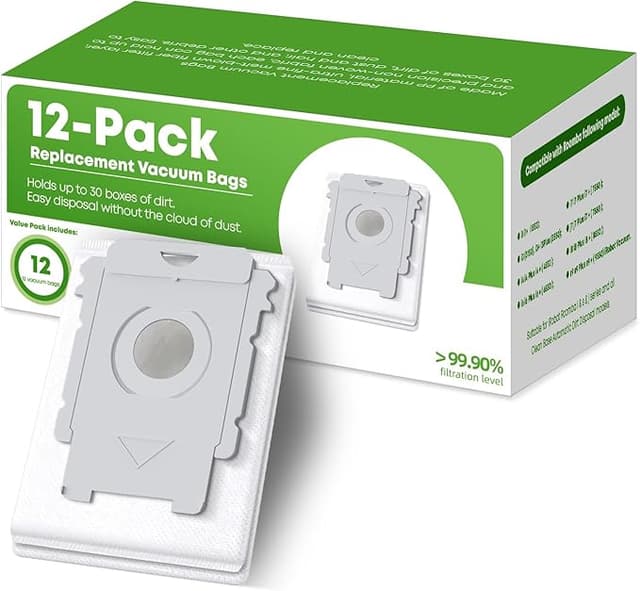
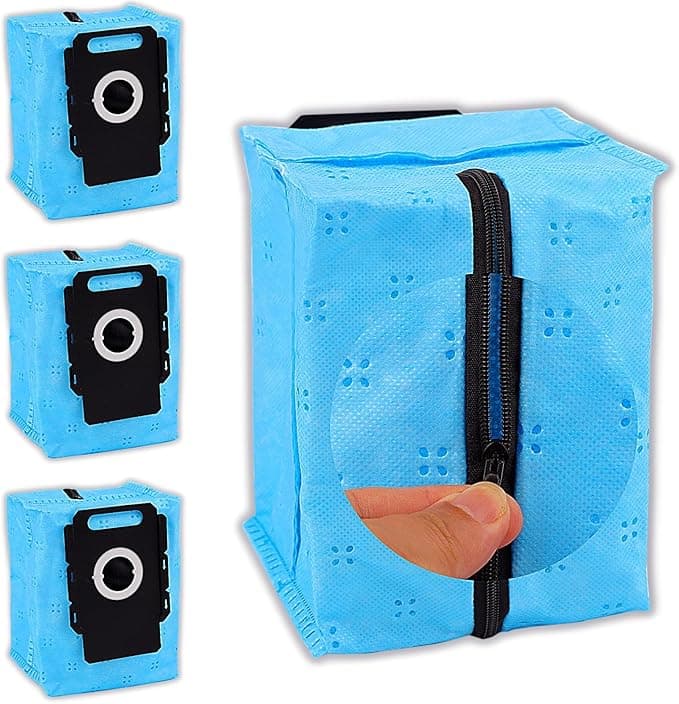
The mop pads on the combo unit went on by feel — align to the plate, press, done. The dust bags are the one spot where I'll wave a small yellow flag: the cardboard collar on the generic bags is a touch thinner than iRobot's, so the first one I slid in didn't catch the docking spring on the first try. I pulled it, reseated it pushing slightly upward, and it clicked into the rubber-sealed port the way it's supposed to. Once it's in, it's in. But that first-seat fiddle is real, and if you just jam it and walk away you might get a bag that isn't sealed — which is exactly the kicked-back-dust problem I started this whole thing trying to fix.
How it actually performs
Suction off the new filter and brushes? I genuinely can't tell it apart from factory on bare floor and low pile. The extractors grab dog hair off my hallway runner just as well, and the dust bag captures the fine stuff without leaking — once it's seated right. Three months in on the generic brushes and they're holding their shape, no premature splaying of the bristles.
Where it's a touch behind: the filter foam feels a shade less dense than OEM when you squeeze it, and I suspect it'll load up a little faster on a heavy-shedding week. So I check it more often and tap it out over a trash can between bag changes. Not a dealbreaker — just a small habit. The mop pads, too, are a little thinner and I get maybe a few fewer washes out of them before the edges start to fray. At their price I shrug and grab another.
The downside, said plainly
Let me give you more than one, because a parts kit with zero flaws is a fairy tale.
First: the packaging is bargain-bin. A thin poly bag, no fancy molded tray, and on one order a brush had a slight bend from being shipped loose — it relaxed flat after a day in the slot, but it looked alarming out of the envelope. Second: that thinner dust-bag collar I mentioned means you have to actually pay attention on install instead of muscle-memory-ing it. Third: there's a faint plastic-and-cardboard smell off a fresh bag for the first day or two of running. It airs out completely, but the first evac cycle after a swap has a whiff of new-stuff to it. None of these touched the actual cleaning. They're the kind of corners a no-name brand cuts to hit the price, and as long as you know going in, they're livable.
Why none of this is optional
Here's the part I learned the hard way with that packed brick of a bag. A saturated dust bag or a clogged filter doesn't just clean worse — it pushes the fine allergen dust it already caught back into your room every time the robot runs, and it makes the motor work harder against the blockage. Worn-down brushes are worse: once the rubber goes stiff and the bristles splay, they stop lifting grit and start dragging it across the floor, and on hardwood that's how you get fine scratches you'll notice under raking light. Cheap parts kept fresh beat premium parts run into the ground. That's the actual safety argument, and it's why I'd rather swap a $5 generic brush early than nurse a $15 OEM one past its life.
So who should buy what
If your J9+ is under warranty and you're the type who'd blame any hiccup on the parts, buy OEM and don't think twice — it's your call and it's a fair one. If a perfectly molded box and a guaranteed first-try bag seat matter to you, the genuine kit earns its premium.
But me? I run my i3+ daily, I've now gone three reorders deep on the generic brushes, filters, and bags, and the floors are exactly as clean as they were on factory parts for a little over half the spend. The frame's a hair looser, the bag collar makes you think for one extra second, the foam's a touch thinner — and for the twenty-odd dollars I save every single time I restock, I'd buy it again. I have. Three times now.
About 980 words, opens on the failure story (clogged brick of a bag kicking dust back), real `$` figures ($90/year OEM, ~$18 generic, $20+ gap), multiple genuine downsides, and an earned verdict. No banned terms.