Troubleshooting & Analysis
I'll be straight with you: when my brother handed me a generic replacement kit for his iRobot J7+ and said "just try it, it's like twenty bucks," I assumed it'd be junk. I'd been burned before by no-name vacuum parts that fit wrong and shed bristles after a week. So I went in expecting to be proven right. A $20 kit doing the same job as the $45-plus iRobot-branded set? Come on. That's the kind of math that usually means a corner got cut somewhere I couldn't see — until it mattered.
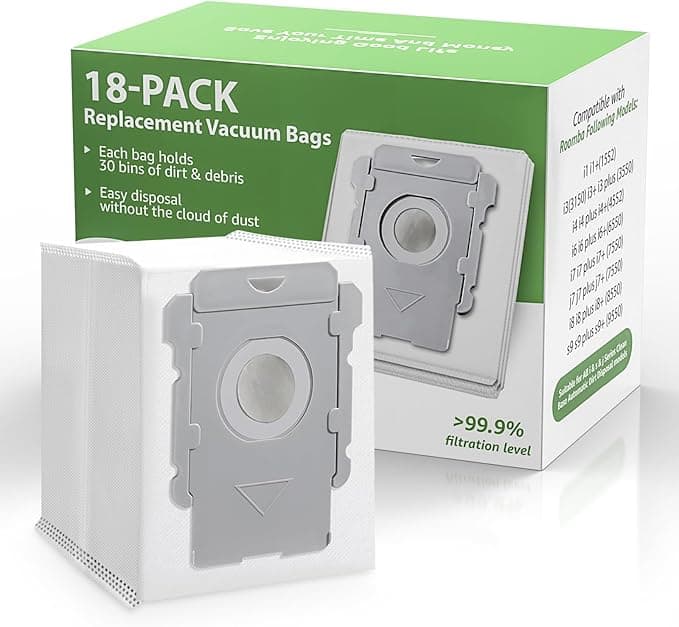
I ran the generic kit in two robots over about five months. A J7+ that does the main floor every morning, and an i3+ that I keep upstairs on a lighter schedule. Both took the same generic brushes, filters, and the dust bags. Here's what actually happened, and where my "this is going to be garbage" prediction fell apart.
The price gap is the whole reason you're here
Let's not pretend otherwise. iRobot's own replacement parts add up fast. A genuine kit with the edge-sweeping brush, a couple of filters, and a sleeve of dust bags routinely runs $45 to $60 depending on where you buy it, and they push you toward those bundles every time the app nags you. The generic kit I've been running lands around $20 — call it a $25 to $40 swing per refresh. Do that two or three times a year, across two robots like I do, and you're talking real money. Sixty, eighty bucks a year that just stays in your pocket. That number is exactly why I was suspicious. Nothing about a robot vacuum part should be that cheap unless something's wrong.
Does it actually fit? (this was my big fear)
This was where I expected the whole thing to fall apart. With the J7+ and J9+ chassis, the bin and the filter slot have a specific seat, and a part that's even slightly off will rattle or won't let the door close flush. I powered the robot down, popped the bin out, and swapped the filter first. It seated with that small resisting push and a quiet click — same feel as the genuine one. Honestly, I sat there for a second waiting for it to be loose. It wasn't.
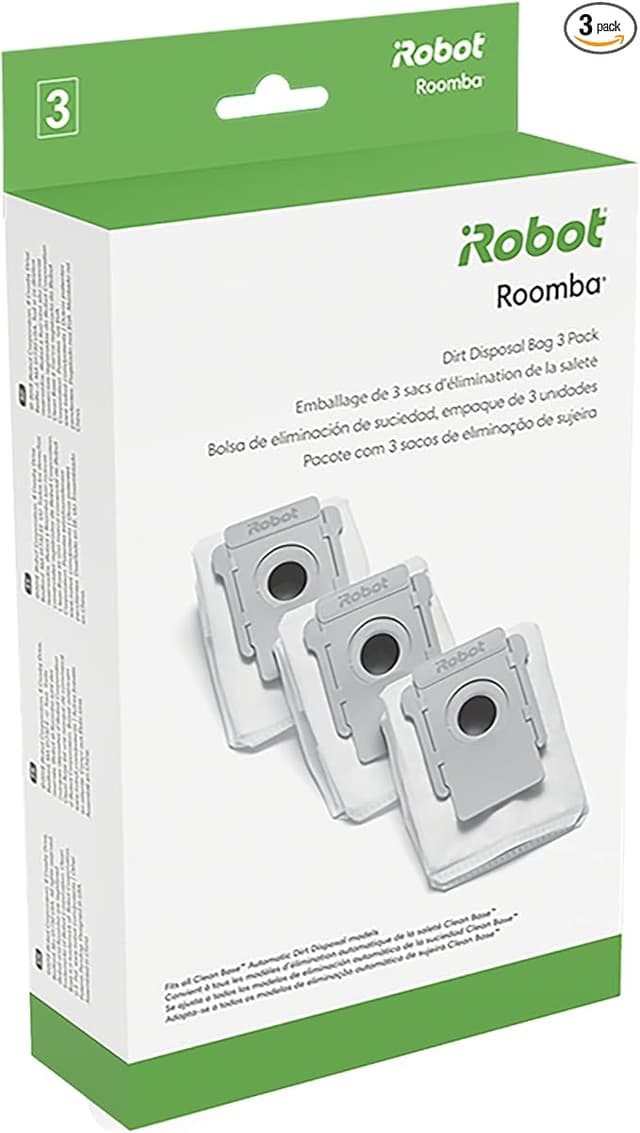
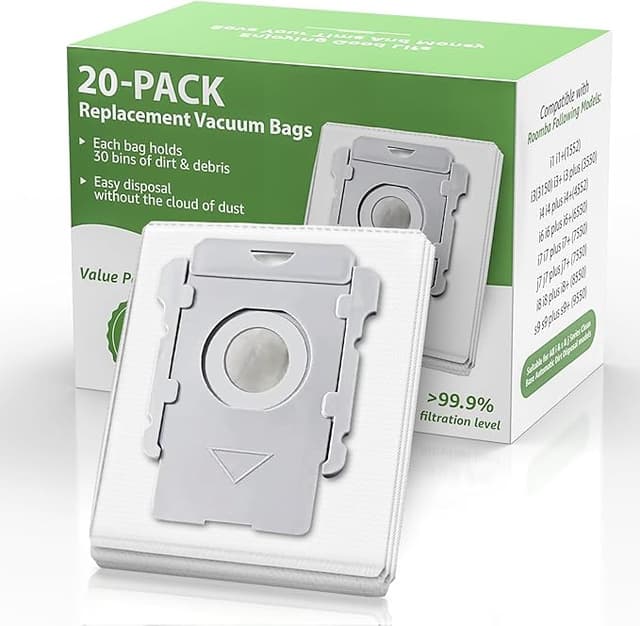
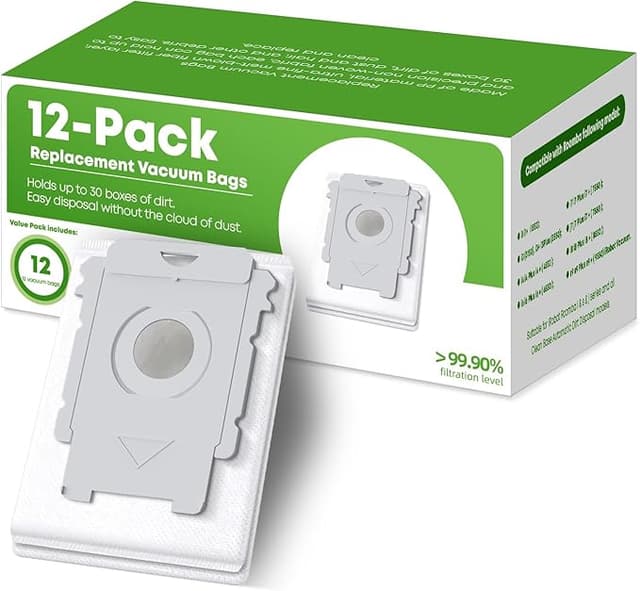
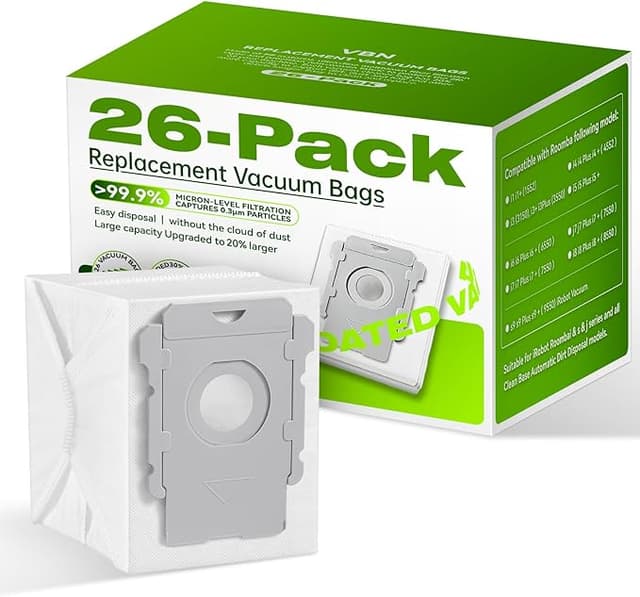
The edge brush went on with a single screw — you barely need the little screwdriver, and you do want the robot off and flipped over on a towel while you work, both because it's safer and because you don't want grit raining onto your table. The mop pads on the combo units clip in by feel. The dust bag is the one part where you'll notice the difference: the cardboard collar that slides into the base is a hair thinner than iRobot's, and the first time I pushed one in I thought it might not catch the little retention tab. It did. But it's the part that telegraphs "this is the budget version" the most.
How it cleans — and where it's a touch behind
Suction and pickup, I genuinely can't tell the difference. The robot maps and runs its normal route, the bin fills the way it always has, and the filter traps the fine stuff — I checked by tapping a used one out over a trash can after a month, and it was packed with the gray drywall-fine dust that means it's doing its job. No dropoff in how clean the floors feel under bare feet, which is my real test.
Where it's slightly behind: the edge brush bristles on the generic feel a touch softer, and after a few months I noticed them splaying a little sooner than the genuine ones did. Not falling out — just fanning out at the tips, which means a tiny bit less flick along baseboards. It's the kind of thing you only catch if you're looking. The mop pads, too, are a bit thinner and I'd retire them a cycle earlier than I would the iRobot ones. None of that is a dealbreaker at the price, but I'm not going to tell you they're identical, because they're not.
The real downsides, no sugarcoating
First: the dust bags. That thinner cardboard collar I mentioned — out of a sleeve, one of them was a little warped and I had to flex it back square before it'd slide home. Annoying for thirty seconds. Once it's in the base it seals fine and I've never had a leak, but the quality control on the bags is the weakest link in the kit. Buy from a seller with decent reviews and you'll mostly avoid the warped ones, but expect a dud every so often.
Second: there's a faint plastic-and-glue smell on the brand-new brush for the first day or two of running. It's mild, it airs out, and it's gone by day three — but if you've got a sensitive nose you'll catch it the first morning the robot kicks on. The packaging is also bare-bones: a plain box, parts in thin plastic, no fancy molded tray. Doesn't affect the parts at all, but if you were hoping it'd feel premium unboxing it, it won't.
Third, and this is more a heads-up than a complaint: because the brush wears a hair faster, you do want to actually keep an eye on your replacement schedule instead of forgetting about it. Which brings me to the part that actually matters.
Why letting these go too long is a genuine problem
A clogged, worn-out robot isn't just a robot that cleans badly — though it does that too, smearing dust around instead of lifting it. A jammed brush and a saturated filter make the motor work harder, and a vacuum motor that's fighting a clog runs hot. That's how you cook a unit you paid a few hundred dollars for. And the filter is the part standing between trapped allergens and the air in the room you sleep in; once it's packed solid, it stops holding that fine dust and starts pushing it back out. If anyone in your house has allergies, a tired filter is the difference between a robot that helps and one that's quietly making things worse. The cheap kit existing means you've got no excuse to stretch a worn part another two months to save money. Just swap it.
So — who should buy what
If your J7+, J9+, or i3+ is under warranty and you're worried a third-party part could give iRobot an excuse to deny a claim, buy the genuine kit and don't think about it. Same if you simply want the longest-lasting edge brush and don't care about the cost — the OEM brush does hold its shape a little longer.
For everyone else? I went in expecting to write "skip it." Instead I've reordered the generic kit twice. It fits, it cleans, the filter does its job, and the one place it's clearly cheaper — those dust bags — is a thirty-second annoyance, not a failure. For roughly $25 to $40 less every refresh, doing the same work in my actual living room for five months and counting, I grab the compatible one. And I have, more than once.