Troubleshooting & Analysis
Two carts, two prices, one nervous thumb hovering over "buy"
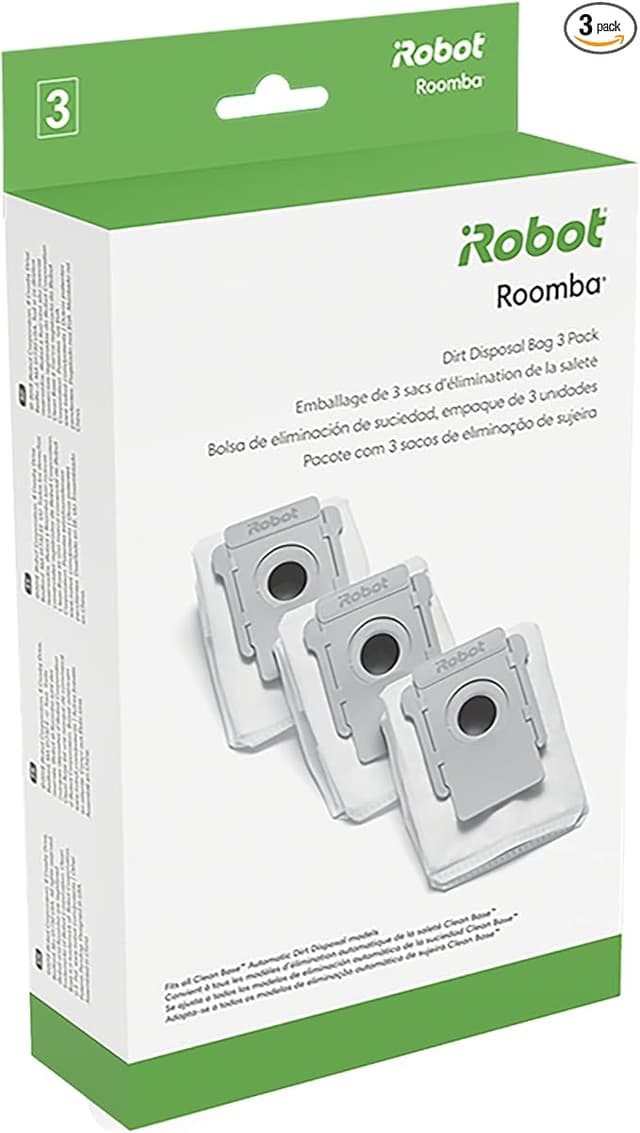
I stood in my kitchen with my phone in one hand and a dead-tired Roomba in the other. The i3+ had started leaving little tumbleweeds of dog hair in the corners — the sign the filter and brushes were shot. So I did what you're probably doing right now: I opened two tabs. One had the official iRobot replenishment kit at around $55. The other had a generic kit — same brushes, same filters, same dust bags — for about $22. Thirty-three dollars apart. For parts that, as far as I could tell from the photos, were the exact same shape.
And I hesitated. Of course I did. This isn't a $5 phone case. This is the guts of a $400 robot that crawls around my house unsupervised. The little voice said: what if the cheap one jams the motor, or the filter doesn't actually filter, or it just doesn't fit? I bought the generic anyway. Here's everything that happened, the good and the genuinely annoying, so you don't have to gamble blind like I did.
The money, laid out flat
Let me do the math I wish someone had done for me. The i3+/j7+/i4+ chews through consumables on a schedule whether you like it or not — filters every couple months, brushes a few times a year, dust bags as they fill. iRobot's own kit runs roughly $50 to $60 depending on what's bundled. If you keep the machine maintained the way you're supposed to, you're buying one or two of those a year. Call it $100+ annually just to keep a vacuum you already own doing its job.
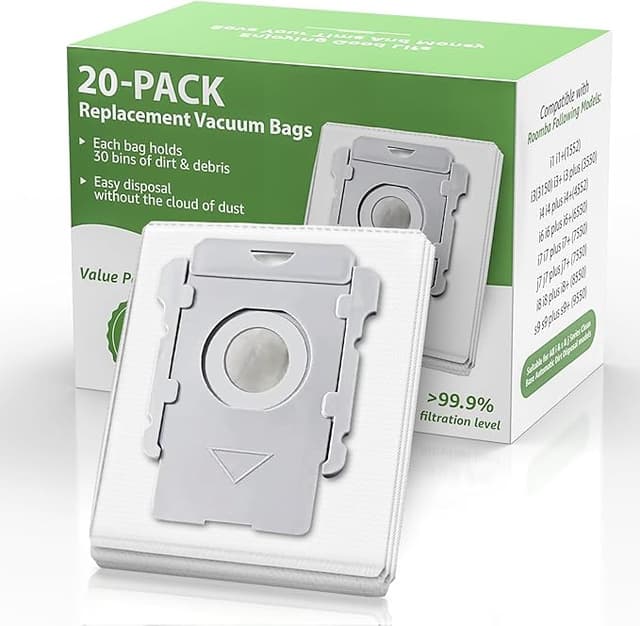
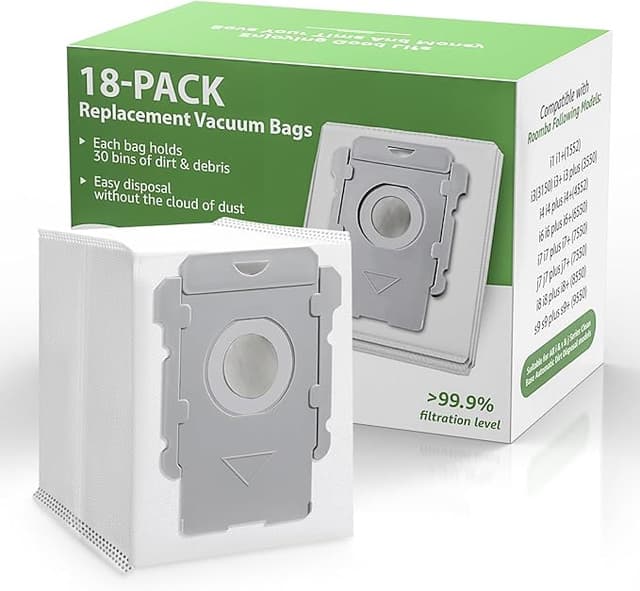
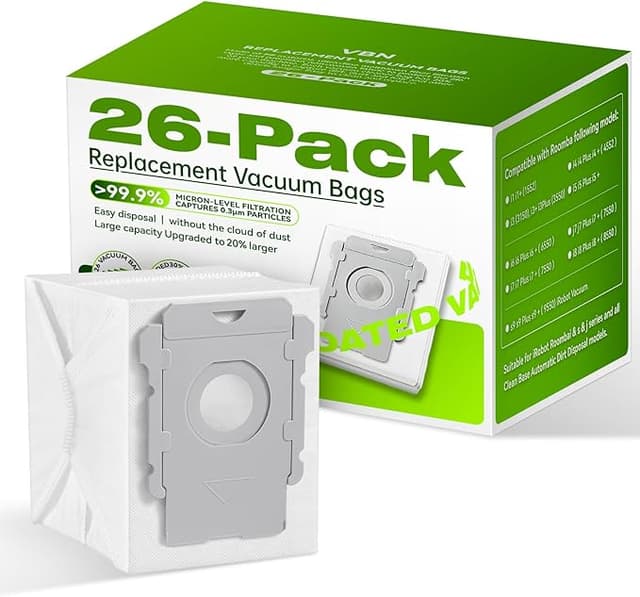
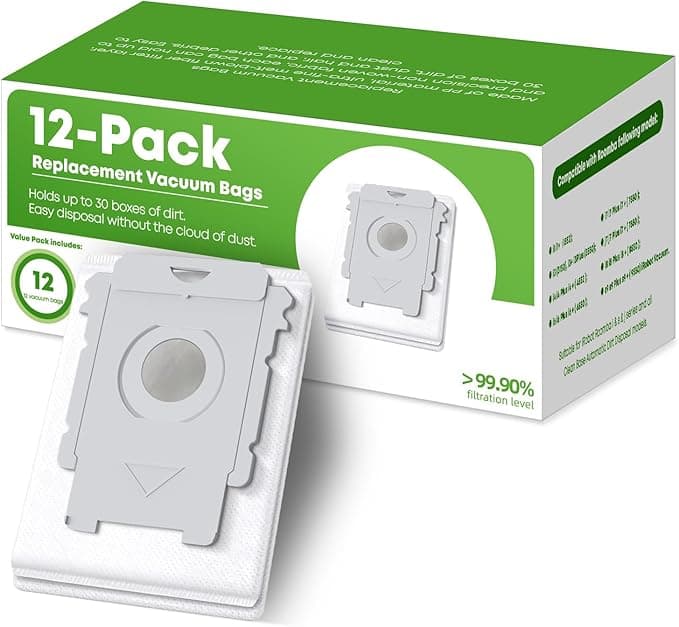
The generic kit I grabbed was around $22 and came with more pieces — extra filters, extra side brushes, a stack of dust bags. So the per-part cost wasn't 40% cheaper, it was closer to a quarter of the OEM price once you counted everything in the bag. Over a year, that's the difference between $100 and maybe $30. That's not a coupon. That's a tank of gas every few months back in your pocket for, again, the same job.
Does it actually fit? The part everyone's scared about
This was my real fear, so I'll be specific. The filters dropped into the bin slot and clicked — that satisfying little seat you feel more than hear. No shaving, no forcing. The dust bags slid onto the cardboard collar in the Clean Base on the first try and the lid closed flush, which matters, because if a bag seats crooked the base won't evacuate properly and you get the dreaded full-bin error.
The brushes were the same story, mostly. The main rubber rollers and the end caps lined up with the bearings and snapped home. Honestly the install is dead simple — power the robot off, pop out the old brushes and filter, look them over for any molding flash or stray plastic before you put the new ones in (I found a tiny burr on one side brush and just flicked it off with a thumbnail), then drop the new parts in the same orientation the old ones came out. Five minutes, no tools, no manual really needed once you've done it once.
The one fit thing I'll flag: the corner side brush sat a hair looser on its post than the OEM did. Not loose enough to fly off — it's been spinning fine for months — but if you held both in your hand you'd feel the OEM grab the screw a little more confidently. More on that below, because it's the most honest gripe I've got.
How it actually cleans
Four months in, running near-daily in a house with one shedding dog and a kid who treats the floor as a plate. Pickup is, to my eye, identical. The bin fills at the same rate, the floors look the same, and the air-quality paranoia I had about a cheaper filter not trapping fine dust hasn't shown up — no extra sneezing, no visible dust blow-back behind the robot, which is the cheap-filter tell you'd notice fast.
Where's it a touch behind OEM? Brush longevity, maybe. The rubber on the main rollers feels very slightly softer, and I'd bet money these wear out a few weeks sooner than the genuine ones would. But here's the thing — at a quarter of the price, I can replace them twice as often and still be way ahead. The mop pads on the j7 combo units are the same deal: they clean fine, they're just a little thinner, so I swap them a bit more eagerly. When the part costs almost nothing, "wears faster" stops being scary.
The downsides — and I mean real ones
I promised honesty, so. First: that faint plastic-and-rubber smell out of the bag. The first two or three runs, my nose caught a whiff of new-plastic off the brushes. It aired out completely within a week and I never smelled it again, but it's there day one and I'd rather you expect it than panic.
Second: the packaging is cheap. Thin poly bags, no fancy molded tray, a couple of the dust bags came slightly creased. Cosmetic — none were torn or compromised — but if you're someone who reads cheap packaging as a sign of cheap product, brace yourself, because it does look the part of a budget kit.
Third, the loose side brush I mentioned. It works, but I check it every few weeks to make sure it's still snug, where with the OEM I'd never think about it. That's a small tax on your attention. And fourth, the boring-but-true one: there's no brand guarantee here. If iRobot ever wanted to argue a warranty claim, "you ran third-party consumables" is a card they could theoretically play. I think that's a near-zero risk for wear parts like filters and brushes — these aren't motherboards — but it's not nothing, and you should know it before you click.
Why you can't just skip this
One thing I won't soft-pedal: a clogged, saturated filter isn't a cosmetic problem. When the filter's packed and the brushes are matted with hair, the motor pulls harder to move the same air, runs hotter, and works toward an early death — and a $400 robot dying to save $22 on filters is the dumbest math there is. Worse, a dead filter stops trapping the fine dust and dander it's supposed to and just stirs it back into the room you're trying to clean. So whether you go OEM or generic, replace the things on schedule. That part isn't optional.
The verdict — who buys what
If your robot's under warranty and you're the type who'd lose sleep over a third-party part voiding a claim, or you just want zero variables, buy the genuine iRobot kit and pay the $55. No shame in buying certainty.
But me? I've now bought this generic kit three times. It fits, it cleans like the real thing, the only real costs are a day-one plastic smell, packaging that looks as cheap as it is, and a side brush I keep half an eye on. For roughly a third of the OEM price doing the identical job, I grab the compatible one every single time — and I'll grab it again next quarter when these wear down. That's not me selling you. That's just what's in my cart.