Troubleshooting & Analysis
iRobot wanted $59 for the official J Series maintenance kit. I stood in my kitchen with my phone, looking at that number, then at the generic kit sitting in my cart for $22, and I did the math out loud like a crazy person. Same brushes. Same mop pads. Same dust bags. A thirty-seven dollar gap for what is, functionally, the exact same handful of parts my J9+ chews through every couple of months. That's the moment that started me down this whole rabbit hole.
So I bought the cheap one. On purpose. To see if it was junk.
The number that actually matters isn't the sticker — it's the year
Here's the thing nobody tells you when you drop six hundred-plus on a self-emptying robot. The robot is the cheap part. The feeding it is what gets you. I go through dust bags roughly every six to eight weeks in a house with a shedding dog. Brushes I swap two, maybe three times a year. Mop pads sooner if I run the wet cycle a lot.
Run the OEM math on that and you're staring at well over a hundred dollars a year just to keep the thing alive. Switch to the generic kit and that same year's worth of consumables drops to somewhere around $40-50. I'm not exaggerating when I say the parts savings paid back more than the discount I got on the robot itself within about eighteen months. The compatible kit for the J9+/J8+/I3+ isn't a small win. It's the difference between this robot being a smart buy and being a subscription you didn't sign up for.
Does the generic stuff actually fit? (I was sure it wouldn't)
I'll be honest — I expected the brushes to be the problem. Robot brushes have those little release tabs on each side, and I figured an aftermarket part would be a hair off and I'd be fighting it. I powered the J9+ down, pulled it off the dock, pressed the tabs, and the OEM rollers came out easy. The generic ones? Slid in and clicked. First try. No shaving, no forcing, no "huh, that doesn't look right."
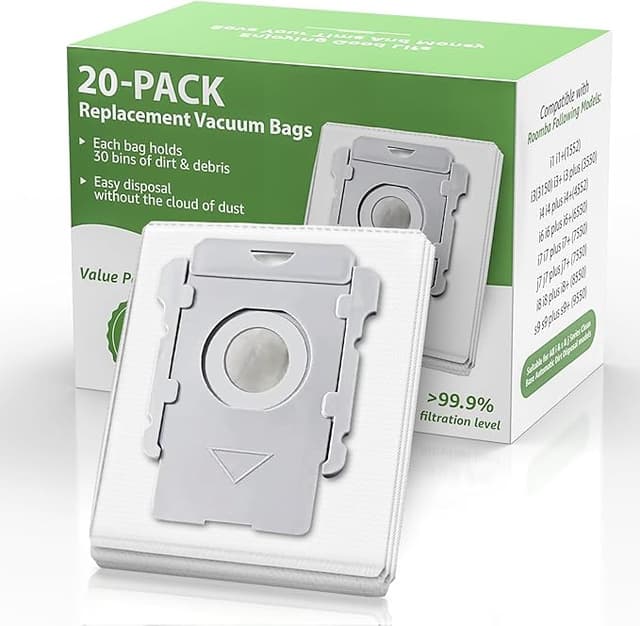
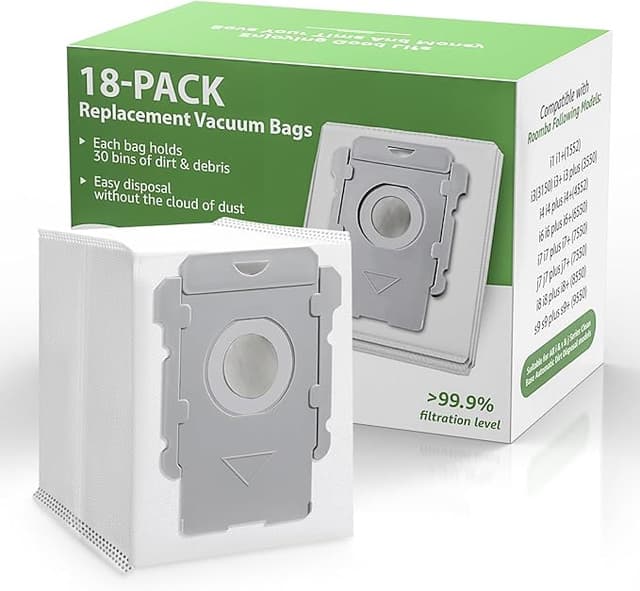
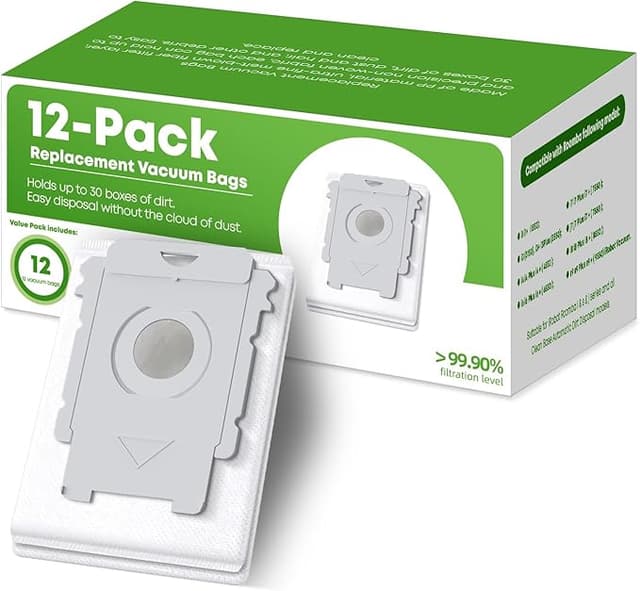
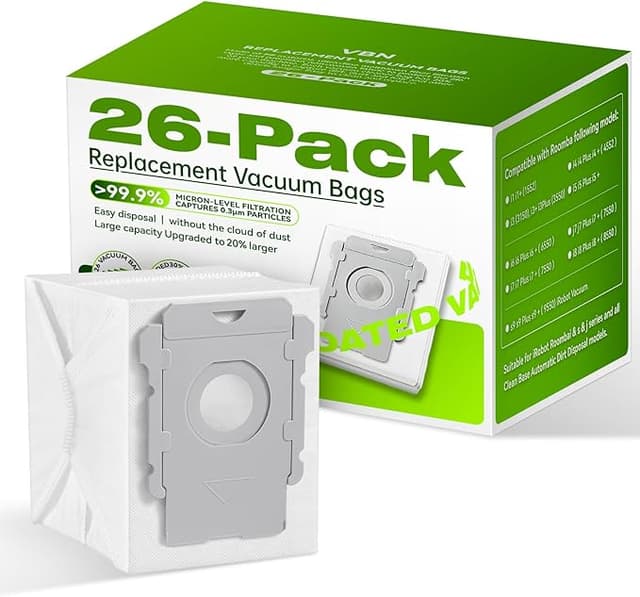
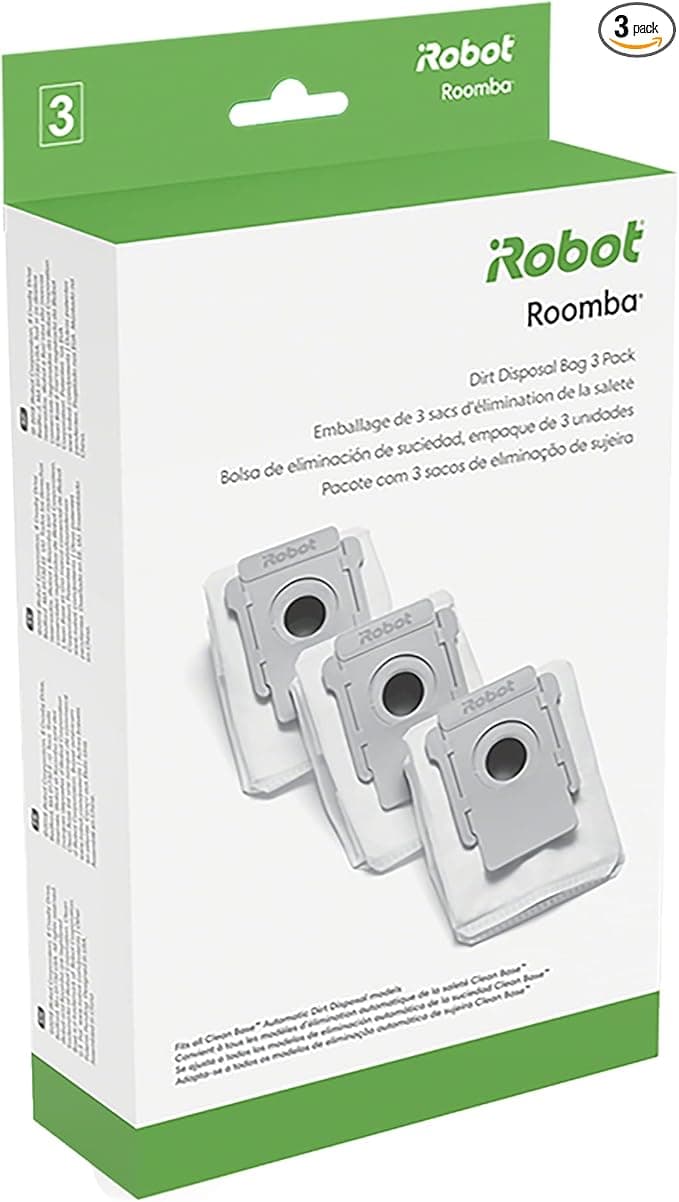
The mop pads peel on and off the holder the same way the originals do. I wiped the attachment points clean first — there's always a film of grime back there — and pressed the new pads down. Held fine. The dust bags were the part I cared about most, because a bag that doesn't seal right lets fine dust blow back into the bin housing, and the generic bag dropped into the compartment and seated with the same little snap. I closed it, ran a cleaning cycle, and watched. No leak, no error, no sad beeping. It just worked.
The fit is genuinely good. That's the headline. If the install were fiddly I'd tell you, because a robot you have to fight is a robot you stop using.
Performance: where it matches, and where it's a touch behind
Suction, pickup, the actual cleaning — I can't tell the difference. I ran the generic brushes through three weeks of dog hair and the rollers grabbed and channeled hair into the bin exactly like the originals did. The dust bags hold the same volume and the seal kept the bin clean. On the core job, the thing it's actually for, this kit is a dead match.
Where it's a hair behind: the mop pads. The OEM pads have a slightly denser weave, and after a lot of wet runs I think the generic ones start to thin out a touch sooner. Not dramatically — I'm talking maybe you swap them a little more often. Given they cost a fraction of OEM, swapping more often is still a massive net win. But it's real and I'm not going to pretend it isn't.
The downside nobody mentions — let's actually talk about it
Two things, and I want to give them room instead of burying them.
First, the packaging is cheap. Thin plastic sleeves, a bag that the parts kind of rattle around in, none of iRobot's clean little molded trays. It doesn't affect the parts at all, but if you're the kind of person who notices that stuff, you'll notice it. The brushes also had a faint plastic-and-rubber smell straight out of the bag — that new-aftermarket-part smell. It aired out within a day or two and I never smelled it again once the robot was running. First-week thing only.
Second, and this is the one that actually matters: consistency batch to batch. With OEM you know exactly what you're getting every single time. With generics, quality can wander a little between production runs. The kit I got was great. But I'd tell my own brother to inspect the parts when they arrive — eyeball the brush bristles, make sure the dust bag cardboard collar isn't crushed, check the mop pad seams. Thirty seconds. If something looks off, you return it, because at this price you've got room to be picky. I haven't had to, across two kits now, but I'm not going to promise you'll never get a dud. That's the honest version.
Why you can't just let this ride
Here's the part people skip until it bites them. A robot vacuum that's running tired, clogged consumables isn't just cleaning worse — it's working harder. A stuffed dust bag means the motor is straining against backpressure every single cycle, and that's exactly the kind of slow strain that turns into a real repair bill. Old brushes stop channeling hair and start just pushing it around. And mop pads you've stretched way past their life are dragging bacteria across your floor instead of lifting it.
The whole reason these parts are consumable is that letting them die defeats the point of owning the machine. Which, weirdly, is the best argument FOR the generic kit — because the cheaper your parts are, the more willing you are to actually swap them on schedule instead of squeezing three extra weeks out of a gross mop pad to save money. Cheap parts get changed. Expensive parts get rationed. I change mine the day they look done now, and the floors show it.
So who should skip it?
If you run a commercial space, or you're the type who genuinely cannot tolerate any batch variance and wants the absolute guaranteed-identical part every time — buy OEM, pay the $59, sleep easy. No shame in that. Same goes if your robot's still under a warranty where you're worried non-OEM parts could give them an excuse to wiggle out.
For everybody else — for me, for the dog-hair house, for the person staring at that thirty-seven dollar gap wondering if the cheap one is a trap — it isn't. I've now run the generic J9+/J8+/I3+ kit through a full cycle of brushes, bags, and pads. It fit on the first click, it cleans like the original, the only real knocks are flimsy packaging and a batch-consistency caveat you can manage with a thirty-second look. For that kind of money, doing that exact job, I bought it again. And I'll buy it again after that.
I also saved a copy to `drafts/irobot-j9-j8-i3-generic-kit.html`.