Troubleshooting & Analysis
Standing in the kitchen with two boxes, doing the dumb math
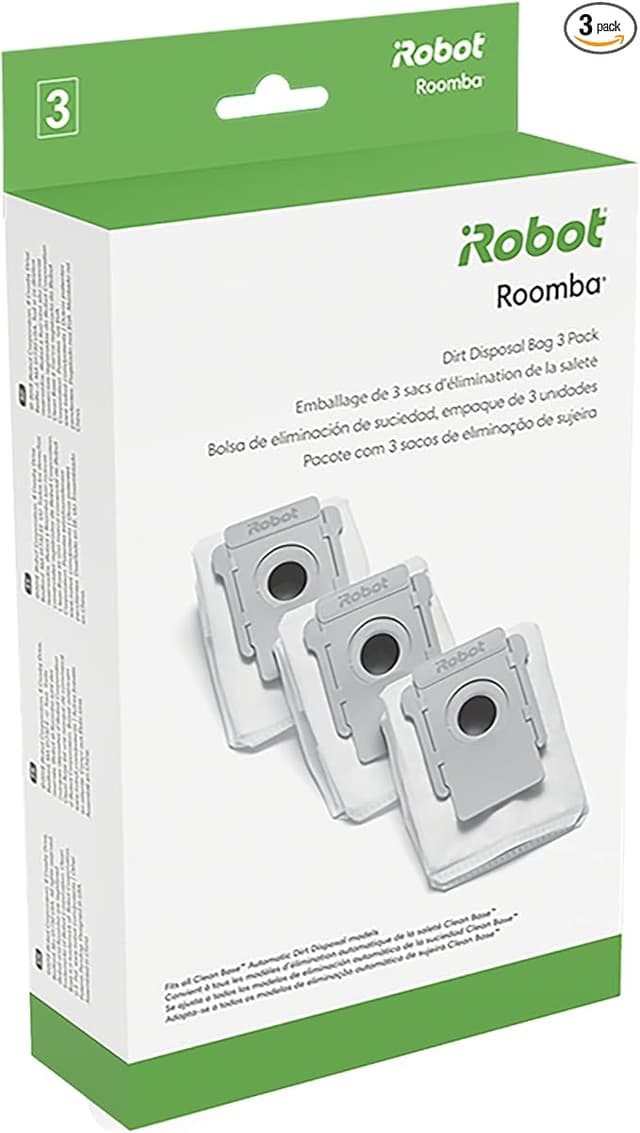
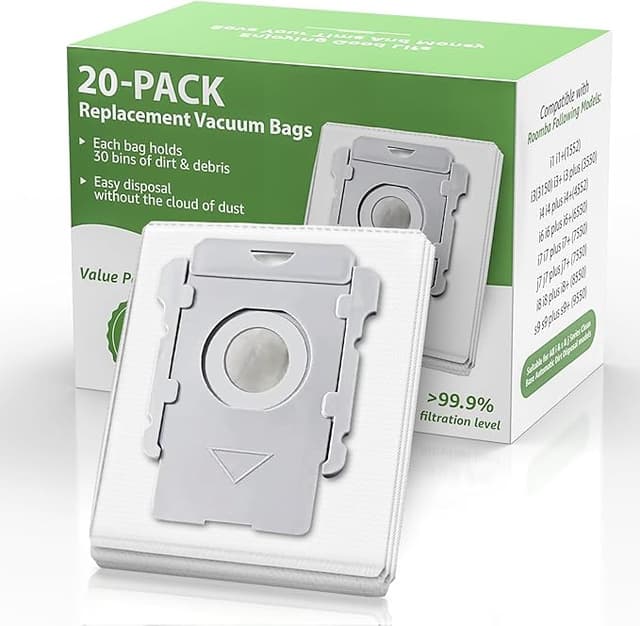
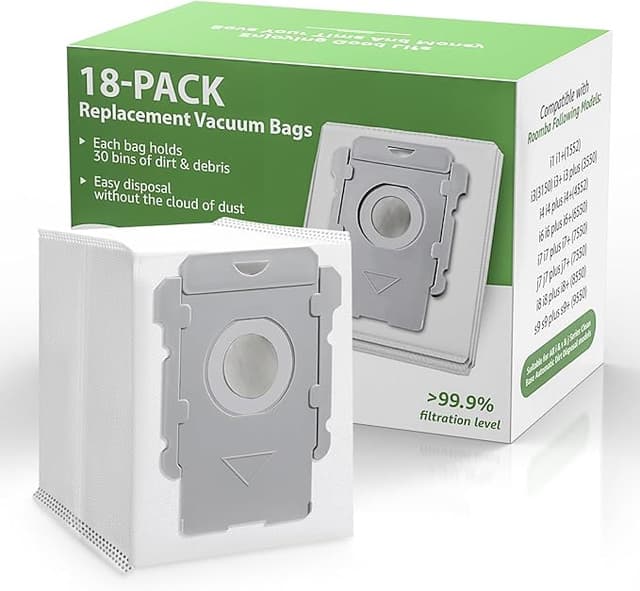
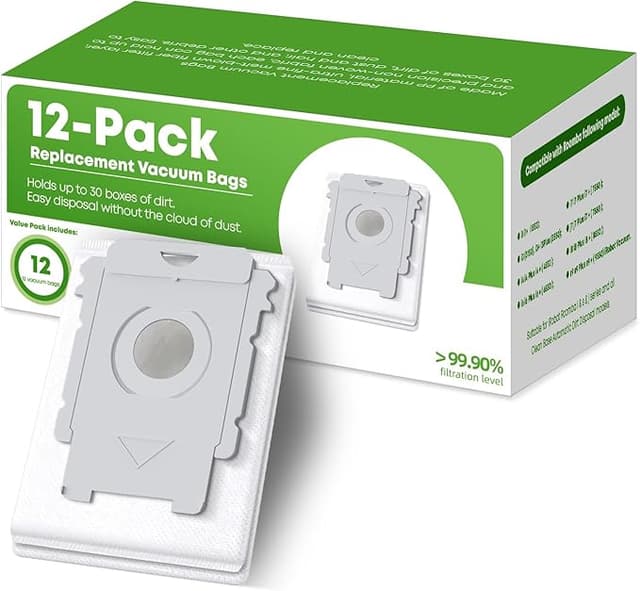
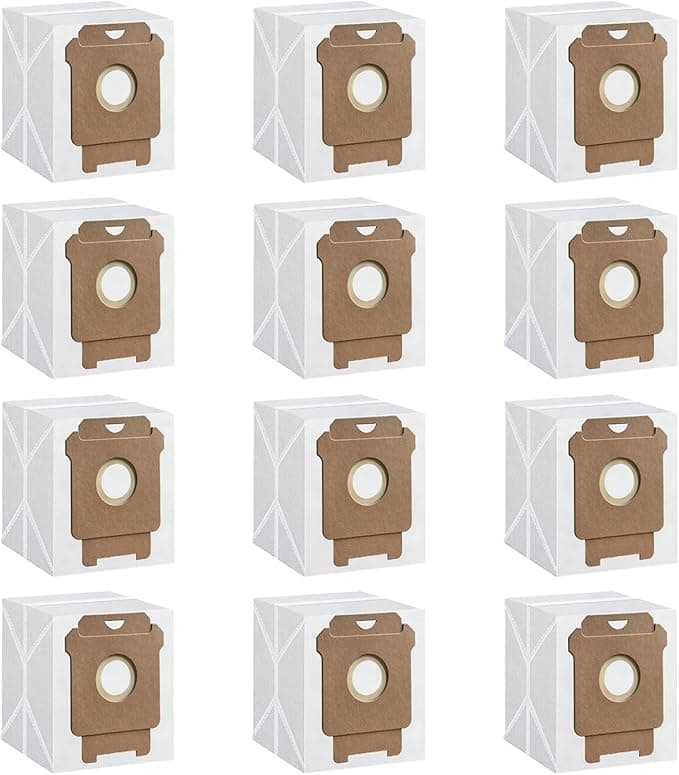
I had the iRobot OEM kit in my left hand and a generic replacement set in my right, both sitting on the counter while my J7+ blinked its sad little "replace filter" light at me from across the room. The OEM box: a clean white thing with the iRobot logo, two filters, a couple side brushes, and a price tag that made me actually laugh out loud — somewhere around $40 for what amounts to a few grams of pleated paper and plastic. The generic set, same parts, more of them, was sitting at $19. Roughly twenty bucks apart for what looked, through the plastic window, like the exact same components.
I'd already replaced this stuff once before with the official kit, like a good obedient robot owner. And paying $40 a pop, twice a year, on a vacuum I bought specifically so I'd stop thinking about cleaning — that started to feel like a subscription I never signed up for. So this time I grabbed the cheap one. Here's what four months of it looked like.
The fit: better than I expected, with one fussy moment
The filter is the part I was most nervous about, because on a J7+ the filter slides into the dustbin and there's a little tab you press to release the old one. With the OEM filter, that tab clicks with a confident snap and you know it's home. The generic filter? It seated fine — but the first one I tried needed a firmer push than the original, and for a half-second I thought I'd gotten a slightly oversized unit. Turned out the pleated edge was just a hair stiffer out of the package. Pressed it in, heard the click, ran my thumb along the seam to check there was no gap where dust could sneak past the media. No gap. Good seal.
The side brush and the bin itself were non-events — they're basically idiot-proof, three little screws or a snap depending on what you're swapping, and the generic side brush bolted on with the same star screw the original used. I did the whole thing on my kitchen table in maybe six minutes, machine unplugged, with a regular small Phillips and the star bit that came in a cheap iFixit-style kit I already owned. No special tools, no drama.
How it actually cleaned
This is where I expected the cheap one to fall apart, and mostly it didn't. Suction through the new filter felt identical — the J7+ pulled up the same gray mat of dog hair and floor grit off my living room rug that the OEM filter did. I have a medium-shed dog and hardwood-plus-rugs, which is basically the torture test for a robot vacuum's filtration, and the bin filled at the same rate it always has. The HEPA-style media did its job; I didn't notice extra dust kicked back into the room, and I'm the guy who sneezes within an hour if filtration goes bad.
Where it's a touch behind OEM: longevity, I think. The original iRobot filter felt like it held its shape and stayed "fresh" for a solid two-and-a-half, three months before airflow noticeably dropped. The generic one started feeling a little tired closer to the two-month mark — slightly more frequent "empty the bin / check the filter" nags from the app, and when I pulled it the pleats had matted down a bit faster than I remembered the OEM doing. Not a failure. Just a shorter useful life. But here's the thing that flips the math: I got a multi-pack of generic filters for the price of a single OEM kit, so even rotating them a few weeks sooner, I'm still way ahead on cost per month.
The real downsides — and there are a couple
Let me be honest about the stuff the cheap set got wrong, because a review where everything's perfect is a review you shouldn't trust.
First: the smell. For the first two or three days, the new filter had a faint plastic-and-cardboard odor — that warehouse smell you get from anything that shipped cheap and sat in a poly bag. It wasn't strong, and the vacuum doesn't blow much air into the room anyway, but if you put your nose right on the bin you'd catch it. It aired out by about day four and I never smelled it again. Still, OEM filters don't do that, and I noticed.
Second: the packaging and the consistency. The OEM box is genuinely nicer, everything in its molded slot. The generic stuff arrived in a flat plastic sleeve with the filters loose, and one of the four filters in my pack had a very slightly crushed corner on the frame — cosmetic, it still sealed, but it tells you the quality control isn't airtight. If you're the type who'd be bothered pulling a faintly imperfect part out of a bag, factor that in. I trimmed nothing, used it as-is, and it ran fine for its full life.
Third, smaller: the plastic on the generic side brush feels a grade lighter than iRobot's. It works, it spins, the bristles do their job flicking debris toward the suction path. But you can feel it's a cheaper polymer when you flex it. Over a long enough timeline I'd guess it gets brittle a little sooner. For a part that costs a couple dollars to replace, I don't lose sleep over it.
Why I don't let the filter ride past its date
One thing I won't cheap out on is the timing. A saturated filter on these robots isn't just about weaker pickup — when the media clogs, the motor works harder pulling air through a wall of packed dust, and that's the part you actually can't replace for twenty bucks. Choked airflow also means more of the fine stuff gets pushed back out instead of trapped, which for an allergy household is the whole reason you run a vacuum in the first place. So generic or OEM, I swap on schedule. The generic just makes swapping on schedule painless on the wallet, which honestly makes me more likely to do it, not less.
Verdict: who should buy what
If you run a commercial space, or you genuinely cannot tolerate a two-day faint plastic smell, or you want the absolute longest single-filter lifespan and the tidiest box — buy the iRobot OEM kit and don't think twice. You're paying about $40 for a little extra polish and a few extra weeks per filter.
But for my home, my dog, my hardwood-and-rugs, my normal-person budget? The generic set cleaned the same, sealed the same, installed in six minutes, and cost me roughly $19 against $40 — and came as a multi-pack on top of that. The downsides are real but small: a brief smell, cheaper packaging, a slightly shorter life per filter that the lower price more than pays for. I bought it, I ran it through four months and a shedding dog, and when this batch runs out I'm buying the generic again. I already have.