Troubleshooting & Analysis
The number that finally broke me: $59 for a bag of brushes
I was standing in my kitchen with the iRobot app open, staring at a "Buy genuine parts" prompt, and the total made me put the phone down. Fifty-nine dollars. For a side brush, a couple of filters, a roll of brush, and three little dust bags. Stuff that, physically, is mostly molded plastic and a square of pleated paper. My J7+ is a good machine — I'm not knocking the robot — but the parts pricing is its own kind of insult. A compatible kit that does the exact same job runs me about $22. That's a $37 gap on a single refresh, and if you're refreshing a couple times a year like iRobot tells you to, the OEM path quietly costs you more than the discount you got on the vacuum itself.
So a while back I stopped pretending the genuine box was special and started buying the generic replacement kits for my J9+/I3+/J7+ lineup. Here's the honest version of how that's gone — the good, the slightly annoying, and the one thing I'd actually warn you about.
The annual math nobody at iRobot wants you to do
Run the numbers out. Two OEM refreshes a year is roughly $118. Two generic kits is about $44. That's $74 a year, every year, for the lifetime of the robot — and these things live five, six years if you treat them right. Over the life of one J7+ you're looking at the price of a whole second robot vacuum, just in maintenance parts, if you stay loyal to the genuine box. I did that math once and felt a little sick about the previous two years.
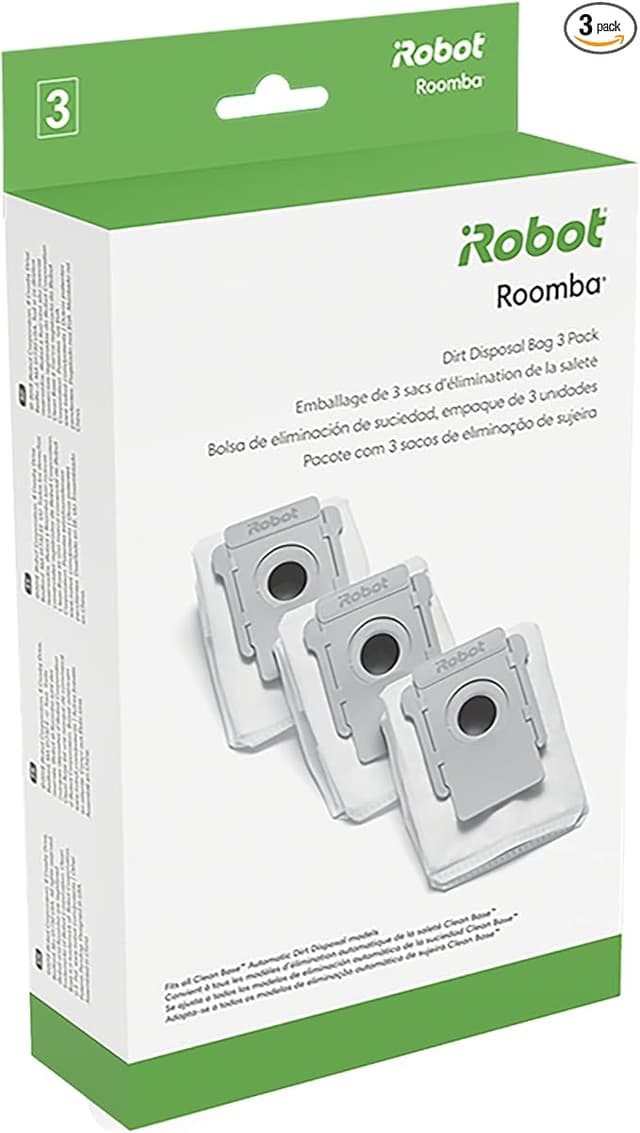
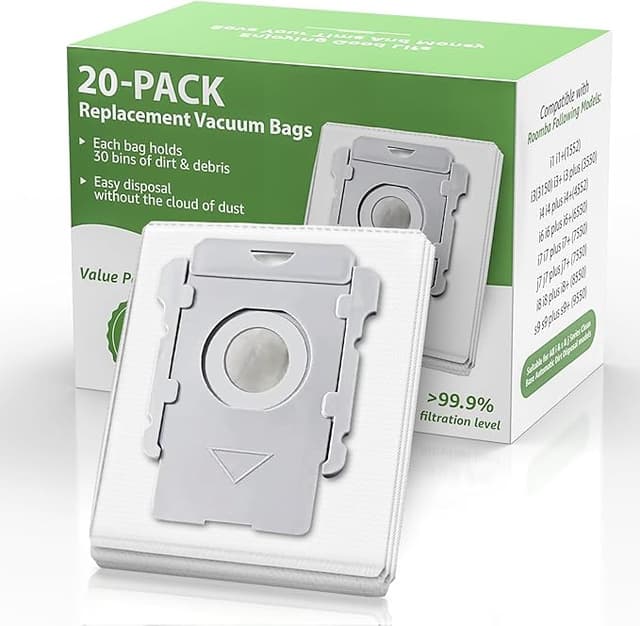
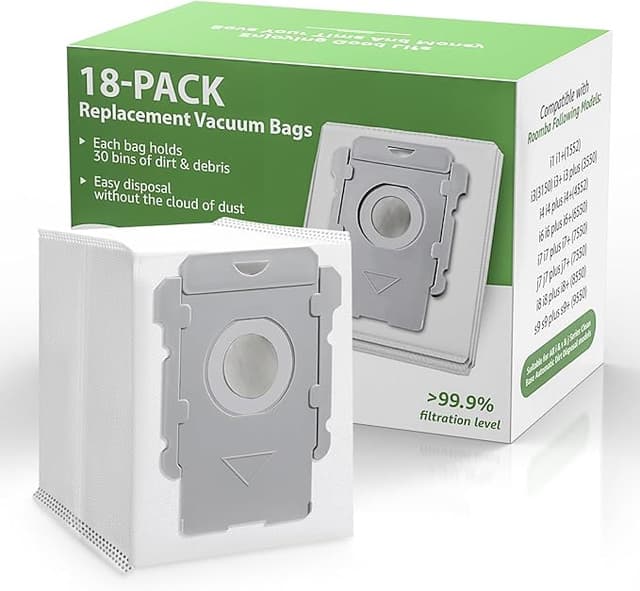
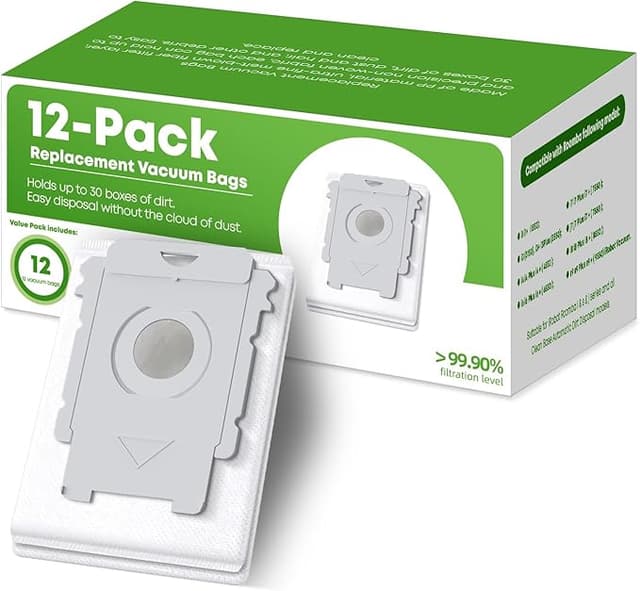
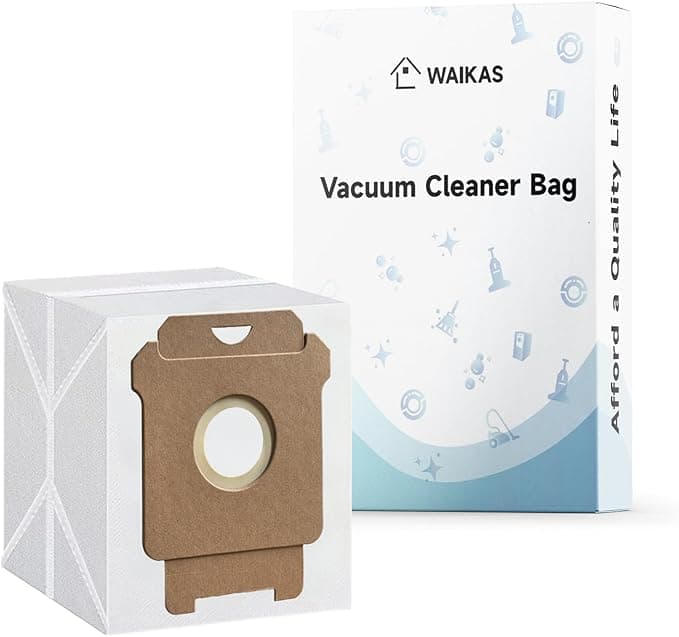
And to be clear about what's in the kit, because "robot filter" undersells it: you're getting the high-efficiency filter, the multi-surface rubber brushes (the two interlocking rollers), the spinning side brush, and the dust bags for the Clean Base. On the J-series that bag is the part that actually matters most for keeping the suction honest, and it's the part OEM marks up hardest.
Fit and install — does the cheap one actually seat?
This was my whole worry going in. Robot vacuum parts have these little tabs and slots, and a millimeter off means a roller that rattles or a filter that doesn't sit flush. So: I flip the robot over on a towel, pop the brush guard (the yellow tabs lift straight up), pull the old rollers, drop the new ones in caps-first, and clip the side brush back on with the one screw. The filter slides into the bin slot, the dust bag hangs on its little plastic collar in the base. Power the unit off the dock first — I've learned to actually do that instead of yanking parts while it's awake.
The generic rollers seated cleanly. The side brush, the same. Where you do feel the price difference is the filter frame — it's a hair looser in the bin than the genuine one. Not loose enough to rattle out, but the first time I held both side by side, the OEM frame had a slightly tighter snap. After a few weeks I stopped noticing. The dust bags clip on exactly like the real ones; I genuinely cannot tell those apart once they're installed.
How it actually performs
Four months on the generic rubber rollers in a house with a shedding dog, and the pickup is — honestly — the same as OEM to my eye. The bin fills at the same rate. The robot doesn't throw any "brushes stuck" errors, which was my second fear, because cheap rollers can have flashing on the molded ends that binds the bearing. These didn't. The side brush flings debris into the path the way it should and hasn't gone bent or floppy early.
The filter is where I'll give OEM a sliver of credit. New, both filters trap fine dust fine. But the genuine filter felt like it held its shape a touch longer before the pleats started to soften. With the generic, I just swap it a little sooner — every couple months instead of stretching it — and at $22 a kit I do not care. I'd rather replace a cheap filter early than baby an expensive one.
The real downside, and I mean a real one
Two things. First, the packaging is junk — a thin poly bag, sometimes a generic box with a logo that's clearly not iRobot, and once a dust bag came with a slightly crushed collar. It still worked, but it doesn't arrive feeling premium, and if that bugs you, know it going in. Second, and this is the one to actually watch: quality across generic sellers is not uniform. The kit I keep reordering is great. But early on I grabbed a no-name set where the side brush bristles were stiffer and started splaying within weeks, and one filter's frame was just enough off-spec that it wouldn't sit flat. So this isn't "all generics are fine" — it's "find a kit that fits your exact J9+/I3+/J7+ and stick with it once it proves out." Read whether buyers with your specific model say it seated right. The good ones are genuinely as good. The bad ones exist.
One more practical detail people skip: change the dust bag on schedule, not when you remember. A clogged bag is the thing that actually hurts the robot — the motor pulls harder against a saturated bag, suction drops, and over time that extra strain is what cooks a vacuum motor. Same logic on the brushes: hair-wrapped, worn rollers make the machine work harder for worse pickup, and that heat and effort is what turns a $22 maintenance afternoon into a dead unit. Letting parts go isn't frugal. It's how you lose the whole robot.
So who should still buy OEM?
If you're inside the warranty window and you're the type who'd want iRobot to have zero excuses on a claim, buy the genuine parts for now — it's not worth a fight over $37. And if shopping around and reading buyer notes genuinely isn't your thing, the OEM box is the no-thinking option, and that has value.
Everybody else? I run the generic kit in my own J7+, the one that cleans my actual house every day, and I've reordered it more than once on purpose. Same brushes doing the same job, the dust bags I can't tell apart, a filter I just swap a touch sooner — for $22 instead of $59. Buy the compatible one. Just buy the one that fits your model, and replace it on time.