Troubleshooting & Analysis
I didn't believe a $20 kit could be fine either
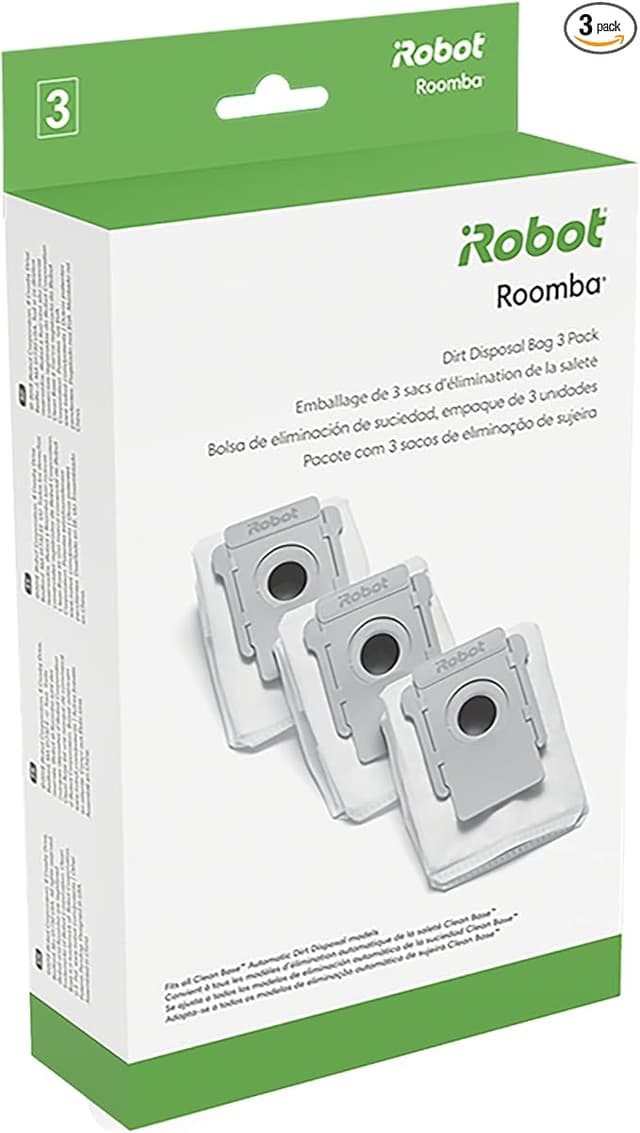
Here's the thing — I've owned a J7+ for two years, and for the first stretch I bought everything iRobot told me to buy. The branded brushes, the branded filters, the dust bags that come three to a box and cost more than a decent lunch. So when a friend pointed me at a generic replacement kit for my robot and said "it's the same parts, half the money," my honest first reaction was: no. No way a $20 kit does what iRobot charges you a small fortune for. I figured it'd fit loose, shed bristles in a week, or jam the bin. I bought one mostly to prove him wrong.
I did not prove him wrong. Let me walk you through what actually happened, the parts I was suspicious about, and the one thing that genuinely annoyed me — because there is one.
The price gap is the whole reason you're here
Let's be real about why anyone shops aftermarket for these machines. A genuine iRobot maintenance set — the brushes, a filter or two, a handful of dust bags — runs you somewhere north of $50 when you add it all up over a year, and the bags alone are a recurring sting because the J9+ and J7+ Clean Base swallows them on a schedule. This generic kit covered the same consumables for right around $20. That's not a rounding error. Over the life of the robot, that's the difference between maintenance feeling like a tax and maintenance feeling like nothing.
And the kit fits more than one machine — the listing covers J9+, I3+, and J7+, which matters if you're like a lot of people I know who ended up with two robots in the house (one upstairs, one down) and don't want to stock two separate parts bins.
Does it actually seat right? Mostly yes
This was my big fear, so I'll spend a minute on it. The install is genuinely easy — you don't need to be handy. I powered the robot off and pulled it off the dock first, which you should always do so it doesn't decide to drive off mid-swap. Popped the bottom plate, lifted out the two old rubber brush rollers, dropped the new ones in. The end caps clicked into the same yellow tabs the originals used. The replacement filter slid into the bin slot and seated with that small firm push you feel when something's actually home, not just resting there.
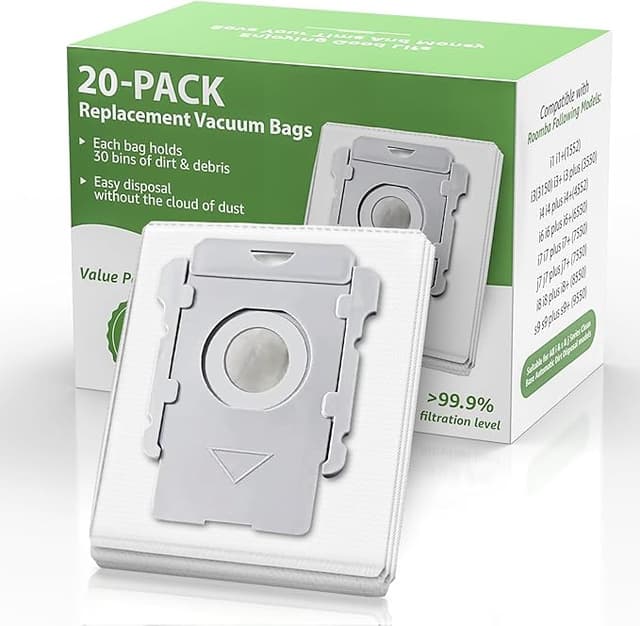
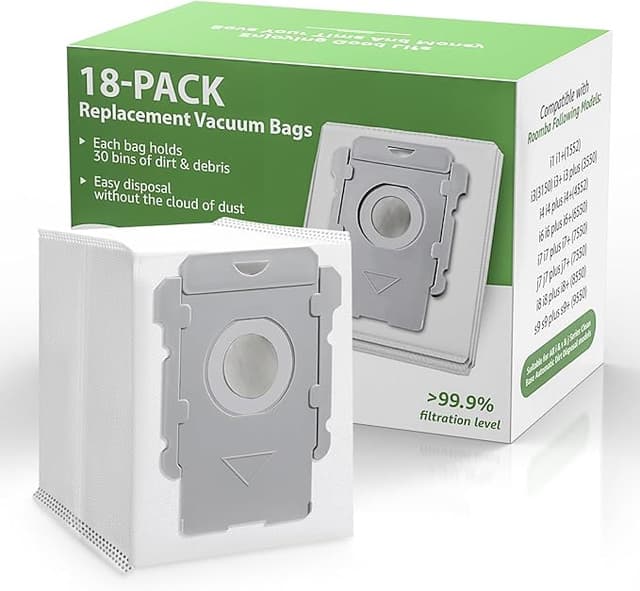
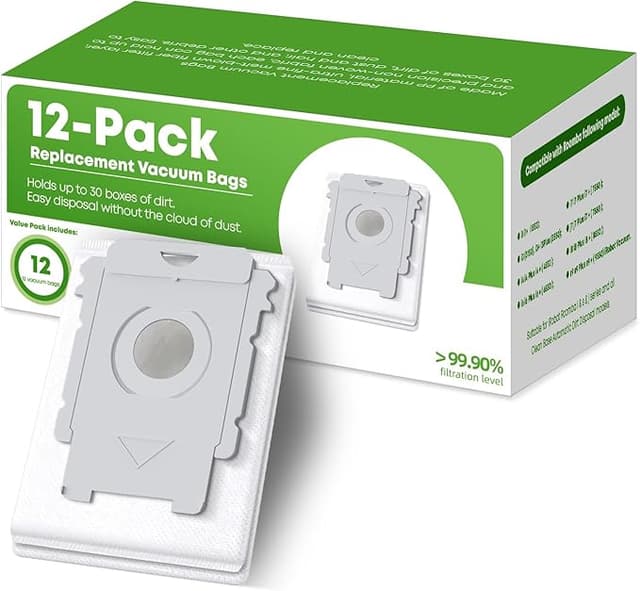
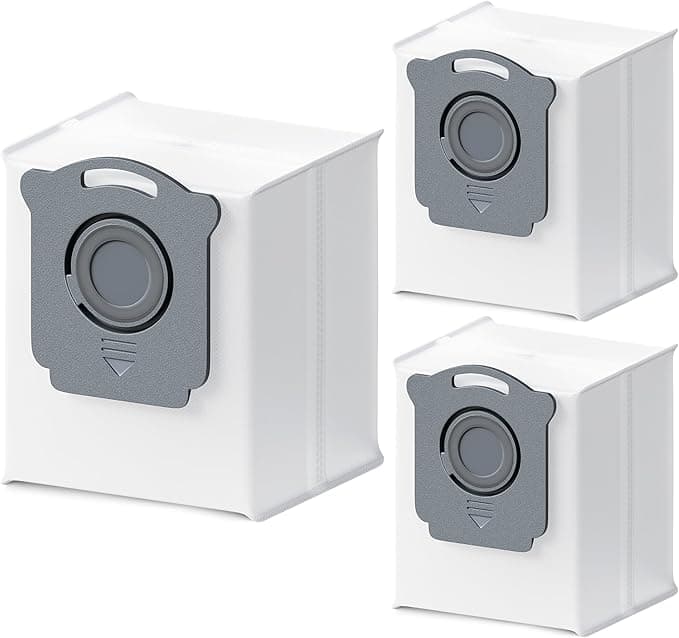
The brushes are the part I scrutinized hardest, and they're good — the rubber tread pattern matches the iRobot rollers closely, the bearings spun free, no wobble. The dust bags clicked into the Clean Base collar on the first try and the robot's auto-empty fired off normally, which told me the cardboard seal lines up with the suction port the way it's supposed to. If those bags seat even a hair wrong the base throws an error and won't empty. It didn't.
Performance: honestly close, with one soft spot
I ran the generic brushes and filter for about three months across hardwood, a low-pile rug, and a kitchen that two dogs treat as a fur-distribution center. Pickup on the open floor was indistinguishable from OEM to me — the robot left clean lines, the bin filled at the same rate, and the new filter held its shape instead of collapsing into the airflow the way cheap foam sometimes does.
Where it's a touch behind: the filter media feels very slightly less dense than the iRobot original when you hold the two side by side. On fine dog dander I think the genuine filter has a small edge over a long stretch. Not a "you'll see dust blowing out the back" difference — more that I'd swap the generic filter a little sooner than iRobot's recommended interval to stay ahead of it. At this price you can afford to. Swapping early still costs less than buying one OEM filter.
The genuine downside
Okay, the thing that annoyed me. The packaging is cheap and a little chaotic — everything came loose in one bag, the dust bags weren't individually wrapped the way the branded box does it, and one bag had a slightly creased edge from being packed against a brush. It still sealed and emptied fine, but if you're someone who wants the dust bags pristine and dust-free out of the package, this will bug you. It bugged me for about a day.
Second smaller gripe: the mop pads in the kit (if your machine uses them) are a touch thinner than the originals. They mop fine for a damp pass over sealed floors, but on a heavy job I'd run two passes rather than expecting one thin pad to do everything. Thinner pad, slightly less water retention — that's the tradeoff, and it's a real one, not a nitpick.
And look — give the new filter a sniff before you install it. Mine had a faint plastic-and-cardboard smell for the first two or three days of running. It aired out completely and I haven't smelled it since, but the first day it was noticeable enough to mention.
Why none of this is something to shrug off
People treat robot vacuum maintenance like it's optional, and it really isn't. A brush worn down to nubs stops agitating the carpet, so the robot just pushes dirt around while telling you it cleaned. A filter packed solid with dander chokes the airflow, and a choked motor runs hot — that's how these machines cook themselves into an early grave. And a full dust bag means the Clean Base can't empty, so the robot starts hauling the same load around its own bin. The whole reason to keep fresh consumables in it isn't tidiness. It's that a clogged machine recirculates the dander and dust you bought the thing to capture, and it shortens the robot's life. Cheap parts you actually replace on schedule beat premium parts you stretch six months too long.
Who should buy OEM instead — and what I grab
If you run a robot in a serious allergy household and you want the absolute densest filter media iRobot makes, buy their filter and don't think twice — that's a health call, not a money one. And if you genuinely won't replace a part until it fails, the marginal durability of OEM might suit you better.
For everyone else — which is most of us — I grab this generic kit and I've reordered it. The brushes match, the bags seat and empty, the filter does the job if you swap it a little eager. The packaging is cheap and the mop pads are thin, and I'd still rather pocket the roughly $30 difference per cycle and keep my J7+ stocked with fresh parts I'm not afraid to change. I came in to prove the cheap kit was junk. Three months later it's just what's in my robot.