Troubleshooting & Analysis
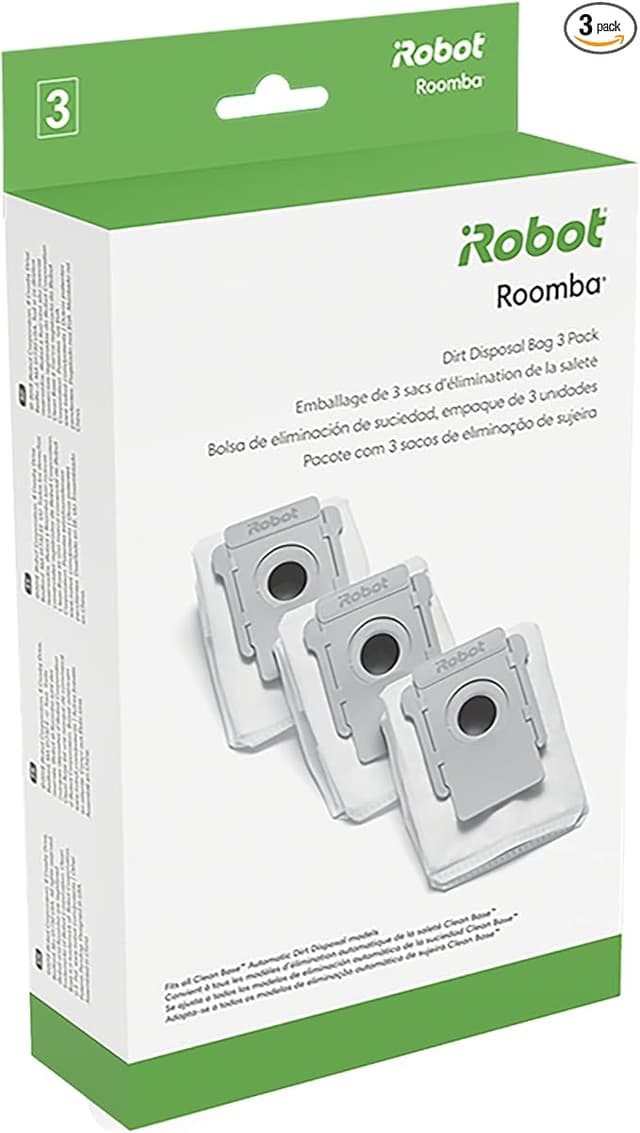
I had both tabs open. One was the official iRobot replacement kit for my J7+ — somewhere north of $40 by the time it actually landed on my doorstep. The other was a generic kit with the same brushes, the same filter, the same little dust bags, for about half that. Twenty bucks-ish. And I just sat there with my thumb over the buy button feeling like an idiot, because the whole point of buying a robot vacuum was to stop thinking about vacuuming, and here I was doing a spreadsheet in my head over filter foam.
So I bought the cheap one. Then I bought the OEM one too, a month later, because I genuinely wanted to know if I'd cheaped out and wrecked my machine. I've now run both through the same J7+ in a house with a shedding dog and a kid who eats crackers on the carpet like it's a competitive event. Here's what I actually found.
The money, laid out flat
This is the part nobody says plainly. The OEM kit for the J-series and I3+ runs around $40 a pop, and iRobot wants you replacing this stuff every couple of months if you're running the vac most days. Brushes wear, the filter loads up, the dust bags fill. Do that math across a year and you're looking at well over a hundred dollars just to keep a machine you already paid hundreds for doing its one job.
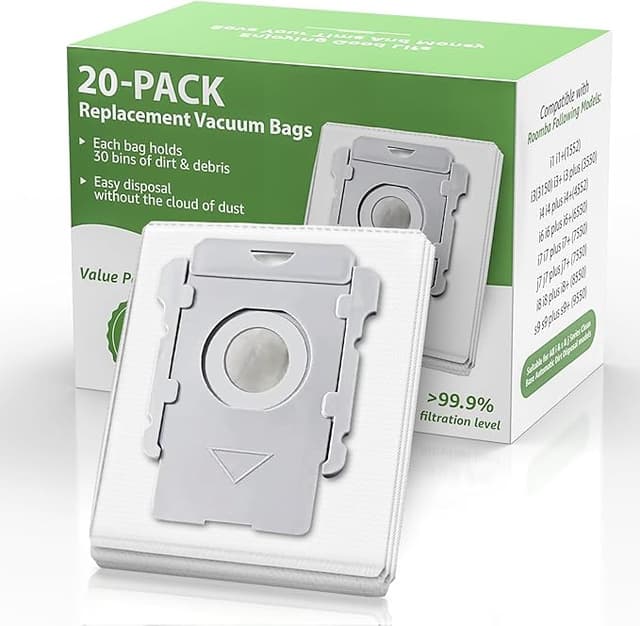
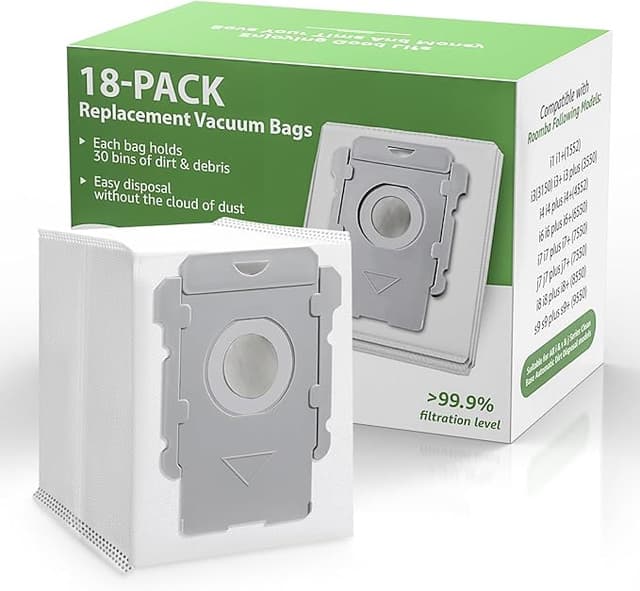
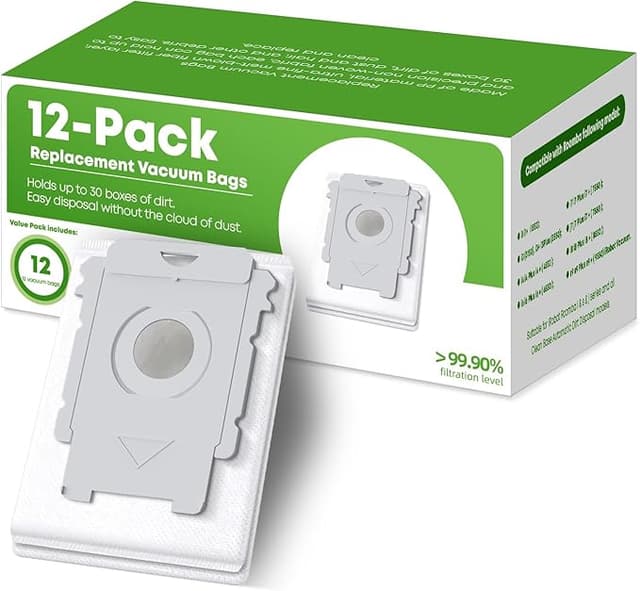
The generic kit I bought was roughly $20 for the same set of parts. Same cadence, that's a yearly difference of fifty, sixty bucks — sometimes more depending on how aggressive you are about swaps. That's not life-changing money. But it's the difference between replacing parts when you should and stretching a worn brush an extra month because the real one feels expensive. And a stretched-out brush is exactly how these things start leaving streaks of dust behind them.
Does it actually fit?
Short answer: yes, on my J7+, and the kit's cross-listed for the J9+ and I3+ as well. The install is genuinely a two-minute job and the parts drop right in. I unplug the dock first out of habit — pull the bin by the release button, dump it, check the bag. Swapping brushes means flipping the unit, popping the brush cover with the two side tabs, and pulling the old rollers straight out. The generic rollers seated with the same little click the originals do. No shaving plastic, no forcing.
One honest note on fit: the end caps on the brushes felt a hair less snug than OEM the first time I handled them. Not loose, not rattling — just a touch more "aftermarket" in the hand. After the cover clicked shut it didn't matter at all, and they haven't migrated or popped in months of daily runs. But if you're the type who notices that kind of thing, you'll notice it for about five seconds during install.
How it actually cleans
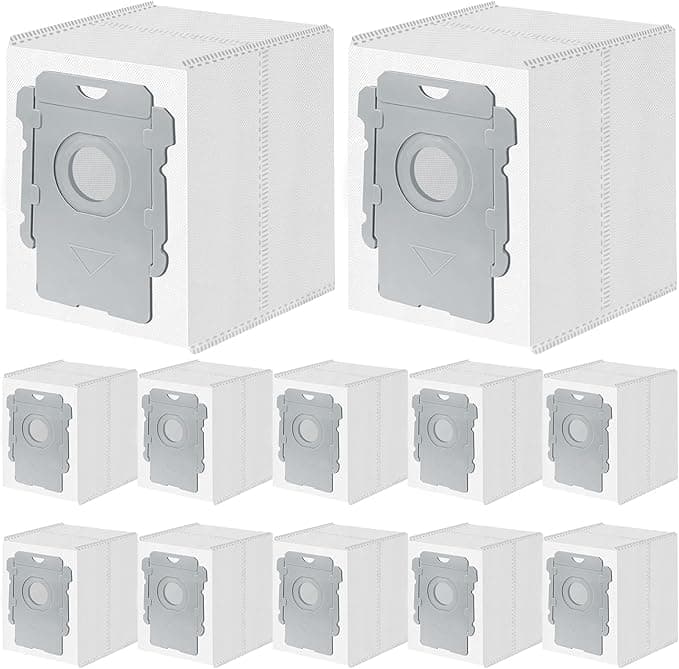
This is what I cared about, and it's where the kit earned its place. Pickup on dog hair and the usual cracker-carpet warzone was indistinguishable from the OEM set to my eye. The filter pulls fine dust without the bin coughing it back out, and the dust bags sealed and ejected at the dock with no drama — no leaks, no jams, no error on the app telling me the unit was confused about what I'd shoved into it.
Where's it a touch behind? The filter foam feels a little less dense than the genuine one when you hold them side by side, and I'd believe iRobot's media is marginally finer. If you're an allergy household chasing the last few percent of fine-particle capture, that gap might matter to you on paper. In four months of real use I couldn't feel it in the air or see it in what got left behind. But I'm not going to pretend the materials are identical, because they're not, and a review that swears everything's exactly the same is lying to you.
The real downsides, because there are some
The packaging is cheap. Thin plastic sleeves, no fancy molded tray, and one of my filters arrived with a slightly crushed corner of foam — it puffed back out and worked fine, but it doesn't inspire confidence when you open the envelope. There was also a faint plastic-and-foam smell on the brand-new filter for the first two or three days of running. It aired out completely and I stopped noticing by day three, but it's there when it's fresh.
The other thing: quality control is a little less consistent batch to batch. Across two orders, one set of brushes had very slightly stiffer bristles than the other. Both cleaned fine. But with OEM you get the boring sameness of a factory line, and with generic you're trusting a slightly looser process. For something this cheap I'll take that trade. Your tolerance might be different.
Why none of this is something to just ignore
Here's the part people skip and then regret. A loaded-up filter and a packed dust bag don't just clean worse — they make the motor work harder, and a robot vac's motor is not a thing you want to cook to save twenty bucks. A clogged filter also means the fine dust it should be trapping gets recirculated into the room, which, in a house with anyone who has allergies, is the opposite of why you bought the machine. Worn brushes start leaving tracks instead of picking up. The whole reason a cheap kit is good news is that it removes the excuse to run dead parts. Swap on schedule and the machine stays the machine you paid for.
So who should buy what
If you're in a serious-allergy household and you want the manufacturer's exact filter media with zero "close enough," buy the OEM kit and don't think twice — that's a real reason and the price premium buys you certainty. Same if a faint break-in smell or slightly scuffed packaging would genuinely bug you.
For everyone else — and that's most of us — I keep coming back to this generic kit. Same fit, same click, cleaning I honestly can't tell apart in daily use, for about half the price. The downsides are real but small: cheaper packaging, a couple days of foam smell, a touch less consistency. Against a fifty-plus-dollar yearly savings that keeps me actually replacing parts instead of stretching worn ones, that's an easy call. I bought the cheap one, then bought the expensive one to check my work, and I went right back to the cheap one. I'd buy it again — and I have.