Troubleshooting & Analysis
The first thing I noticed was the smell — and then the click
Pop the lid on a J7+ and you get this little plastic-and-dust smell off a fresh filter for the first day or two. The generic kit I dropped in did the same thing, maybe a hair stronger. Faint. Gone by the third run. What I actually cared about was the click — that small, definite seat when the filter drops into its slot and the tab catches. The OEM one does it. This generic one did it too, on the first try, no shoving. I'll be honest, I half-expected to be wrestling a slightly-wrong-shaped piece of plastic into the bin. It just went in.
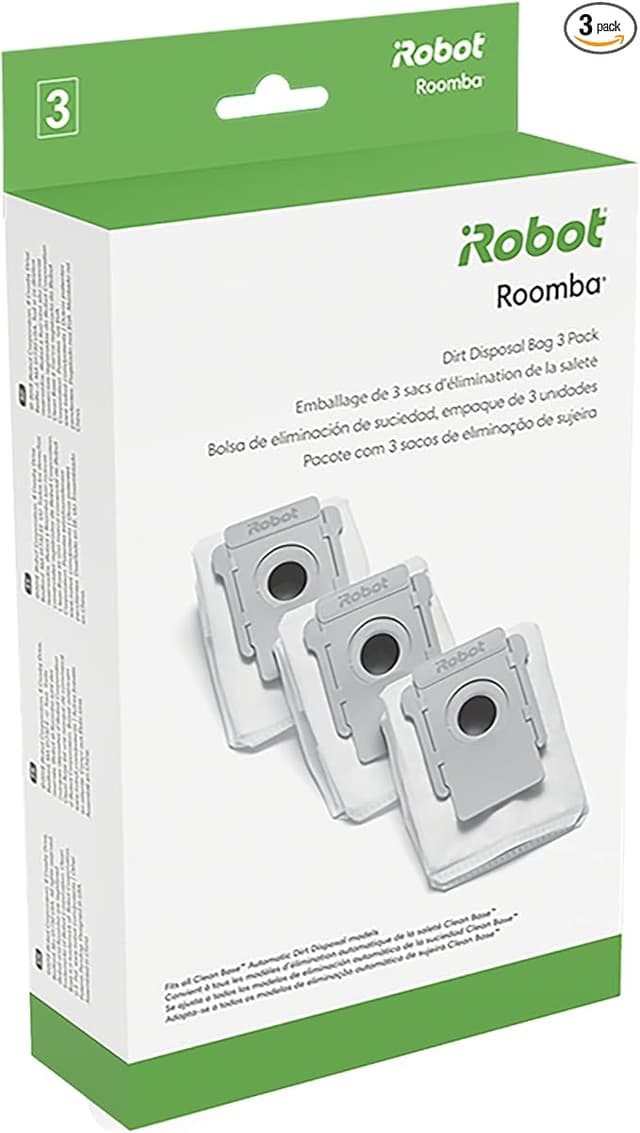
I've got an i3+ that's been running my downstairs almost daily for about a year, and an i4+ I keep upstairs. So I've bought enough genuine iRobot consumables to feel the sting. A single OEM HEPA filter runs around $8–10, the brushes more, and the dust bags are the real bleed — roughly $15–18 for a three-pack that disappears faster than you'd think with a self-emptying base. Buy it all genuine, on iRobot's schedule, and you're looking at $60–80 a year per robot just to keep it fed. This generic kit bundles the filters, side brushes, the rubber rollers, mop pads, and bags into one box for a fraction of that — I paid about $25 for a set that covered months. That's the whole reason anybody types "i3+ replacement filter compatible" into a search bar at 11pm. You own the robot. You just don't want to keep paying robot-priced rent on the parts.
The annual math, the way I actually think about it
Here's the comparison that made me switch. Genuine, I was replacing the filter roughly monthly, brushes every few months, bags whenever the base beeped. Call it $65 a year, conservatively, for the i3+ alone. The generic kit did the same jobs and I spent closer to $25 for a comparable stretch. That's not a rounding error. Over two robots and two years that's real money — money I'd rather not hand to a vacuum. And the parts aren't doing anything exotic. A HEPA filter is pleated media in a frame. A side brush is bristles on a hub. There's no secret OEM sauce in a dust bag.
Fit and install — where the cheap stuff usually fails, and where this didn't
This is the part I was nervous about, because aftermarket robot parts are where tolerances go to die. I've had off-brand side brushes for other vacuums that sat a millimeter proud and ticked against the floor. So I went slow. Cleared a clean spot on the kitchen table, had a dry cloth ready, popped the bin and the brush guard.
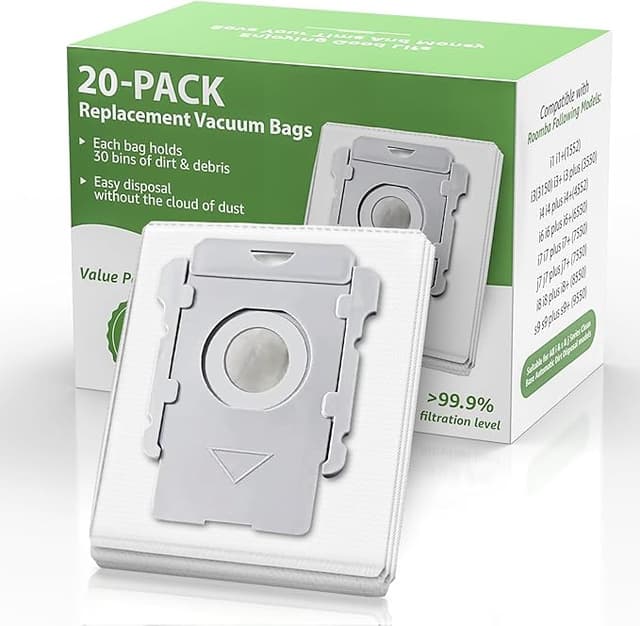
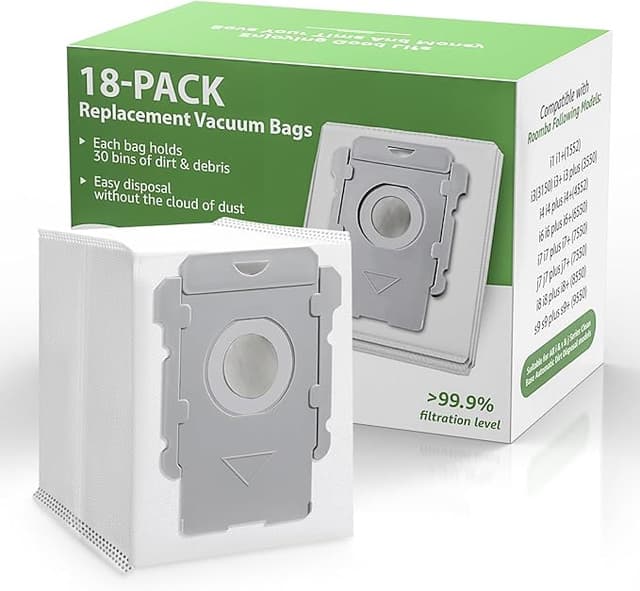
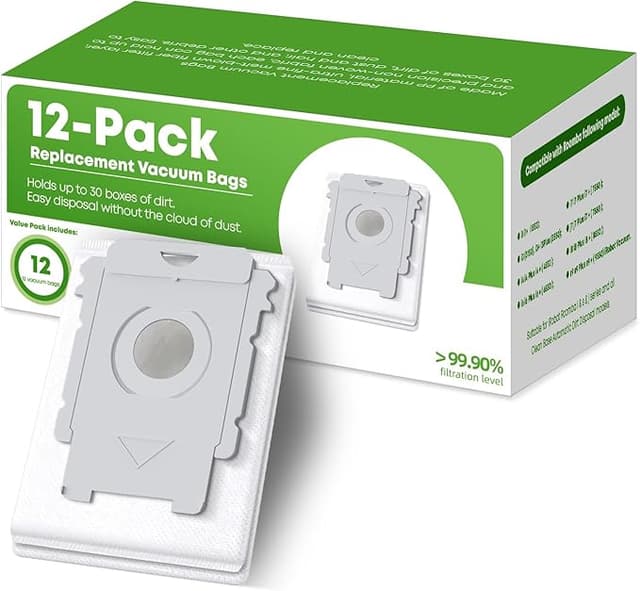
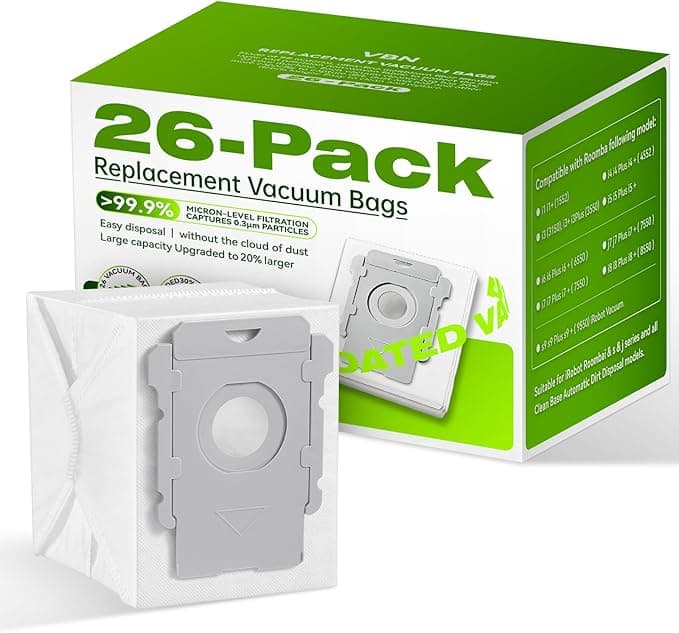
Pulling the old parts is the fiddly bit on any Roomba — the side brush has a single screw, and the worn rubber rollers don't want to let go of their end caps. Take your time there; that's where people crack a clip. I wiped down the interior while it was open, because there's always a surprising amount of fine grit packed around the roller bearings, and a clogged bearing is half of why these robots start sounding like a coffee grinder. Then the new parts went in. Side brush seated flush. Rollers clicked into their caps. Filter dropped in with that click I mentioned. The new dust bag slid onto the base port and the little door closed without me forcing it — which matters, because if the bag's collar is even slightly off-spec the base won't register it and it'll nag you forever. This one registered first try.
The mop pads, if you're running the combo side of things, are cut close to OEM dimensions. Velcro grip was good. One pad in my batch had a slightly frayed edge corner — cosmetic, didn't affect the mopping.
How it actually performs after a few months
I ran the generic filters and brushes daily for about four months before writing any of this down, because a one-week impression of a filter is worthless. Suction felt the same on carpet — the robot still grabs the cat hair off the rug by the couch, still fills the bin on a full-floor run. The HEPA media holds fine; I tapped one out at the two-month mark and it was loaded exactly the way a genuine one is at that age, which is what you want to see. It means it's actually catching the fine stuff and not just letting it blow through.
Where's it a touch behind? Two honest things. The filter frame is a hair softer plastic than OEM — it flexes a little more when you pull it out. It seats fine, but it doesn't feel quite as rigid. And the side brushes, the bristles seem to splay a tiny bit sooner than genuine ones. Not in a "they failed" way, just — by the end of a cycle they've fanned out a touch more. I rotate brushes a little earlier because of it, and since the kit comes with extras, I don't care. The packaging, too, is nothing. Thin plastic sleeves, no fancy box. You're paying for the part, not the unboxing.
Why I don't let any of this slide
The reason I bother replacing on schedule at all — generic or not — is that a saturated filter and matted brushes make the robot work against itself. A clogged HEPA filter chokes airflow, the motor pulls harder, it runs hotter, and over time that's how a vacuum motor dies young. A packed dust bag does the same to the base's evacuation fan. And the filtration part isn't just about the machine: a worn or bypassed filter means the fine dust and dander it should be trapping gets stirred back into the room. If anyone in your house has allergies, that's the actual stakes — not a marketing line, just what a dead filter does. Cheap parts on schedule beat genuine parts you put off buying because they're expensive.
The verdict — who should skip this, and why I keep buying it
Buy genuine iRobot if you're still inside warranty and you're the type who wants zero variables if you ever call support — that's a legitimate reason, and I won't talk you out of it. If your robot is out of warranty and you just want it fed without the OEM markup, this is an easy call. The fit was right, the click was right, the filtration held up over four months of real use, and the worst things I can say about it are a slightly softer frame, brushes that fan a touch early, and packaging you'll throw away in two seconds. For roughly $25 doing what $65-a-year of genuine parts does, I refilled both my robots and I didn't think twice. I've reordered it. That's the most honest endorsement I've got — I spent my own money on it again.