Troubleshooting & Analysis
Forty-five dollars. That's what iRobot wanted for a replenishment kit the last time I let the official store talk me into it — a couple of filters, a set of brushes, a few dust bags, and a smug little logo on the box. The generic kit that fits the same I3+/J7+/J5+ machines? I paid $18 for a bigger pile of the exact same parts. Same filters, more dust bags, two sets of brushes instead of one. I sat there doing the math on my couch while my J7+ sulked on its dock with a clogged bin, and I genuinely could not figure out what the extra $27 was buying me besides the name.
So I bought the cheap one. Then I bought it three more times over the next year, because it kept being fine. Here's the honest version of what fine actually looks like, lumps and all.
What you're actually paying for with OEM
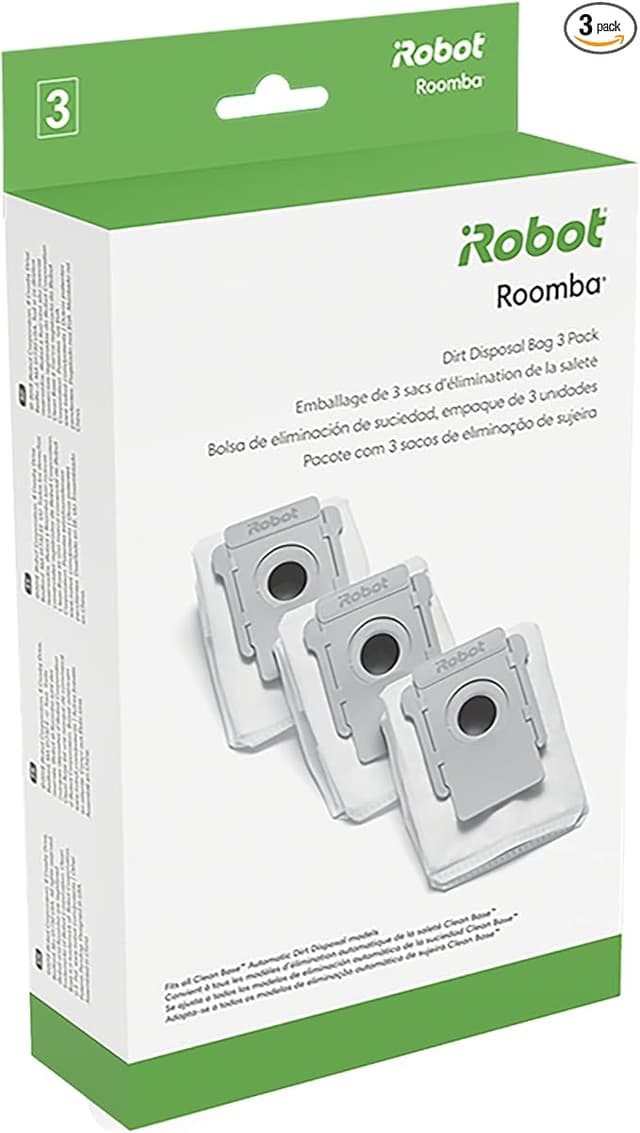
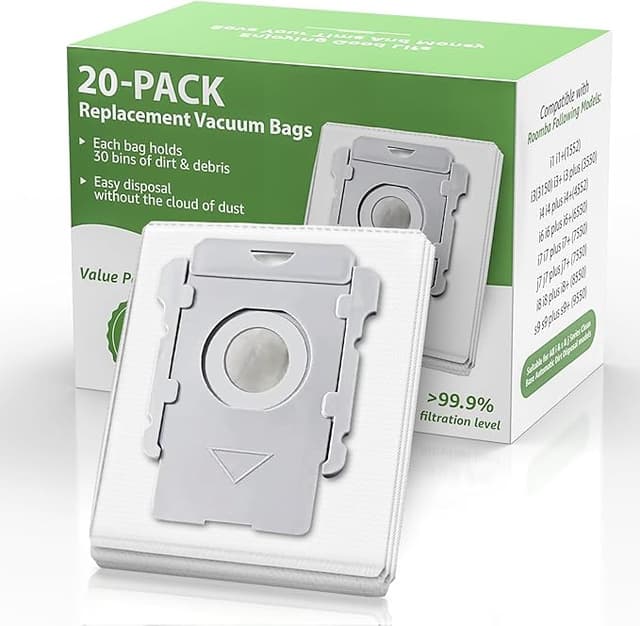
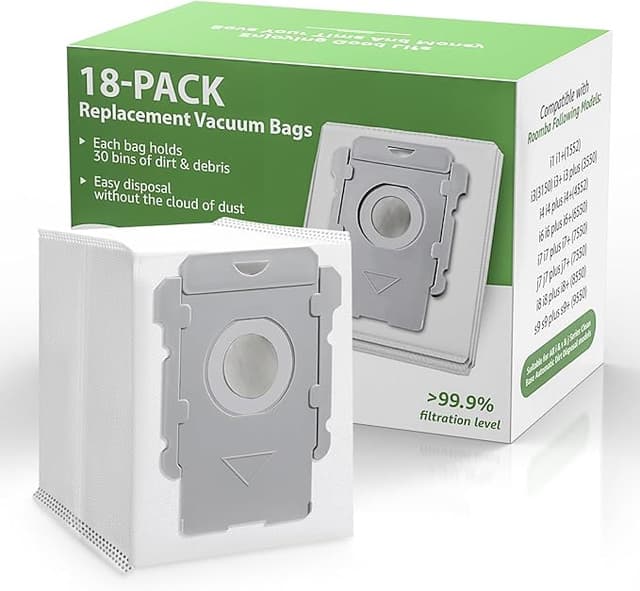
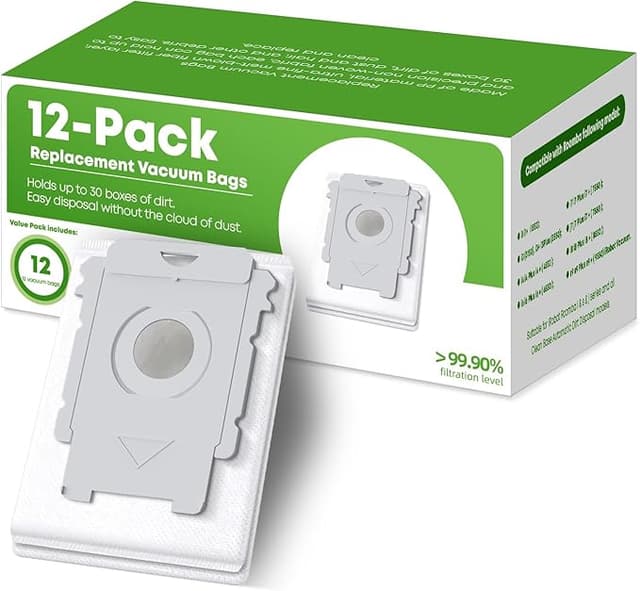
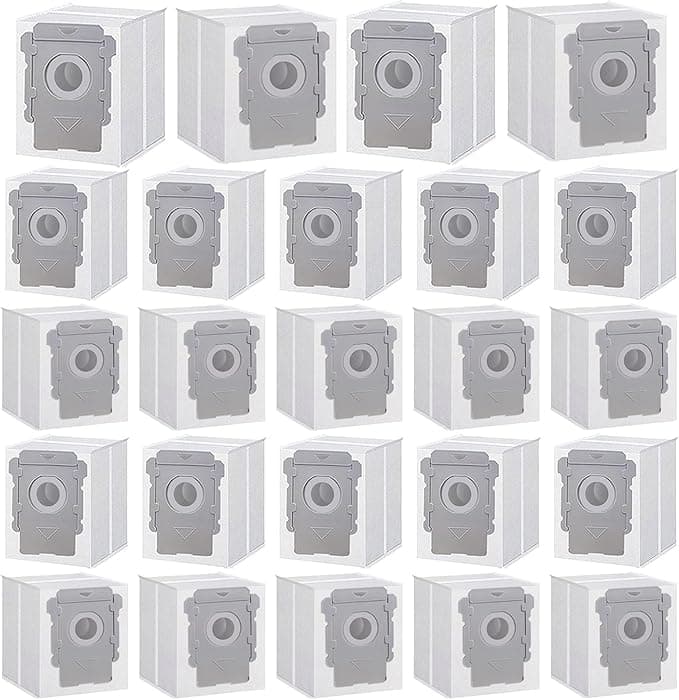
An iRobot Roomba and its mop sibling chew through consumables faster than people expect. The high-efficiency filter wants swapping every two months or so if you've got pets. The rubber brushes wear and flatten over maybe six to eight months. And the J7+/I3+/J5+ Clean Base eats those enclosed dust bags — one every month or two depending on how much your floors hate you.
Run that annually on OEM and you're looking at roughly $90 to $120 a year just to keep the thing breathing. The generic kit I keep buying covers the same year for around $35 to $40 total. That's not a rounding error. Over the three-ish years these robots typically last before the battery gives up, you're talking a couple hundred dollars that stayed in your pocket instead of iRobot's.
And no — buying generic doesn't void anything that matters. Consumables aren't the motor. Swapping a third-party filter into your Roomba is like putting a non-Honda air filter in a Honda. Nobody at the dealership is going to gasp.
Fit and install: does the cheap one actually seat?
This was my real worry. A filter that's a millimeter off doesn't filter — it just lets dust sneak around the edges, which is worse than nothing. So I paid attention.
The filters drop into the bin exactly where the originals do. There's a little tab you pinch, the old one lifts out, the new one presses down until you feel it bottom out. On my J7+ it seated with the same soft click as the OEM part. The brushes are the same story — power off the robot, pop the yellow brush guard, lift the old rollers out of their cradles, set the new ones in so the square peg lines up with the square socket, snap the guard back. Two minutes, no screwdriver despite what the generic instructions claim. The mop pads on the combo units velcro on like always.
Now the honest part. The dust bags. On the generic bags, the cardboard collar that slides into the Clean Base is a hair flimsier than iRobot's. The first one I loaded, I had to reseat it because it didn't catch the sensor on the first push — the base thought it was empty when it wasn't. Pulled it out, pushed it back in square, and it read fine from then on. Every bag after that one went in clean. So: a five-second annoyance on the first bag, then nothing. Not a dealbreaker, but I'm not going to pretend it slid in like butter, because it didn't.
How it performs once it's in
Pickup is honestly indistinguishable. My floors are not more dusty, my allergy nose is not more angry, and the bin fills at the same rate it always did. The filter does the job — fine dust, dog hair, the gritty stuff from the entryway, all of it ends up in the bag where it belongs.
The brushes are where I'll give OEM a tiny edge. The generic rubber feels very slightly stiffer the first week, and I thought I heard a faint extra hum on hardwood for the first few runs. It settled. By the second or third cleaning cycle the rubber had broken in and the noise was gone, and pickup never suffered even during that break-in. If you're the kind of person who notices a half-decibel change in your robot vacuum, you'll notice it. Everyone else won't.
The downsides, said plainly
Let me not soft-pedal this. There are three real things.
One — that first-bag fit fiddle I mentioned. It's minor but it's real, and if you're not paying attention you might run a cycle thinking the bag's seated when it isn't and end up with a base that won't evacuate the bin.
Two — the filters have a faint papery, slightly plasticky smell straight out of the bag. Not chemical, not strong, but it's there for the first day or two of running. I let one sit out on the counter overnight before installing and most of it aired off. By day three you can't smell a thing. OEM filters do this too, frankly, just a touch less.
Three — the packaging is cheap and there's zero quality-control theater. No tidy molded tray, no individual wrappers on every piece, just parts in a bag in a box. A couple of times one of the dust bags had a slightly crumpled collar in transit. It still worked once I flattened it, but it doesn't inspire the same confidence as iRobot's spotless presentation. You're paying for parts, not for the unboxing.
That's the full list. Notice what's not on it: nothing about pickup, nothing about damaging the robot, nothing about the brushes failing.
Why a dead filter is the thing to actually worry about
Here's the part people skip. The real danger isn't the cheap filter — it's the old filter you never replaced because OEM prices made you stretch it. A saturated, clogged filter chokes airflow, and a robot fighting for suction works its motor harder and pushes fine dust back into your room instead of trapping it. A jammed dust bag is worse: the Clean Base can't evacuate, the bin overflows, and now you've got a clog working its way toward the motor. That's how a $200 robot dies young.
The cynical truth is that overpriced consumables make you replace parts less often, which is exactly backwards from what keeps your machine alive. Cheap parts you actually swap on schedule beat premium parts you ration. That alone sold me.
So who should still buy OEM?
If you're inside the warranty window and you're the anxious type who wants a perfect paper trail, or you genuinely cannot tolerate a faint smell and a five-second fit fiddle on the first bag — buy iRobot's kit and pay the premium for the calm. No shame in it. Some people buy peace, and that's a fair trade.
But me? I've now run generic filters, brushes, and bags through my J7+ for over a year. Same clean floors, same quiet motor, a couple hundred dollars I didn't hand over. For an $18 kit doing the identical job of a $45 one, I'll take the cheap box and the slightly crumpled bag every single time — and I have, four times and counting.