Troubleshooting & Analysis
Two boxes on the counter, and I genuinely couldn't decide
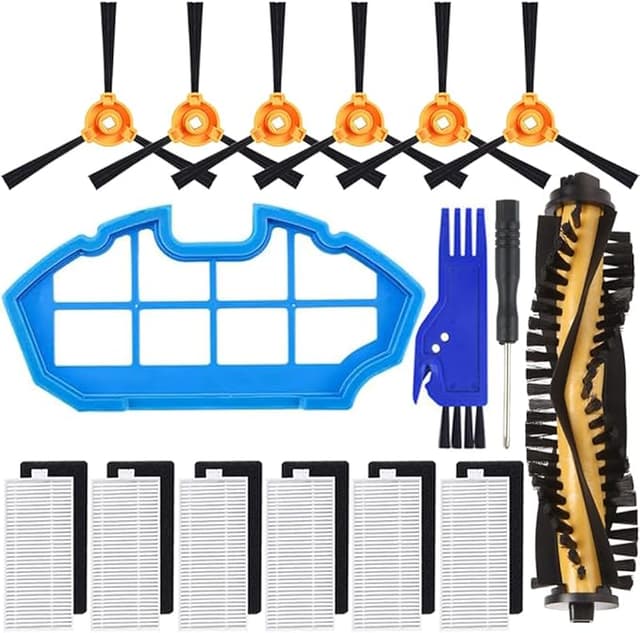
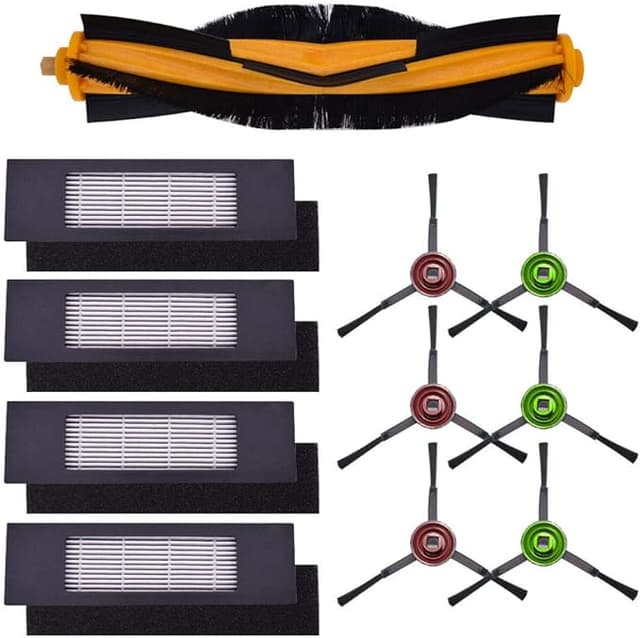
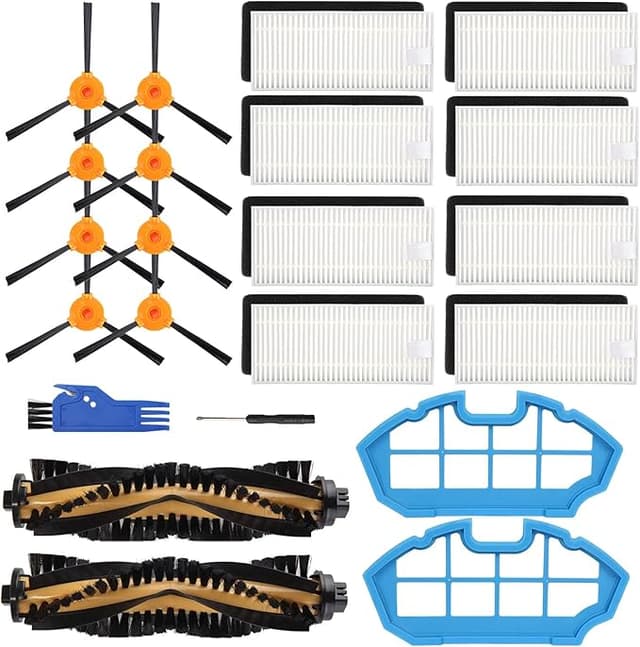
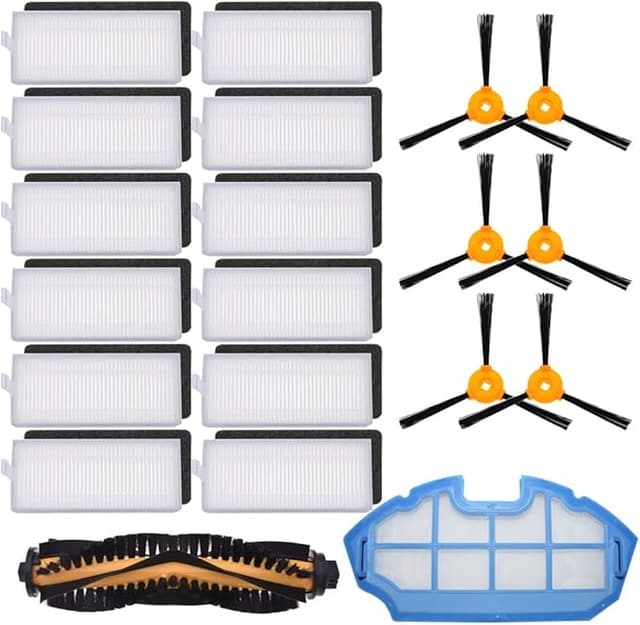
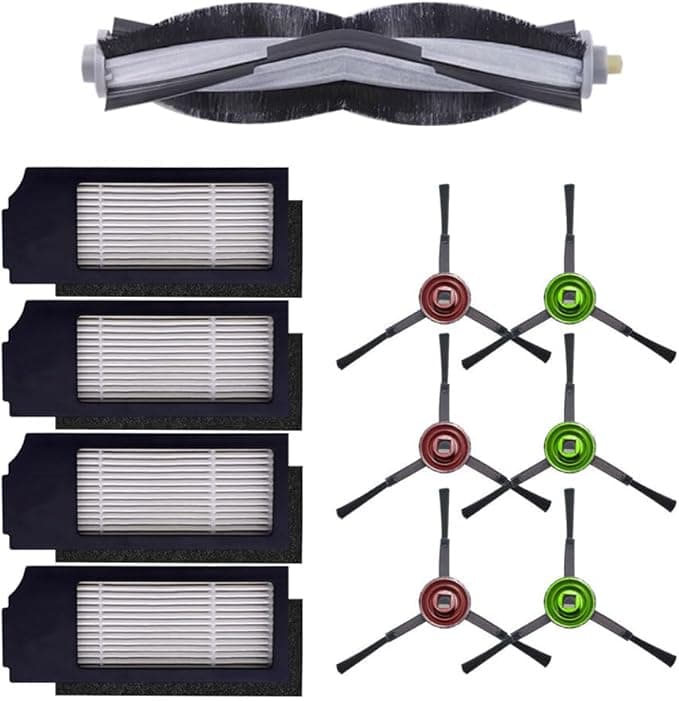
I had them sitting side by side on the kitchen counter. The official Ecovacs filter kit for my DEEBOT X1 OMNI, and a compatible pack that cost less than half of it. And I just stood there for a minute, doing the dumb mental math everybody does. The OEM kit was running about $34 for what amounts to a couple of foam-and-HEPA inserts. The compatible set? Around $16 for the same count, sometimes a four-pack for not much more. Same parts. Same job. One of them had the Ecovacs name printed on the bag and the other didn't.
I'd already burned through the filters that came with the unit, so this wasn't theoretical. My X1 had started smelling a little stale on the exhaust — that tell-tale sign the HEPA's loaded up — and the app kept nagging me about maintenance. So I bought both. I figured if the cheap one was junk I'd just eat the loss and learn something. That was four months ago. Here's what actually happened.
The price gap is more annoying than it looks
The DEEBOT X1 OMNI eats filters on a schedule. Ecovacs suggests swapping the HEPA every couple of months if you run it daily, and honestly with two cats I'm closer to the aggressive end of that. So I'm not buying one filter a year — I'm buying three or four. At $34 a kit that's well over a hundred bucks annually just to keep a robot vacuum breathing. At the compatible price I'm spending a third of that, maybe less when there's a multipack deal. Over the life of the machine that's not a rounding error. That's a tank of gas every few months going to a foam pad.
And the thing is, a vacuum filter is about the lowest-stakes part you can possibly go aftermarket on. It's not the LIDAR. It's not the battery. It's a pleated bit of HEPA media in a plastic frame. The bar for "good enough" is a lot lower than people psych themselves into believing while staring at the two boxes.
Does it actually seat? Yes — with one quibble
Install is genuinely a non-event. Power the dock down, pop the dustbin out of the robot, and the filter housing is right there once you flip the bin's little door open. Old one pulls straight out — and warn yourself first, because a loaded filter rains fine grit if you yank it over a clean floor. I learned that the messy way. The new compatible filter drops into the same slot, and it clicks home the same way the original did.
The quibble: the frame on the compatible filter is a hair less rigid than the Ecovacs one. Not loose, not rattly — it seats and stays seated — but when you press it in you can feel the plastic flex a touch more than the original did. After four months it hasn't shifted, hasn't let dust bypass it, hasn't caused a single error in the app. But if you're the type who notices that kind of thing, you'll notice it. I did. It just turned out not to matter.
Performance: where it matches, and where it's a step behind
Suction held. That was my real worry going in — that a cheaper HEPA would choke airflow and the X1 would lose pickup on the carpet edges where it already struggles. Didn't happen. Same fine-debris pickup on hardwood, same job on the low-pile rug in the living room, same battery runtime per cycle. If anything the fresh compatible filter pulled better than the clogged OEM one it replaced, which is the whole point of changing it.
Where it's a touch behind: longevity, maybe. I think the OEM HEPA holds its capture rate a little longer before it starts smelling loaded. The compatible one felt like it wanted swapping a couple weeks sooner than I'd have pushed the original. But filters are cheap — that's the entire argument — so swapping a $16 part two weeks early instead of stretching a $34 part is still the cheaper path by a mile. It's not even close.
The real downside, said plainly
Let me not pretend it's flawless. First few days, there's a faint plastic-and-glue smell off the new filter — the kind you get from anything that shipped sealed in a poly bag. It's not strong and it's gone within a week of running, but if you've got a sensitive nose you'll catch it the first night. The packaging is also cheap as you'd expect: thin bag, no fancy box, a sticker instead of printed branding. Cosmetically it's clearly the budget option.
And there's the consistency thing. With OEM you know exactly what you're getting every single time. With compatibles, I've had one filter in a multipack whose frame was very slightly off-square — still seated fine, but it was visibly not as clean a molding job as its siblings. Quality control is a notch looser. You're trading a few dollars for a small amount of variability. For me, on a vacuum filter, that trade is obvious. On something safety-critical it might not be.
Why you can't just skip the swap
People stretch these filters way too long, and I get the temptation when the OEM ones cost what they do — that's honestly part of why the cheap option matters. A loaded filter doesn't just smell. It strangles airflow, which makes the motor work harder and run hotter, and on a sealed robot like the X1 that heat has nowhere good to go. You lose suction, you stir more dust back into the room instead of trapping it, and you're quietly shortening the life of the most expensive part of the machine to save on the cheapest. The low price of the compatible filter is the thing that makes me actually swap it on schedule instead of nursing a gray, matted one for six months. That alone is worth something.
So who should buy what?
If your X1 is under warranty and you're the type who'd rather not hand Ecovacs any reason to push back on a claim, buy the OEM kit and don't think about it — the extra $18 a kit is cheap insurance for your own peace of head. Same if a faint break-in smell genuinely bothers you.
But me? I've now bought the compatible filter three times. Same fit, same suction, a third of the cost, and the only penalties are a couple days of mild plastic smell and a frame that flexes a little more than I'd like. For a foam-and-HEPA pad doing the exact same job in my robot vacuum, I'll take that deal every time — and I have. Buy the cheap one, swap it on schedule, and put the difference toward literally anything else.