Troubleshooting & Analysis
The click told me everything before the first run did
I seat the new side brush into my DEEBOT X11, give it a quarter twist, and there's this small plastic click — the same click the factory brush made when I first unboxed the robot two years ago. That click is the whole ballgame, honestly. If a compatible part doesn't seat with that little snap, it rattles loose halfway through a run and you find it sitting in the middle of the hallway like a shed antler. This one snapped in clean. I exhaled a little, because I'd half-expected to be writing a refund story instead.
So let me back up. I run my X11 every single day — two cats, a dog that thinks the rug is his personal shedding pad, and a kitchen that produces an absurd amount of crumb traffic. The brushes, the mop pads, the dust bag: they wear. Ecovacs knows they wear, which is why an official accessory kit runs you around $55 a pop, and you're buying two or three of those a year. That's $110 to $165 annually just to keep a robot doing the one thing it exists to do. I got tired of it.
The price gap is the entire reason you're reading this
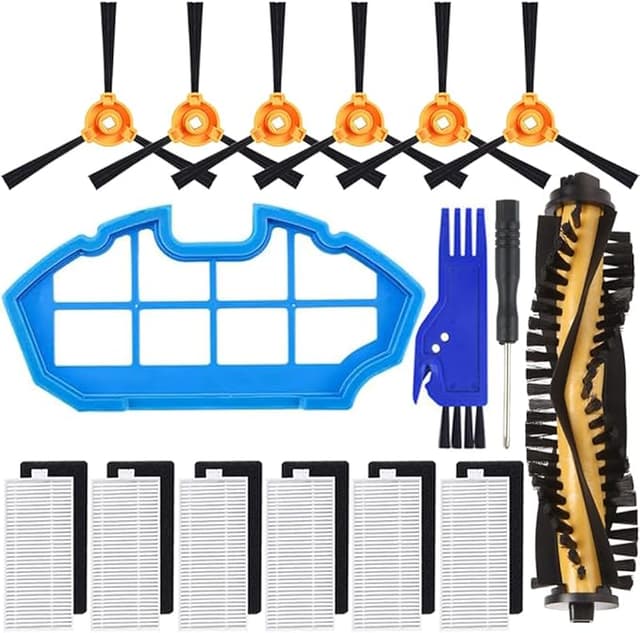
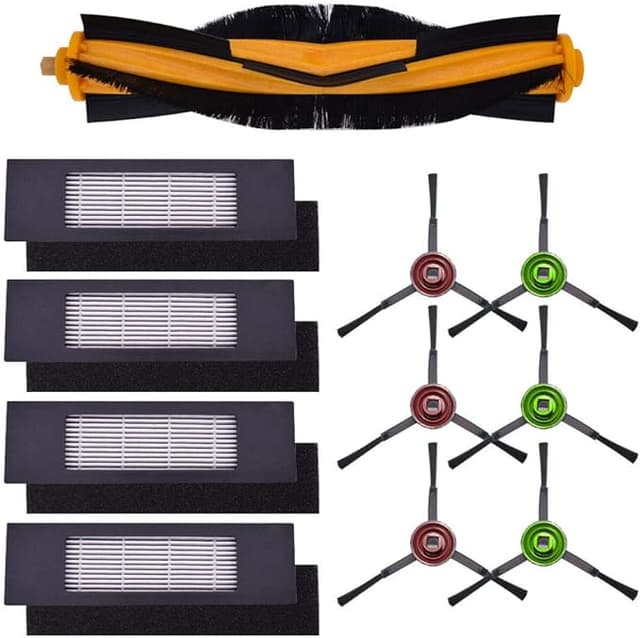
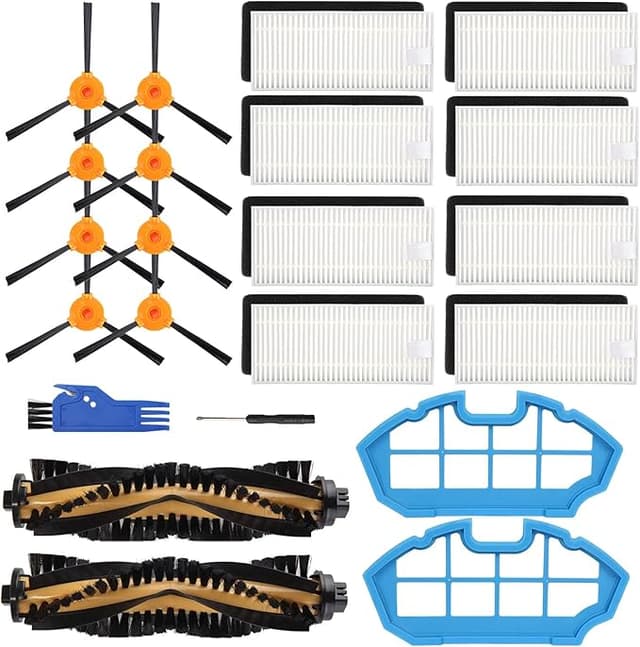
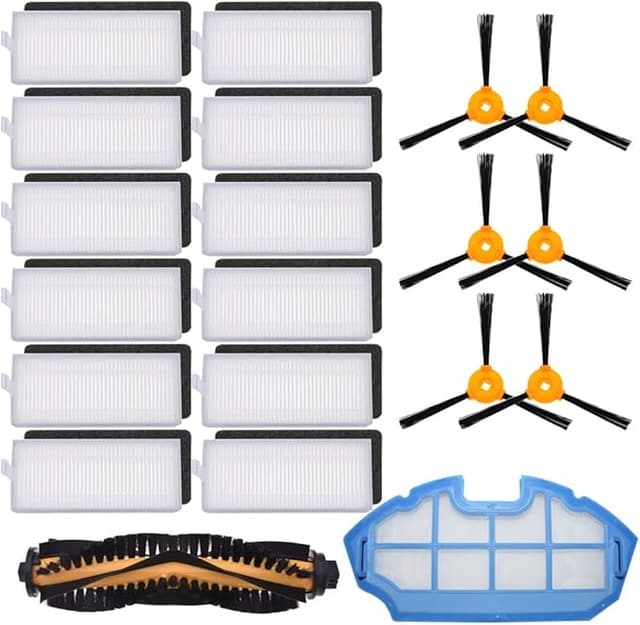
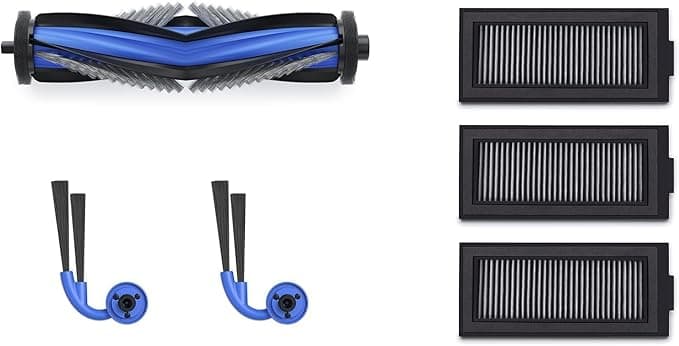
The compatible kit I've been running costs me about $24. Same general bundle — side brushes, a main roller, a couple of mop pads, a filter, a dust bag or two depending on the set. So we're talking roughly a $30 savings per replacement cycle, and over a year of real daily use that's the difference between feeding this thing $150 and feeding it maybe $50. For a part that gets ground against my floors and then thrown away, paying OEM money started to feel like buying brand-name trash bags.
I didn't trust it at first. I'll be straight with you — my assumption going in was that the cheap kit would be flimsy, fit badly, and leave me regretting the ten bucks I "saved." That's not how it played out, but it also wasn't flawless, and I want to get to both halves of that.
Fit and install: easier than I wanted it to be
You don't need much. I powered the robot off and pulled it off the dock first — do that, don't be the person who replaces a roller while the brush motor decides to twitch. The old side brushes twist and pull straight out of their posts. The mop pads come off their Velcro pads with a tug. The main roller pops out of its housing, and a small screwdriver helps if your tabs are stiff, though mine weren't this time.
The new parts went in the same way they came out. Side brush: post, twist, click. Roller: drop it in, snap the cage down. Mop pads: press onto the Velcro and they grab fine. Five minutes, maybe less, and most of that was me wiping two years of hair-felt out of the housing because I never do it as often as I should.
Here's the honest fit note, though. The mop pads sit a hair thinner than the genuine Ecovacs ones. Not loose — they grip the Velcro and they don't slide — but you can feel the difference if you've handled both. The bristles on the side brush are also a touch stiffer out of the package. First day, they flung a couple of crumbs sideways instead of sweeping them into the path, the way a brand-new stiff brush does before it breaks in. By day three it had softened into normal behavior.
How it actually cleans
Pickup is the part that matters, and on pickup it's genuinely even with the OEM setup. Pet hair, the fine grit that tracks in from outside, the crumb belt under my kitchen table — the X11 grabbed all of it on the normal suction setting, no second pass needed. The dust bag in the kit seals to the dock the way it should and I haven't had a single "bag not detected" error, which is the failure I was most braced for with a third-party bag.
Mopping is where I'll give OEM a narrow edge. The compatible pads do the job — they pull up the daily film and dried paw prints fine — but on a stuck-on coffee drip the thinner pad needed a little more scrubbing, where I think the slightly plushier genuine pad would've carried more water and pressure into it. It's a small thing. For everyday floors you will not notice. For a once-a-week deep mop on a kitchen that gets abused, the OEM pad is marginally better, and I'm not going to pretend otherwise.
The real downside, said plainly
The packaging is cheap. The parts showed up in a thin plastic sleeve with no real protection, and one side brush had a slightly bent bristle that I had to nudge back into shape. It worked fine after, but it tells you where the $30 of savings comes from — not from worse function, but from nobody spending a cent on presentation. There was also a faint plastic smell on the new roller for the first two days, the kind of off-gassing you get with fresh molded parts. It aired out by the third run and I never smelled it on the floors, only when I had my face down in the housing. If you're sensitive to that, leave the parts out of the sleeve overnight before you install them and you'll skip it entirely.
And one more wear note from living with it: I think these brushes have a slightly shorter life than genuine. Maybe a few weeks less before the bristles splay. But when the replacement costs less than half, getting 80% of the lifespan is still a win on the math. I'd rather swap a $24 kit a little sooner than baby a $55 one.
Why you don't want to skip this at all
Whatever you buy, buy something. A worn brush stops corralling hair and just bats it around. A clogged filter and a packed bag make the motor work harder and pull less, and that's how you cook a robot you paid several hundred dollars for. Letting the consumables go is the one maintenance sin that actually shortens the machine's life — and it's the easiest one to fix.
Who should buy OEM — and why I grab this
If you mop heavy, stuck-on messes weekly and you want the absolute plushest pad every time, or if a few weeks of extra brush life genuinely matters to you, buy the Ecovacs kit and don't think about it. That's a fair choice. But for the way most people actually use an X11 — daily sweep, regular light mop, keep the thing fed — the compatible kit picks up just as well, seats with that same reassuring click, and costs me a third of the price. Cheap packaging, a two-day plastic smell, a slightly thinner mop pad. That's the whole list of complaints. For roughly $30 saved every cycle doing the same job, I bought it again last month, and I'll buy it again when these wear down.