Troubleshooting & Analysis
I didn't believe a $20 kit could be fine either
Here's the thing. I'd been running my DEEBOT T9 for almost two years, and when the app finally started nagging me about the brushes and the filter, I went to the Ecovacs site to do the responsible thing — and nearly closed the tab. Forty-eight dollars for a maintenance kit. For a vacuum that I bought refurbished. The OEM accessory pack — side brushes, a main brush, a couple of filters, some mop pads — wanted almost as much as I'd consider spending on the robot's annual upkeep all at once.
So I did what I always do now, which is search the part numbers and find the generic version. There it was: a full compatible kit for $19. And honestly, my first reaction was no. A robot vacuum has a sealed dust path and a filter that's supposed to catch fine dust before it blows back into the room. I didn't trust a $19 kit not to leak dust, or to have brushes that shed bristles after a month. I almost paid the OEM price just to not think about it.
I bought the cheap one instead. Four months and roughly sixty cleaning cycles later, I've got opinions.
The money, laid out plainly
The DEEBOT T9 and the OZMO line eat consumables on a schedule whether you like it or not. Ecovacs themselves tell you to swap the filter every two to three months, the side brushes every three to six, the main brush every six to twelve, and the mop pads whenever they stop looking like mop pads. Run the OEM math on that and you're at something like $48 a kit, maybe twice a year if you clean as much as I do. Call it $90-plus annually just to keep a vacuum doing its one job.
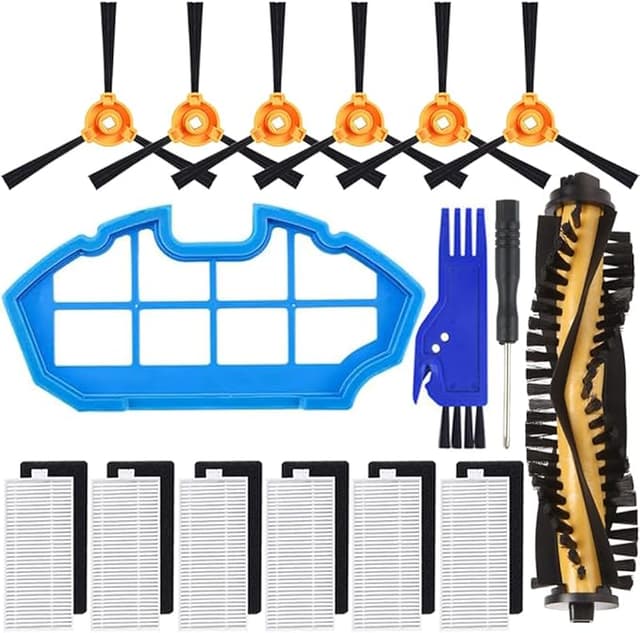
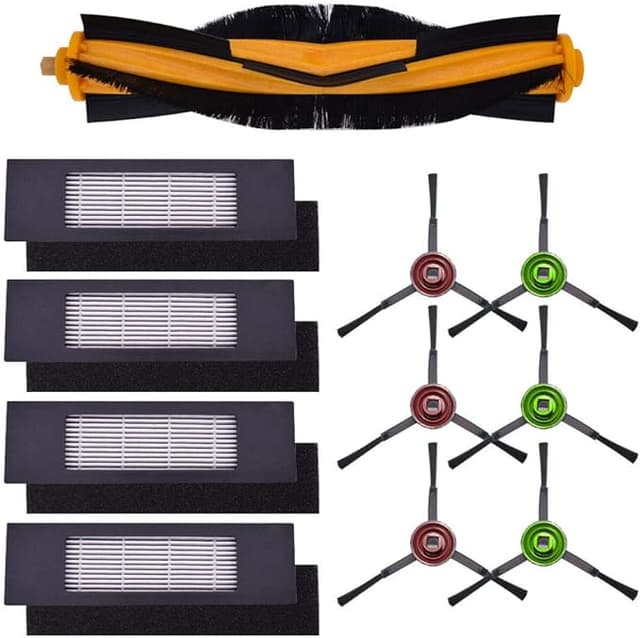
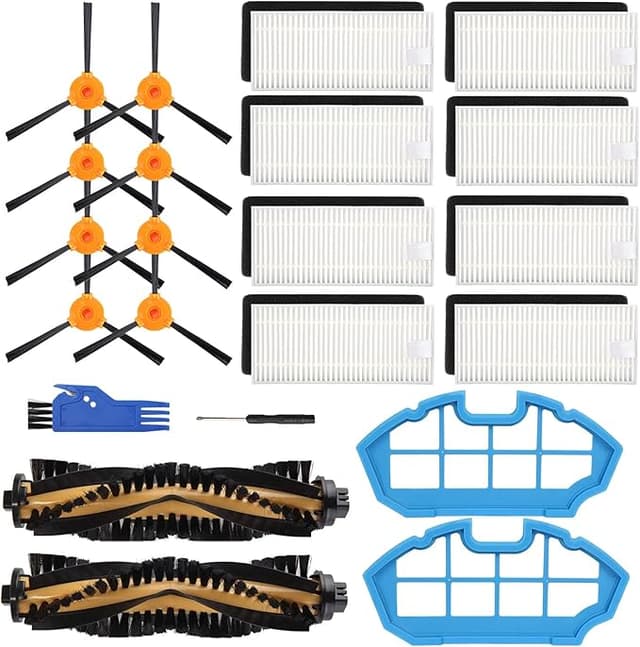
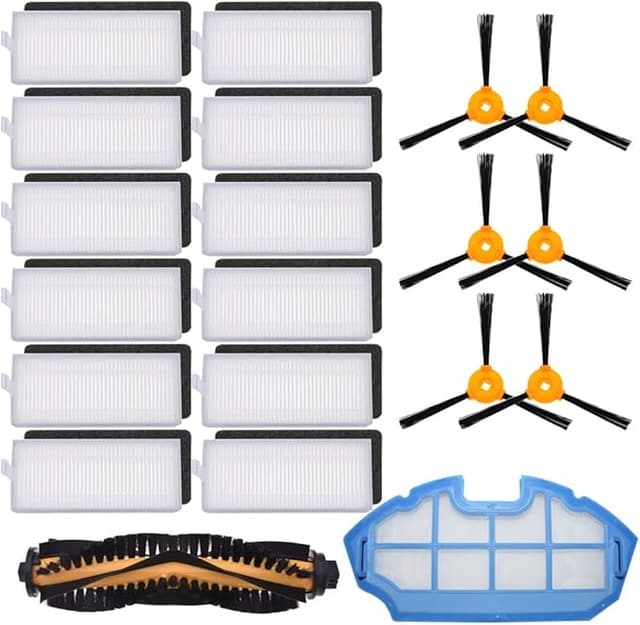
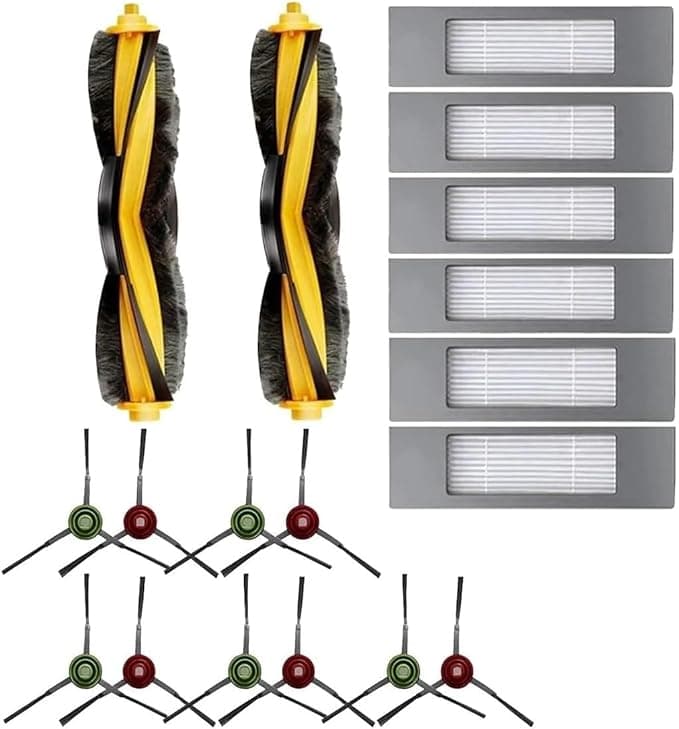
The generic kit I bought was $19 and came with more pieces than I'd actually use in a cycle — two main filters, four side brushes, a main roller, and a stack of mop pads. So the real per-replacement cost drops to a few bucks. Over a year I'm spending maybe $30 against the $90. That gap is the whole reason this article exists, and it's the reason I stopped flinching at the OEM cart.
Does it actually seat right?
This was my real worry, more than the dust. A robot vacuum's filter has to sit flush or it bypasses — dust sneaks around the edge instead of going through the media, and then your "clean" air is just relocated dust.
Install is genuinely a five-minute job and the steps are the same as OEM. You flip the robot, pop the dust bin, and the old filter lifts out of its cradle. The new generic filter clicked into the bin housing with the same little resistance the original had — that small snap you feel through your thumb when something's actually seated. The side brushes twist onto their posts; I cleaned a surprising amount of hair wound around the old posts before snapping the new ones down. The main roller drops into its bay and the end cap closes over it. Mop pads peel off and the new ones go on the plate.
Was it identical? Not quite. The filter frame on the generic is a hair less rigid than the Ecovacs one — a slightly softer plastic. It still sat flush, no gap I could see or feel, but I'll be honest that the OEM frame feels more confident in the hand. After four months it hasn't warped or loosened. The side-brush bristles are stiffer out of the package than the OEM ones, which actually flicked debris out of corners a touch more aggressively the first week.
How it cleans — and where it falls a step behind
Suction-wise I genuinely cannot tell the difference. The robot picks up the same cat hair off the same kitchen tile it always did, the dust bin fills at the same rate, and the air in the room doesn't smell dustier after a run. For the filter's actual job — trapping fine stuff so it doesn't blow back out the exhaust — it's doing it. I checked the exhaust side of the filter at the two-month mark and it was clean, which is what you want; it means the dirty side is catching things.
Where it's a touch behind: the generic filter's media looks slightly less dense than OEM under a good light, and I suspect that's why it loaded up a little faster. I was tapping it out over the trash maybe every week and a half instead of every two weeks. Not a dealbreaker — you're supposed to clean these anyway — but if you're the set-it-and-forget-it type, you'll notice it asking for attention sooner. The mop pads, too, are thinner than Ecovacs', so they go from damp-clean to needing a wash a bit quicker.
The downsides I actually hit
Two real ones. First, the packaging is cheap — everything came loose in one bag, brushes rattling against filters, and one of the mop pads had a folded crease I had to flatten before it sat right on the plate. Cosmetic, but it doesn't inspire confidence when you open it.
Second, and this matters more: there's no standardized lifespan guarantee on a generic. With OEM, Ecovacs at least tells you the wear schedule and the parts are tuned to it. With the kit, I'm going on my own observation, and what I observed is that the filter wants cleaning more often. If you ignore that — if you let a robot-vac filter clog and keep running it — you're not just getting worse cleaning. A choked filter makes the motor work harder and run hotter, dust gets recirculated into a room you thought you were cleaning, and that's the stuff that actually bothers allergies. A dead filter isn't a neutral state; it quietly makes the machine worse at the one thing it's for. The generic doesn't change that math — it just means you stay on top of it.
Who should skip this, and what I do
If your DEEBOT is brand new and still under warranty, and you're the type who'd blame a $19 part for any hiccup, buy OEM for the first round and keep your conscience clean. Same if you genuinely never want to think about cleaning a filter between swaps — the denser OEM media buys you a little more neglect.
But for me? My robot is years old, it does a mundane job, and a compatible kit does that job for a third of the price as long as I tap the filter out when it asks. The frame's a little softer, the packaging's junk, and I clean the filter slightly more often. For thirty-some dollars a year against ninety, doing the same work — I'd buy it again. I already have, twice.