Troubleshooting & Analysis
I did the math on Ecovacs parts and almost laughed
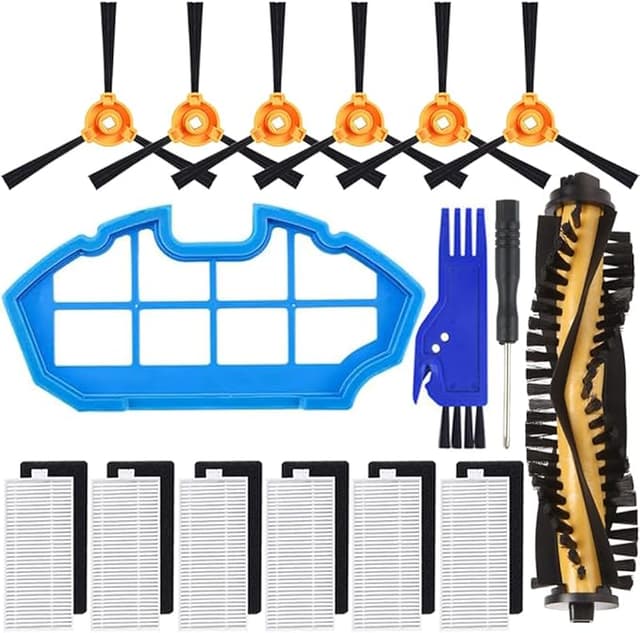
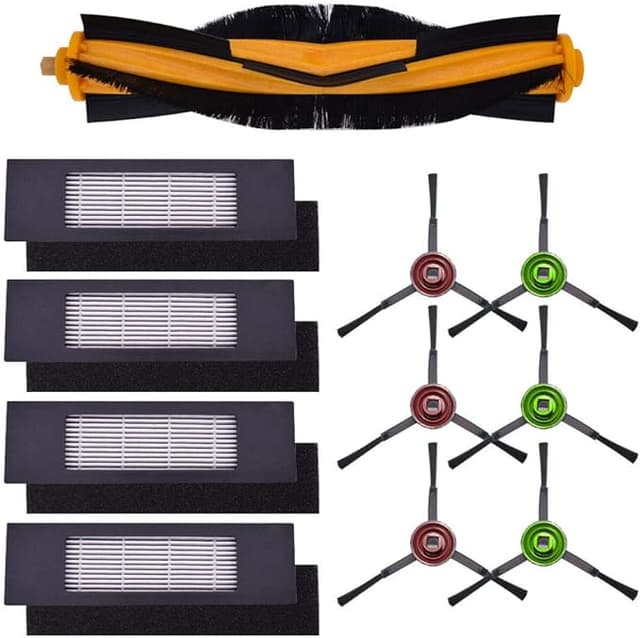
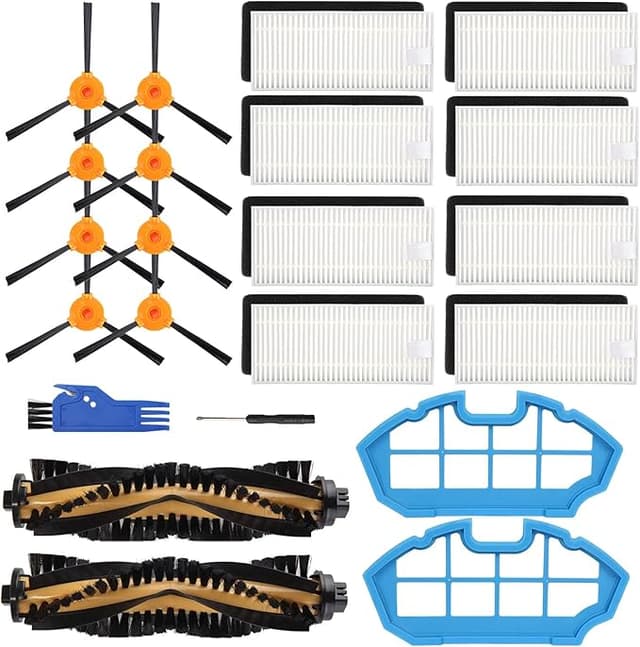
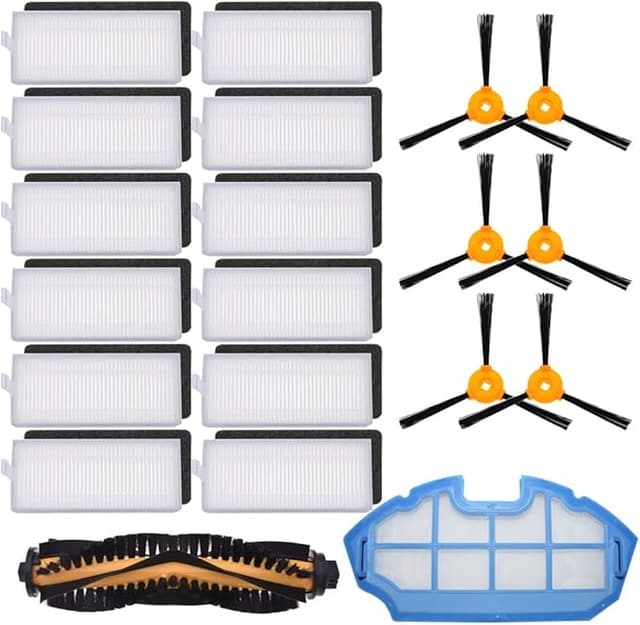
Here's the number that set me off. The official Ecovacs replacement kit for my DEEBOT T8 — the one with the side brushes, a main brush, a couple of filters, and two mop pads — ran about $45 the last time I checked the brand store. The generic kit that fits the exact same machine? I paid $19 for a bundle that had more pieces in it. That's a $26 gap for parts that, mechanically, do the identical job inside the identical bin. Multiply that across a year — most of us are swapping the main brush and filter every two to three months, mop pads more often — and you're looking at sixty or seventy bucks a year handed to Ecovacs for the privilege of a logo molded into the plastic.
I didn't trust the cheap kit either. Let me say that up front, because I think it's where most people reading this actually are. You bought a robot vacuum that cost a few hundred dollars and now some no-name listing wants to sell you the guts for a fifth of the OEM price, and the little voice goes: this is how I brick the thing. I had that voice too. So I ran the generic parts in my own T8 for the better part of five months before I'd say a word about them.
The actual swap — it's a five-minute job
People overthink this. I flip the DEEBOT upside down on a towel on the kitchen table, power it off first so the brush doesn't twitch. The main brush is held under a little hinged cage that pops out with a fingernail — no screwdriver on the T8, though some of the OZMO variants want a small Phillips for the side-brush screws, so keep one handy just in case. Old brush lifts straight out. While the cavity is open I wipe down the compartment, because there's always a wad of hair and grit packed around the bearings, and dropping a fresh brush onto that gunk is how you get squealing in week one.
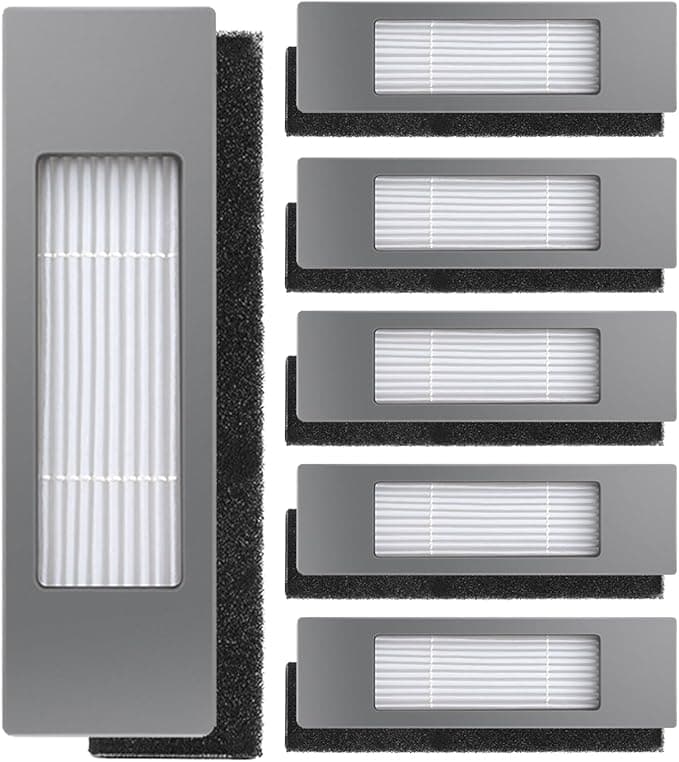
The filter is the part that matters most and it's the easiest. Pull the dust bin, pinch the filter frame, the old one slides out, the new one clicks back in the same orientation. The generic filter seated with a clean little snap — same as OEM. Mop pads are velcro, so there's nothing to get wrong. Whole thing, start to finish, took me about five minutes the first time and three minutes every time after.
How they actually held up
The filter is the one I cared about, and honestly it surprised me. After about ten weeks the generic filter was just as gray and loaded as the OEM one had ever gotten on the same schedule — which is what you want. It means the thing is actually catching dust and not just letting it blow through a loose mesh. Suction on the carpet in my hallway felt the same to my hand at the intake. My dog sheds like it's a full-time job and the bin filled at the same rate it always did.
The main brush is where I'll be fully honest with you. It cleans exactly as well as the Ecovacs one — picks up the same hair, drives the same. But the bristle plastic feels a hair stiffer and a touch cheaper than OEM, and I think it'll wear a little faster. Call it a couple of weeks shorter lifespan, maybe. At $19 for the bundle versus $45 I do not care even slightly — I'd rather swap a $4 brush three weeks early than pay triple. The mop pads were the opposite story: the generic ones were actually a little thicker and held water better than the thin OEM pads. Genuinely preferred them.
The downsides, because there are some
I'm not going to pretend this is a flawless swap. A few real things.
First, the side brushes. On my generic kit, one of the three side brushes had arms that sat a degree or two off-flat right out of the bag — they'd been bent in the packaging. Thirty seconds of bending them back by hand and a day of running flattened them out, but OEM brushes have never done that to me. Cheap packaging, cheap bagging. It's the kind of corner that gets cut at this price.
Second, there's a faint plastic smell on the new filter for the first two or three days. Not chemical-harsh, just that fresh-molded-plastic note. It aired out completely by day three and I never smelled it in the actual exhaust while cleaning, but if you've got a sensitive nose, run the machine in an open room the first day.
Third — and this is the one to actually weigh — fit tolerance is a touch looser than OEM. The main brush cage closed fine, but the generic brush had a hair more play side-to-side in the cavity than the Ecovacs one did. It didn't rattle, it didn't fall out, it cleaned fine for five months. But "a hair more play" is the honest description, and if you're the kind of person who is bothered by that, you should know it before you order.
Why you don't want to skip the swap anyway
Whatever you buy, don't run a loaded filter and a hair-choked brush for months past their time. A saturated filter is the part that quietly stops doing its job — it stops trapping the fine dust and dander and instead lets it recirculate back into the room every time the robot runs. And a brush wrapped in hair stops driving cleanly and makes the motor work harder than it should, which is genuinely how these machines die early. The whole point of cheap parts is that there's no excuse to stretch a tired one for an extra three months to save money. At $19 a kit, just swap it on schedule.
The verdict — who buys what
If you lease the robot, or you're under warranty and you're the type who worries a non-OEM part could be used against you in a claim, buy the Ecovacs kit and sleep easy. That's a real reason and I won't talk you out of it.
For everyone else — for me — the math wins and the parts earned it. Five months in my own T8, same suction, same filtration, mop pads I actually liked better, against one slightly-stiff brush and a side brush I had to bend straight for thirty seconds. That's a $26 difference on a single kit and roughly sixty bucks a year I'm keeping. I bought the generic again when this one wore down, and that's the most honest thing I can tell you: I didn't just test it once and move on. I re-ordered it with my own money.