Troubleshooting & Analysis
The first thing I noticed was the click
The new side brush seated with this little plastic snap — the same snap the original made the day I unboxed the DEEBOT T30S. That sound mattered to me more than it probably should. I'd been burned before by a cheap accessory set for a different robot that never quite locked in, so I sat on my kitchen floor for a second, pressed the brush, listened. Click. Okay. Good start.
Here's the situation I was in, and probably the same one you're in if you're reading this. My T30S had been running for the better part of a year. The main roller was matting, the mop pads had gone gray and stiff, and the dust bags were down to my last two. I went to reorder the genuine Ecovacs kit and just about put the phone down. The OEM accessory set runs around $55 once you add up brushes, pads, and bags the way they bundle them. The compatible kit I'm writing about? $24. Same parts. Same machine. Less than half.
So I bought the cheap one. And then I used it for four months before writing a single word, because anybody can tell you a part fits on day one.
What you actually get, and the annual math
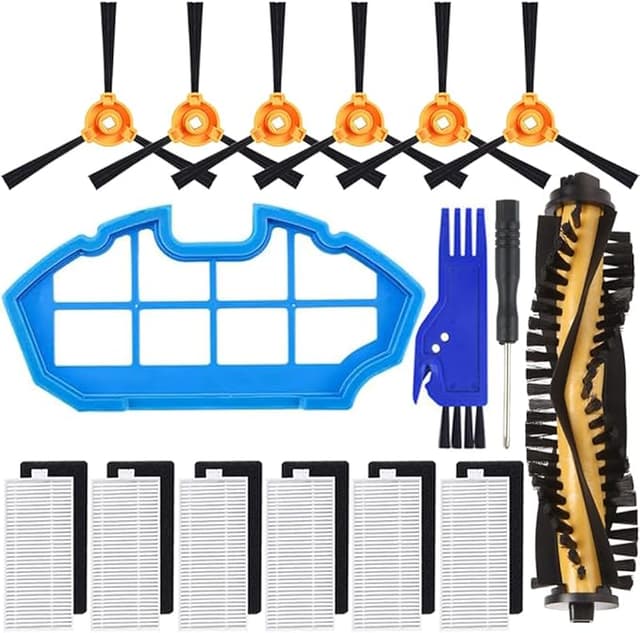
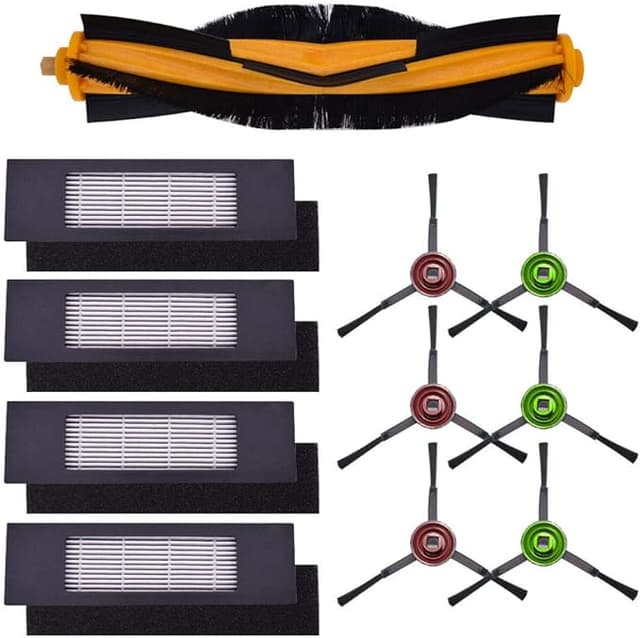
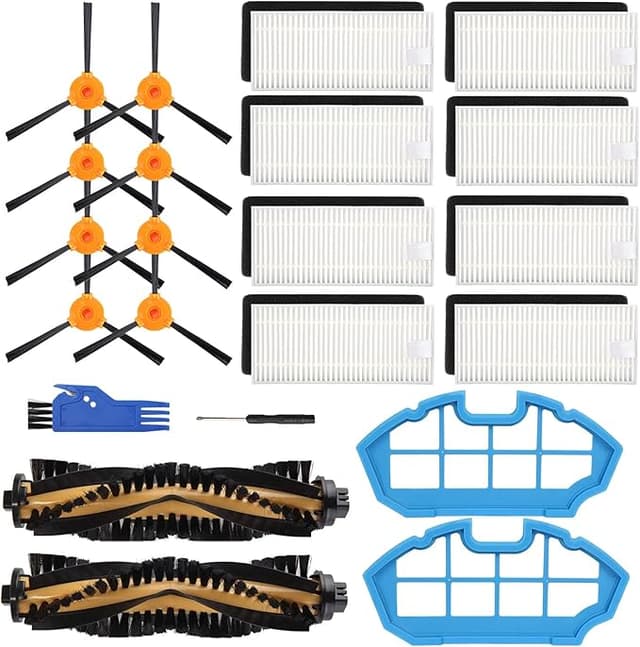
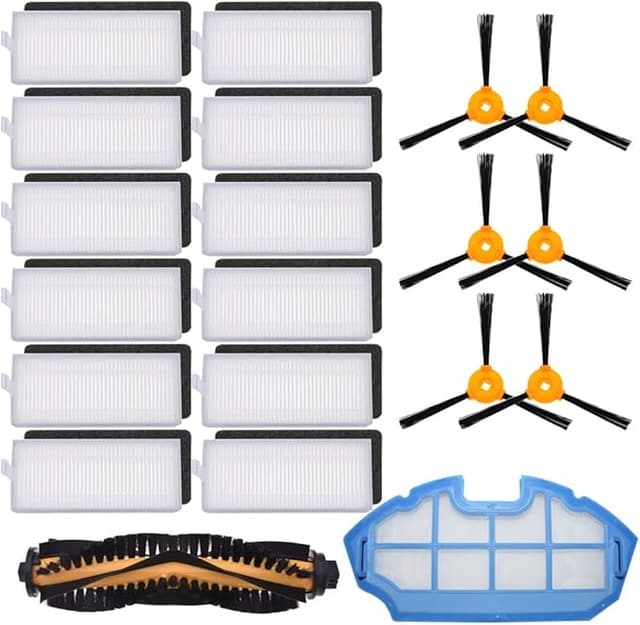
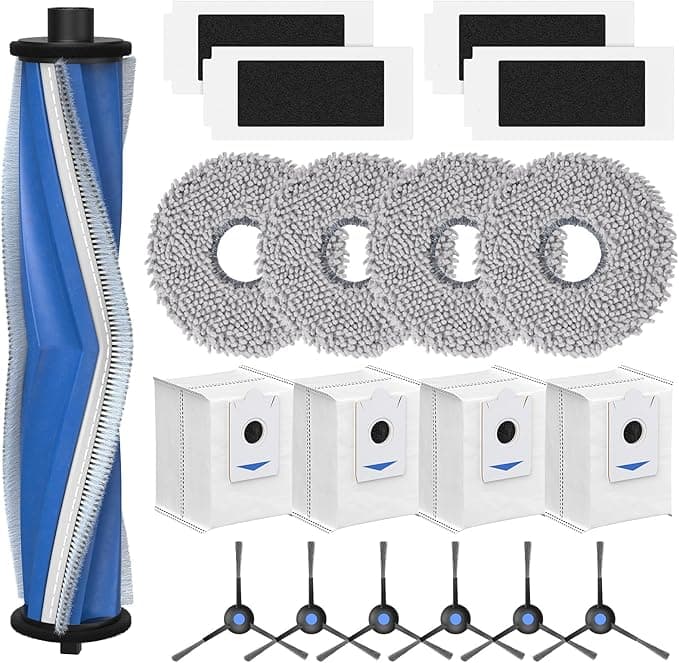
The kit is a full refresh, not just one piece — the main brush, a couple of side brushes, replacement mop pads, dust bags, and a side filter for the bin. That's the part that makes the price gap hurt more than usual. With a fridge filter you're swapping one thing. Here you're replacing a whole consumables set two or three times a year if you run the robot daily like I do.
Do that math with OEM and you're looking at maybe $110 to $165 a year just to keep a robot vacuum doing the one thing it's supposed to do. With the compatible kits at $24 a pop, you're under $75 for the year — and honestly closer to $50 if your floors aren't as brutal as mine (two shedding dogs, a kid, a house that's mostly hardwood with a few rugs that eat brushes alive). That's not a rounding-error saving. That's a tank of gas every couple of months.
Fit and install — does it really seat?
You unplug the dock and power the unit off first. I know everybody skips that step but the brushes spin if the thing wakes up, and you do not want your fingers near that. From there it's genuinely a five-minute job. The main brush compartment pops open, the old roller lifts straight out, the new one drops in with the right orientation — there's a little nub that only lets it go one way, which I appreciated. The side brushes have those release tabs you press to lift the old ones, and the new ones snap on (that click again).
The mop pads were the one spot I had to fiddle. They mount on the plate with hook-and-loop, and on the first pad the backing felt a touch undersized — I had to peel it and re-set it so it sat flush instead of bunched at one corner. Took maybe thirty extra seconds. Once it was on, it stayed on through every wash cycle since. The dust bags slot into the auto-empty station exactly like the originals; the cardboard collar that seals them is a little flimsier than Ecovacs', but it sealed fine and I never got that puff of dust when pulling a full one.
How it actually cleans — the honest version
Pickup is the headline, and pickup is basically identical. The main brush grabs dog hair and the fine grit that hardwood collects just as well as the factory one did when it was new. I did a side-by-side the nerdy way — ran the robot over the same hallway with the old worn OEM brush, emptied the bin, then swapped to the new compatible brush and ran it again. The compatible kit pulled noticeably more, but that's not really a fair fight; it was new against worn. New against new, I can't tell them apart, and I've been looking.
The mop pads are where I'll give OEM a slight edge. They clean floors well — no streaking, no weird residue — but the material feels a hair thinner, and after about six weeks of near-daily mopping mine started fraying at the edge a little sooner than the originals did. They still work. They just won't last quite as long, which, at this price, I made my peace with instantly. Buy an extra set of pads and you're still way ahead.
The real downsides — let me not sugarcoat it
First: the plastic smell. Out of the bag, the brushes had that faint new-plastic odor for the first two or three days of running. Not chemical-harsh, just noticeable when the robot passed by. It aired out completely by day four and I haven't smelled it since, but if you've got a sensitive nose, run it with a window cracked the first couple of sessions.
Second: the packaging is cheap. Everything came in thin poly bags inside a plain box, no molded tray, no labeling on the individual pieces. I had to eyeball which side brush was which (they're identical, so it didn't matter, but a first-timer might second-guess it). It feels less premium in the hand. The parts themselves are fine — the presentation is dollar-store.
Third, and this is the one that actually matters for your machine: tolerances. The side brush hub on mine spun with a barely-there wobble the first day, a little looser in the mount than the factory brush. It settled and I've had zero issues, but loose-fitting aftermarket brushes are exactly the kind of thing that can rub or click if the batch is off. Mine was good. Check yours seats snug before you walk away.
Why a dead kit is a real problem
This isn't just about clean floors. A clogged main brush and a saturated bin filter make the motor work harder than it should — the robot starts running longer cycles, the battery drains faster, and you're pushing dust around instead of capturing it. For anyone in the house with allergies, a worn-out filter and matted brush quietly making the air worse is the opposite of why you bought a robot vacuum. Keeping fresh consumables in it isn't pampering the machine. It's the difference between a tool that works and one that's slowly grinding itself down.
The verdict — who should buy what
If your T30S is brand new and under warranty and you're the type who wants zero variables, buy the OEM kit and don't think about it. Same if you mop daily and want the pads to last every possible week — the genuine pads have a slight durability edge.
For everyone else — which is most of us — the compatible kit is the easy call. It fits, it clicks in, it picks up just as well, and the few compromises (a thinner mop pad, cheap packaging, three days of faint plastic smell) are nothing against paying less than half. I've now run this kit through four months and a second reorder. I keep buying it. At $24 against $55, doing the same job in the same machine, I'd do it again without blinking — and I have.